Does Samsung Still Make the Galaxy Note? What Replaced It
Samsung discontinued the Galaxy Note after the Note 20. Here is where the S Pen went, which phones support it now, and what to buy instead.
Short answer
No. The Galaxy Note line ended with the Note 20 in 2020. Its S Pen moved to the Galaxy S Ultra models, starting with the S22 Ultra in 2022, which is the direct replacement.
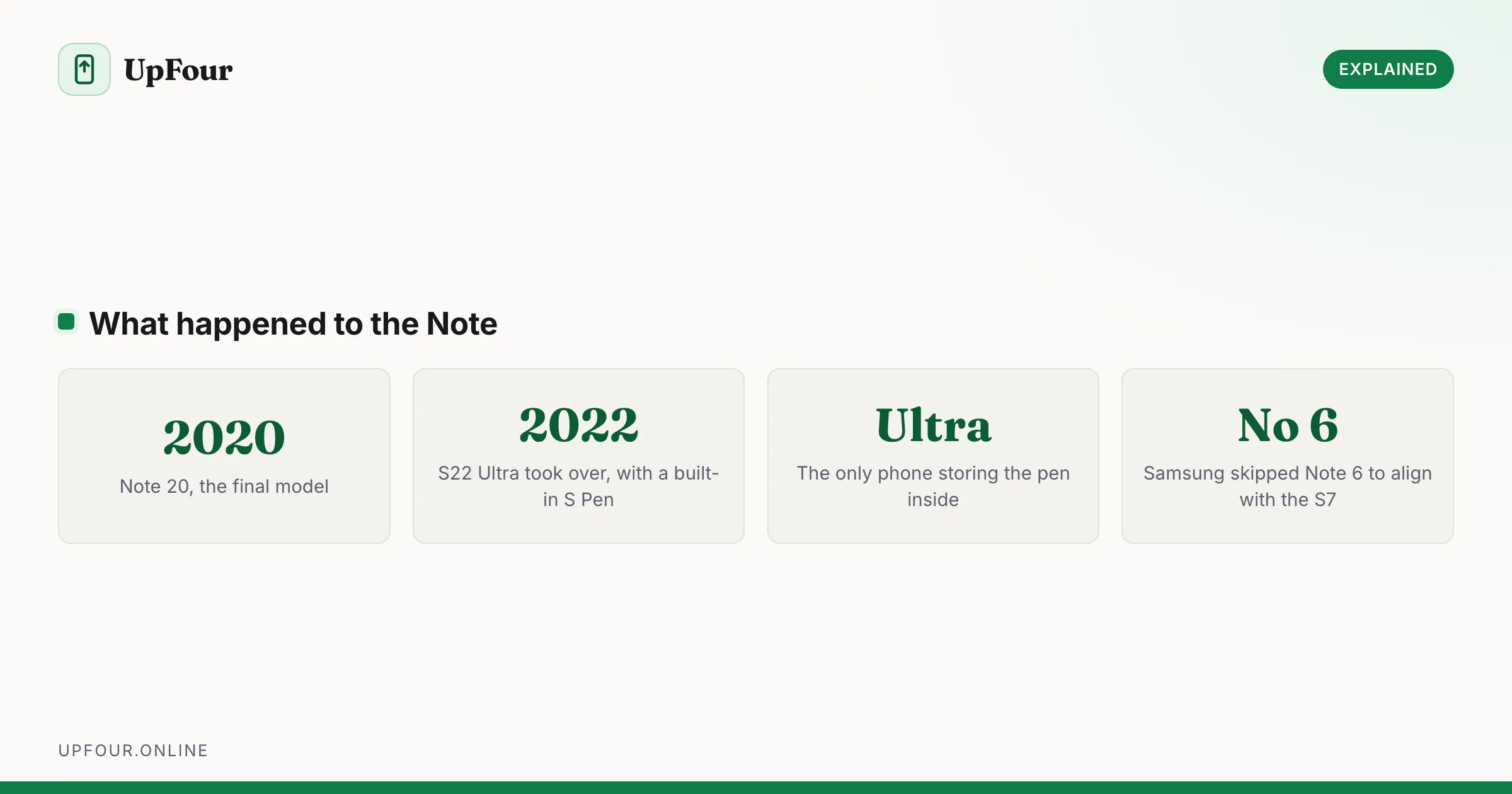
Samsung no longer makes the Galaxy Note. The line ended with the Note 20 in 2020, and the features that defined it moved into the Galaxy S range.
What replaced it
The Galaxy S Ultra. Starting with the S22 Ultra in 2022, Samsung gave the top S-series model the two things that made a Note a Note:
- A built-in S Pen, stored in a silo inside the phone
- A squared-off body with flatter edges, visually much closer to a Note than to earlier S phones
The S22 Ultra was, in every meaningful sense, a Note wearing an S-series badge. Every Ultra since has continued the arrangement.
If you want a Note, buy the current S Ultra.
Why Samsung merged the lines
Several reasons converged:
- The two ranges had grown together. By 2020 the S20 Ultra and Note 20 Ultra were near-identical in size, screen and camera. Maintaining both was expensive and confusing.
- Two annual flagship launches split marketing attention and cannibalised sales.
- Foldables needed the slot. Samsung moved its second-half launch event to the Z Fold and Z Flip, which is where it wanted the attention.
- The Note 7 recall damaged the brand, and Samsung had already been de-emphasising the name.
S Pen support today
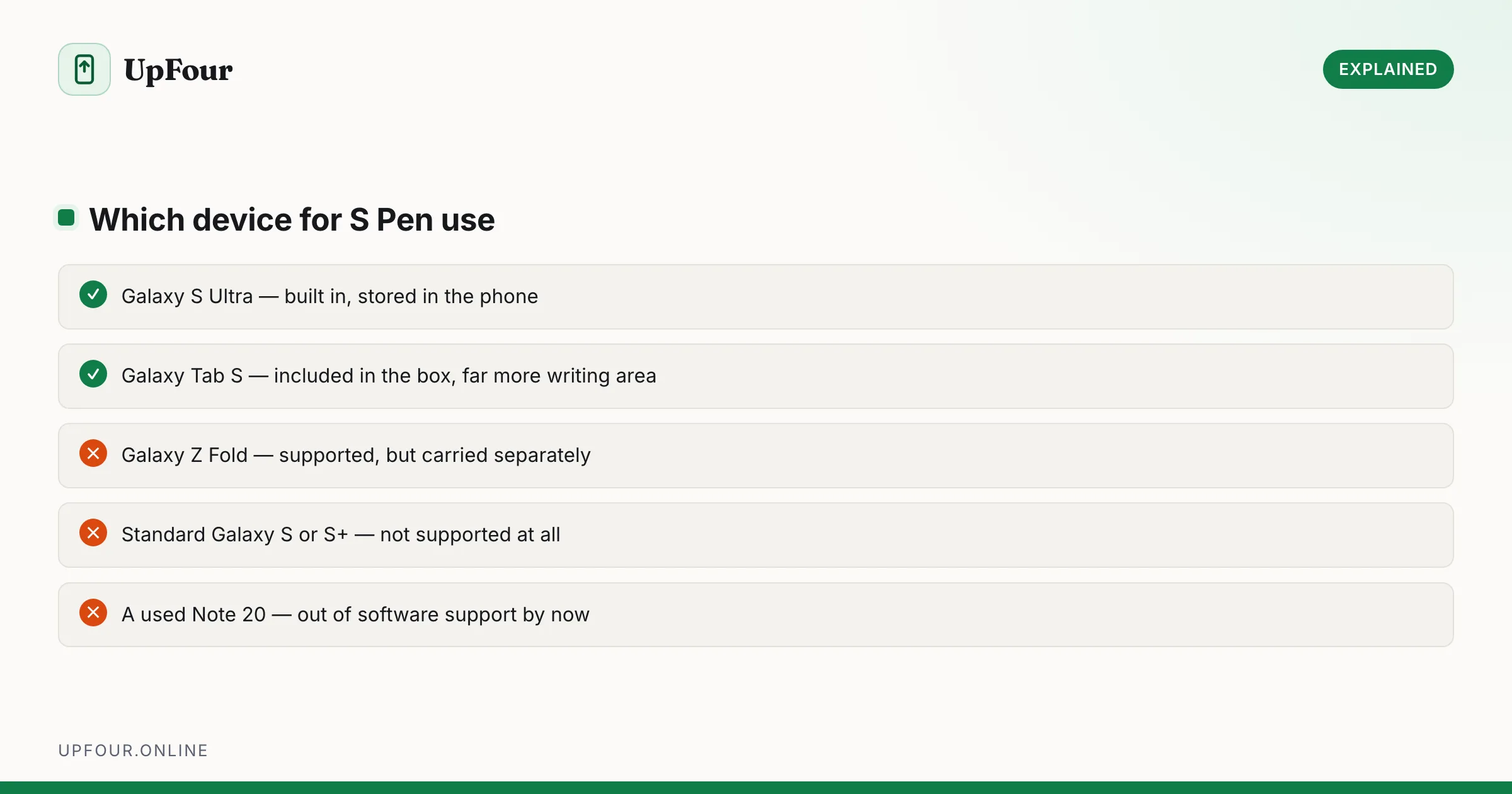
| Device | S Pen |
|---|---|
| Galaxy S Ultra | Built in, stored in the phone |
| Galaxy Z Fold | Supported, sold separately, no internal slot |
| Galaxy Tab S series | Included in the box |
| Standard Galaxy S / S+ | Not supported |
The important distinction: only the Ultra stores the pen inside the phone. The Z Fold works with an S Pen but you carry it separately, usually in a case with a loop — which is a genuinely different daily experience.
Is a Note still worth buying second-hand?
Generally no. The Note 20 launched in 2020, so:
- Software support has ended or is close to it. Check the security patch date under Settings › About phone › Software information.
- The battery will be well past its useful life after this many years and will need replacing.
- Prices for a used Note 20 often overlap with a newer mid-range phone that still receives updates.
If you want the Note experience, a used S22 Ultra or later is a far better purchase — it has the same S Pen in the same internal silo, plus remaining software support.
Which S Pen works with what
S Pens are not universally interchangeable:
- The Ultra's S Pen uses Bluetooth for air gestures and remote camera control, and charges inside the phone.
- The Z Fold S Pen must be a Fold-specific model with a retracting tip — a standard S Pen can damage the foldable inner display.
- Tab S Pens are larger and designed for tablets.
Always buy the S Pen designated for your specific device. Using the wrong one on a Fold is a genuine risk to the screen, not merely a compatibility inconvenience.
What the S Pen still does
For anyone deciding whether the Ultra premium is worth it:
- Screen-off memo — pull the pen out with the display off and write immediately on a black screen.
- Air actions — Bluetooth gestures for camera shutter and presentation control.
- Smart select — capture a region of the screen, extract text from an image, or record a GIF.
- Handwriting to text in Samsung Notes, which is genuinely accurate.
- Precise editing in photo apps and PDFs, and signing documents directly.
If you just want a stylus
You do not need an Ultra. Any capacitive stylus works on any touchscreen for basic navigation and rough note-taking. What you lose without an S Pen is pressure sensitivity, palm rejection and the low-latency handwriting that makes note-taking actually pleasant.
For serious handwritten notes, the Galaxy Tab S series includes an S Pen in the box and gives you far more writing area than any phone, usually at a lower price than an Ultra. See also which Samsung phone has the biggest screen.
In short
The Galaxy Note is discontinued, ending with the Note 20 in 2020. Its replacement is the Galaxy S Ultra, which has carried a built-in S Pen since the S22 Ultra in 2022. The Z Fold and Tab S series also support an S Pen, but only the Ultra stores it inside the phone.
Frequently asked questions
Does Samsung still make the Galaxy Note?
No. The Note line ended with the Galaxy Note 20 in 2020. Samsung merged it into the Galaxy S range, and the S Ultra models now carry the built-in S Pen.
What replaced the Galaxy Note?
The Galaxy S Ultra. Starting with the S22 Ultra in 2022, the top S-series model included a built-in S Pen stored inside the phone and a squared-off body, making it the direct Note successor.
Which Samsung phones support the S Pen?
The Galaxy S Ultra models store one inside the phone. The Galaxy Z Fold supports a Fold-specific S Pen sold separately, and Galaxy Tab S tablets include one in the box. Standard S and S+ models do not support it.
Can I use any S Pen with a Galaxy Z Fold?
No. The Fold requires a Fold-specific S Pen with a retracting tip. A standard S Pen can damage the foldable inner display, so this is a genuine hardware risk rather than a compatibility issue.
Sources & further reading
Official documentation used while writing and checking this guide. Every link was verified at the last update.
- Samsung phone specifications databaseGSMArena
- Samsung Global NewsroomSamsung
- Official Samsung SupportSamsung
Machine-readable version: Markdown source
Related guides
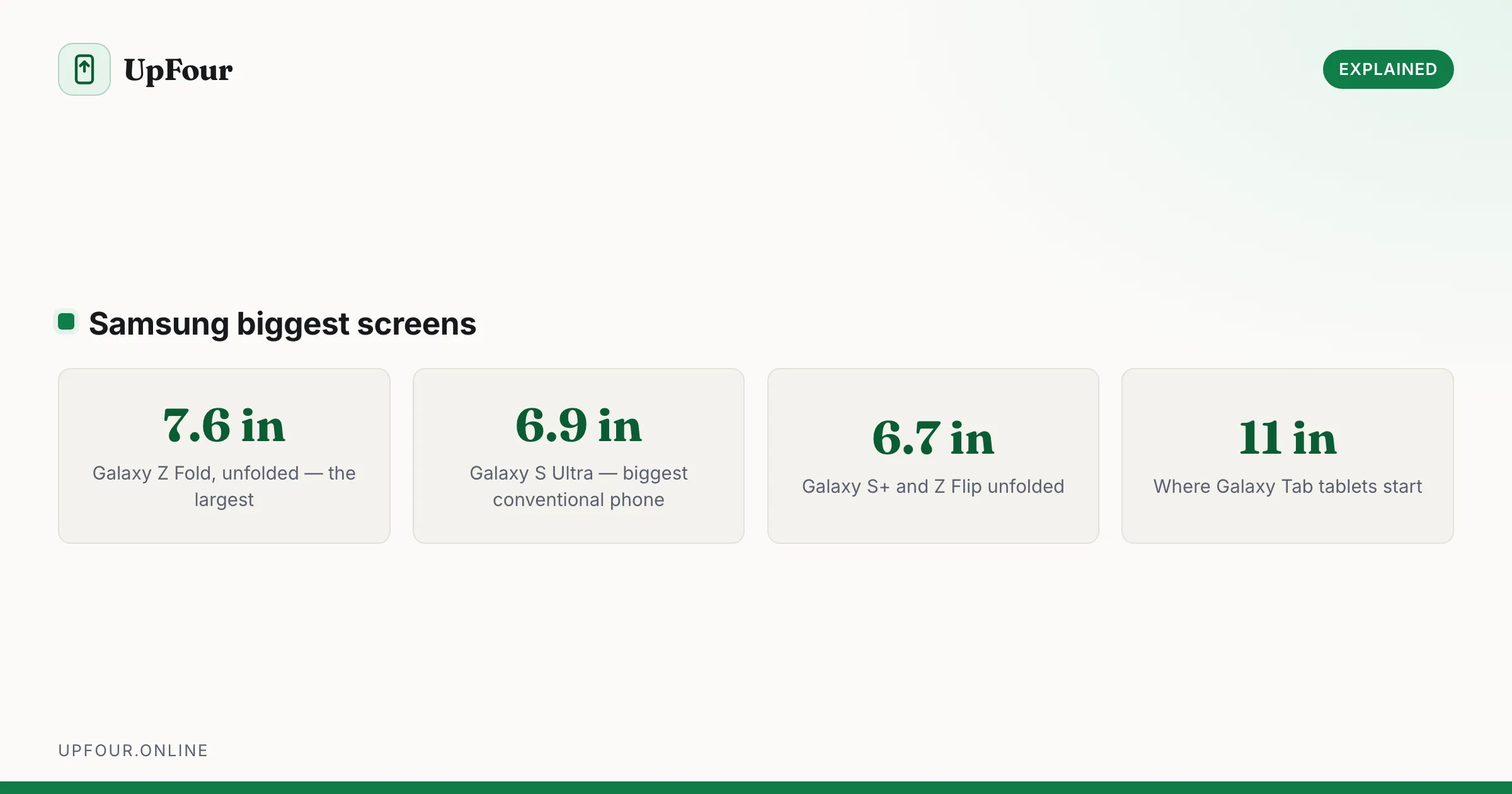
Which Samsung Phone Has the Biggest Screen?
Compare Samsung's largest screens — the Z Fold's inner display against the S Ultra — and work out which size actually suits how you use a phone.
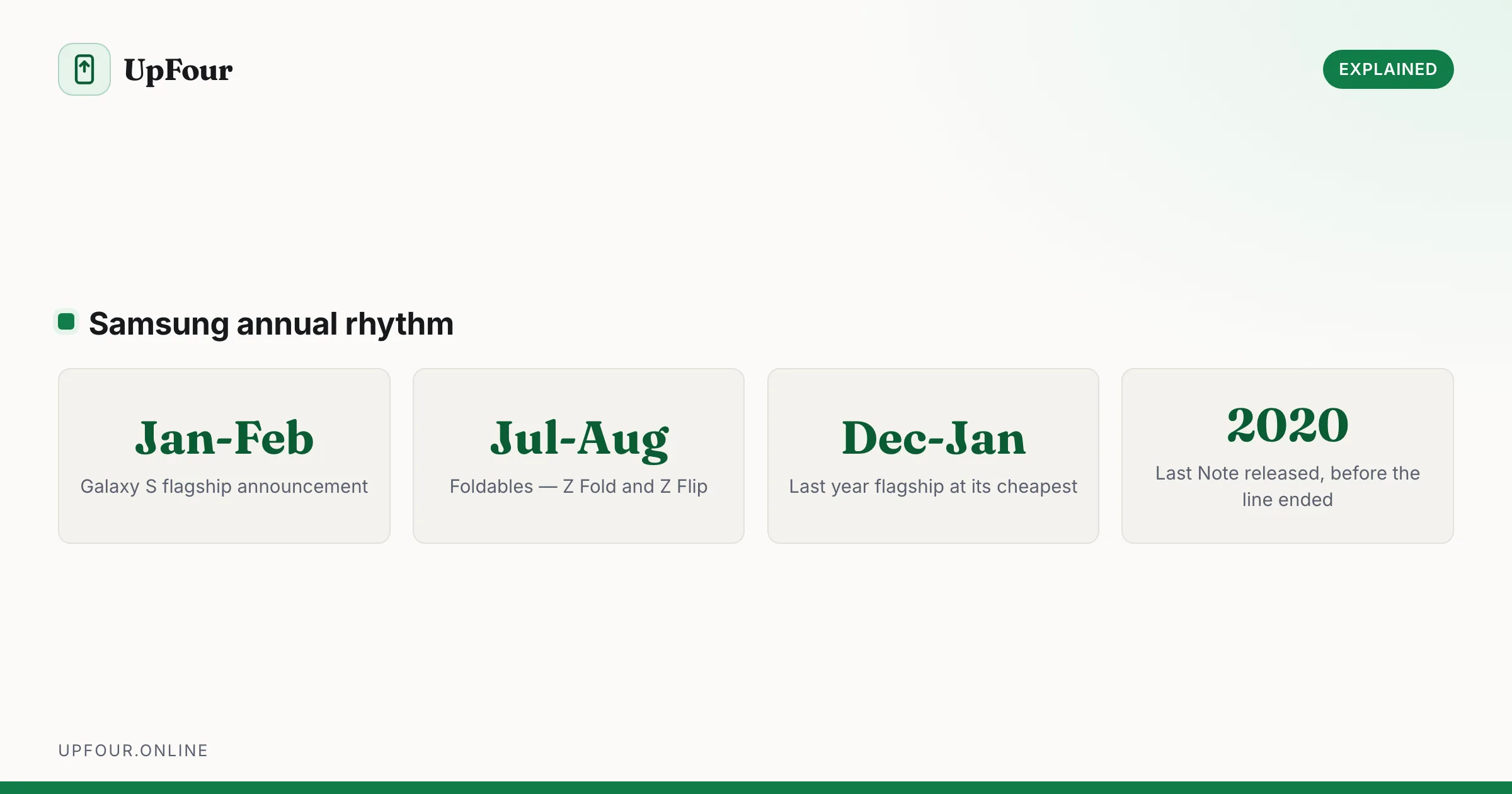
Galaxy S Release Dates: Every Samsung Flagship in Order
A complete timeline of Samsung Galaxy S release dates from the original through recent models, plus when Samsung typically launches new phones.
Is a Samsung an Android Phone? Yes — Here's What One UI Actually Is
Samsung Galaxy phones run Android with Samsung's One UI on top. Here is what that means, what Samsung changes, and why it matters when following guides.