Which Samsung Phone Has the Biggest Screen?
Compare Samsung's largest screens — the Z Fold's inner display against the S Ultra — and work out which size actually suits how you use a phone.
Short answer
The Galaxy Z Fold has the largest screen of any Samsung phone, with an inner display around 7.6 inches. Among non-folding phones, the S Ultra series is the biggest at roughly 6.8 to 6.9 inches.
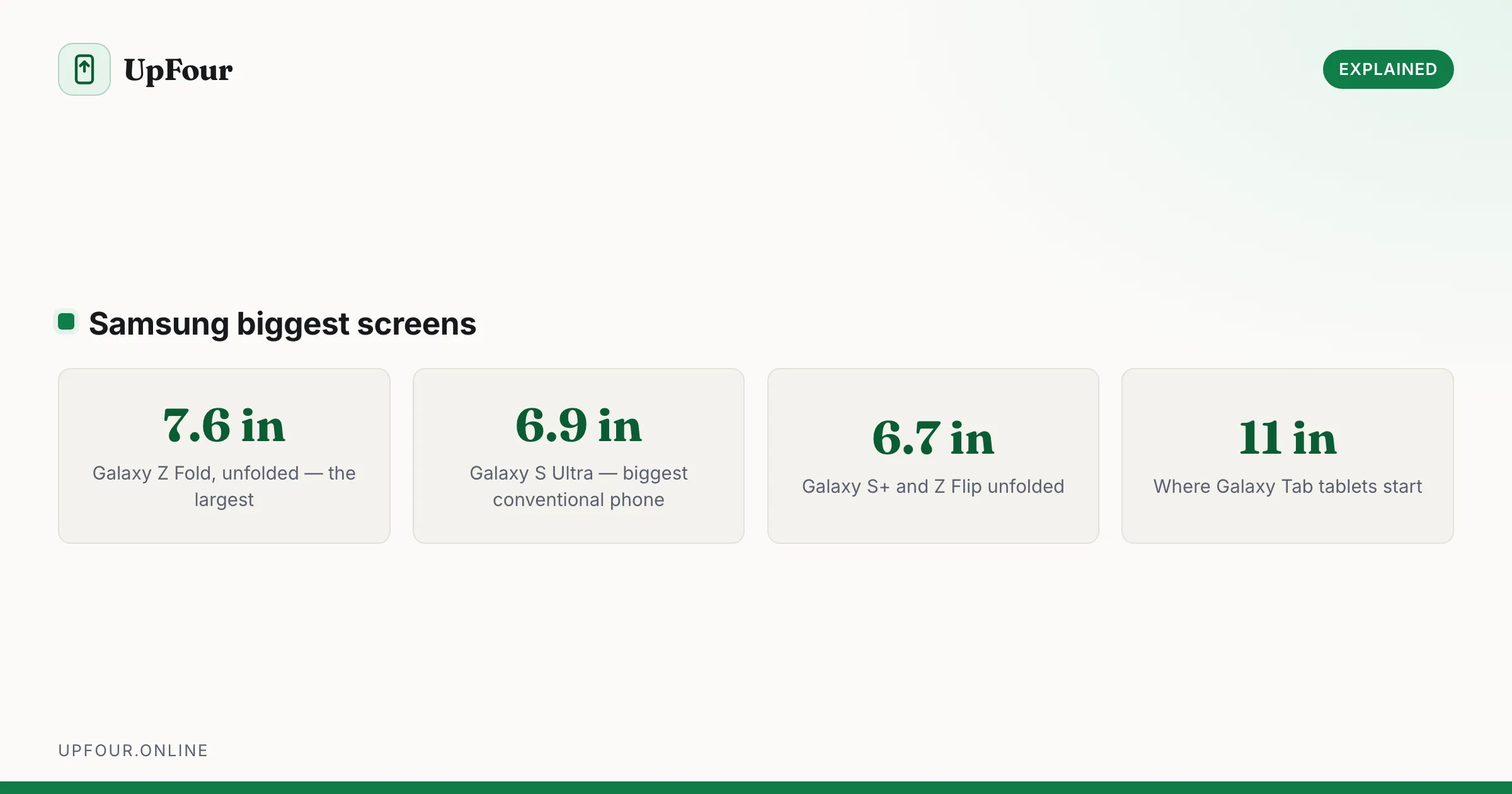
Two answers, depending on whether a folding phone counts.
The biggest screens in Samsung's range
| Device | Screen size |
|---|---|
| Galaxy Z Fold (unfolded) | ~7.6 inches |
| Galaxy Z Fold (cover screen) | ~6.2–6.5 inches |
| Galaxy S Ultra | ~6.8–6.9 inches |
| Galaxy S+ | ~6.7 inches |
| Galaxy Z Flip (unfolded) | ~6.7 inches |
| Galaxy A-series (larger models) | ~6.6–6.7 inches |
| Galaxy S (base model) | ~6.2 inches |
Exact figures shift slightly year to year, but the ordering has been stable for several generations.
Screen size is not the whole story
A 7.6-inch folding display and a 6.9-inch slab are not comparable in the way the numbers suggest.
Aspect ratio matters more than the diagonal. The Z Fold's inner screen is nearly square, so it holds far more area than a 6.9-inch phone despite a diagonal that is only 0.7 inches larger. Squarer screens give you noticeably more usable space for documents, reading and split-screen work.
A tall narrow screen — the standard phone shape — is better for scrolling feeds and one-handed use, and worse for anything involving two columns.
So the Fold is not "slightly bigger than an Ultra". In practice it is a small tablet that folds into a thick phone.
Which is right for you?
Choose the Z Fold if you read a lot on your phone, work in documents or spreadsheets, use split-screen regularly, or watch a lot of video. The unfolded screen genuinely changes what the device is for.
Trade-offs to accept: it is thicker and heavier folded, considerably more expensive, the crease is visible at an angle, and the cover screen is narrow enough that typing on it is cramped.
Choose the S Ultra if you want the biggest conventional screen, the best camera system Samsung makes, and a built-in S Pen. It is large but still a normal phone that fits a pocket and a standard case.
Choose the Z Flip if you actually want a smaller phone. It unfolds to a normal 6.7-inch screen and folds down to something genuinely pocketable, which is the opposite trade to the Fold.
Big screens have real downsides
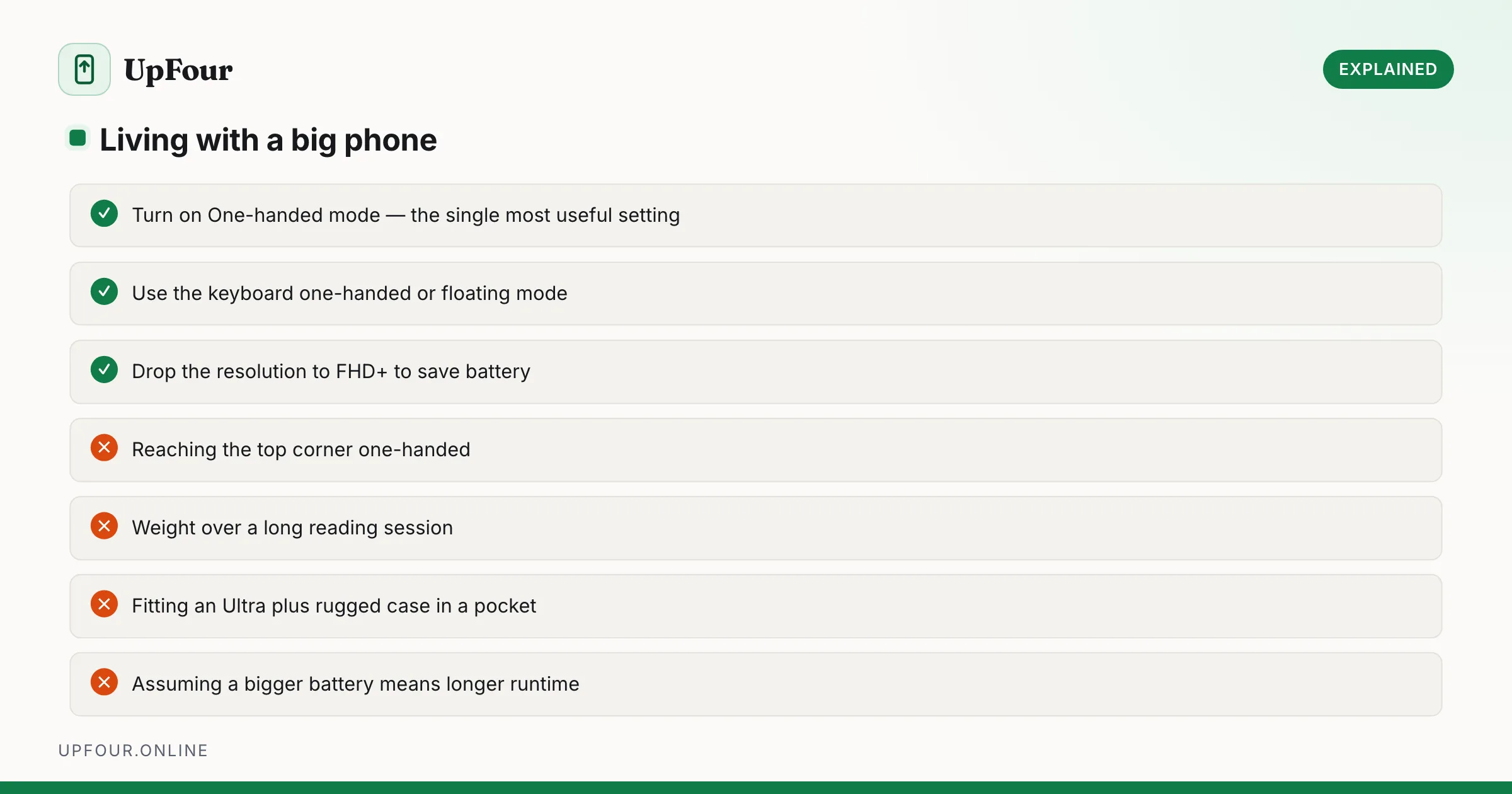
Worth being honest about, because they are the reason people downsize after a year:
- One-handed use becomes difficult. You will reach for the top corner constantly. Turn on One-handed mode — Settings › Advanced features › One-handed mode — and swipe down on the bottom edge to pull the interface into reach.
- Weight. Ultra and Fold models are heavy, and it is noticeable in a pocket and over a long reading session.
- Battery is a wash. Bigger phones hold bigger batteries but drive more pixels, so runtime often does not improve as much as the capacity suggests.
- Cases and pockets. An Ultra in a rugged case does not fit comfortably in slim trousers or many jacket pockets.
Make a big screen easier to live with
- One-handed mode — the single most useful setting on a large phone.
- Move the keyboard — most keyboards support a one-handed or floating mode; look for the icon in the toolbar.
- Reduce screen resolution — Settings › Display › Screen resolution. Dropping from QHD+ to FHD+ on a big display saves battery with almost no visible difference at normal viewing distance.
- Enable navigation gestures rather than buttons, freeing screen space and making the back gesture reachable from either edge. See every Android gesture worth learning.
Checking a screen size before you buy
Diagonal measurements are misleading between different aspect ratios. Before committing:
- Find the phone's physical dimensions in millimetres, not just the screen diagonal.
- Cut a piece of paper to that size and put it in your pocket. It sounds silly and it is the most reliable test available.
- Handle one in a shop, and specifically try reaching the far top corner with your thumb.
What about tablets?
If you want a genuinely large screen, a Galaxy Tab starts around 11 inches and goes considerably larger — with an S Pen included, which the Ultra charges a premium for. A tablet plus a normal-sized phone is often cheaper than a Fold and better at both jobs.
In short
The Galaxy Z Fold has Samsung's largest screen at around 7.6 inches unfolded. Among conventional phones the S Ultra leads at roughly 6.8–6.9 inches. The Fold's advantage is bigger than the diagonal suggests because its screen is nearly square, giving considerably more usable area.
Frequently asked questions
Which Samsung phone has the biggest screen?
The Galaxy Z Fold, with an inner display of around 7.6 inches when unfolded. Among non-folding phones, the Galaxy S Ultra is largest at roughly 6.8 to 6.9 inches.
Is the Galaxy Z Fold screen much bigger than an S Ultra?
Yes, considerably more than the diagonal suggests. The Fold's inner screen is nearly square, so it holds much more usable area than a tall, narrow 6.9-inch display despite being only 0.7 inches larger diagonally.
Are big phone screens hard to use one-handed?
Yes, particularly Ultra and Fold models. Turn on One-handed mode under Settings › Advanced features, which slides the interface into the lower half of the screen when you swipe down on the bottom edge.
Should I buy a Fold or a tablet?
A Galaxy Tab starts around 11 inches and includes an S Pen, and a tablet plus a normal phone is often cheaper than a Fold. Choose the Fold only if you want one device that does both.
Sources & further reading
Official documentation used while writing and checking this guide. Every link was verified at the last update.
Machine-readable version: Markdown source
Related guides
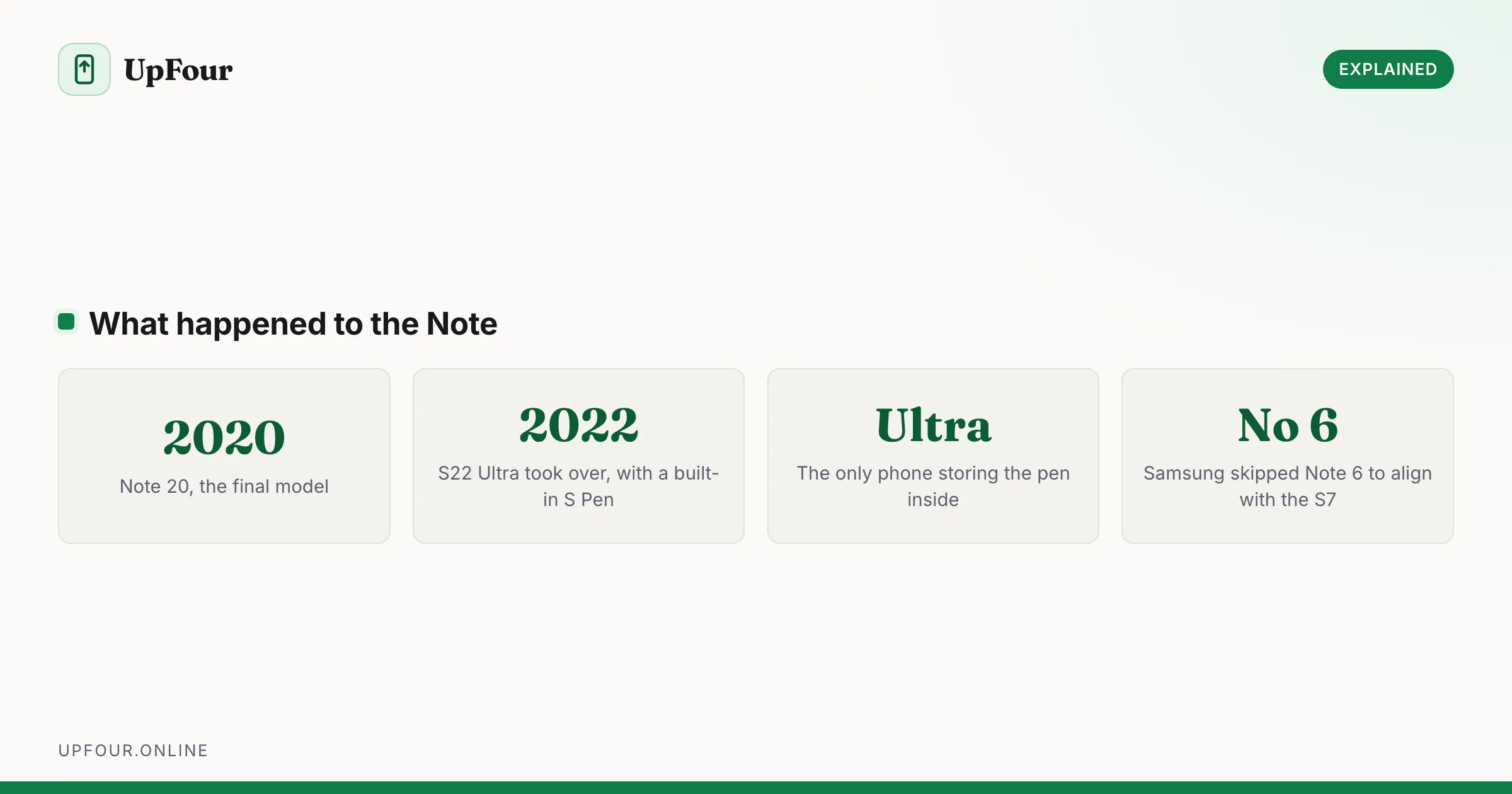
Does Samsung Still Make the Galaxy Note? What Replaced It
Samsung discontinued the Galaxy Note after the Note 20. Here is where the S Pen went, which phones support it now, and what to buy instead.
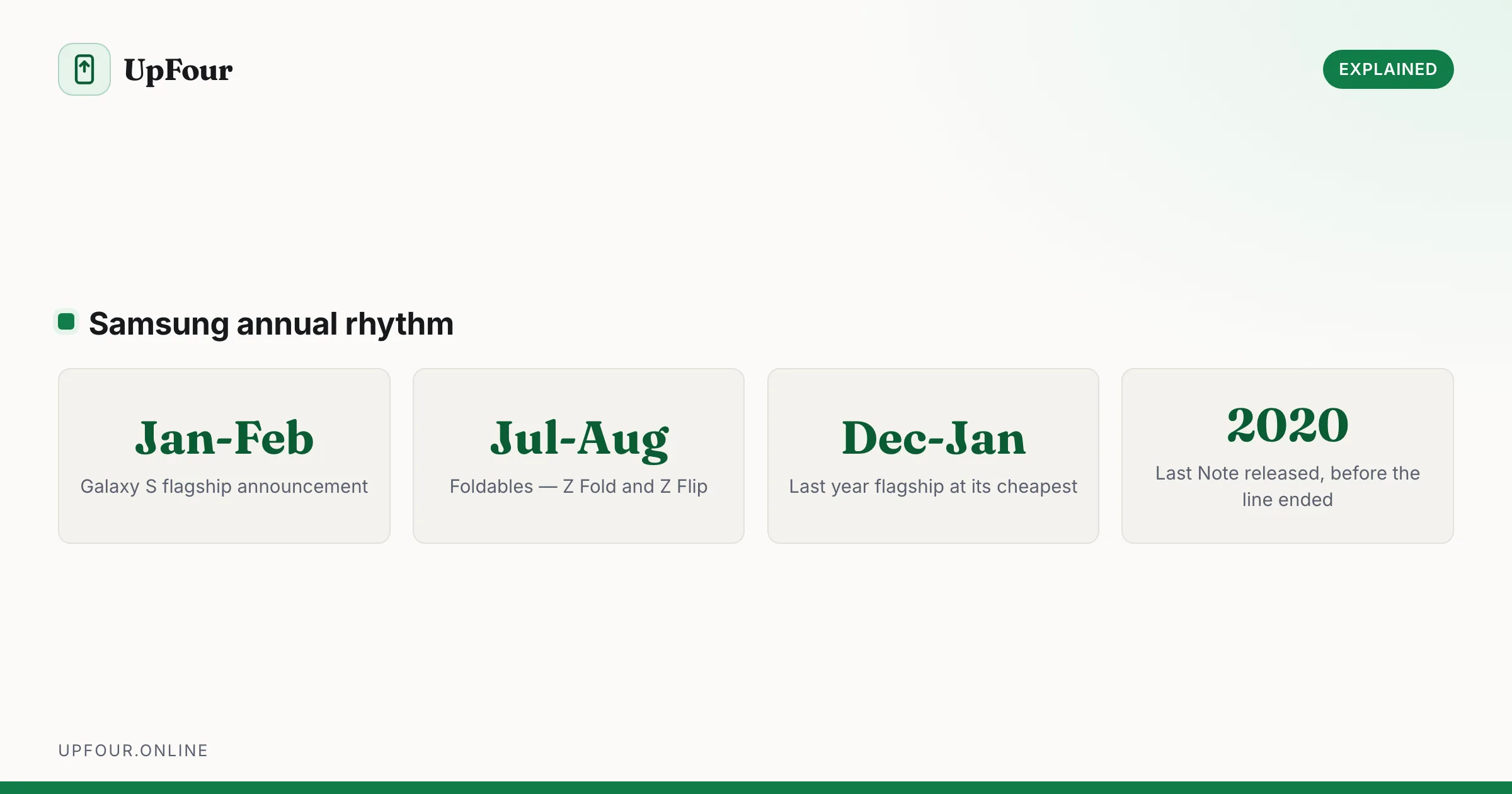
Galaxy S Release Dates: Every Samsung Flagship in Order
A complete timeline of Samsung Galaxy S release dates from the original through recent models, plus when Samsung typically launches new phones.
Is a Samsung an Android Phone? Yes — Here's What One UI Actually Is
Samsung Galaxy phones run Android with Samsung's One UI on top. Here is what that means, what Samsung changes, and why it matters when following guides.