Fix Android Battery Drain: A Diagnostic Order That Actually Finds the Cause
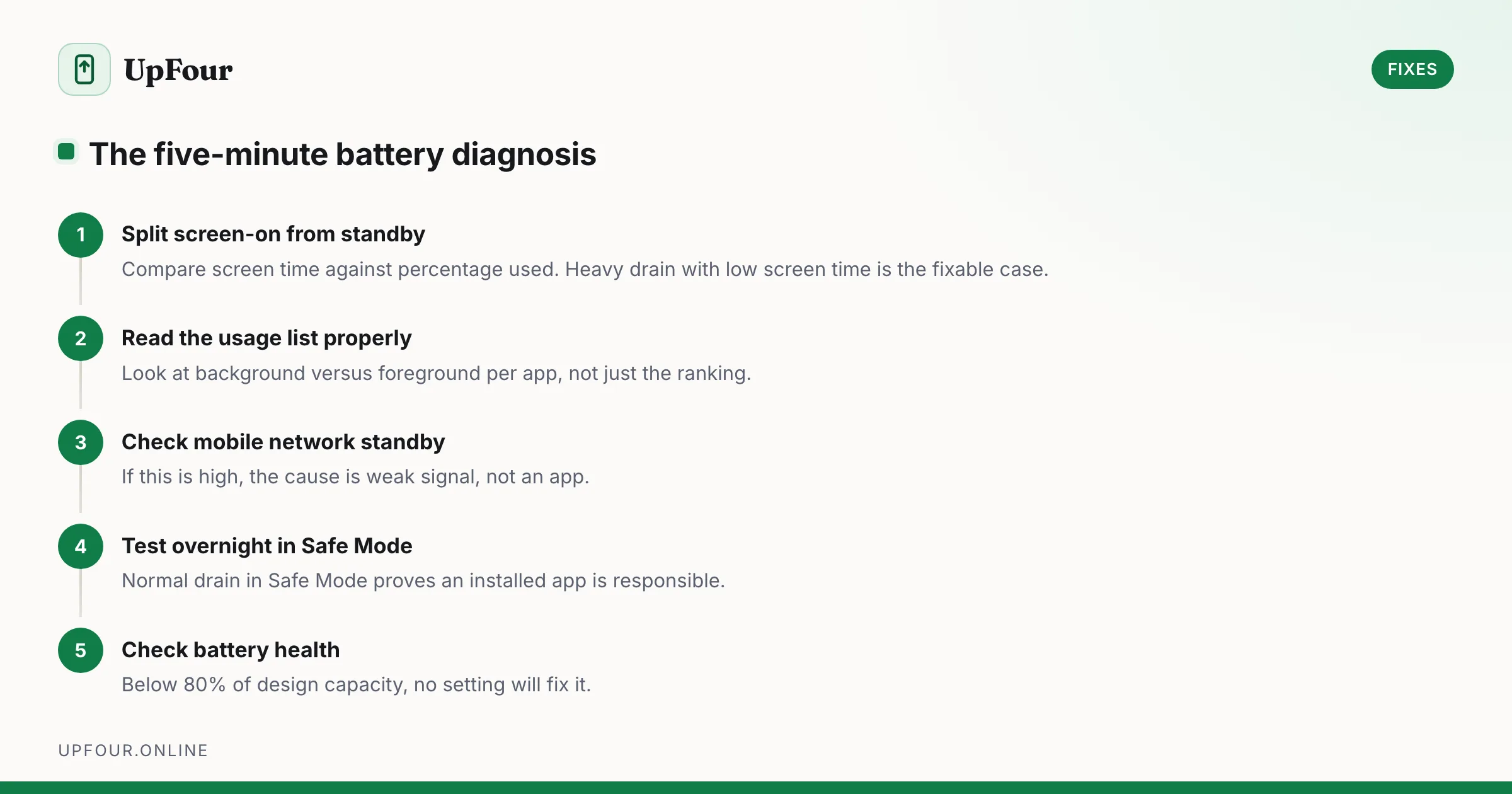
Stop guessing. Diagnose Android battery drain in order — usage stats, screen-on vs standby drain, mobile signal, rogue wakelocks — then apply the fix that matches.
6 guides
Step-by-step fixes for the Android problems people actually hit — battery drain, storage full, Wi-Fi drops, overheating and app crashes.
Most Android troubleshooting advice is a list of twenty things to try in no particular order, in the hope that one of them works. That approach wastes time, and occasionally it costs people their data when the list ends with "factory reset" and someone follows it.
These guides are written as diagnostic sequences instead. Each step rules something out, so you narrow the cause rather than shotgunning fixes at a symptom. Battery drain, for example, splits immediately into screen-on drain and standby drain, and those two have completely different causes and completely different solutions.
They also say plainly what does not work. Closing background apps does not save battery — it costs battery. RAM boosters make phones slower. Clearing every cache on a schedule achieves nothing. These myths are repeated endlessly and they waste more of people's time than the actual faults do.
Where a step is irreversible, we flag it before the step rather than after, and we say when a problem is hardware rather than something a setting can fix.
Stop guessing. Diagnose Android battery drain in order — usage stats, screen-on vs standby drain, mobile signal, rogue wakelocks — then apply the fix that matches.
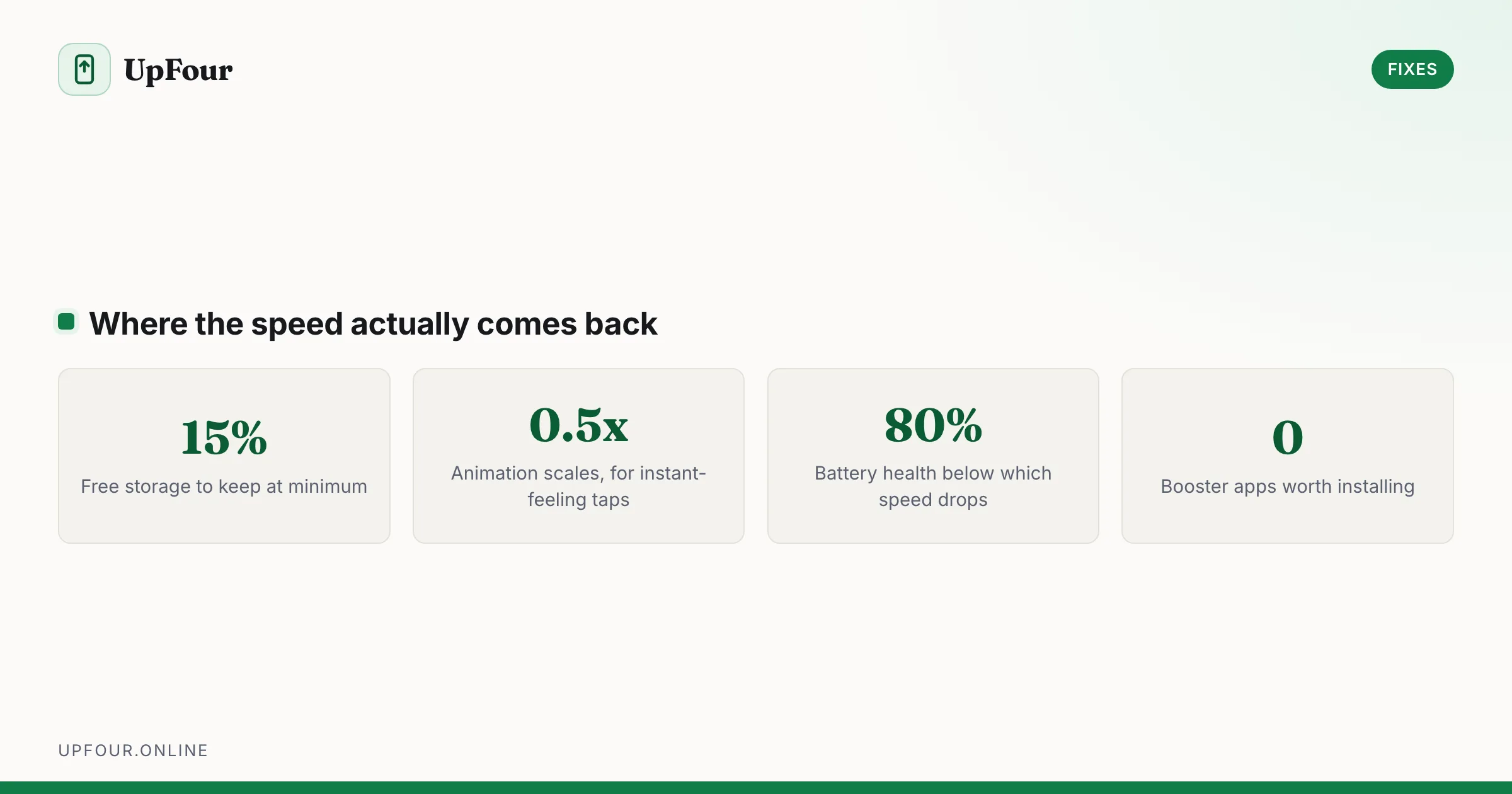
Real fixes for a slow Android phone: animation scales, storage headroom, disabling bloatware, taming background sync and knowing when the hardware is the limit.
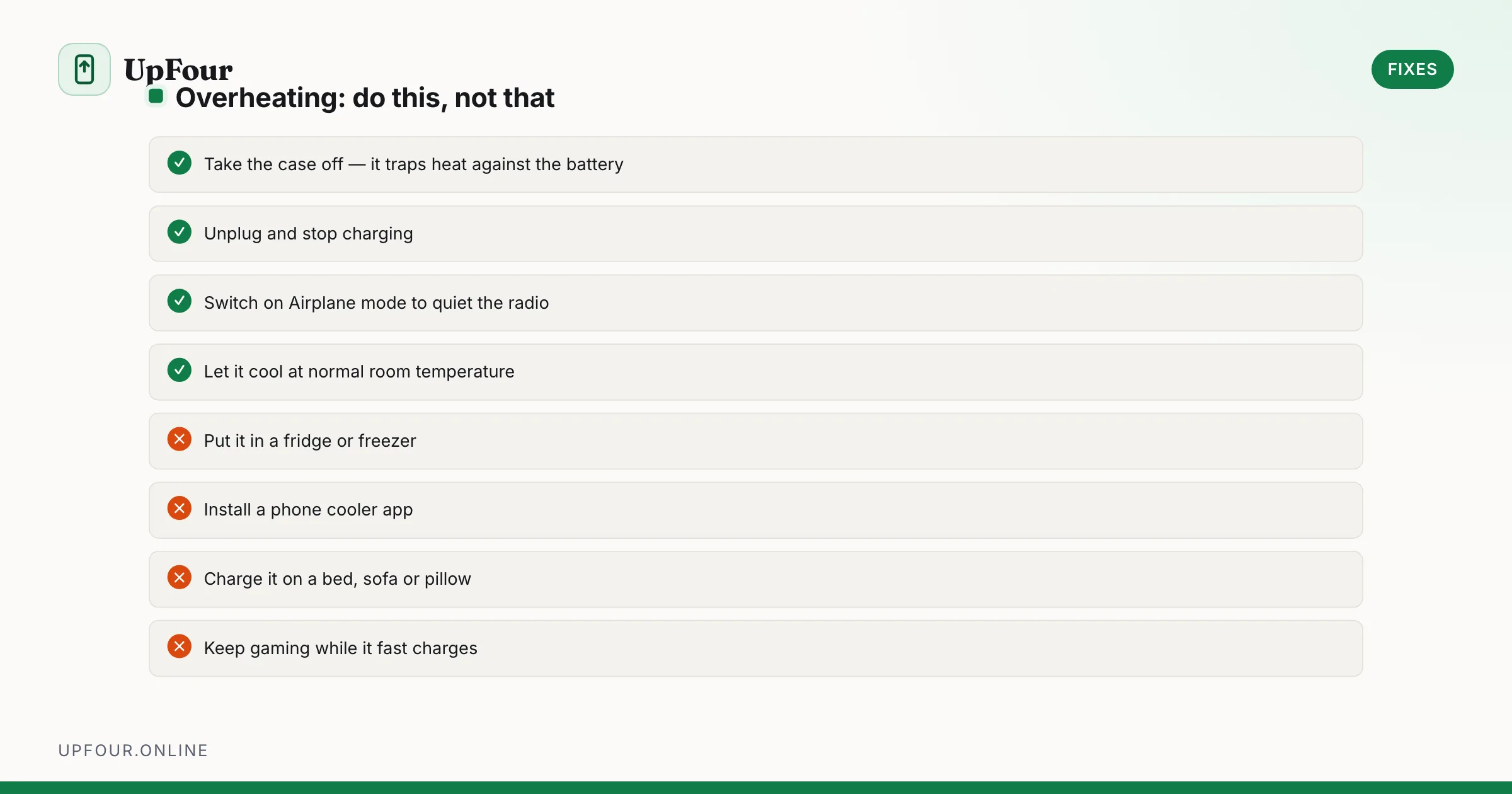
Diagnose Android overheating properly: charging heat, camera and 5G thermal limits, rogue background apps, and the cooling mistakes that damage phones.
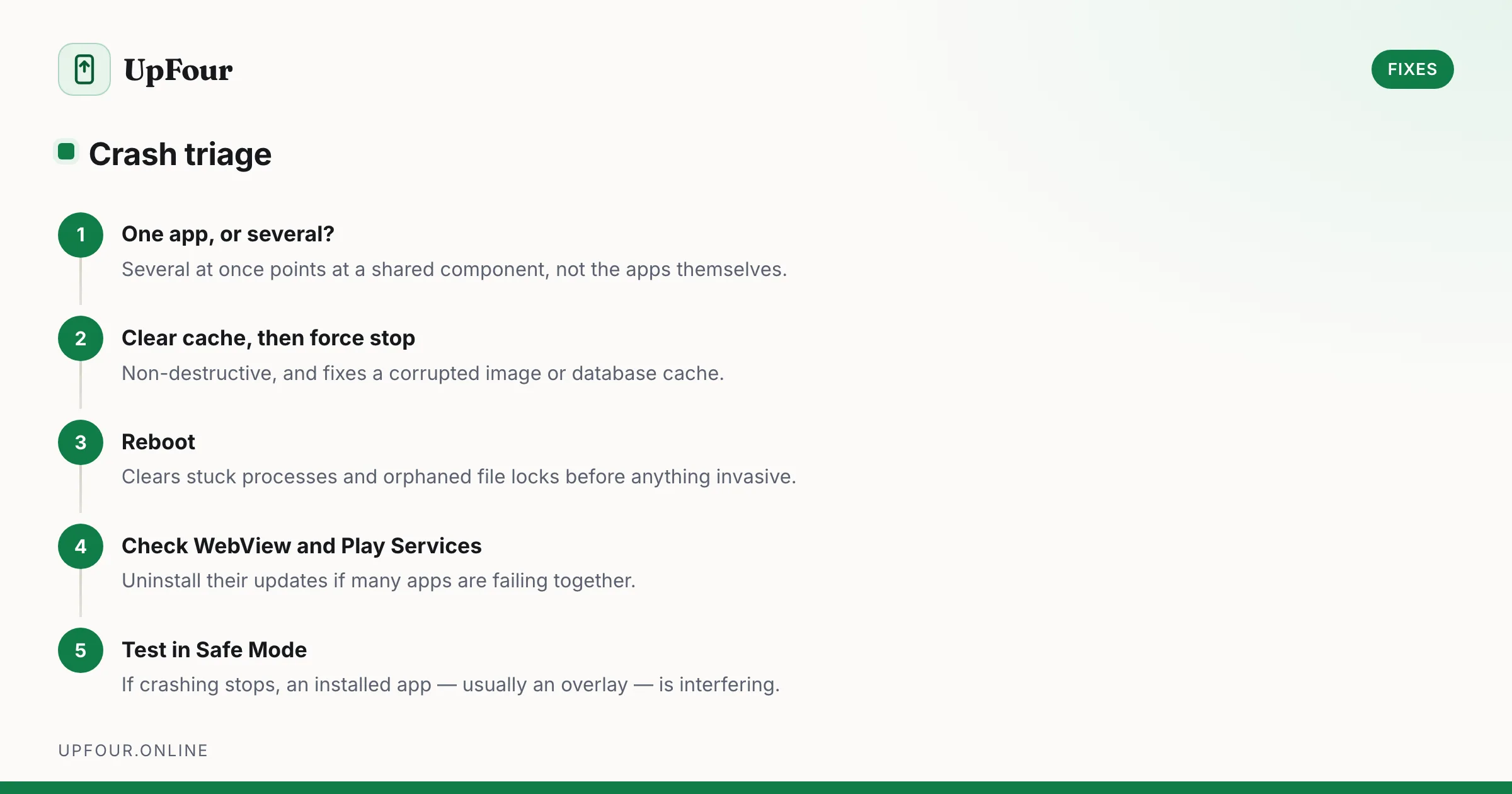
Fix Android apps that crash, freeze or close instantly — from clearing cache and rolling back updates to repairing Play Services and WebView.
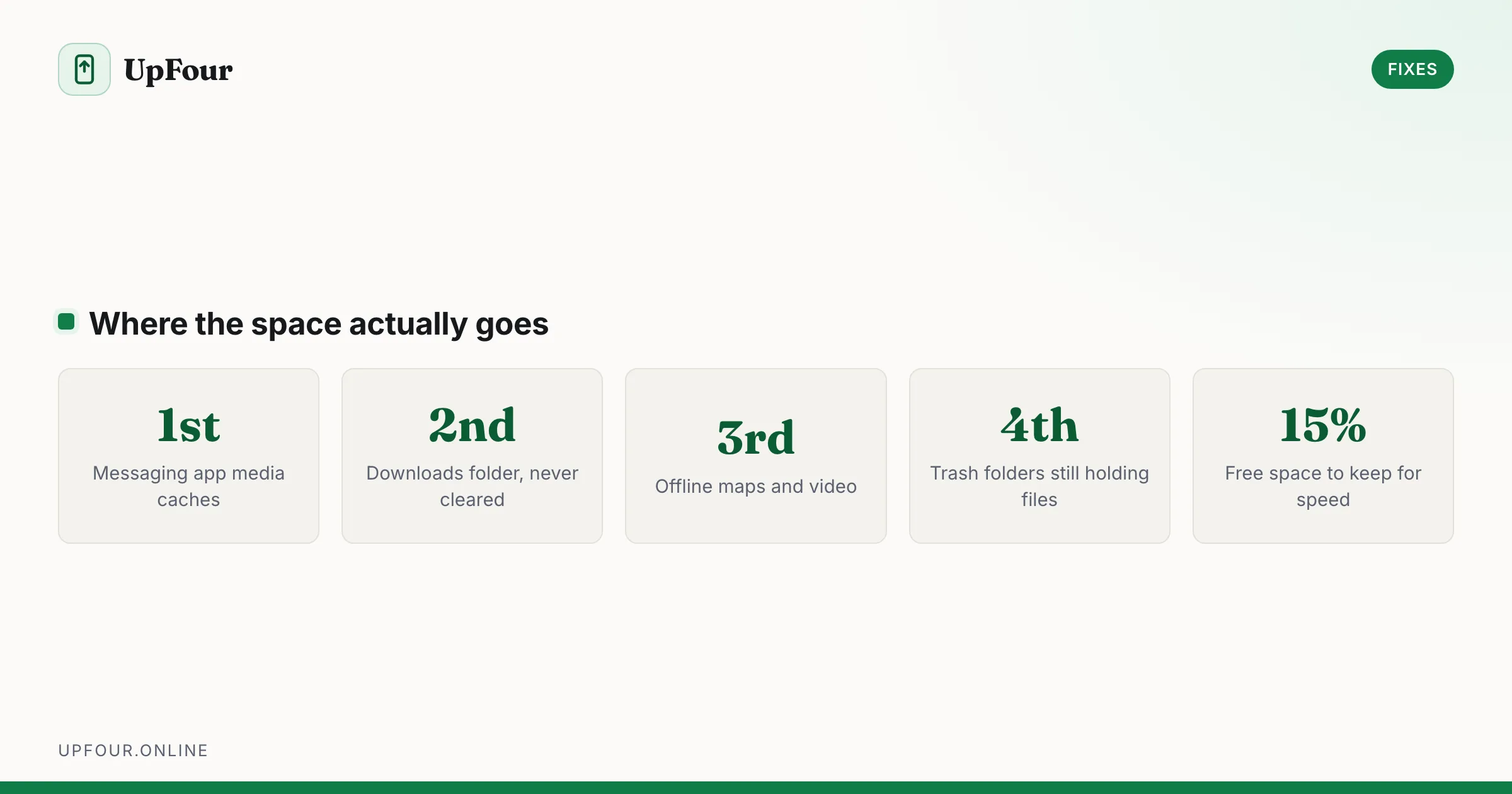
Reclaim gigabytes on Android by targeting the real culprits — cached media in messaging apps, the Downloads folder, offline maps and orphaned WhatsApp files.
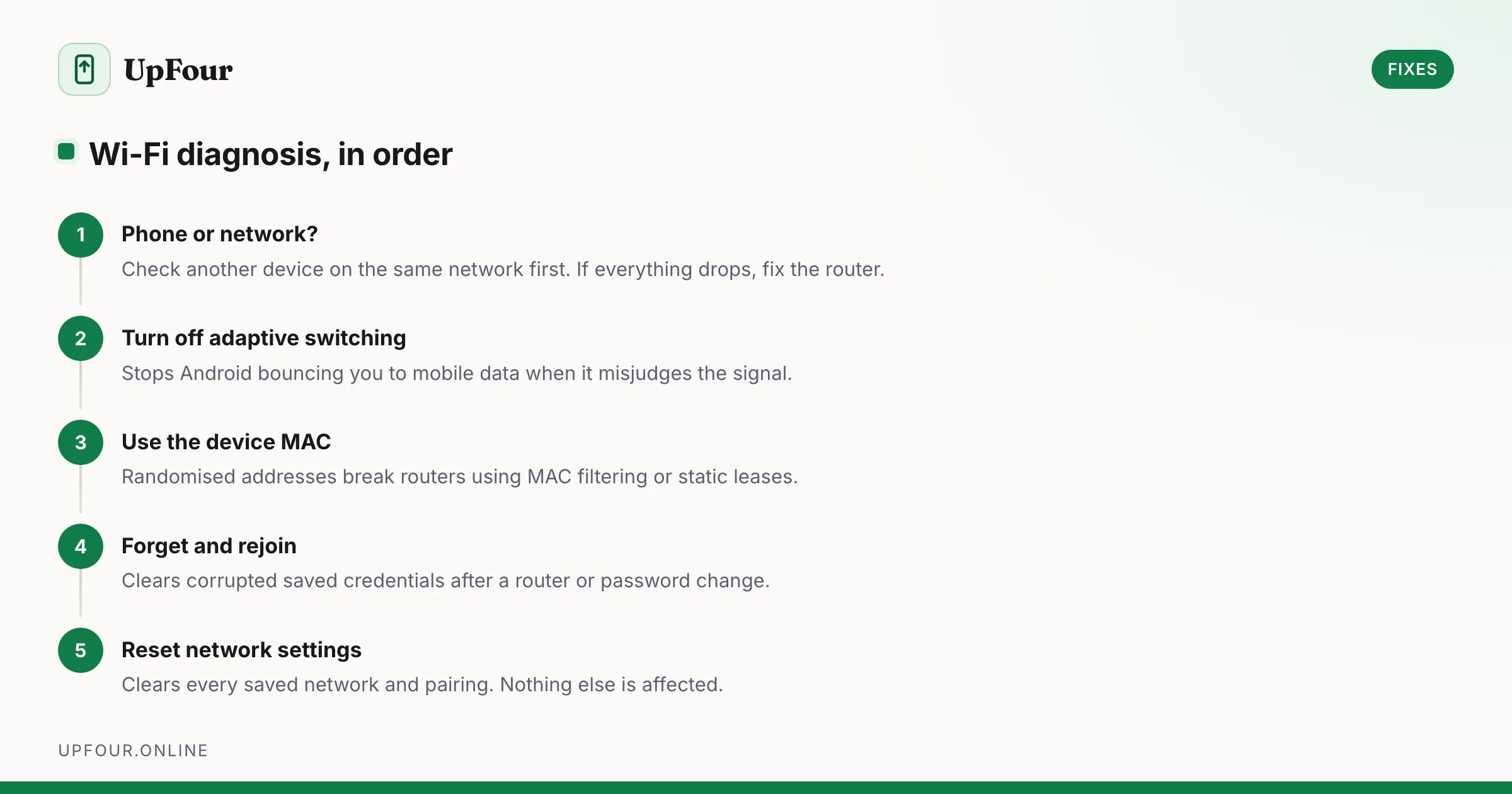
Fix Android Wi-Fi that drops, shows no internet, or keeps switching to mobile data — from randomised MAC addresses to adaptive connectivity and DNS.