How to Change the Region on a Samsung Phone
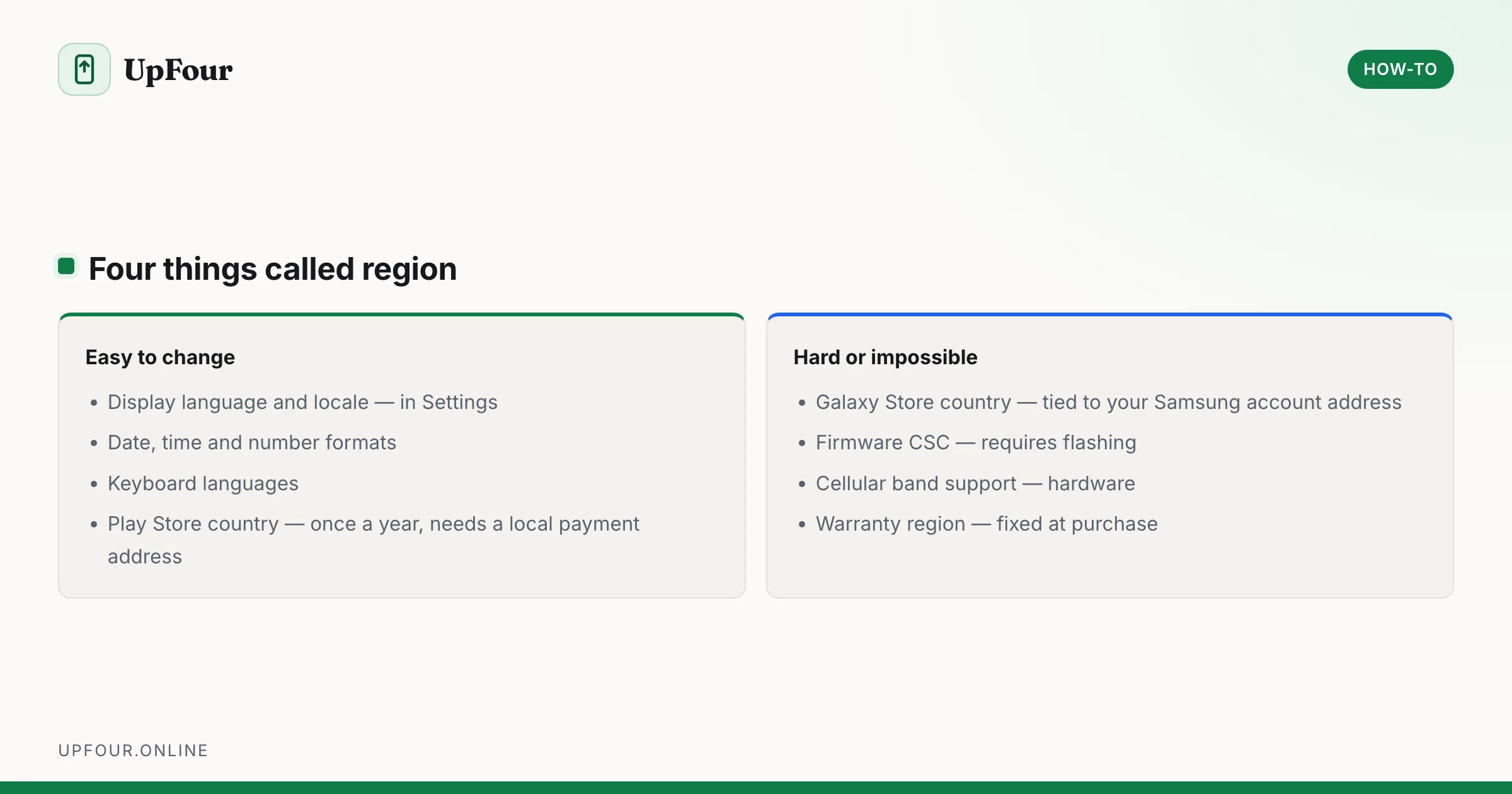
Change your country, language and store region on a Galaxy phone — what can be changed easily, what is locked to the firmware, and what breaks.
7 guides
Step-by-step tasks on Android and Galaxy phones — scanning documents, QR codes, transferring files and everyday jobs people search for by name.
Step-by-step guides for specific tasks — the things people search for by name rather than by symptom.
Scanning is the clearest example. Every Android phone can produce a proper multi-page PDF without installing anything, and can read a QR code straight from the camera, but neither is obvious and the Play Store is full of scanner apps that exist mainly to serve ads. The built-in tools are faster and safer, and these guides show where they are.
The same applies to connecting to Wi-Fi and sharing it by QR code instead of reading a long password aloud, changing your region and understanding which parts of that are impossible, and pairing a keyboard with a smart TV so you never have to type a password with a remote again.
Each guide names the exact steps, notes where Samsung differs from stock Android, and flags the cases where the obvious approach will not work.
Change your country, language and store region on a Galaxy phone — what can be changed easily, what is locked to the firmware, and what breaks.
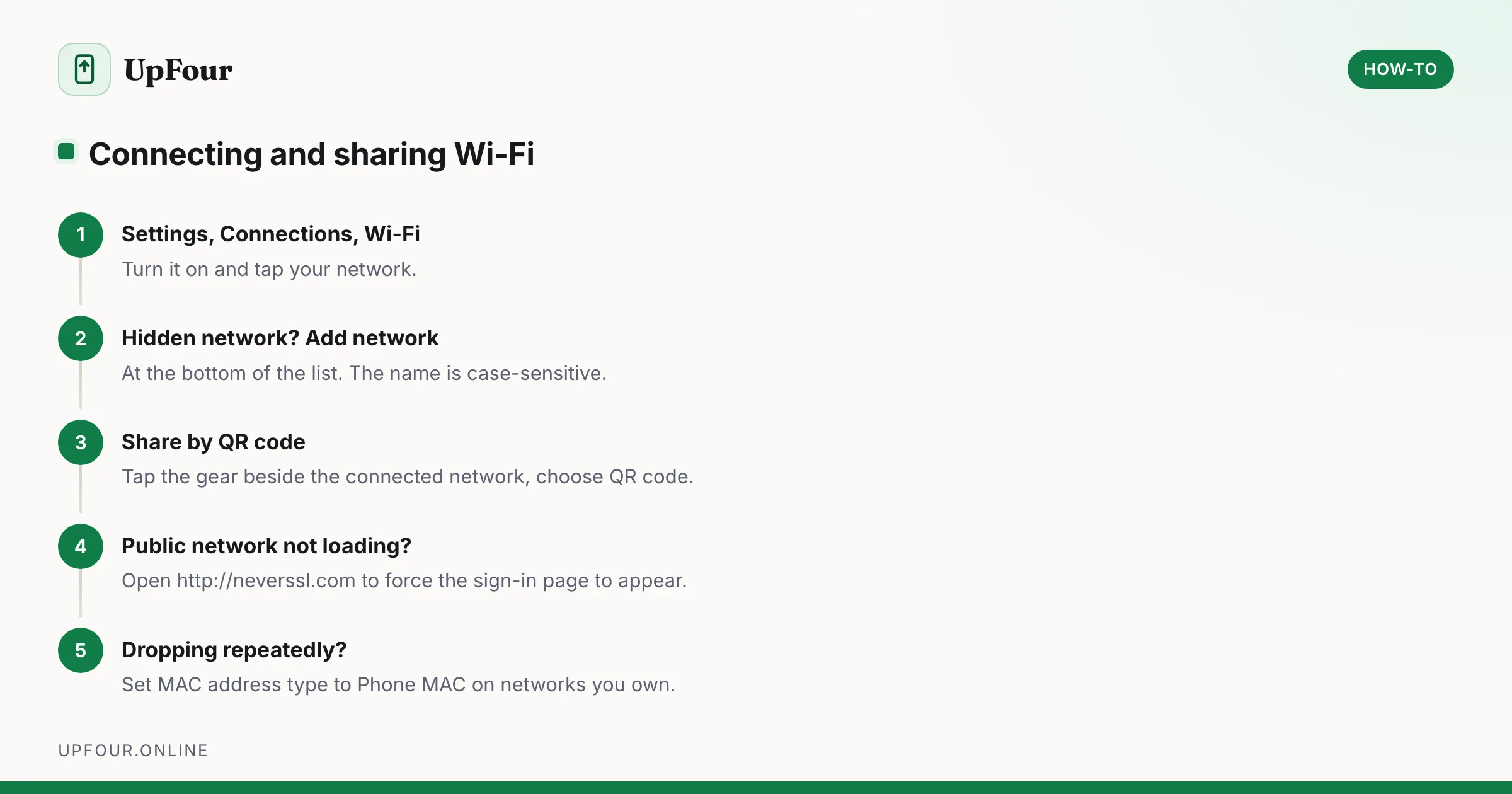
Connect a Galaxy phone to Wi-Fi, join a hidden network, share your connection by QR code, and fix a network that will not connect.
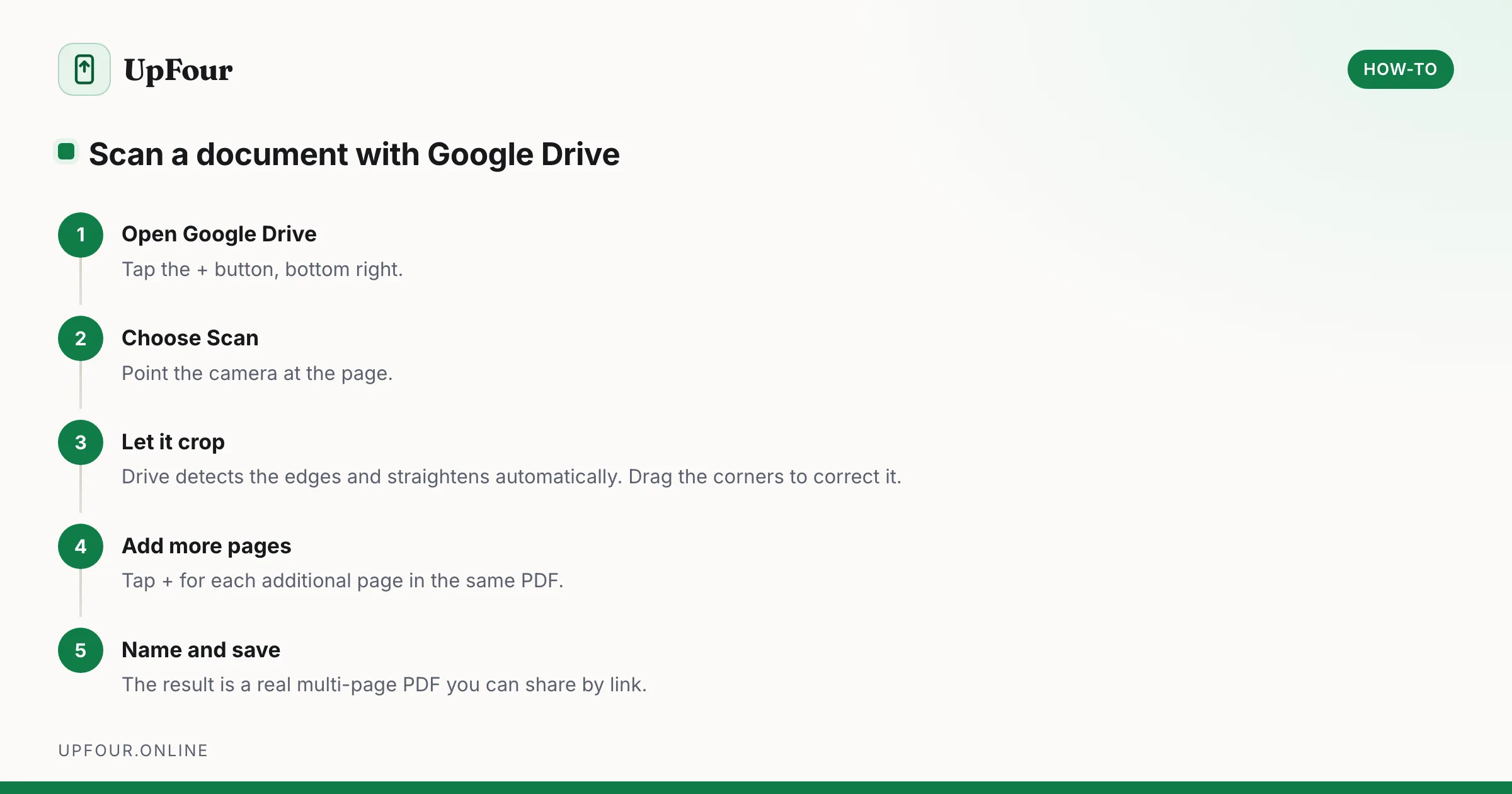
Scan documents to PDF on any Android phone using tools you already have — Google Drive, Google Files and the camera — with tips for readable, small-file scans.
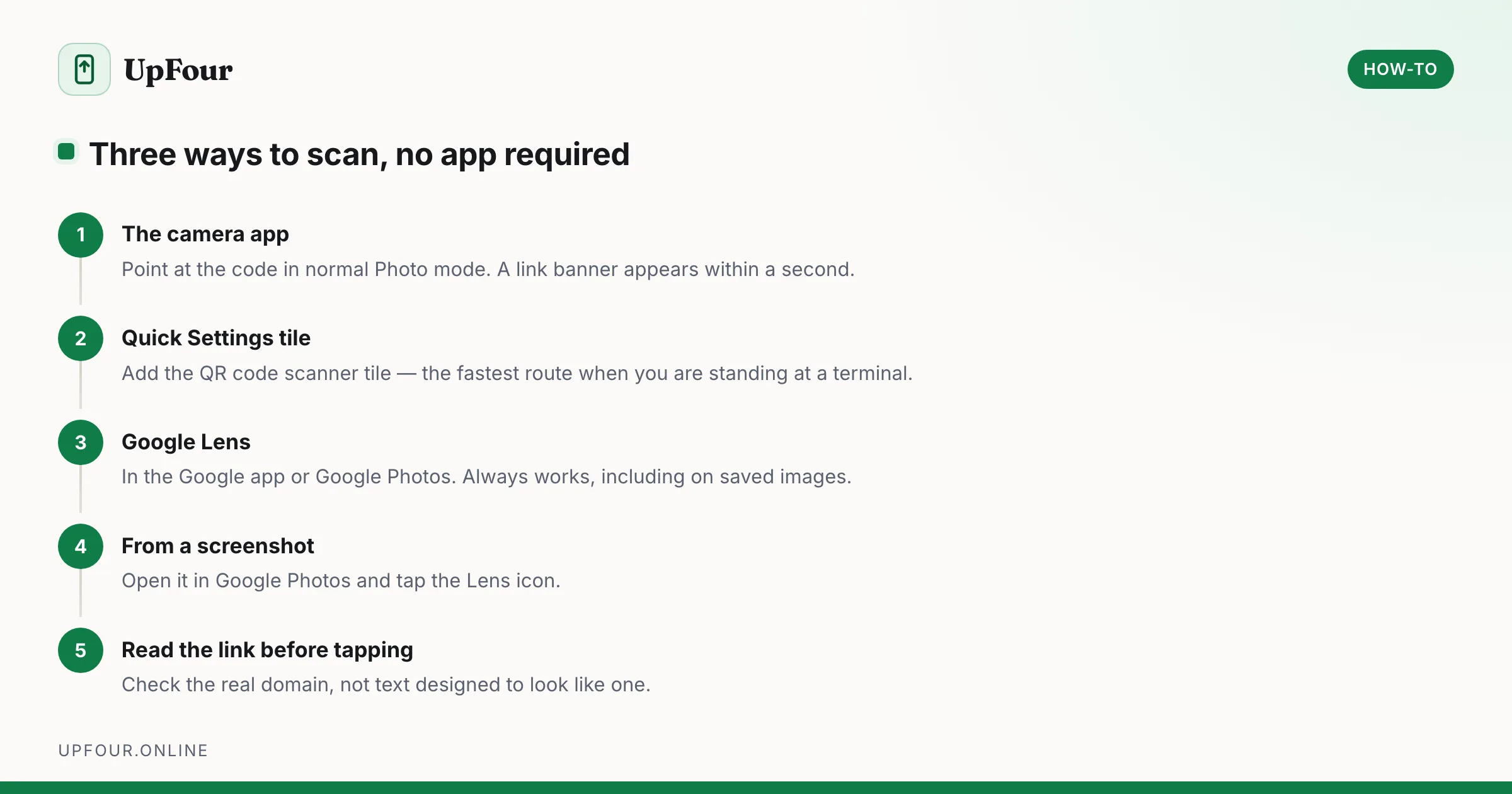
Scan QR codes on Android with the camera, Google Lens or the Quick Settings tile — no app required — and read codes from saved screenshots.
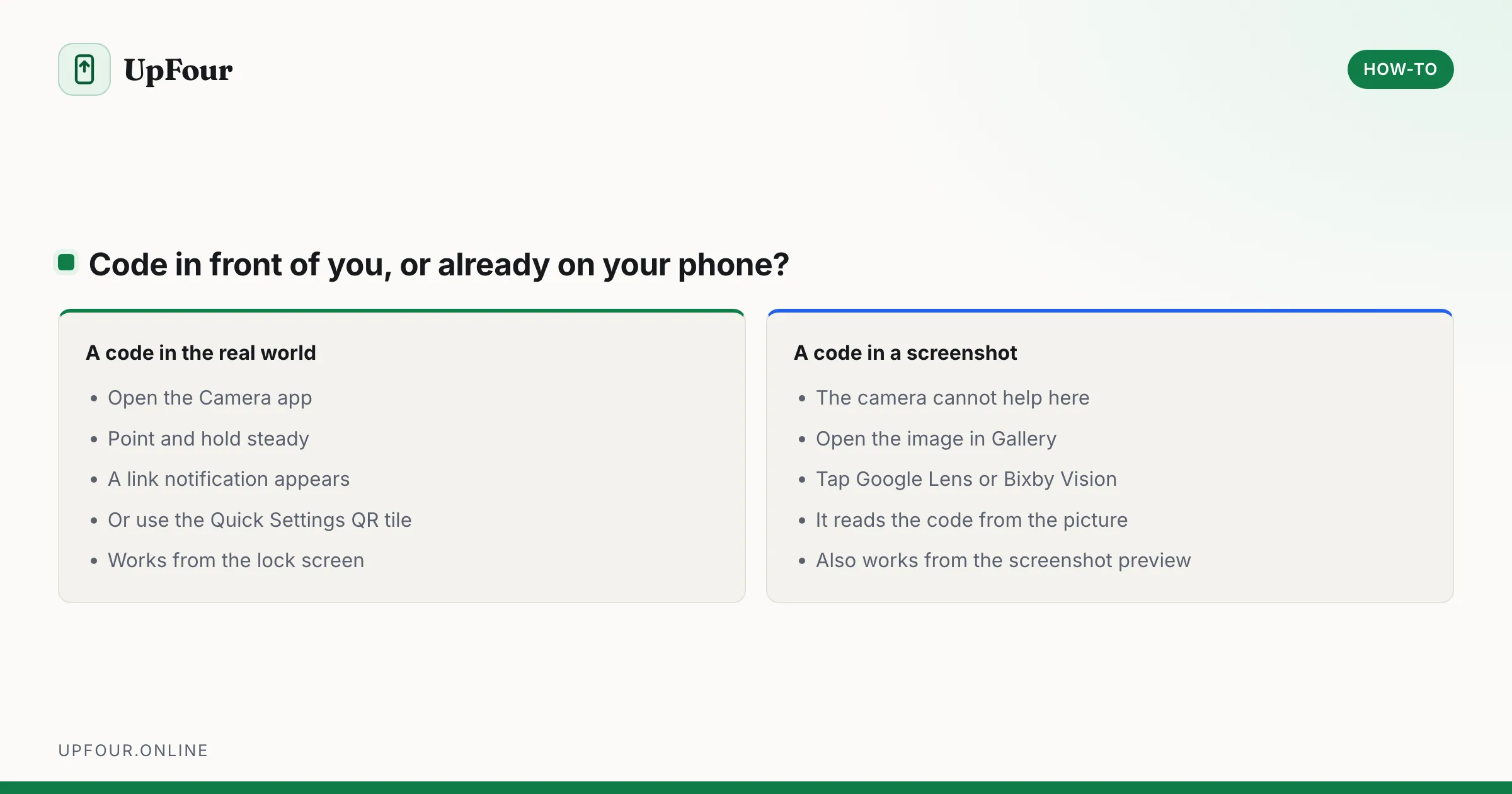
Scan QR codes on a Galaxy phone with the camera, Quick Settings tile or Bixby Vision — plus how to scan a QR code from a saved screenshot or photo.
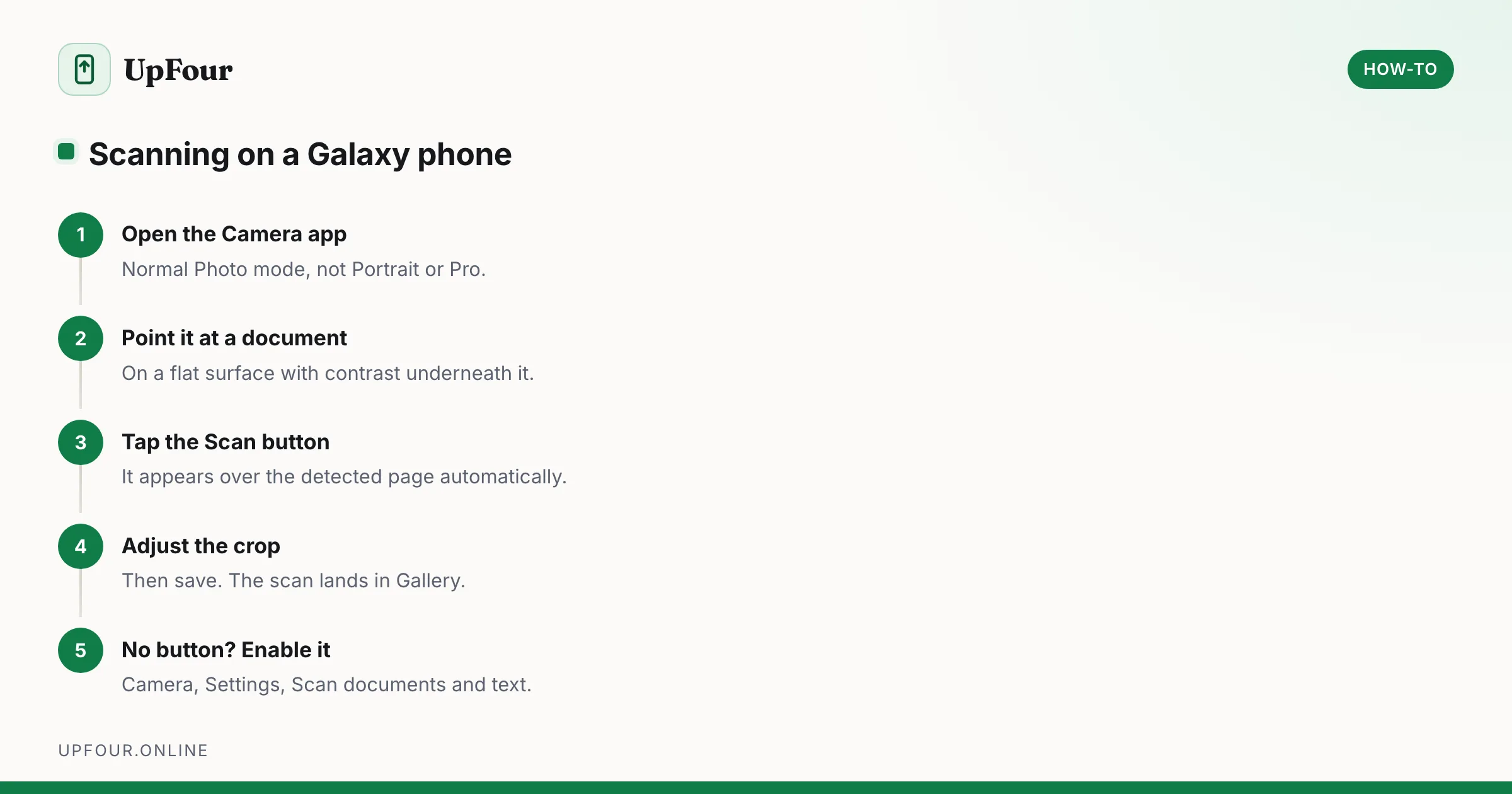
Scan documents to PDF on a Samsung Galaxy using the built-in camera scanner, Samsung Notes and Google Drive — plus how to fix a missing Scan button.
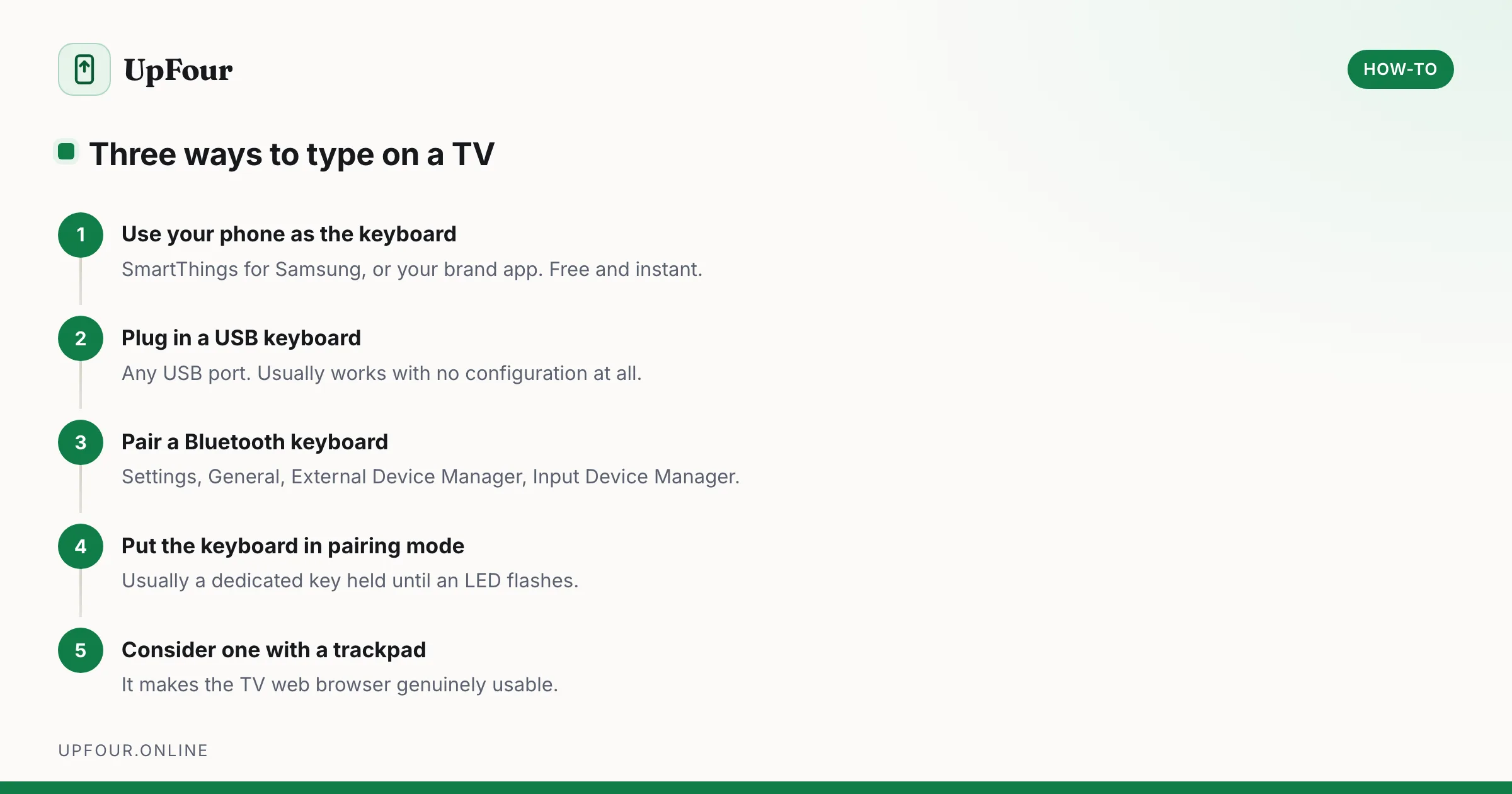
Pair a Bluetooth or USB keyboard with a Samsung or other smart TV, and use your phone as a keyboard when you just need to type a password once.