14 Hidden Android Features You Are Probably Not Using
Genuinely useful Android features buried in submenus: one-handed mode, app pinning, split-screen shortcuts, clipboard search, extra dim and more.
3 guides
Undocumented and easy-to-miss Android features: developer options, secret menus, gestures and power-user shortcuts.
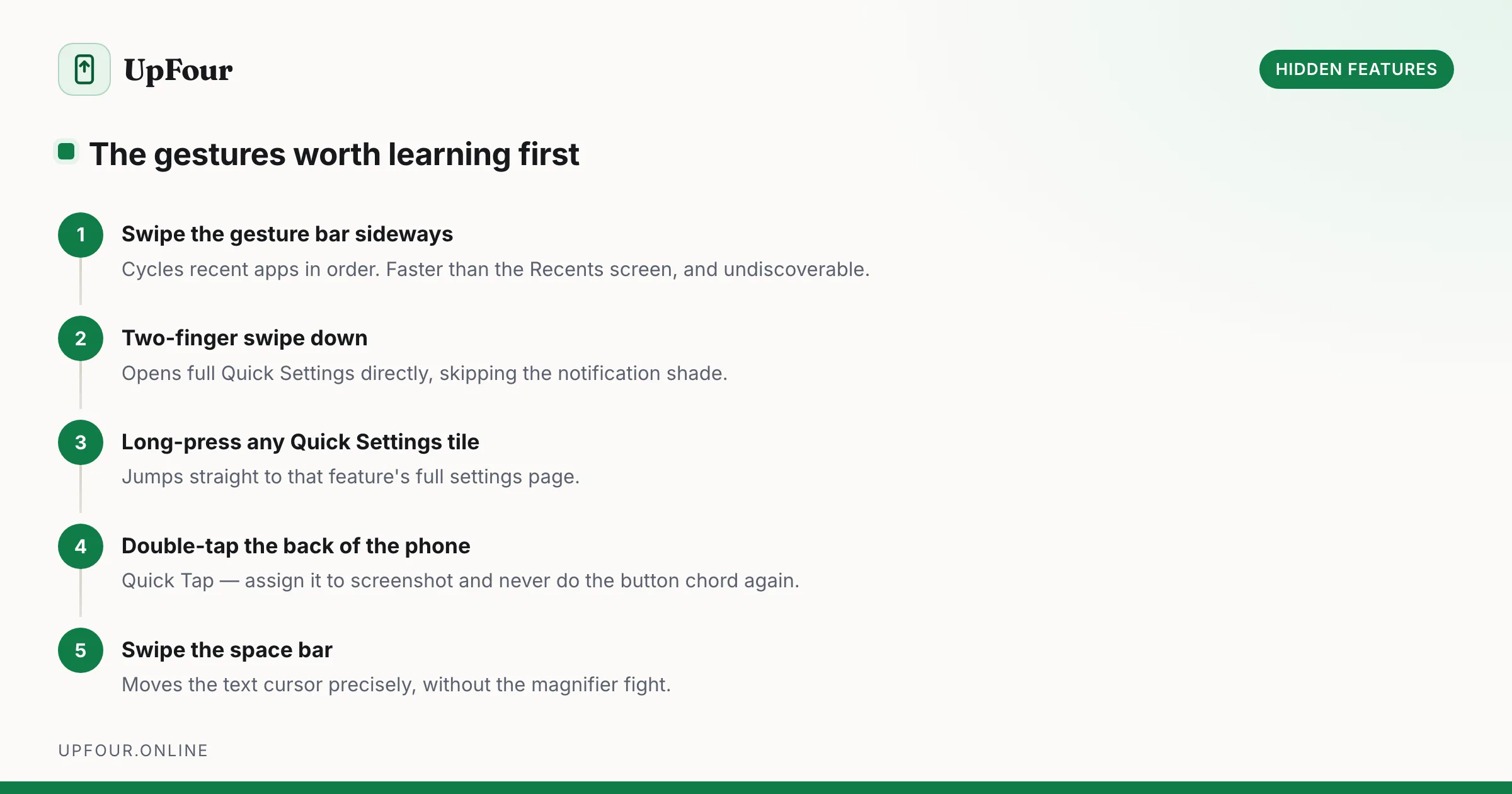
Plenty of the most useful things an Android phone can do are switched off by default, buried under a submenu, or have no visible affordance at all. Nobody tells you that swiping the gesture bar sideways flips through recent apps, or that you can lock the phone to a single app before handing it to someone.
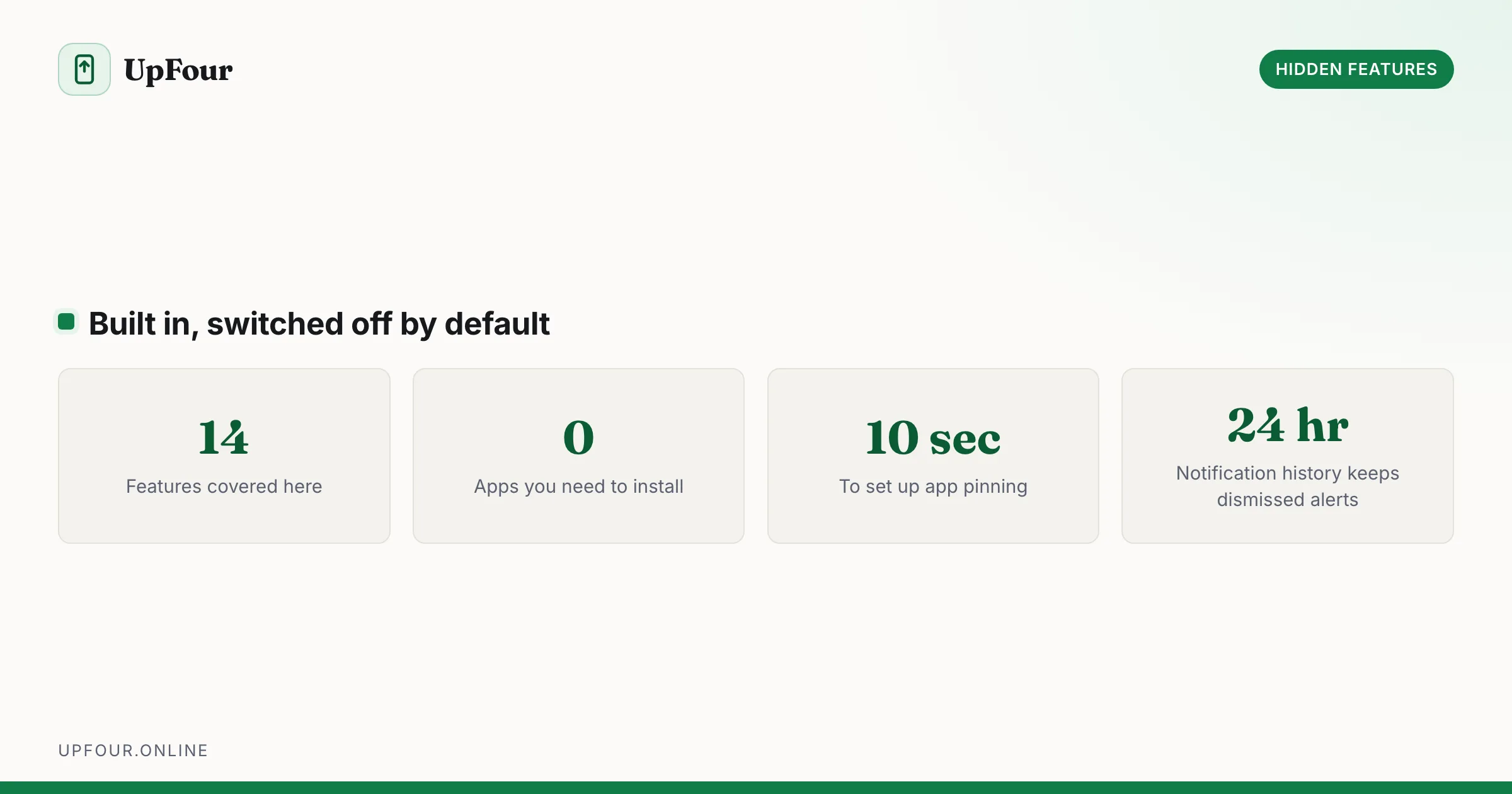
These guides collect the features that are genuinely worth knowing and are easy to miss: app pinning, Extra dim for reading in the dark, one-handed mode, split-screen app pairs, guest mode, and the diagnostic menus that manufacturers ship but never link to.
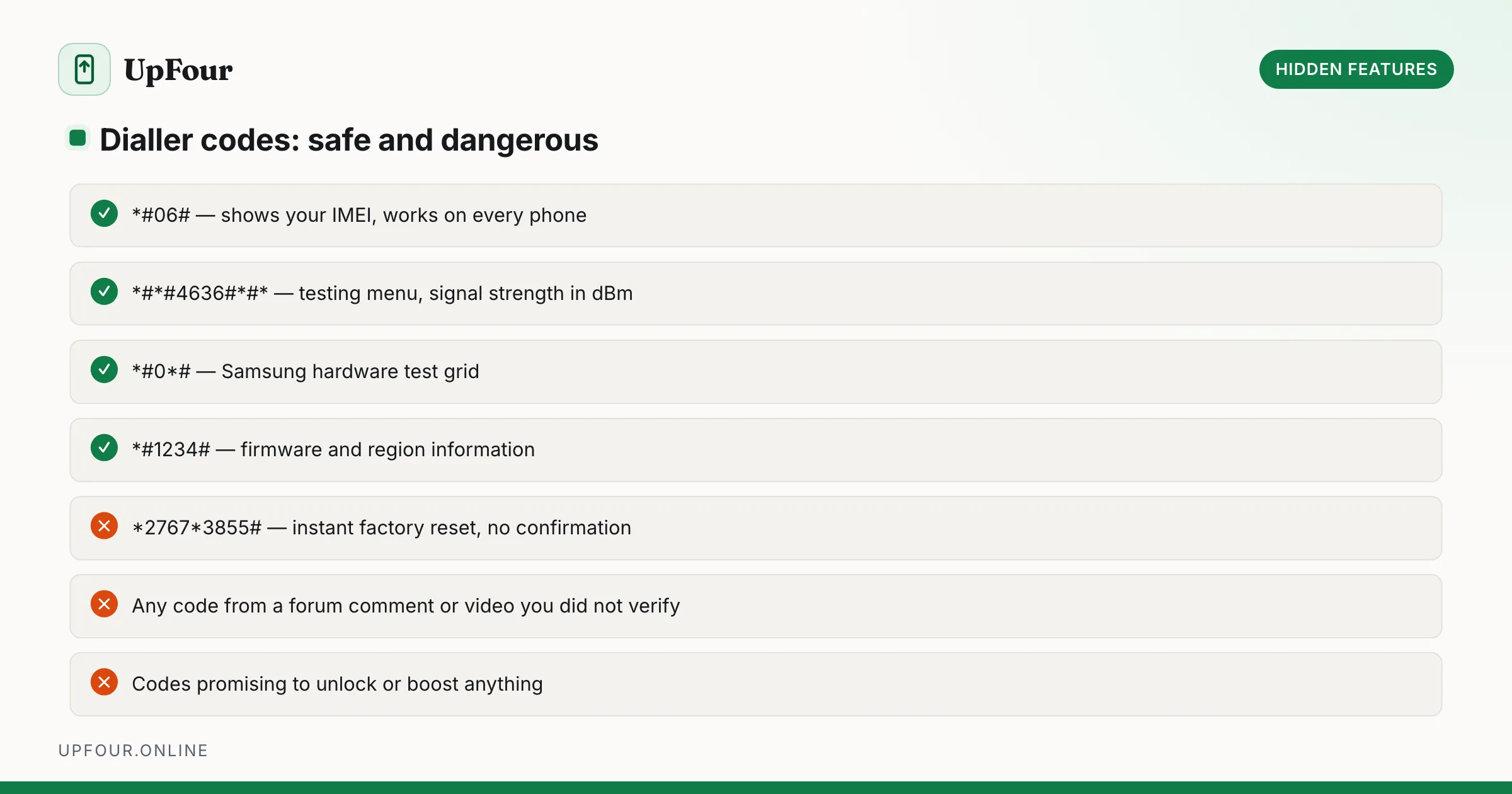
Nothing here requires root access, an unlocked bootloader or a third-party app. Every feature ships with Android or with the manufacturer's own software, and each guide says exactly where to find it — including the dialler codes that are safe to use and the small number that will wipe a device without asking.
Some of these are genuinely obscure. Android has let you select and copy text directly from the Recents screen for years, which works even in apps that deliberately block copying. Bluetooth headphones with only three usable volume steps are fixed by a single Developer Options toggle. The lock screen shortcut buttons in the bottom corners can be swapped for a torch or a QR scanner. None of this is documented anywhere a normal person would look.
Where a feature exists only on certain manufacturers or Android versions we say so, rather than sending you hunting through a menu that does not exist on your phone.
Genuinely useful Android features buried in submenus: one-handed mode, app pinning, split-screen shortcuts, clipboard search, extra dim and more.
The hidden diagnostic menus on Android — dialer codes, Safe Mode, Recovery and the testing screens — what each one does and when it is safe to use.
A complete map of Android navigation gestures, quick-tap actions, power button shortcuts and Quick Settings tricks that cut taps out of your day.