What Is Bixby? Samsung's Assistant Explained (and How to Disable It)
What Bixby does, how it differs from Google Assistant and Gemini, how to remap the power button, and how to turn Bixby off entirely.
15 guides
Samsung account passwords, Samsung Cloud, Find My Mobile, Samsung Care+ and the Galaxy features that work differently from stock Android.
Samsung is the largest Android manufacturer in the world, and a Galaxy phone is meaningfully different from stock Android under the surface. One UI renames and relocates much of the Settings app, adds its own apps alongside Google's, and runs its own account system, cloud backup and device-finding service in parallel with Google's.
That parallel setup is where most confusion comes from. A Galaxy phone is normally signed in to both a Samsung account and a Google account, and they protect different things — Find My Mobile and Reactivation Lock on one side, Find Hub and Factory Reset Protection on the other. Resetting one does nothing to the other, and knowing which is which matters enormously when you are locked out.
These guides cover Samsung account recovery, Samsung Cloud and what moved to OneDrive, Find My Mobile, Galaxy Buds, Samsung Care+ and the Galaxy features that have no stock Android equivalent.
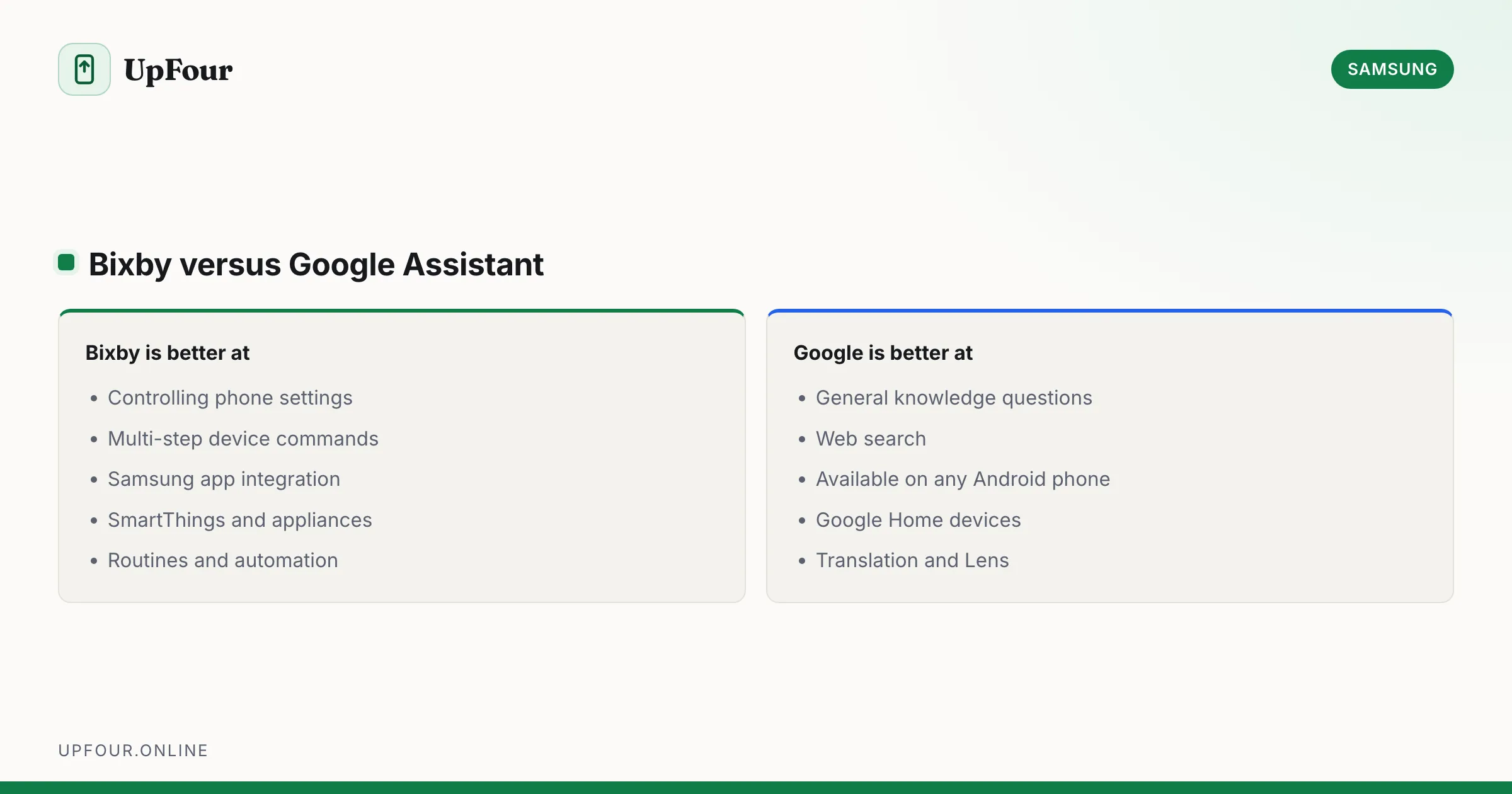
What Bixby does, how it differs from Google Assistant and Gemini, how to remap the power button, and how to turn Bixby off entirely.
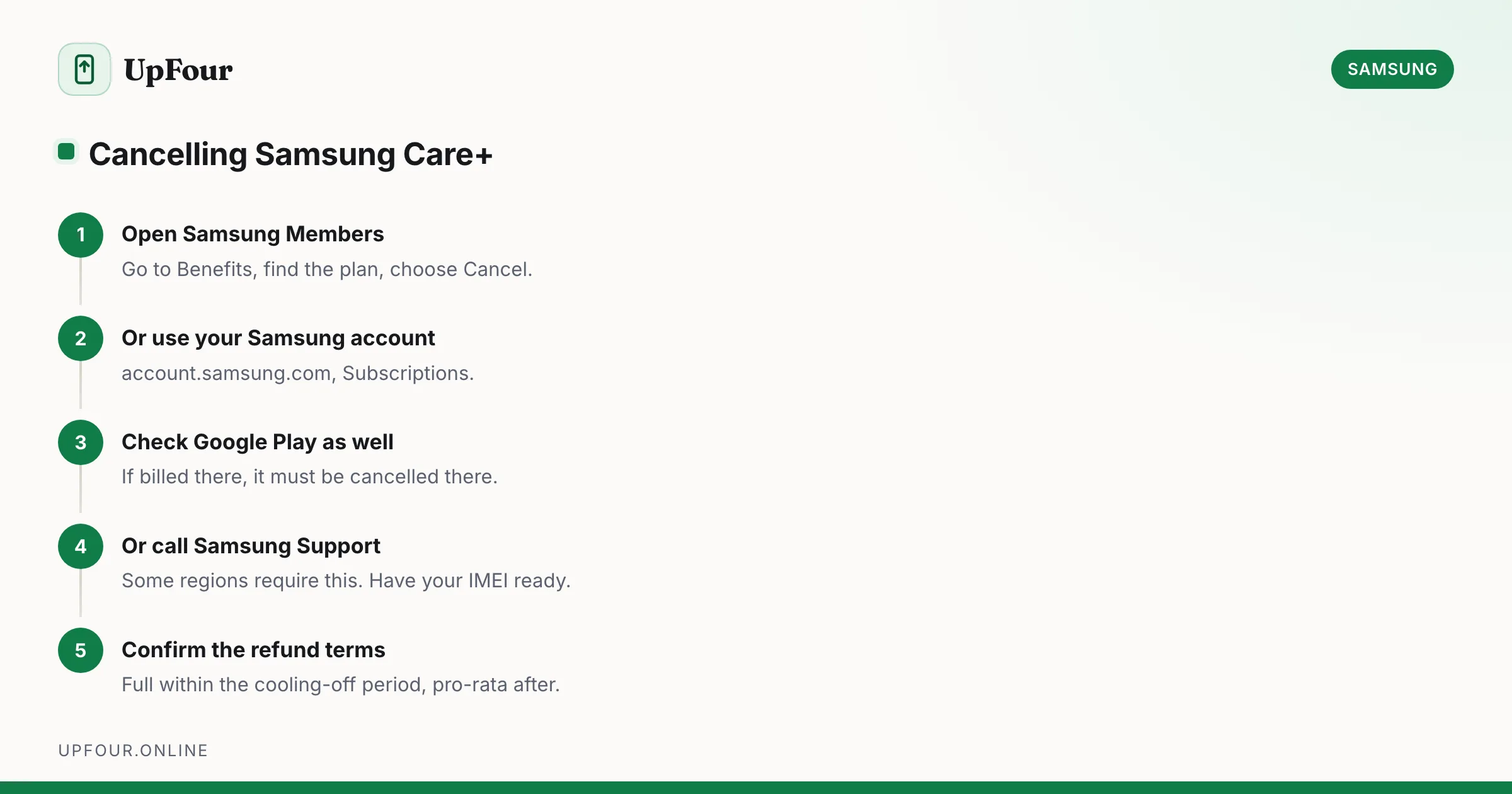
Cancel a Samsung Care+ plan, understand refunds and cancellation windows, and learn how to add coverage to a phone you already own.
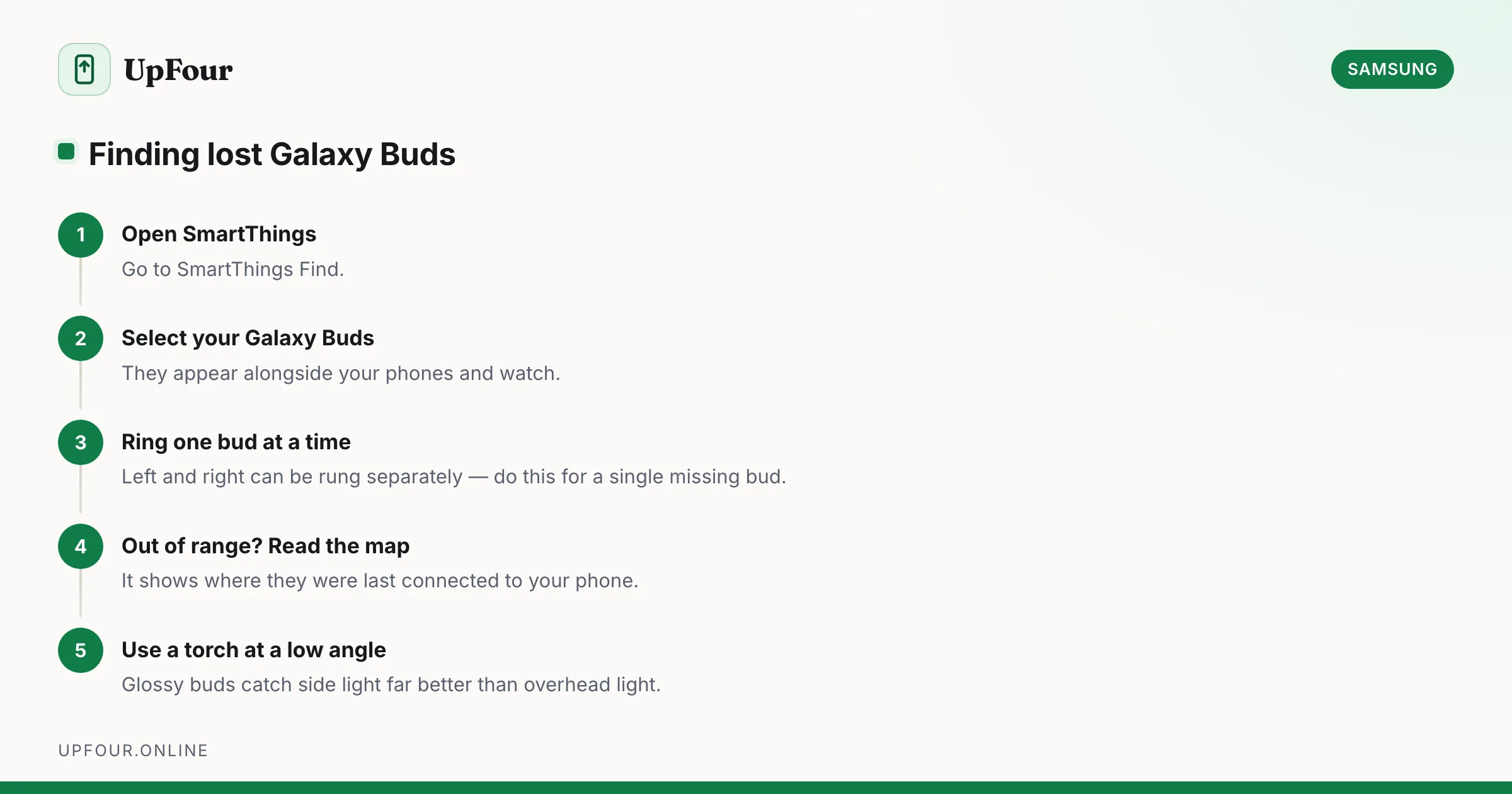
Locate lost Galaxy Buds with SmartThings Find, make them ring, see their last known location, and find a single earbud lost around the house.
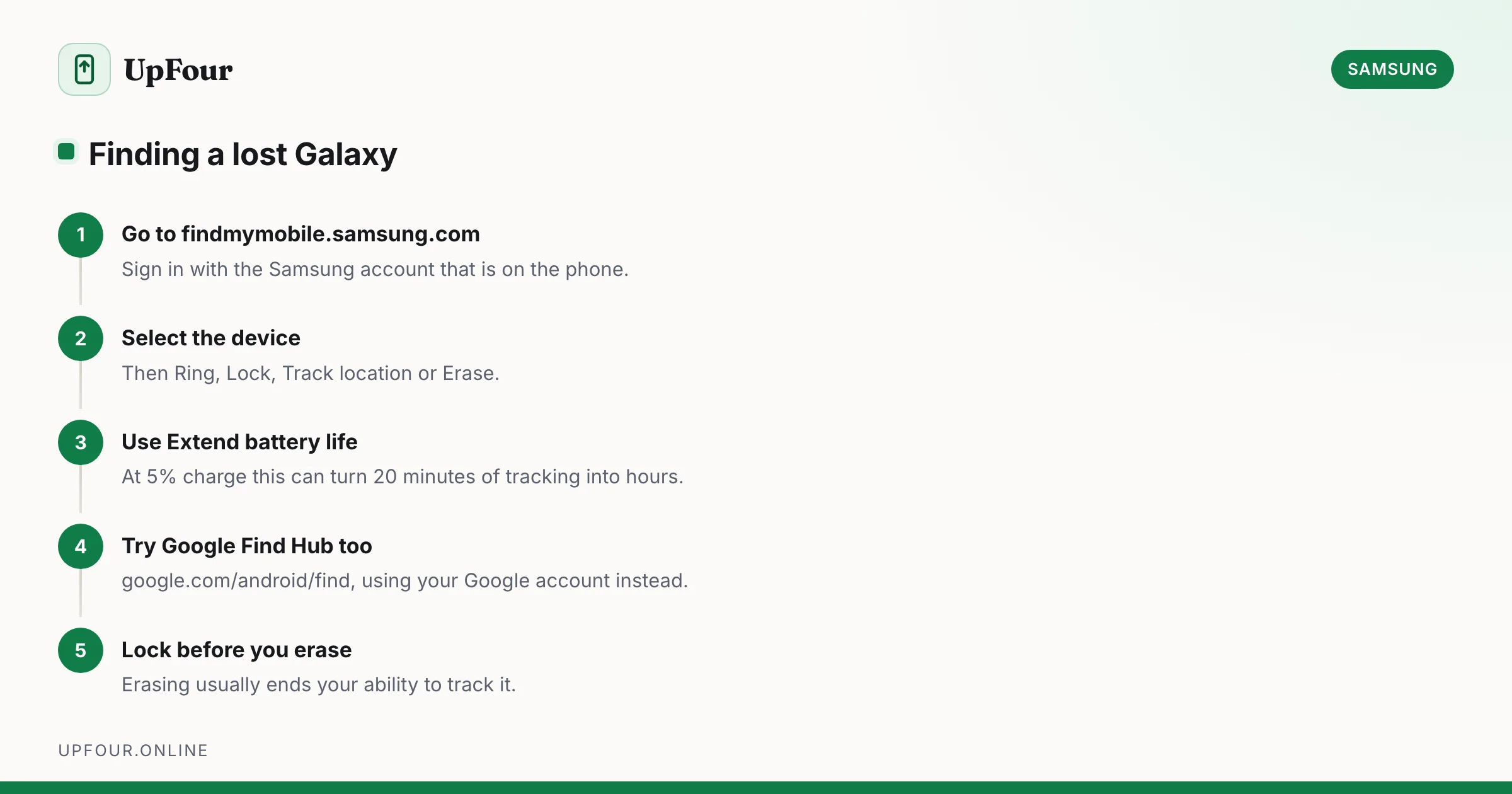
Locate, ring, lock or wipe a lost Galaxy phone using Samsung Find My Mobile or Google Find Hub — including how to find one that is switched off.
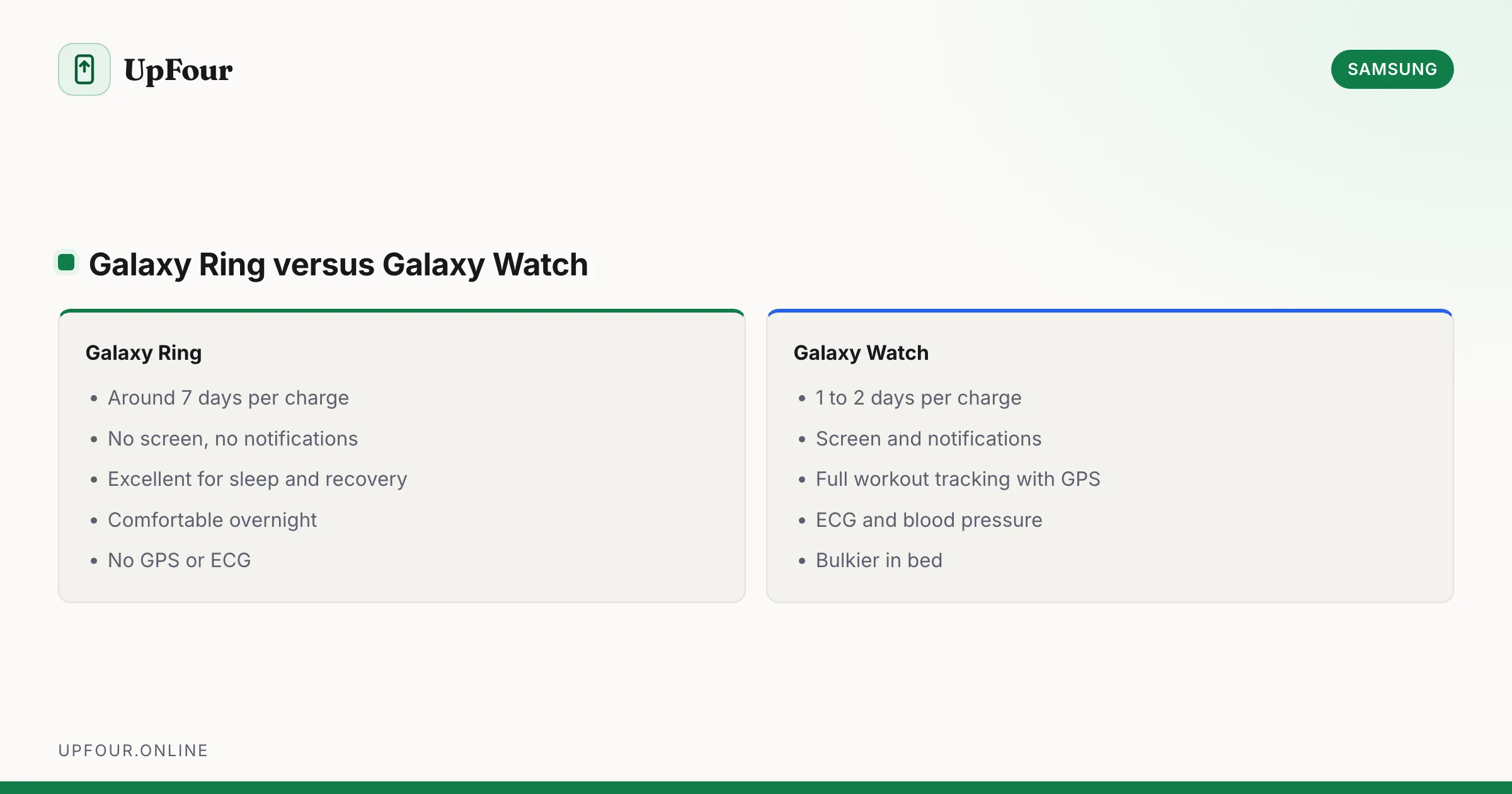
What the Samsung Galaxy Ring tracks, how it compares to a Galaxy Watch, battery life, sizing, and whether it needs a subscription.
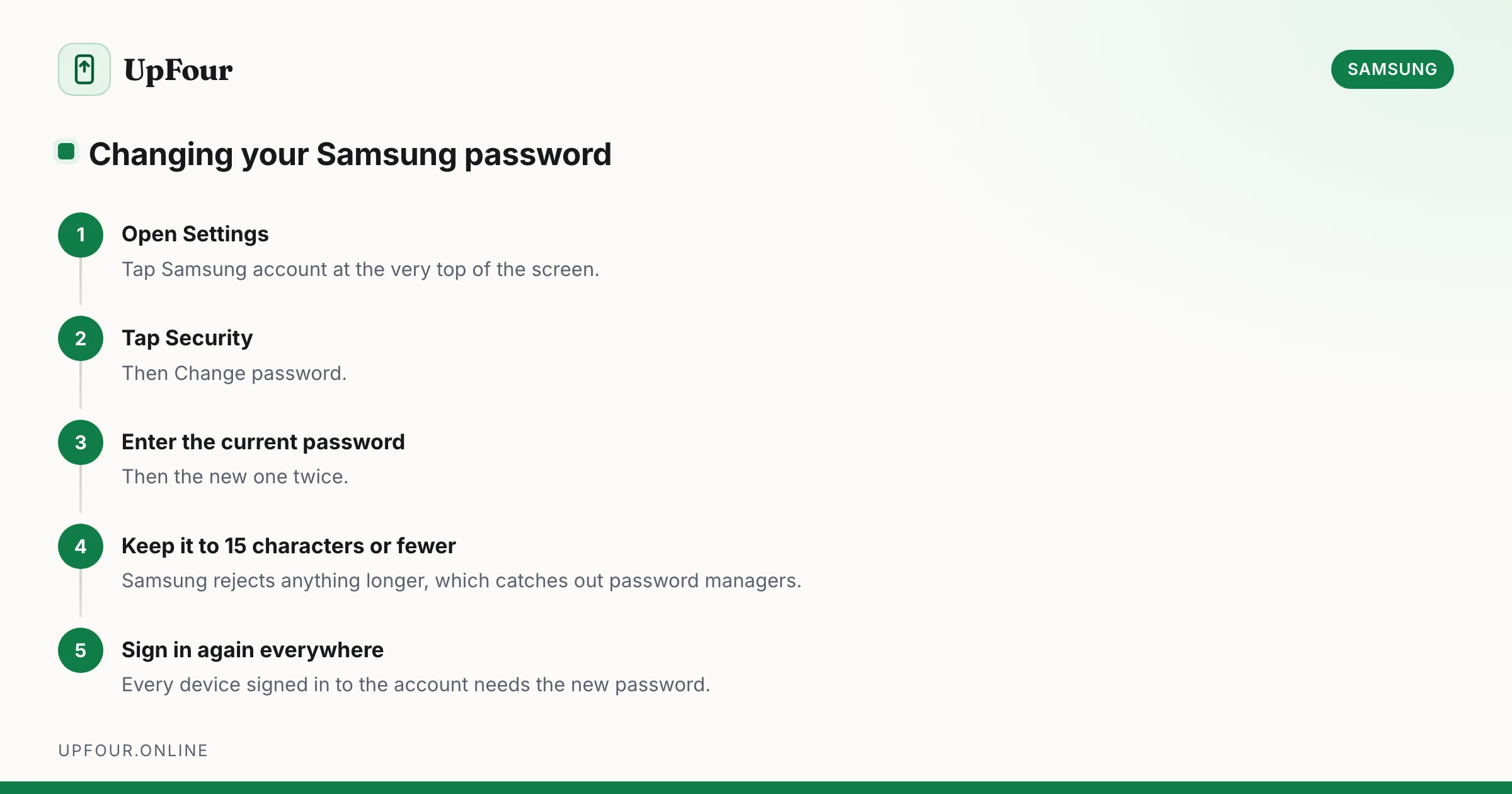
Change your Samsung account password from your phone or a browser, update the email address on the account, and understand what signs out when you do.
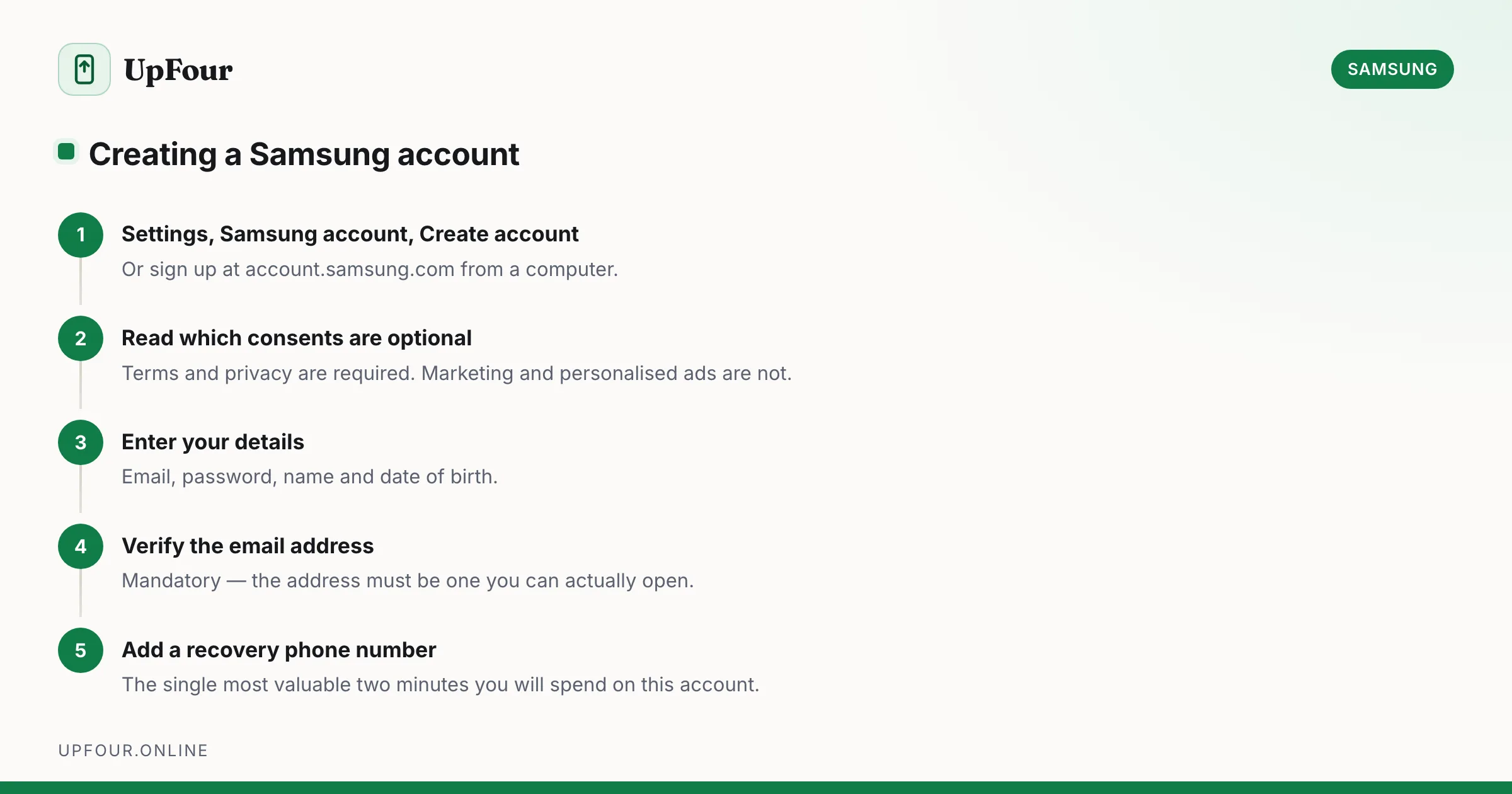
Set up a Samsung account on your phone or in a browser, avoid the common sign-up errors, and understand exactly what the account unlocks.
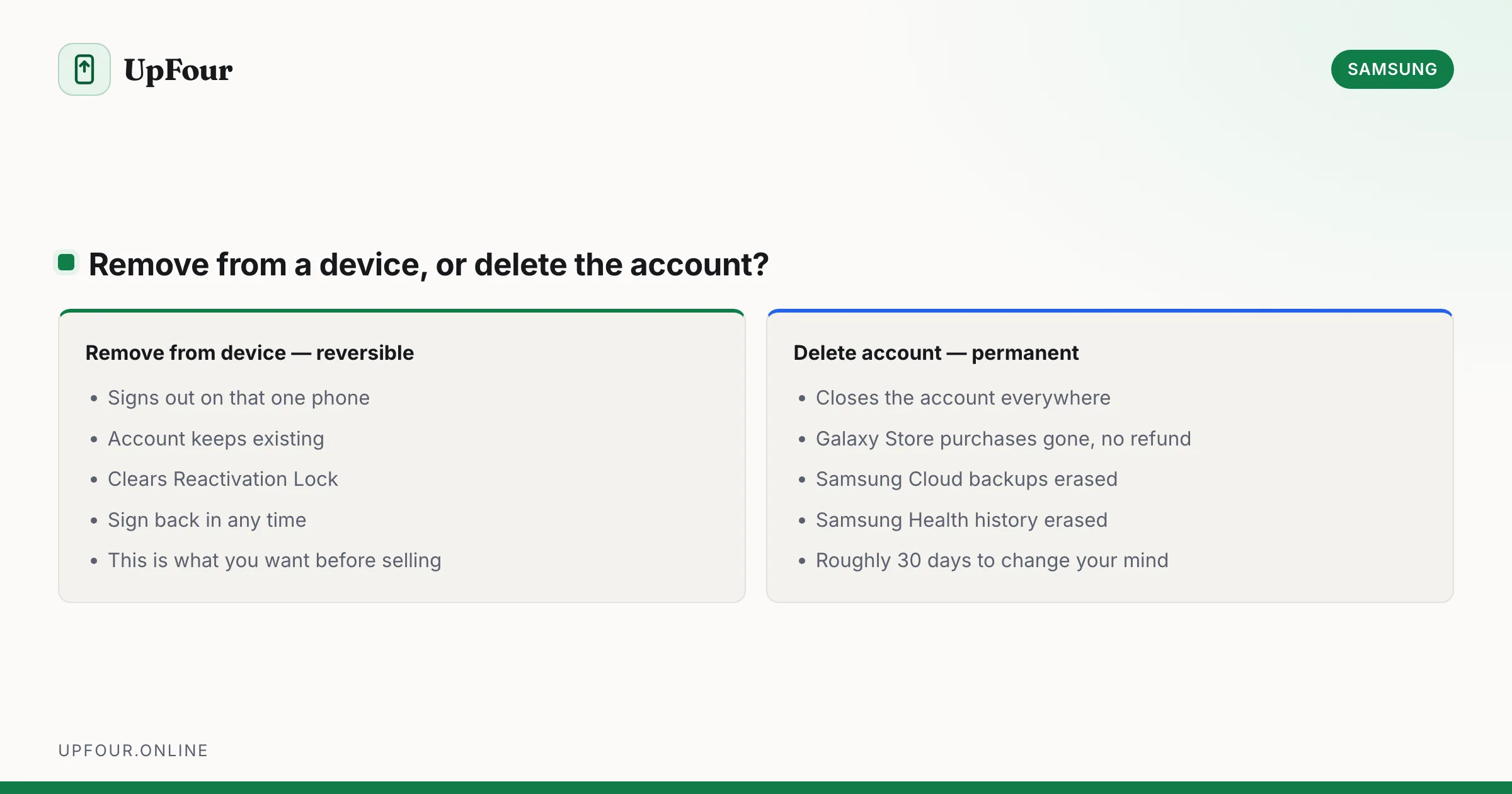
Permanently delete a Samsung account, or just remove it from your phone. What you lose, what Reactivation Lock does, and how to proceed without the password.
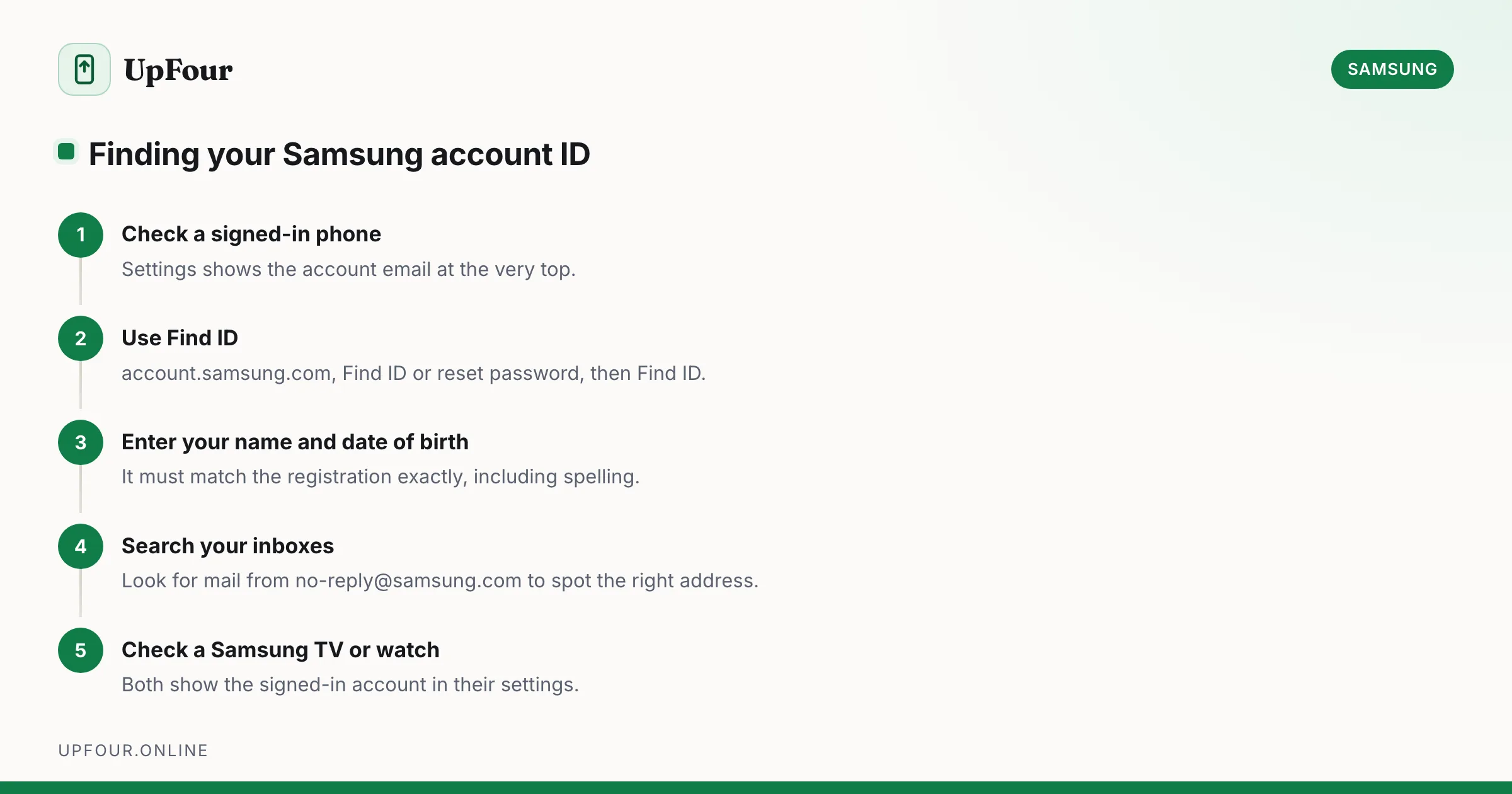
Find out which email address your Samsung account uses, recover a forgotten Samsung ID, and check whether you even have an account in the first place.
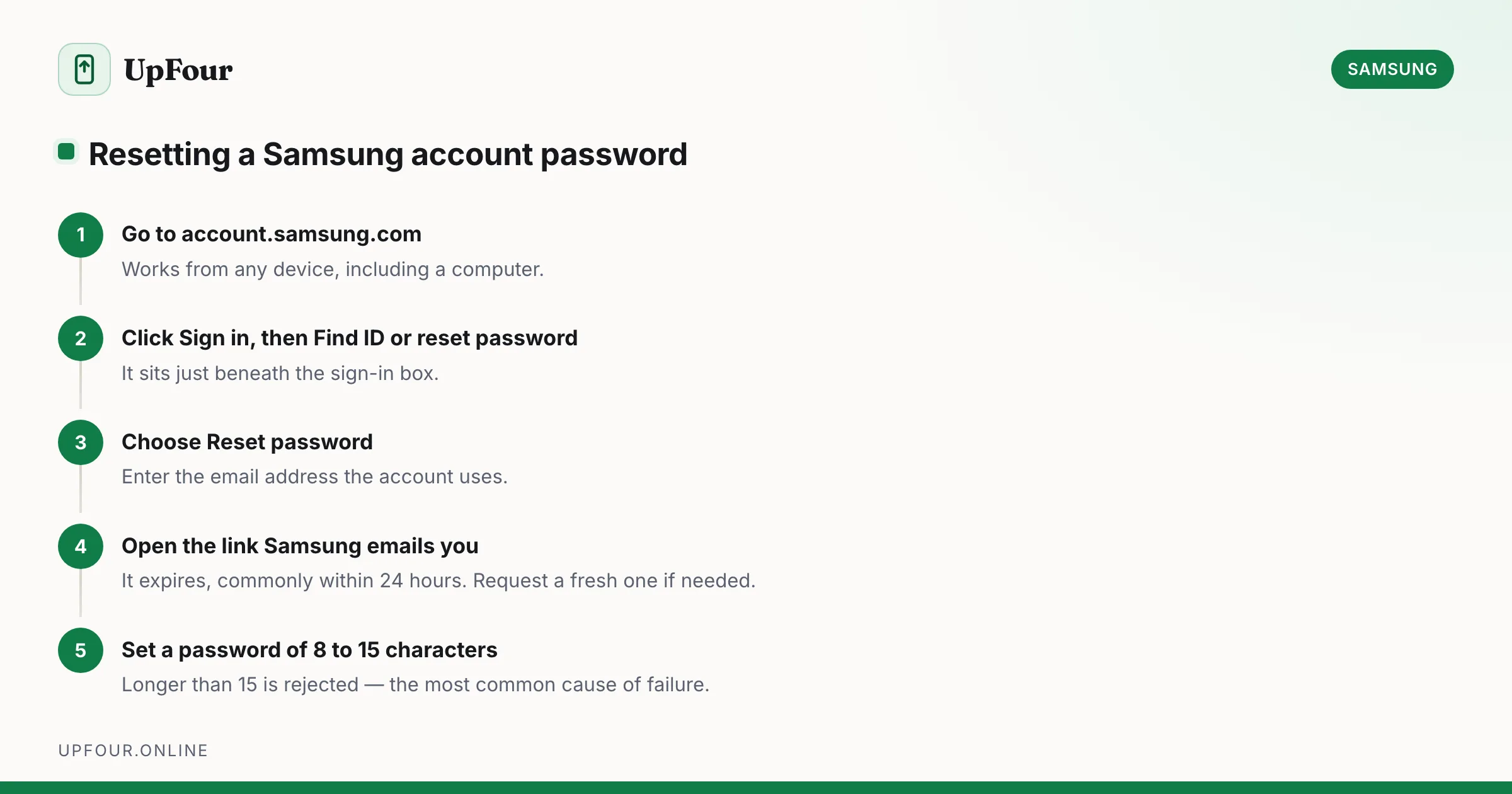
Reset a forgotten Samsung account password step by step, including what to do when you no longer have access to the recovery email or phone number.
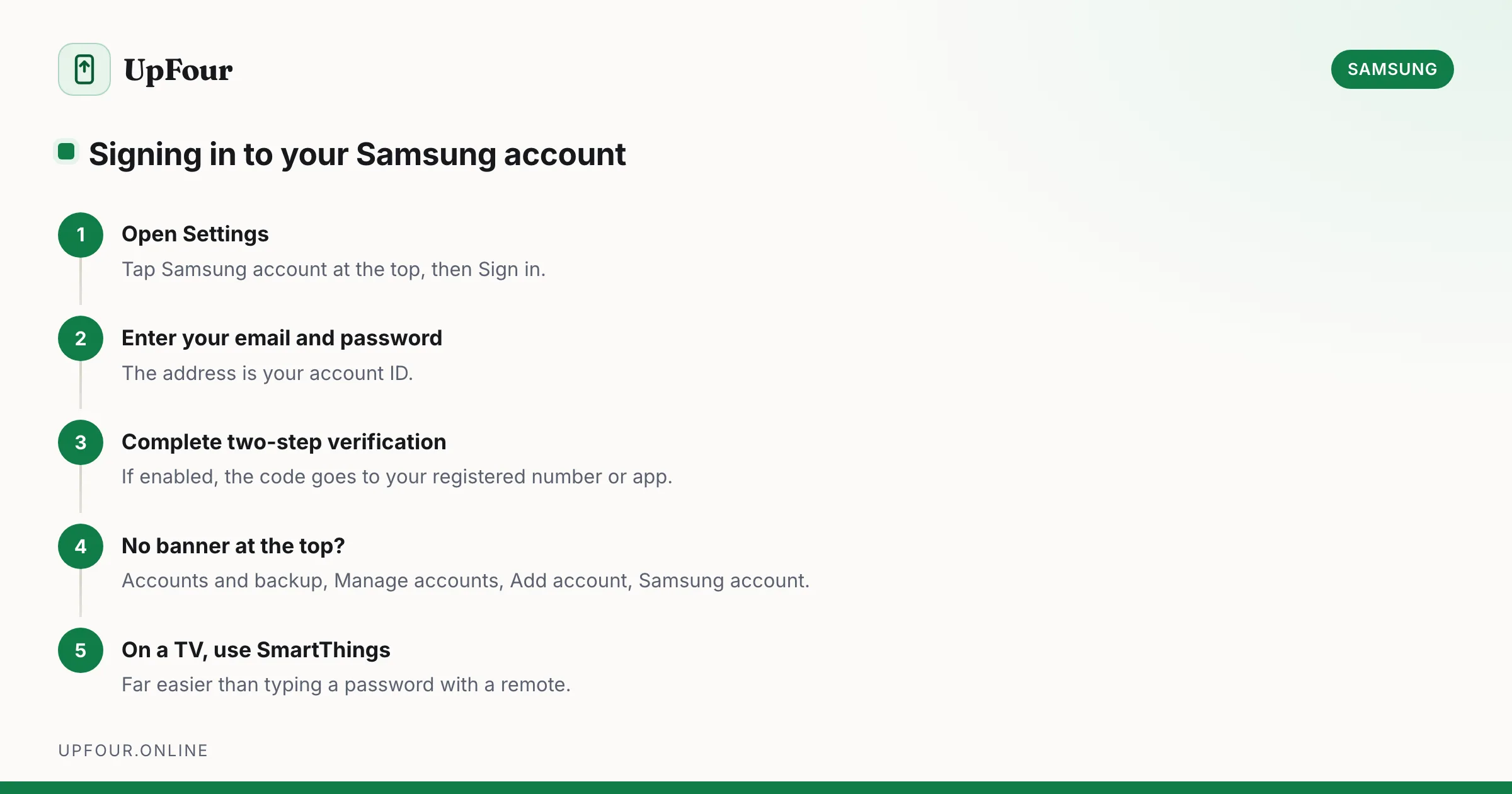
Sign in to your Samsung account on a phone, tablet, TV or browser — and sign out safely without triggering Reactivation Lock problems.
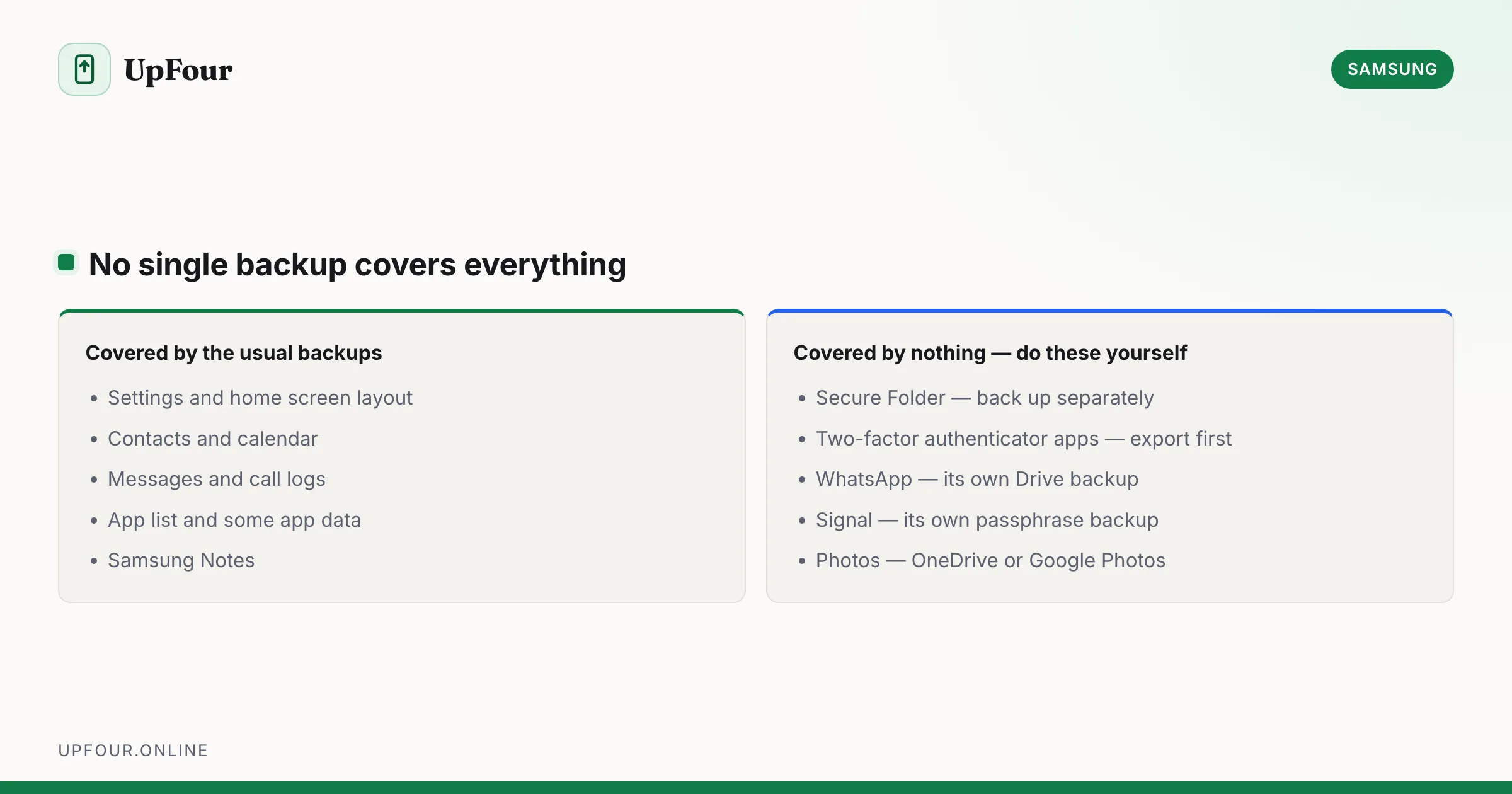
Back up a Galaxy phone with Samsung Cloud, Google and Smart Switch, then restore to a new device — including what each method does and does not save.
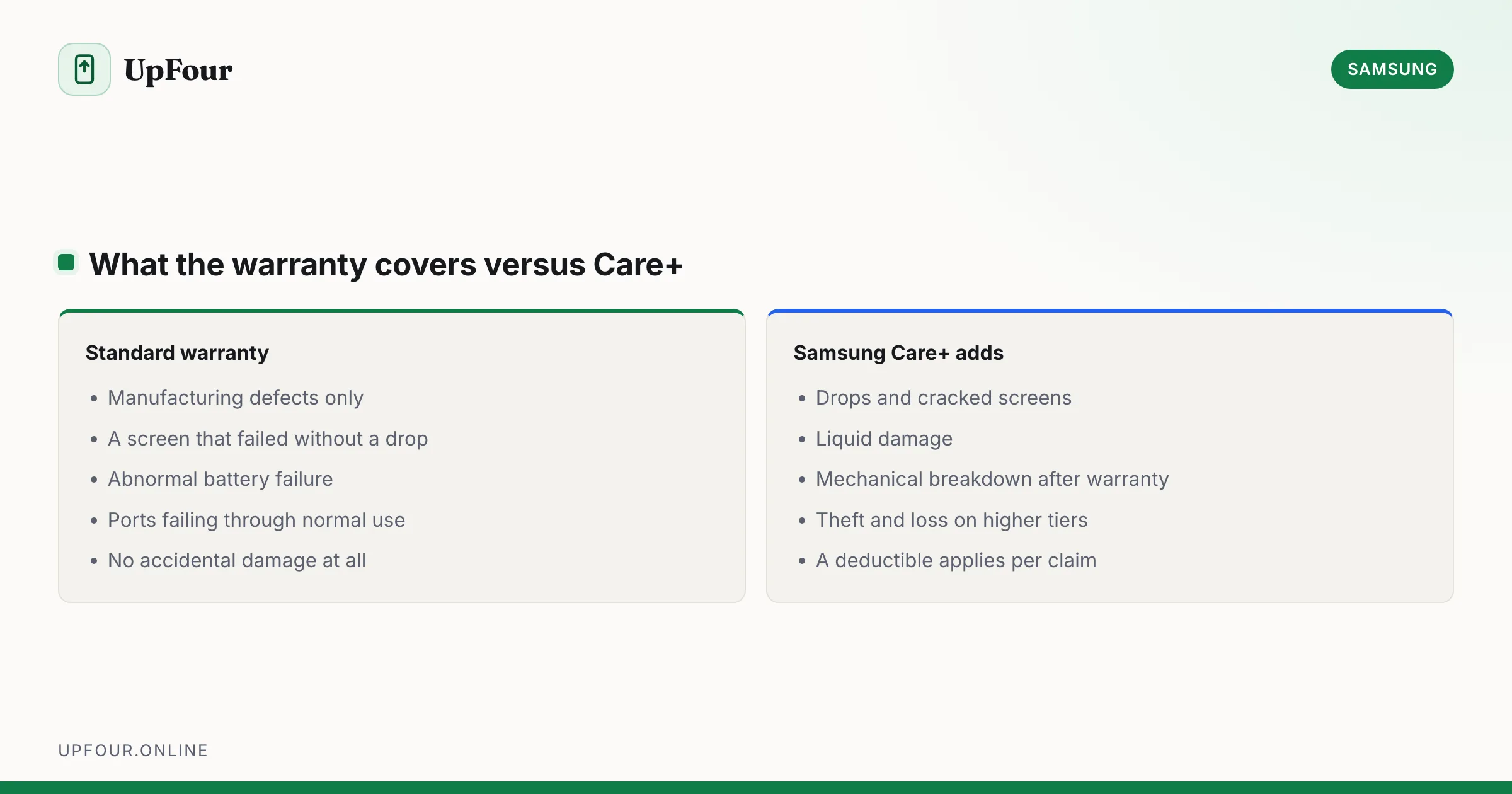
What Samsung Care+ covers, what it costs against an out-of-warranty repair, and the specific cases where it does and does not pay for itself.
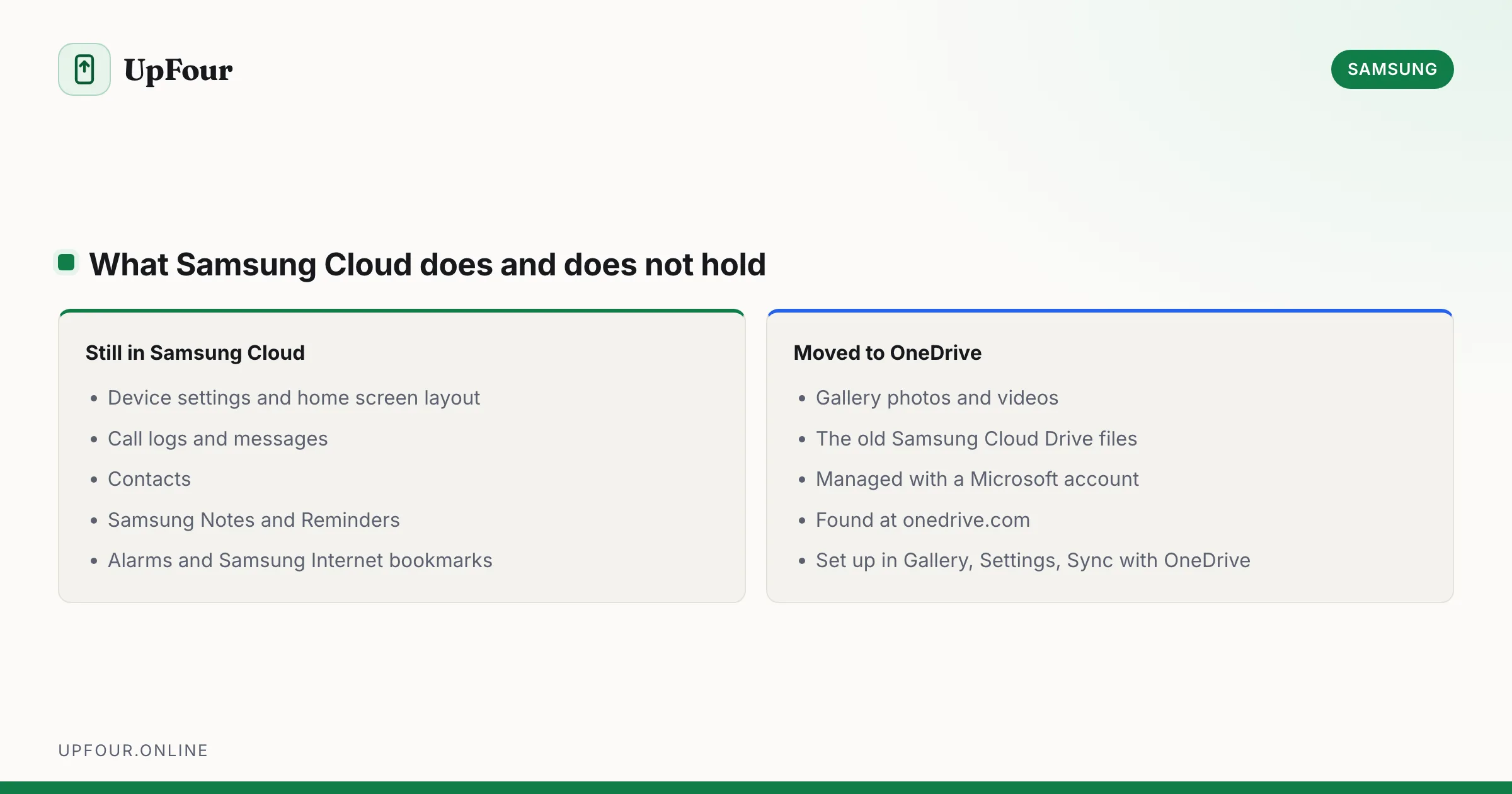
Find Samsung Cloud on your Galaxy phone or in a browser, and understand why Gallery and Drive files moved to Microsoft OneDrive.
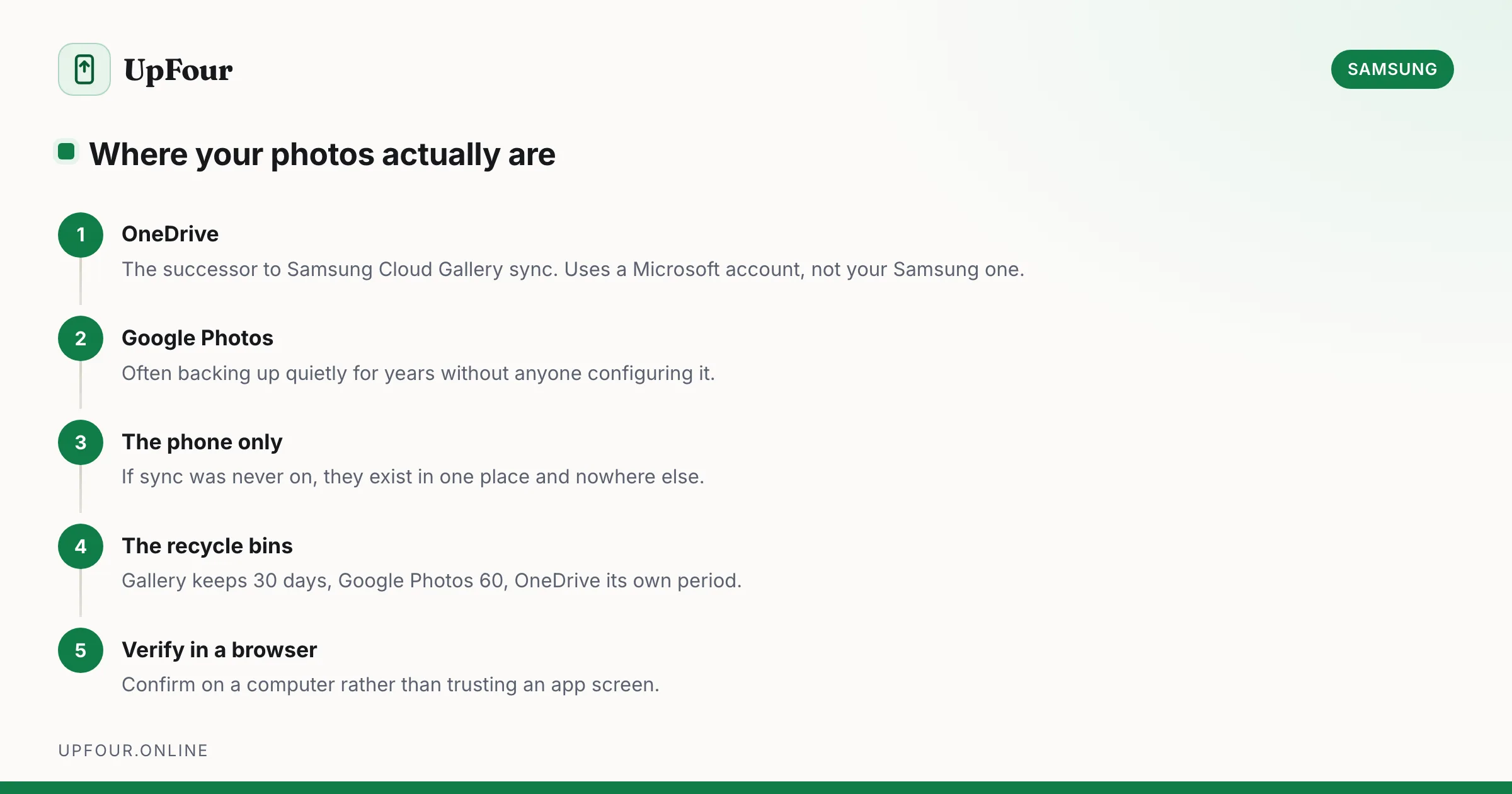
Find photos you thought were in Samsung Cloud, recover deleted Gallery images, and set up photo backup that will not lose your pictures.