How to Find Your Samsung Account ID When You've Forgotten It
Find out which email address your Samsung account uses, recover a forgotten Samsung ID, and check whether you even have an account in the first place.
Short answer
Your Samsung account ID is an email address. If your Galaxy phone is signed in, it is shown at the top of Settings. Otherwise use Find ID at account.samsung.com, which locates the account from your name and date of birth.
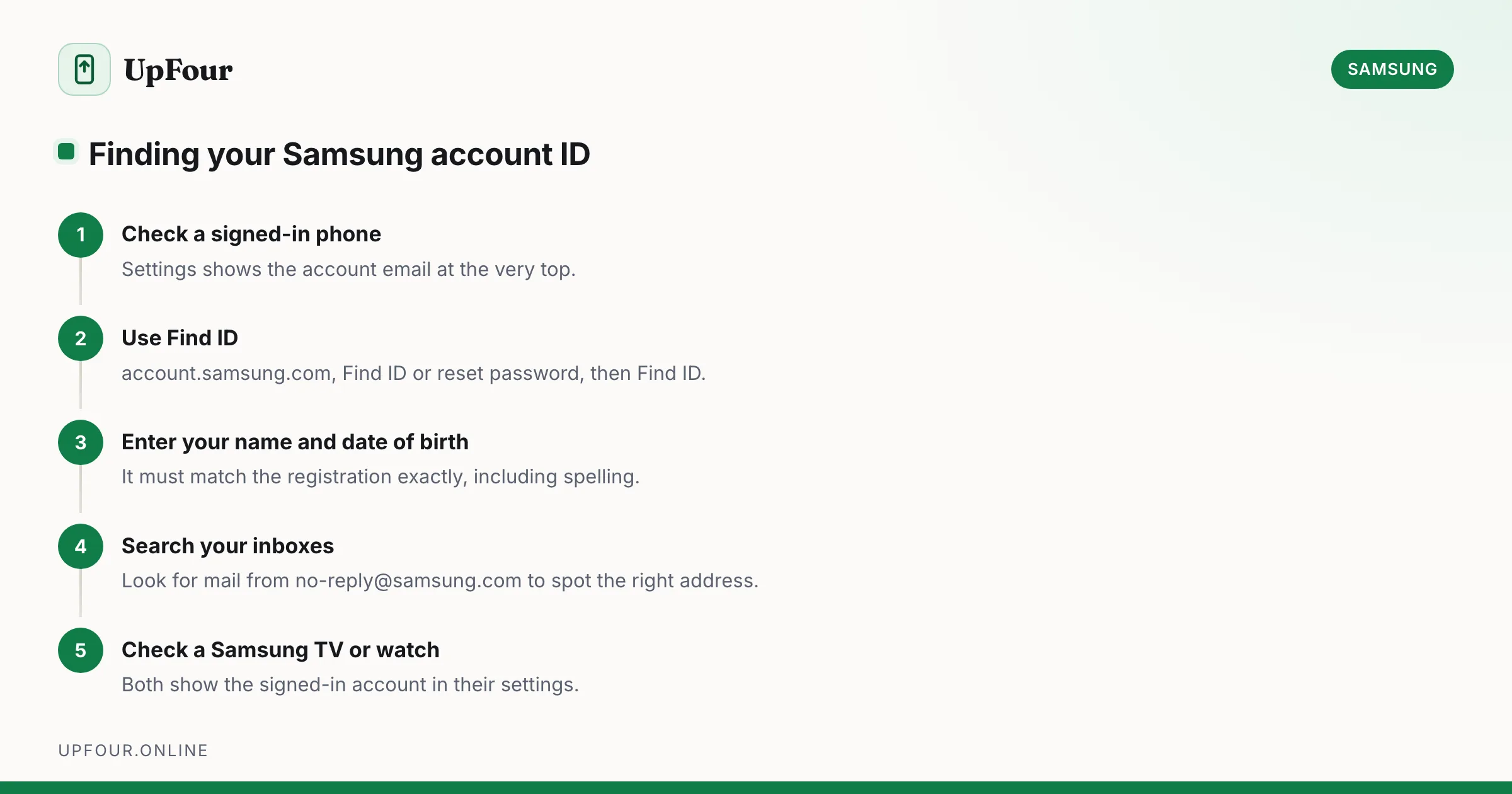
People search for their "Samsung account password" when the real problem is that they cannot remember which email address the account uses. Start here — it is a different fix.
The fastest check: look at your phone
If any Galaxy device is still signed in, the answer is on screen in five seconds.
- Open Settings.
- Look at the top of the screen. Your name and the account email appear there.
- Tap it to see the full account details.
Alternative path if the top banner is missing: Settings › Accounts and backup › Manage accounts. Every account on the device is listed, with the Samsung account labelled as such.
This is worth doing before anything else. Most people discover the account uses an old address they had forgotten about entirely.
Find your ID without a signed-in device
- Go to account.samsung.com.
- Click Sign in, then Find ID or reset password.
- Choose Find ID.
- Enter your name and date of birth exactly as you registered them.
Samsung shows the matching account with the address partially masked — something like j••••@gmail.com. That is usually enough to jog your memory, and enough to start a password reset against.
The name and date of birth must match the registration exactly. If you signed up years ago with a different spelling or a placeholder birthday, this lookup will fail even though the account exists.
Other places your Samsung ID is visible
If the lookup does not work, hunt for evidence instead:
- Search your email. Look for messages from
no-reply@samsung.comor subjects containing "Samsung account". Whichever inbox holds them is your account address. - Galaxy Store receipts. Purchase confirmations are sent to the account address.
- A Samsung TV or appliance. Smart TVs show the signed-in account under Settings › General › System Manager › Samsung Account.
- A Galaxy Watch. The paired phone's Wearable app is tied to the same account.
- Your password manager or browser saved logins. Search saved entries for
samsung.com.
Check whether you actually have an account
Not every Galaxy owner has one. A Samsung account is optional — you can set up a phone with only a Google account.
To test: go to account.samsung.com, choose Sign in, enter a candidate email address and any password. If the account does not exist, Samsung reports that it cannot find it rather than reporting a wrong password. That distinction tells you what you need to know.
Samsung account versus Google account
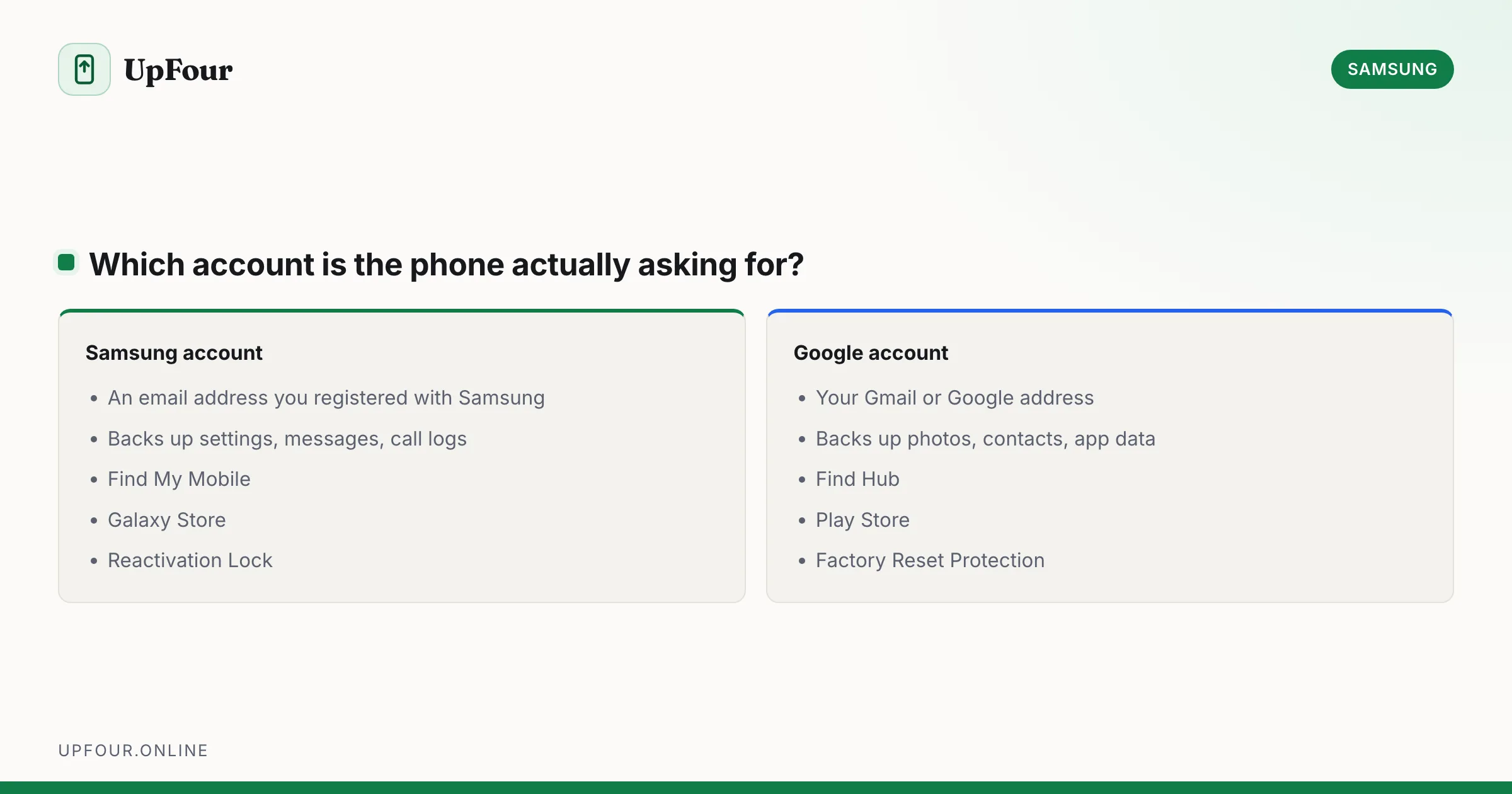
A constant source of confusion, and worth being precise about because the two protect different things.
| Samsung account | Google account | |
|---|---|---|
| Sign-in ID | An email address you registered with Samsung | Your Gmail / Google address |
| Backs up | Settings, call logs, messages, some app data | Photos, contacts, app data, Drive |
| Find my phone | Find My Mobile | Find Hub / Find My Device |
| App store | Galaxy Store | Google Play |
| Lock after reset | Reactivation Lock | Factory Reset Protection |
Both are usually present on a Galaxy phone. Resetting one has no effect on the other. If you are locked out after a factory reset, identify which account the phone is demanding before you start recovering anything.
Once you have the ID
Reset the password with the account email in hand — see resetting your Samsung account password. Then immediately add a recovery phone number under account.samsung.com › Profile › Contact information, so the next lookup takes seconds rather than an afternoon.
If Find ID returns nothing
Three possibilities, in order of likelihood:
- The registered name or date of birth differs from what you entered. Try variations — a middle name included or omitted, a maiden name, a different date format.
- The account was created through a partner sign-in. If you originally chose "Continue with Google", there may be no separate Samsung password at all; sign in with the Google option instead.
- The account genuinely does not exist. Create a new one. Nothing is lost unless you had Samsung Cloud backups or Galaxy Store purchases tied to the old account.
If you had purchases or a backup you need, contact Samsung Support with the device IMEI (dial *#06#) and proof of purchase. Support can locate an account tied to a registered device, which is often the only route left.
Prevention
Once you are back in, record the account address somewhere durable — a password manager entry, not a note on the phone itself. The account controls remote lock and wipe for every Galaxy device you own, so losing access to it is considerably worse than losing an app password.
Frequently asked questions
How do I find out what my Samsung account is?
If your phone is signed in, the account email appears at the top of Settings. Otherwise go to account.samsung.com, choose Find ID or reset password, then Find ID, and enter the name and date of birth you registered with.
Is my Samsung account ID an email address?
Yes. Samsung accounts use an email address as the sign-in ID. That address may be different from the Google account on the same phone.
What if Find ID cannot locate my account?
The registered name or date of birth probably differs from what you entered. You may also have signed up using Continue with Google, in which case there is no separate Samsung password. Search your inboxes for mail from no-reply@samsung.com to identify the address.
Do I need a Samsung account at all?
No. A Samsung account is optional and a Galaxy phone works with only a Google account. You need one for Samsung Cloud backup, Find My Mobile, Galaxy Store purchases and SmartThings.
Sources & further reading
Official documentation used while writing and checking this guide. Every link was verified at the last update.
- Samsung account sign-in and managementSamsung
- Official Samsung SupportSamsung
- Samsung Find My MobileSamsung
Machine-readable version: Markdown source
Related guides
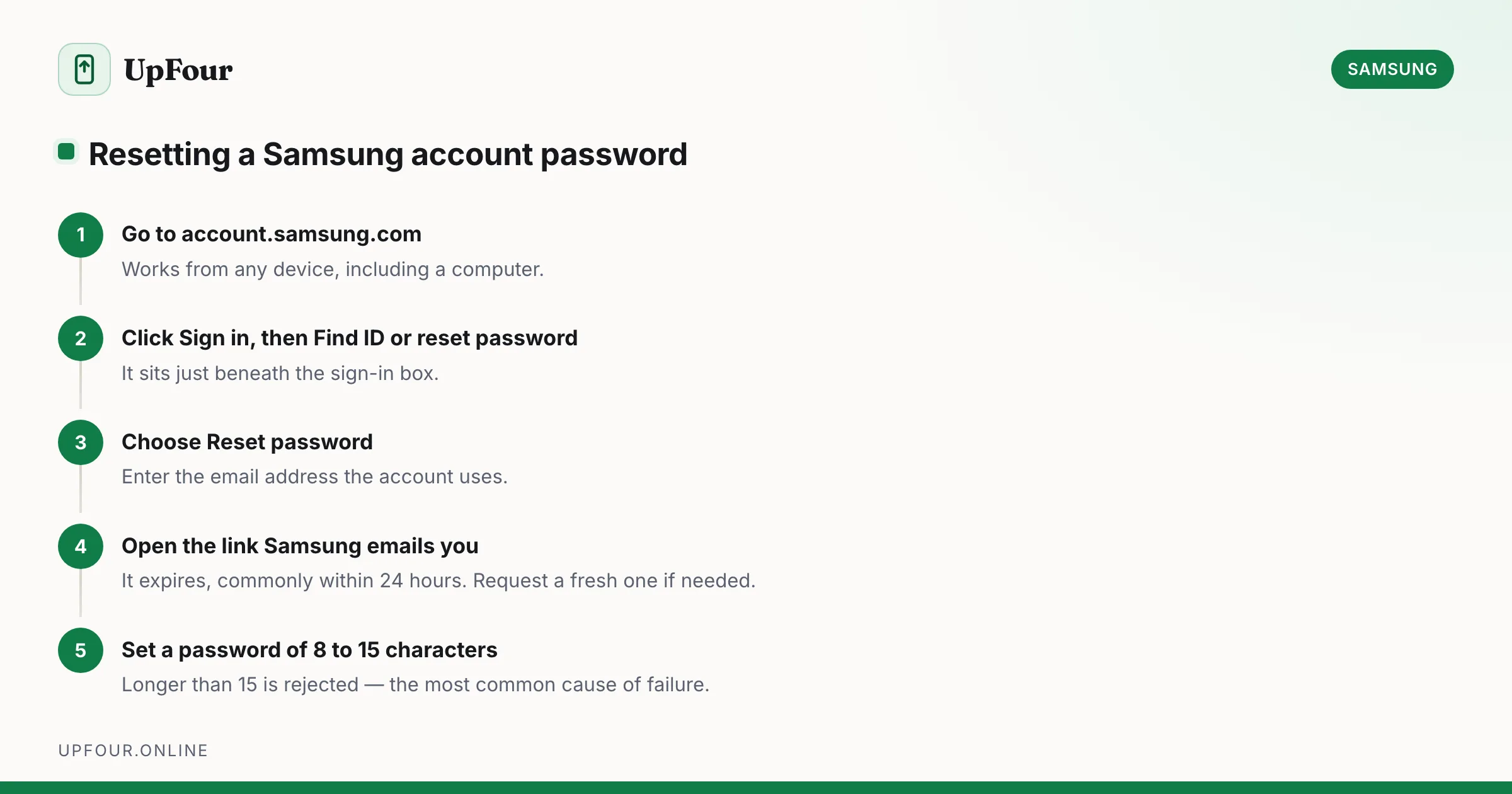
How to Reset Your Samsung Account Password (Even Without Access to Your Email)
Reset a forgotten Samsung account password step by step, including what to do when you no longer have access to the recovery email or phone number.
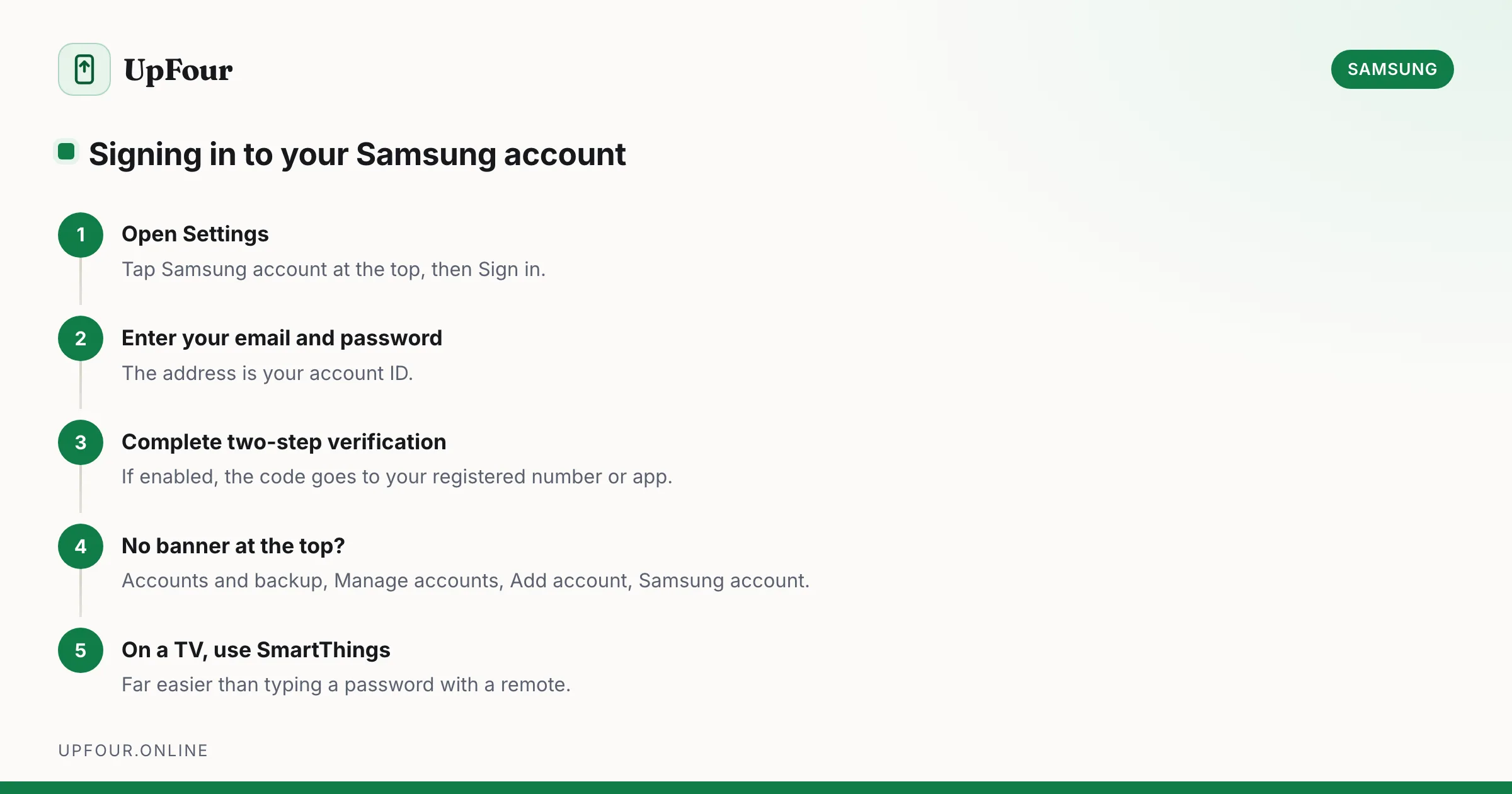
How to Sign In to (and Out of) Your Samsung Account
Sign in to your Samsung account on a phone, tablet, TV or browser — and sign out safely without triggering Reactivation Lock problems.
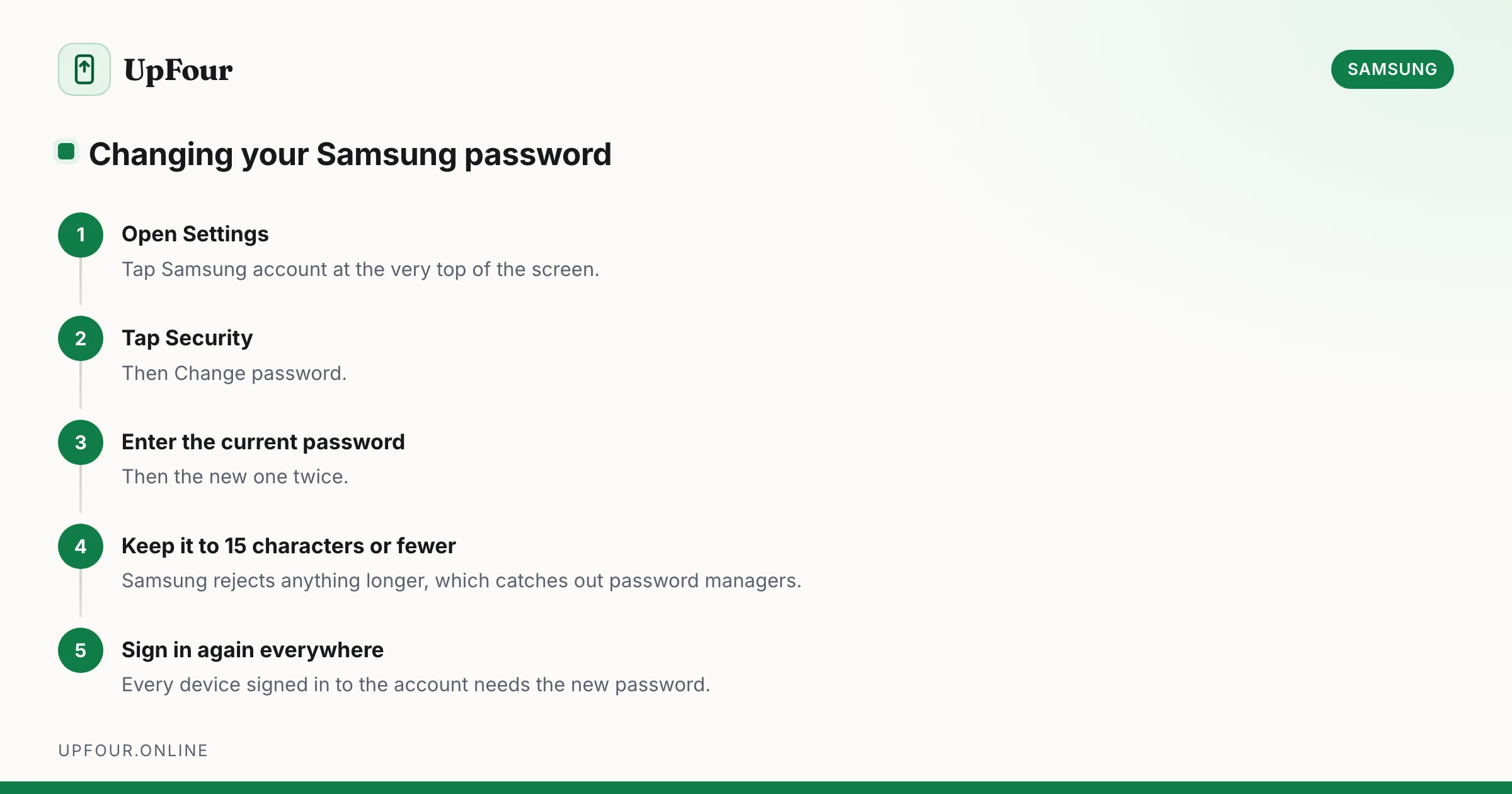
How to Change Your Samsung Account Password (and Email Address)
Change your Samsung account password from your phone or a browser, update the email address on the account, and understand what signs out when you do.