How to Reset Your Samsung Account Password (Even Without Access to Your Email)
Reset a forgotten Samsung account password step by step, including what to do when you no longer have access to the recovery email or phone number.
Short answer
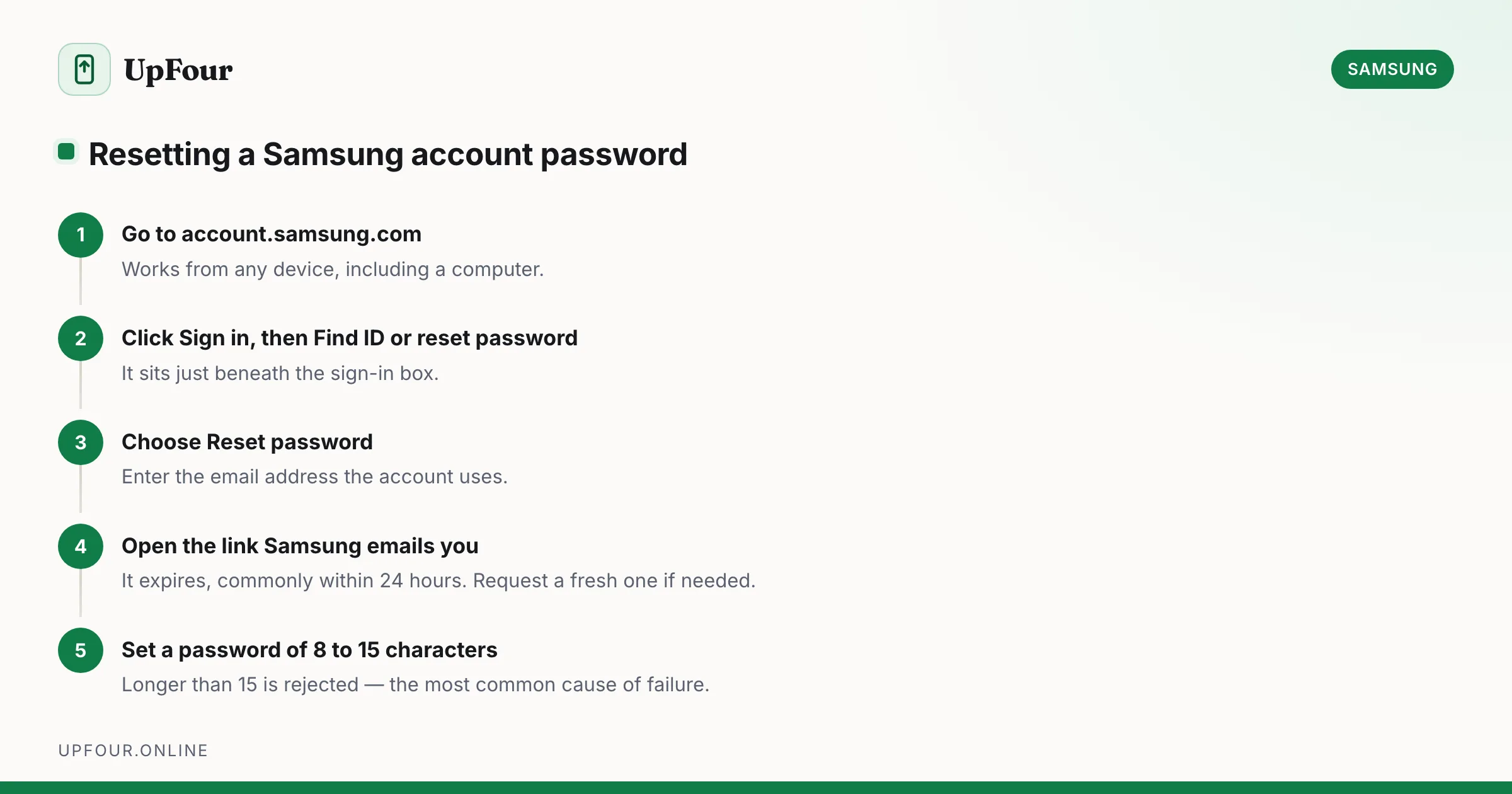
Go to account.samsung.com, tap Sign in, then Find ID or reset password, enter your Samsung account email and follow the verification link sent to that address. On your phone the same flow lives under Settings › Samsung account › Sign in › Forgot your password.
A forgotten Samsung account password locks you out of more than one app. It gates Samsung Cloud backups, Find My Mobile, Galaxy Store purchases, Samsung Pay and SmartThings. Here is the reset, followed by the awkward cases where the standard flow fails.
Reset from a browser (works on any device)
This is the most reliable route because it does not depend on being signed in anywhere.
- Go to account.samsung.com.
- Click Sign in.
- Click Find ID or reset password beneath the sign-in box.
- Choose Reset password.
- Enter the email address you used for the Samsung account.
- Samsung sends a reset link to that address. Open it and set a new password.
The link expires — commonly within 24 hours — so use it promptly. If it has expired, simply start the request again.
Reset from your Galaxy phone
- Open Settings.
- Tap Samsung account at the very top (or Accounts and backup › Manage accounts › Samsung account).
- Tap Sign in, then Forgot your password?
- Enter your account email and complete verification.
If the phone is already signed in and you only want to change the password rather than recover it, that is a different and simpler flow — see our guide to changing your Samsung account password.
Password requirements
Samsung rejects a surprising number of new passwords. The rules are:
- 8 to 15 characters
- at least one uppercase letter, one lowercase letter, one number and one symbol
- cannot repeat three or more identical characters in a row
- cannot reuse your previous passwords
- cannot contain your account ID
The 15-character ceiling catches people out — a long passphrase from a password manager will be rejected outright.
When you cannot access the recovery email
This is the real problem behind most searches, and the answer depends on which of these is true.
You know the email address but cannot open the inbox
If the email account itself is recoverable, fix that first. Recovering a Gmail or Outlook account is usually faster than fighting Samsung's flow, and it solves the problem permanently.
You added a phone number to the account
Samsung can verify by SMS instead. On the Find ID or reset password screen, look for the option to verify by phone number. This only appears if a mobile number was added and confirmed on the account beforehand.
You are already signed in on the phone
This is the most useful fallback and most people overlook it. A Galaxy phone that is still signed in can often change the password directly without an email round trip:
Settings › Samsung account › Security › Change password
Some builds still require the current password here. Where they do not, you can set a new one using only the device's own screen lock as verification. Try this before anything else if your phone is still logged in.
None of the above
Contact Samsung Support directly. You will need proof of ownership — typically the device IMEI (dial *#06#), the original proof of purchase, and the account's registered name. This is a manual review, not an instant reset, and it can take several days.
There is no legitimate tool or app that resets a Samsung account password without verification. Anything advertising that is either malware or a scam. The account protects Find My Mobile and remote wipe, so Samsung will not bypass it.
Two-step verification is on and you lost the second factor
If you enabled two-step verification and no longer have the phone that receives the codes, use a backup code. These were shown once when you turned the feature on. Failing that, Samsung Support is again the only route, with the same proof-of-ownership requirements.
Reactivation Lock and Factory Reset Protection
A warning that matters more than the password itself.
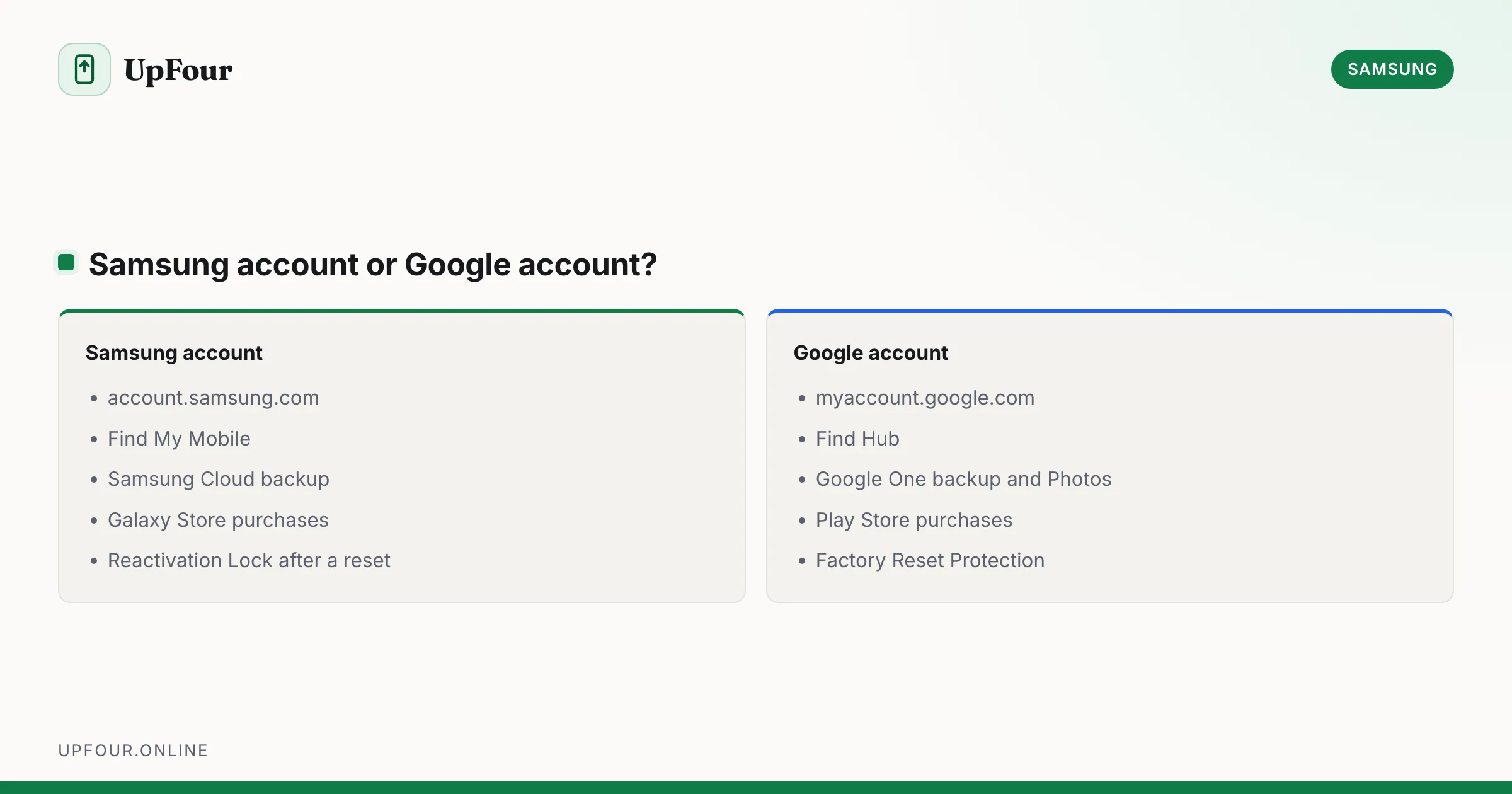
If you factory reset a Galaxy phone without first removing the Samsung account, Reactivation Lock demands that account's credentials before the phone will finish setup. Google's Factory Reset Protection does the same for the Google account. A wipe does not clear either.
Always remove both accounts before resetting or selling a phone:
- Settings › Accounts and backup › Manage accounts › Samsung account › Remove account
- Settings › Accounts and backup › Manage accounts › Google › Remove account
After you regain access
Three things worth doing immediately, because they prevent a repeat:
- Add or confirm a recovery phone number. account.samsung.com › Profile › Contact information. This gives you the SMS fallback that most locked-out people wish they had.
- Save your backup codes somewhere outside the phone if you use two-step verification.
- Check active devices. account.samsung.com › Security › Devices lists everything signed in. Remove anything you do not recognise.
Common failure points
| Symptom | Cause |
|---|---|
| "Account not found" | Wrong email, or the account uses a different address than you assume |
| Reset link never arrives | Check spam; the address may have a typo; some corporate mail servers block it |
| New password rejected | Over 15 characters, or missing a required character class |
| Link says expired | Requests are short-lived — start a fresh one |
| Signed out of everything after reset | Expected. Changing the password invalidates existing sessions |
Note that your Samsung account and your Google account are entirely separate. Resetting one does nothing to the other, and a Galaxy phone normally has both.
Frequently asked questions
How do I reset my Samsung account password?
Go to account.samsung.com, click Sign in, then Find ID or reset password. Enter your account email and follow the reset link Samsung sends to it. The same flow is available on your phone under Settings › Samsung account › Sign in › Forgot your password.
How can I reset my Samsung password without the email?
If you added a phone number to the account you can verify by SMS instead. If your phone is still signed in, try Settings › Samsung account › Security › Change password. Otherwise contact Samsung Support with your IMEI and proof of purchase.
Why does Samsung keep rejecting my new password?
Samsung passwords must be 8 to 15 characters with an uppercase letter, a lowercase letter, a number and a symbol. Passwords longer than 15 characters are rejected, which catches out anyone using a password manager's default length.
Is my Samsung account the same as my Google account?
No. They are completely separate accounts and most Galaxy phones are signed in to both. Resetting your Samsung account password has no effect on your Google account.
Sources & further reading
Official documentation used while writing and checking this guide. Every link was verified at the last update.
- Samsung account sign-in and managementSamsung
- Official Samsung SupportSamsung
- Samsung Find My MobileSamsung
- How to recognise and avoid phishing scamsUS Federal Trade Commission
Machine-readable version: Markdown source
Related guides
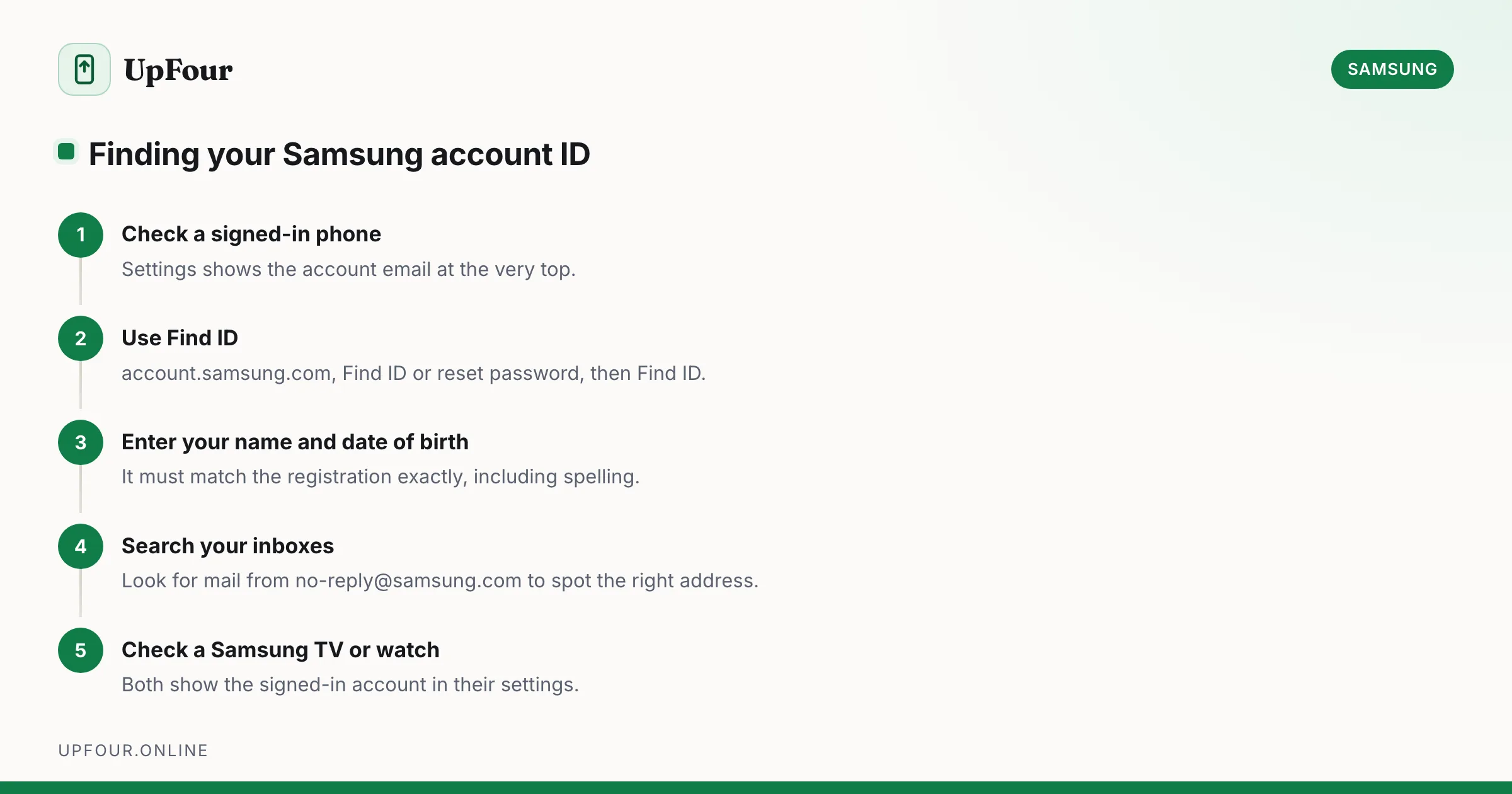
How to Find Your Samsung Account ID When You've Forgotten It
Find out which email address your Samsung account uses, recover a forgotten Samsung ID, and check whether you even have an account in the first place.
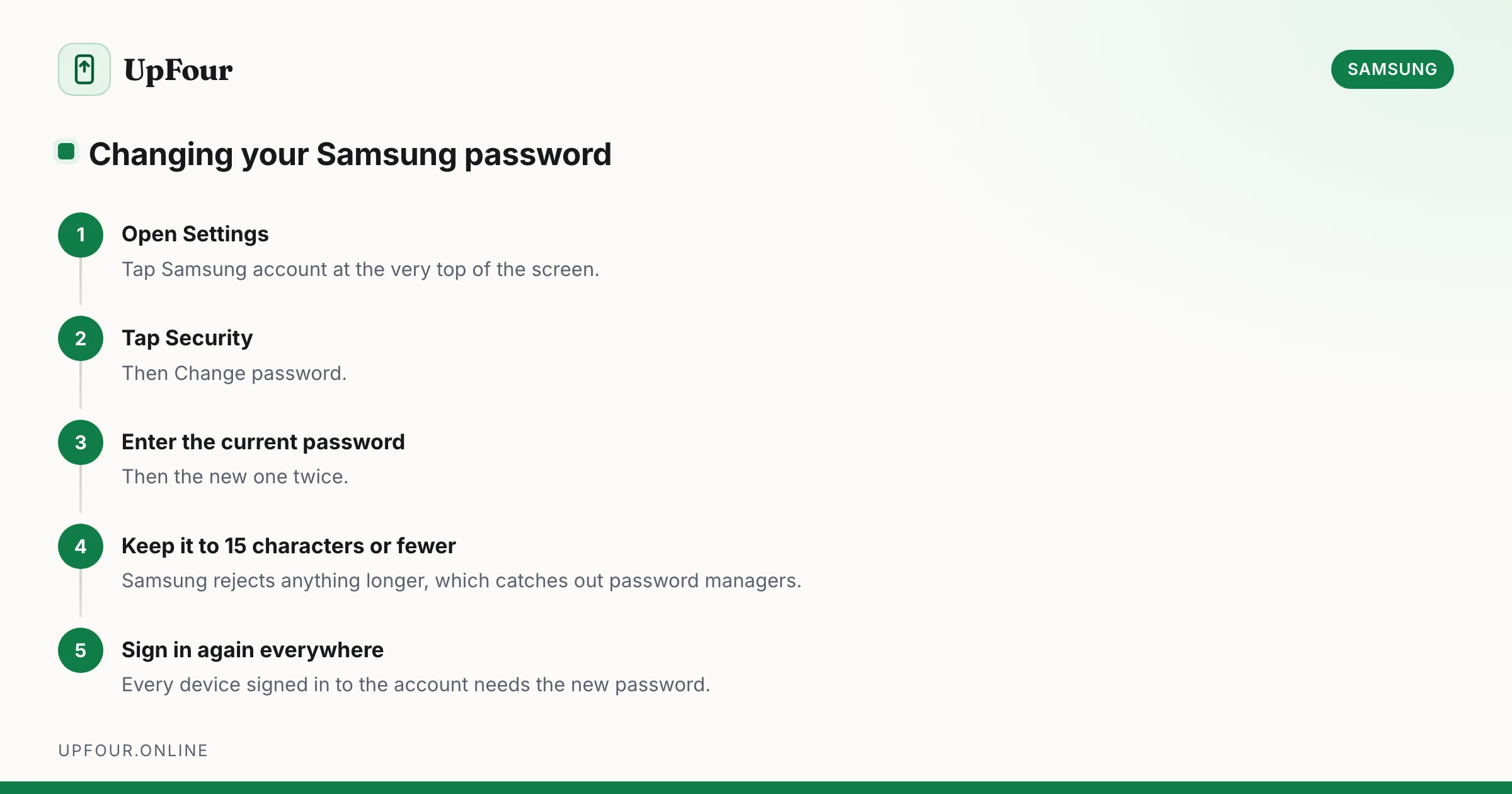
How to Change Your Samsung Account Password (and Email Address)
Change your Samsung account password from your phone or a browser, update the email address on the account, and understand what signs out when you do.
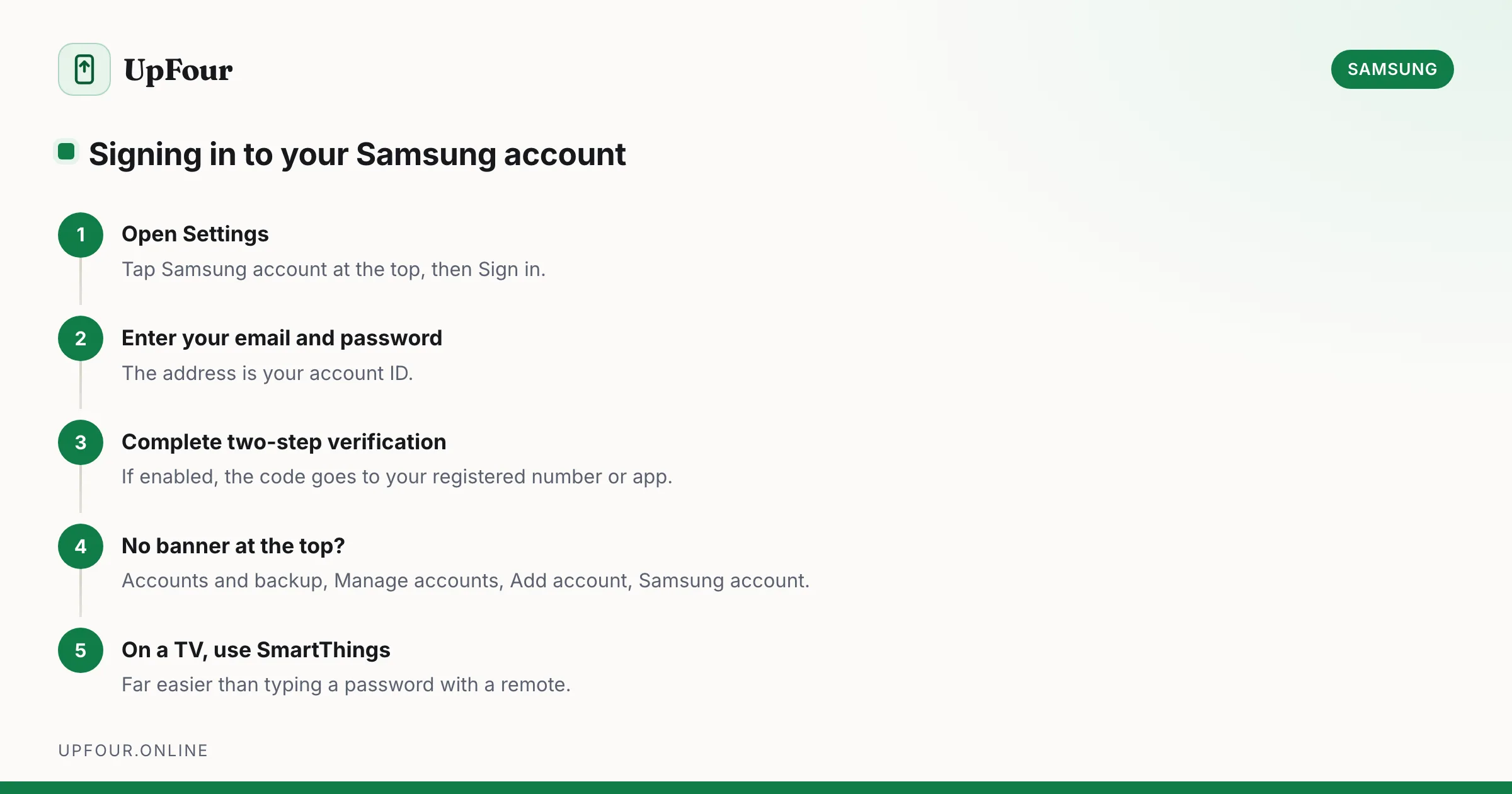
How to Sign In to (and Out of) Your Samsung Account
Sign in to your Samsung account on a phone, tablet, TV or browser — and sign out safely without triggering Reactivation Lock problems.