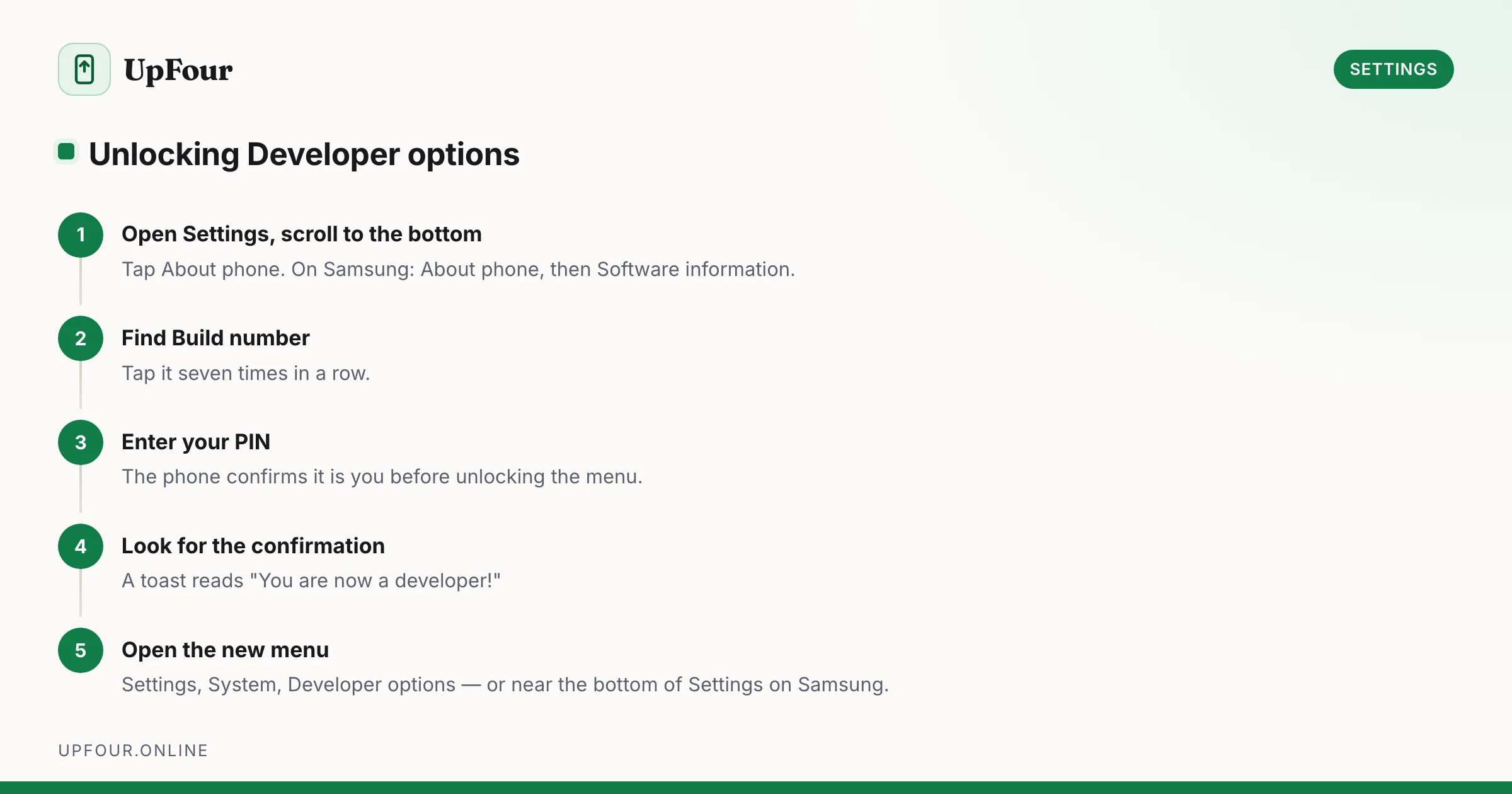
How to Enable Developer Options on Android (and the 8 Toggles Worth Using)
Enable Developer Options on any Android phone in under a minute, then use the eight settings that genuinely speed up your device — and skip the ones that break things.
3 guides
Walkthroughs for the Android settings that matter — notifications, defaults, display, network and the toggles buried four menus deep.
Android's Settings app has grown into something close to an operating system of its own. There are hundreds of toggles across dozens of screens, most of them named for what they do internally rather than what they do for you — and manufacturers rename and relocate them with every release.
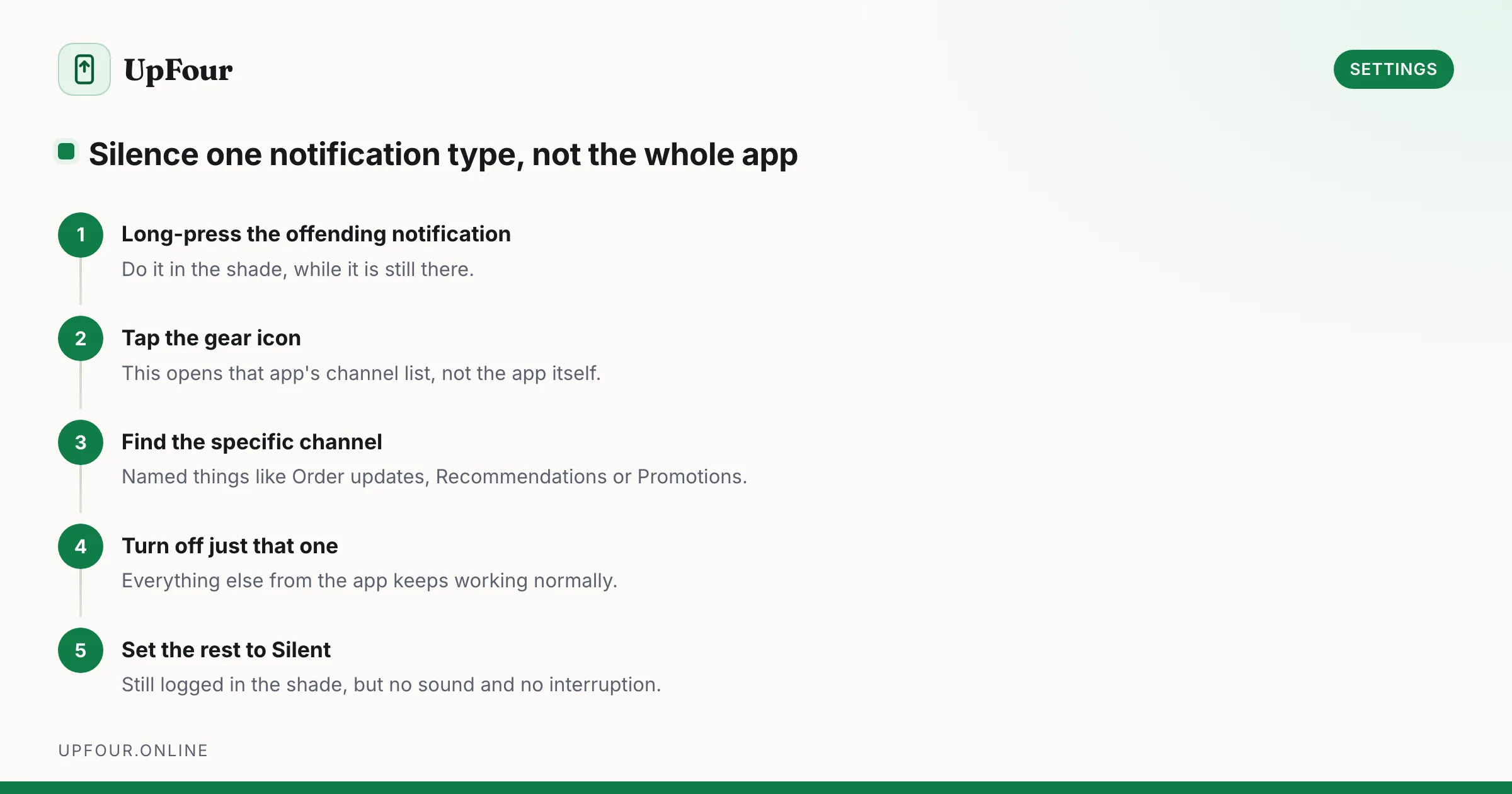
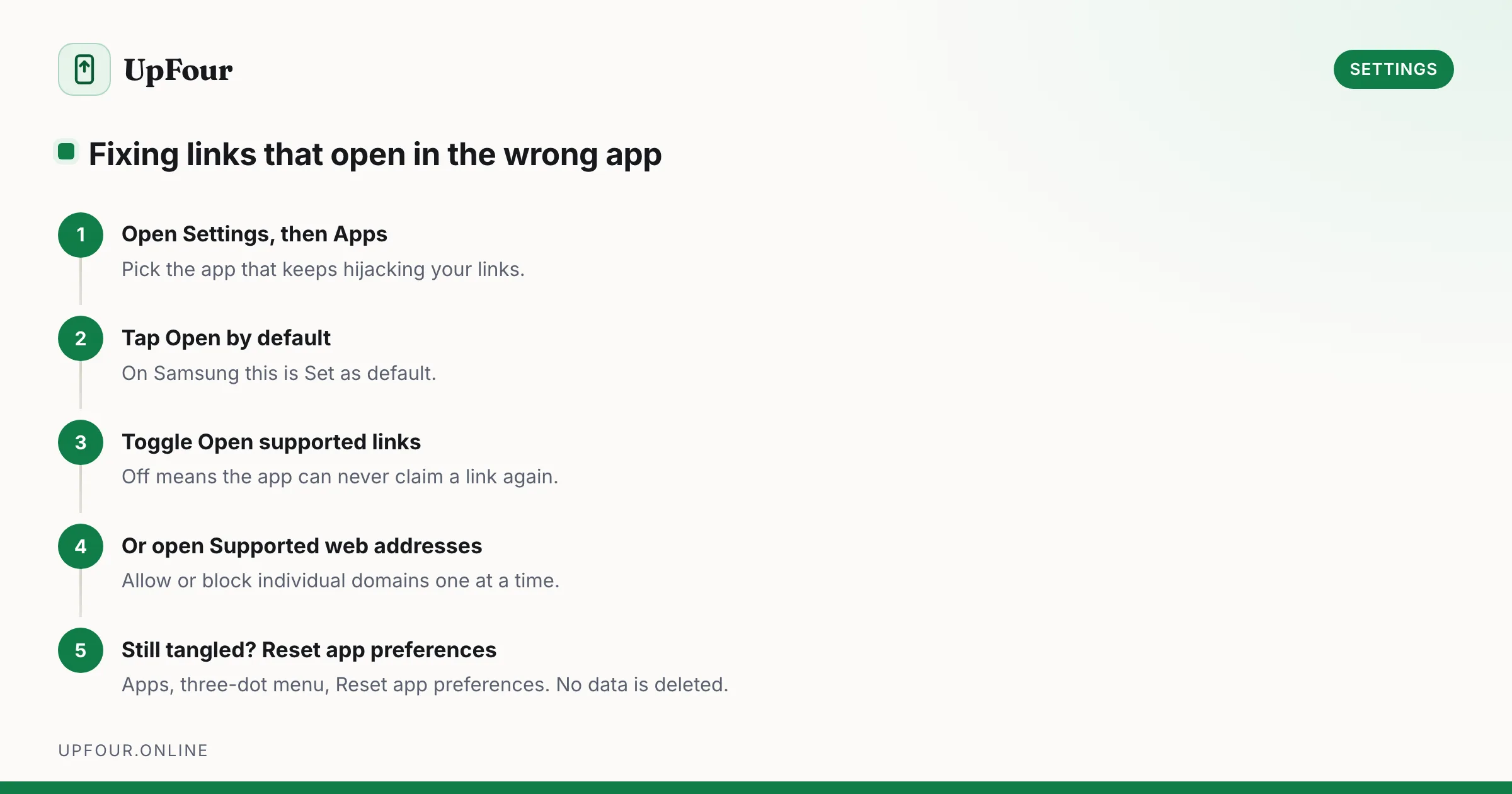
These guides cover the settings that actually change how a phone behaves day to day: notification channels that let you silence one kind of alert without muting an app entirely, the default-app rules that decide which app opens a link, and Developer Options, where a handful of toggles make a phone feel twice as fast while a couple of others quietly break your notifications.
Each guide gives the exact menu path, with the Samsung One UI variation noted where it differs from stock Android, because that difference is where most instructions written for a Pixel fall apart on a Galaxy. Where a setting is commonly misunderstood, we explain what it genuinely does rather than repeating the label.
Enable Developer Options on any Android phone in under a minute, then use the eight settings that genuinely speed up your device — and skip the ones that break things.
Stop app-by-app notification whack-a-mole. Use notification channels, priority conversations and Modes to silence noise without missing anything that matters.
Set your default browser, launcher, SMS and assistant on Android — and fix the link-handling rules that keep opening links in the wrong app.