How to Delete a Samsung Account — With or Without the Password
Permanently delete a Samsung account, or just remove it from your phone. What you lose, what Reactivation Lock does, and how to proceed without the password.
Short answer
Sign in at account.samsung.com, open Profile, and choose Delete account. To delete without the password you must reset the password first — Samsung will not delete an account without verifying ownership.
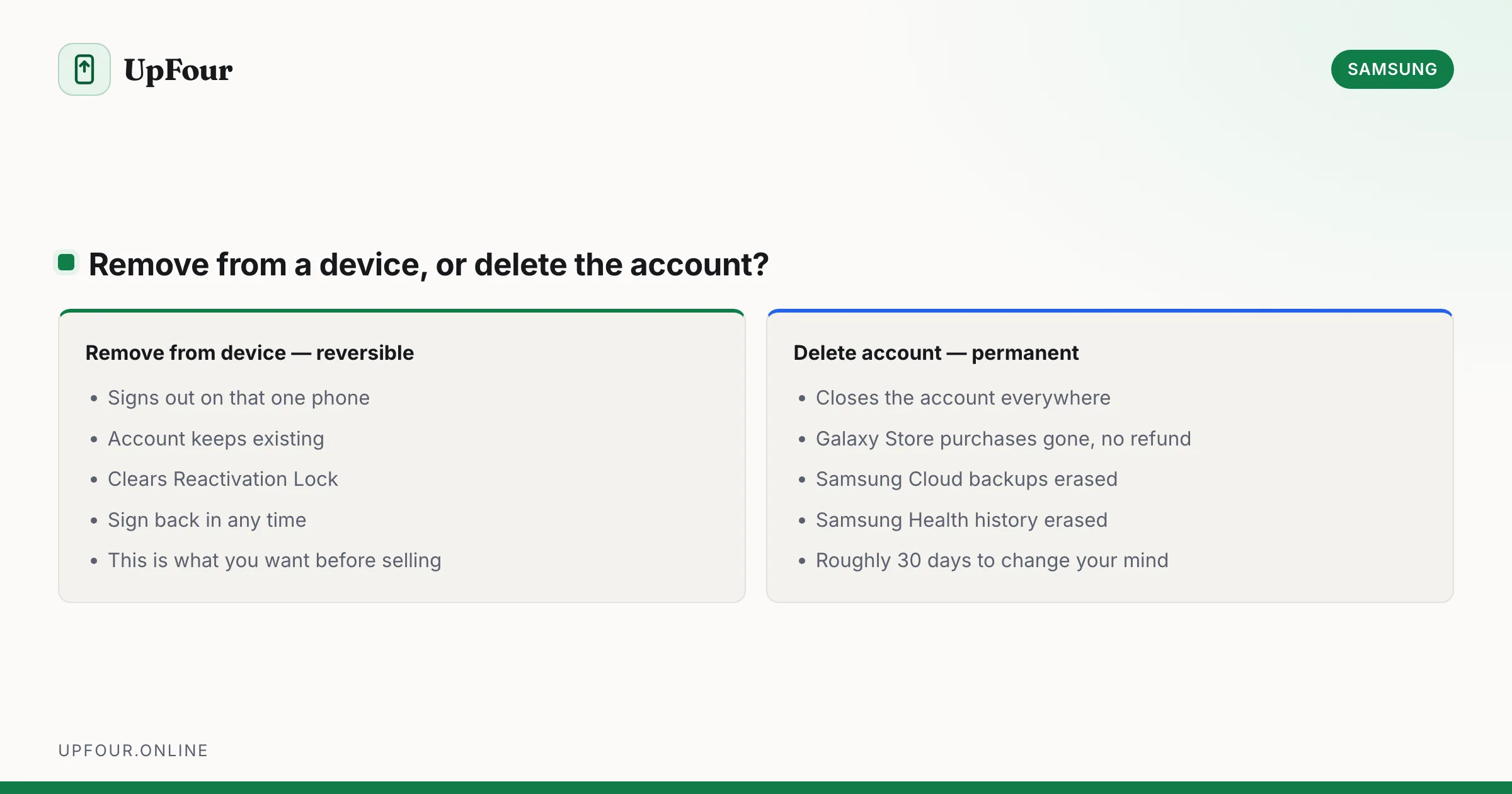
Two very different tasks get called "deleting a Samsung account". Establish which one you want first, because one is reversible and the other destroys purchases permanently.
- Remove the account from a phone — signs out on that device only. The account survives.
- Delete the account — closes it permanently across every device, with data erased.
Remove the account from your phone (reversible)
This is what most people actually want, especially before selling a device.
- Settings › Accounts and backup › Manage accounts.
- Tap Samsung account.
- Tap Remove account and confirm.
You will be asked for the account password. The account continues to exist and you can sign in again at any time.
Do this before you factory reset or sell a phone. Removing the account is what clears Reactivation Lock. A factory reset alone does not — the next owner will be prompted for credentials they do not have, and the handset is useless to them until you supply them.
Delete the account permanently
- Go to account.samsung.com and sign in.
- Open Profile (or Personal info).
- Scroll to the bottom and select Delete account.
- Re-enter your password and confirm the warnings.
On a Galaxy phone the same option appears under Settings › Samsung account › My profile › ⋮ › Delete account, though the web route is more reliable across regions.
Samsung typically applies a grace period of around 30 days before erasure completes. Signing back in during that window can cancel the deletion — but do not rely on this, as the window varies by region.
What you lose permanently
Read this list before confirming. None of it is recoverable afterwards.
- Galaxy Store purchases — paid apps, themes and watch faces, gone with no refund.
- Samsung Cloud backups — device settings, call logs and messages held in the backup.
- Samsung Notes and Reminders synced to the account.
- Samsung Health data, including years of step and sleep history. Export it first if you want it.
- Samsung Pay / Wallet cards and transaction history.
- SmartThings setup — scenes, automations and device registrations.
- Bixby routines and personalisation.
- Warranty and support registrations tied to the account.
Photos are the common exception people worry about: Gallery sync moved to Microsoft OneDrive, so your photos live in OneDrive rather than Samsung Cloud. Check OneDrive before assuming a deletion will take them.
Export before you delete
- Samsung Health — Settings › Download personal data.
- Samsung Notes — export to PDF, or sync to OneDrive first.
- Contacts — export as a
.vcffile, or make sure they are synced to Google.
Deleting without the password
There is no way around verification, and this is deliberate — the account can remotely locate, lock and wipe devices, so Samsung will not release it to someone who cannot prove ownership.
Your options, in order:
- Reset the password, then delete. The standard route. See resetting a Samsung account password. Once you are in, deletion takes a minute.
- Use a phone that is still signed in. Try Settings › Samsung account › Security › Change password; some builds accept the device screen lock instead of the old password. Set a new password, then delete.
- Contact Samsung Support with the device IMEI (dial
*#06#) and proof of purchase. This is a manual ownership review taking several days.
Any app, site or service claiming to delete or unlock a Samsung account without verification is a scam or malware. There is no legitimate bypass.
Buying a second-hand phone that is still locked
If you have bought a device stuck on Reactivation Lock, only the original owner can clear it. Contact the seller and ask them to sign in at account.samsung.com › Security › Devices and remove the handset. If they are unreachable, the phone cannot be recovered without proof of purchase in your name.
Do you actually need to delete it?
Deletion is often the wrong tool. Consider instead:
- Remove the account from devices you no longer use — the account stays, the devices are freed.
- Change the email address if you are moving to a new one. See changing your Samsung account password and email.
- Turn off syncing for individual services under Settings › Samsung account › Samsung Cloud if the concern is data rather than the account itself.
- Review signed-in devices at account.samsung.com › Security › Devices and remove stale entries.
Any of these solves the usual underlying concern without forfeiting purchases.
Order of operations before selling a phone
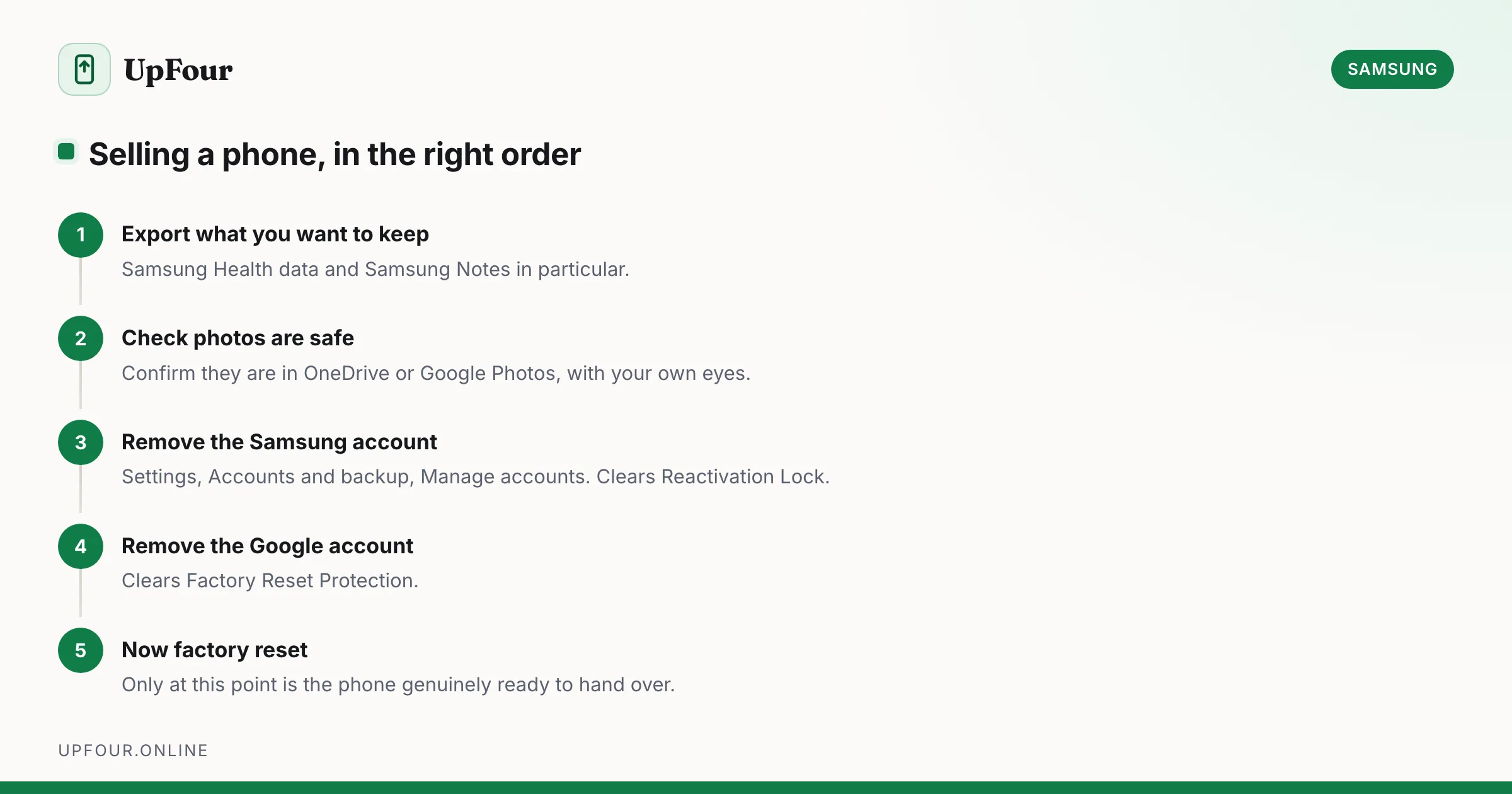
- Export anything you want from Samsung Health and Notes.
- Confirm photos are in OneDrive or Google Photos.
- Remove the Samsung account (Settings › Accounts and backup › Manage accounts).
- Remove the Google account — this clears Factory Reset Protection.
- Only then perform the factory reset.
Doing the reset first is the mistake that produces an unsellable phone.
Frequently asked questions
How do I delete a Samsung account without the password?
You cannot delete it without verifying ownership. Reset the password first at account.samsung.com, then delete the account. If your phone is still signed in, try changing the password under Settings › Samsung account › Security, which sometimes accepts the device screen lock instead.
What is the difference between removing and deleting a Samsung account?
Removing signs the account out of one device and is fully reversible. Deleting closes the account permanently across all devices and erases Galaxy Store purchases, Samsung Cloud backups and Samsung Health data.
Will deleting my Samsung account delete my photos?
Usually not. Gallery sync moved to Microsoft OneDrive, so photos generally live there rather than in Samsung Cloud. Check OneDrive before deleting to be certain.
Can I recover a deleted Samsung account?
There is normally a grace period of around 30 days during which signing back in cancels the deletion. After that it is permanent and purchases cannot be restored.
Sources & further reading
Official documentation used while writing and checking this guide. Every link was verified at the last update.
- Samsung account sign-in and managementSamsung
- Official Samsung SupportSamsung
- Reset your Android device to factory settingsGoogle Android Help
- Back up photos & videosGoogle Photos Help
- Microsoft OneDrive help and learningMicrosoft
Machine-readable version: Markdown source
Related guides
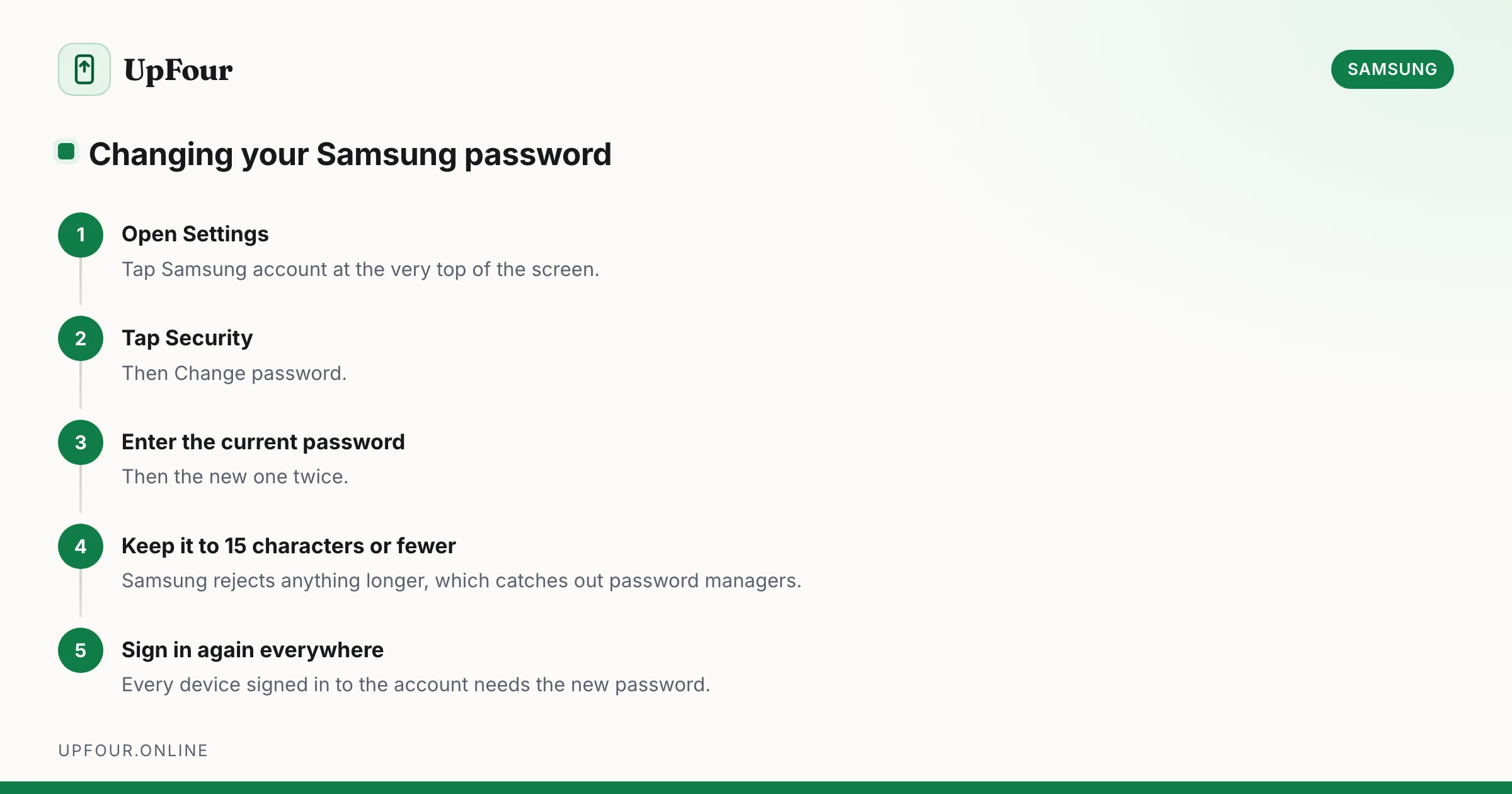
How to Change Your Samsung Account Password (and Email Address)
Change your Samsung account password from your phone or a browser, update the email address on the account, and understand what signs out when you do.
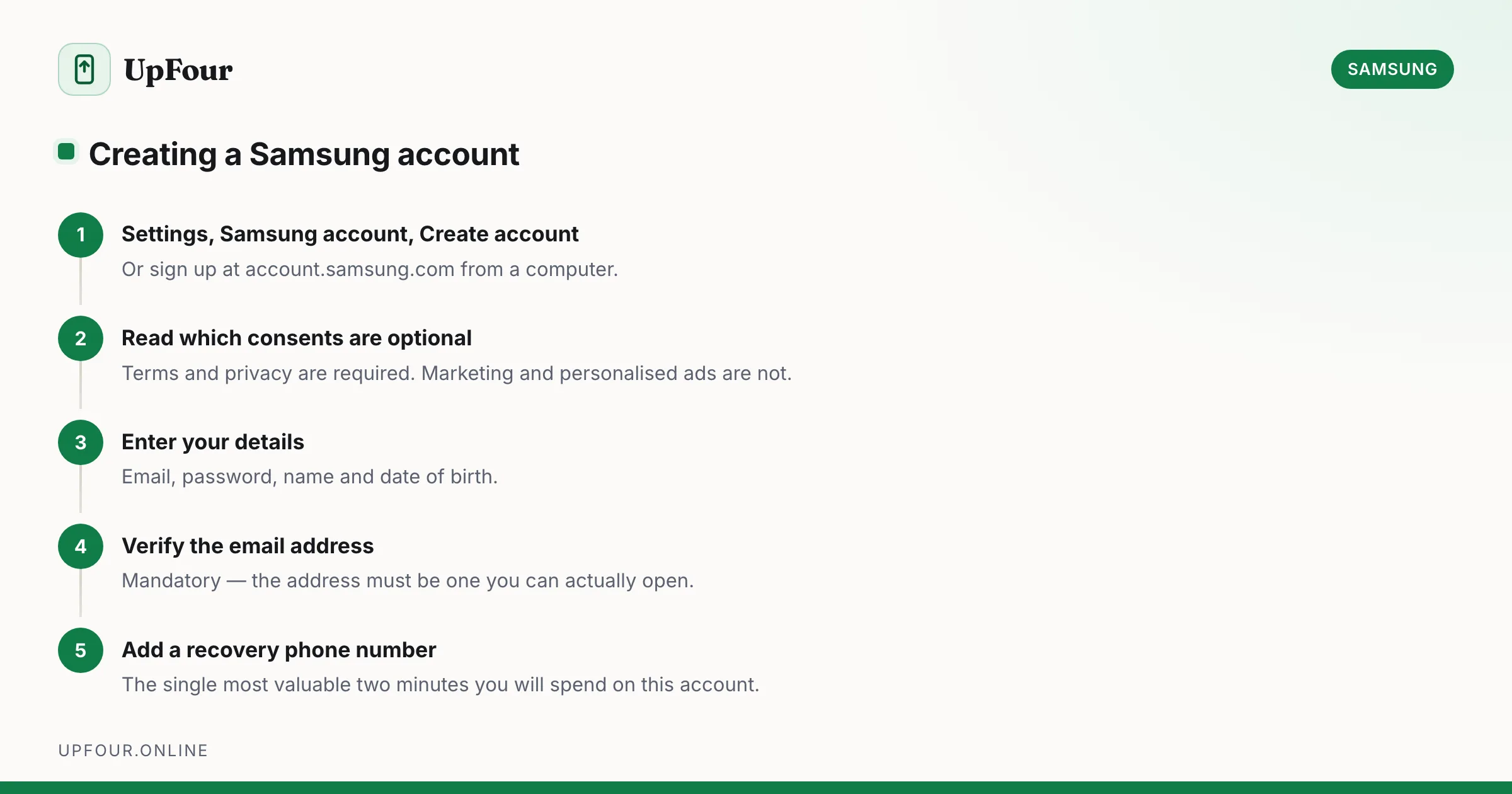
How to Create a Samsung Account (and Whether You Need One)
Set up a Samsung account on your phone or in a browser, avoid the common sign-up errors, and understand exactly what the account unlocks.
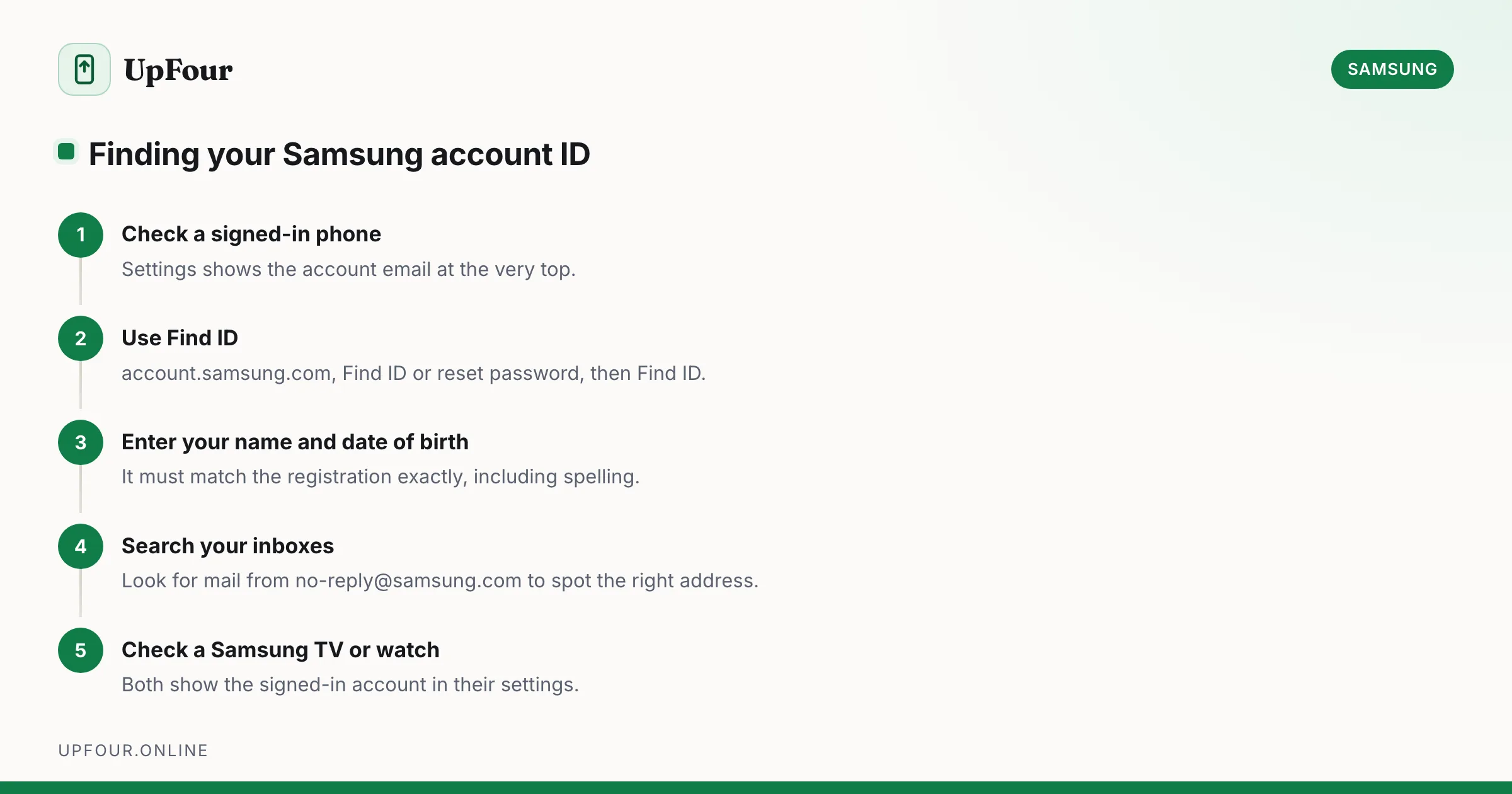
How to Find Your Samsung Account ID When You've Forgotten It
Find out which email address your Samsung account uses, recover a forgotten Samsung ID, and check whether you even have an account in the first place.