How to Create a Samsung Account (and Whether You Need One)
Set up a Samsung account on your phone or in a browser, avoid the common sign-up errors, and understand exactly what the account unlocks.
Short answer
On a Galaxy phone go to Settings › Samsung account › Create account, or sign up at account.samsung.com. You need an email address, a password of 8 to 15 characters, and your date of birth.
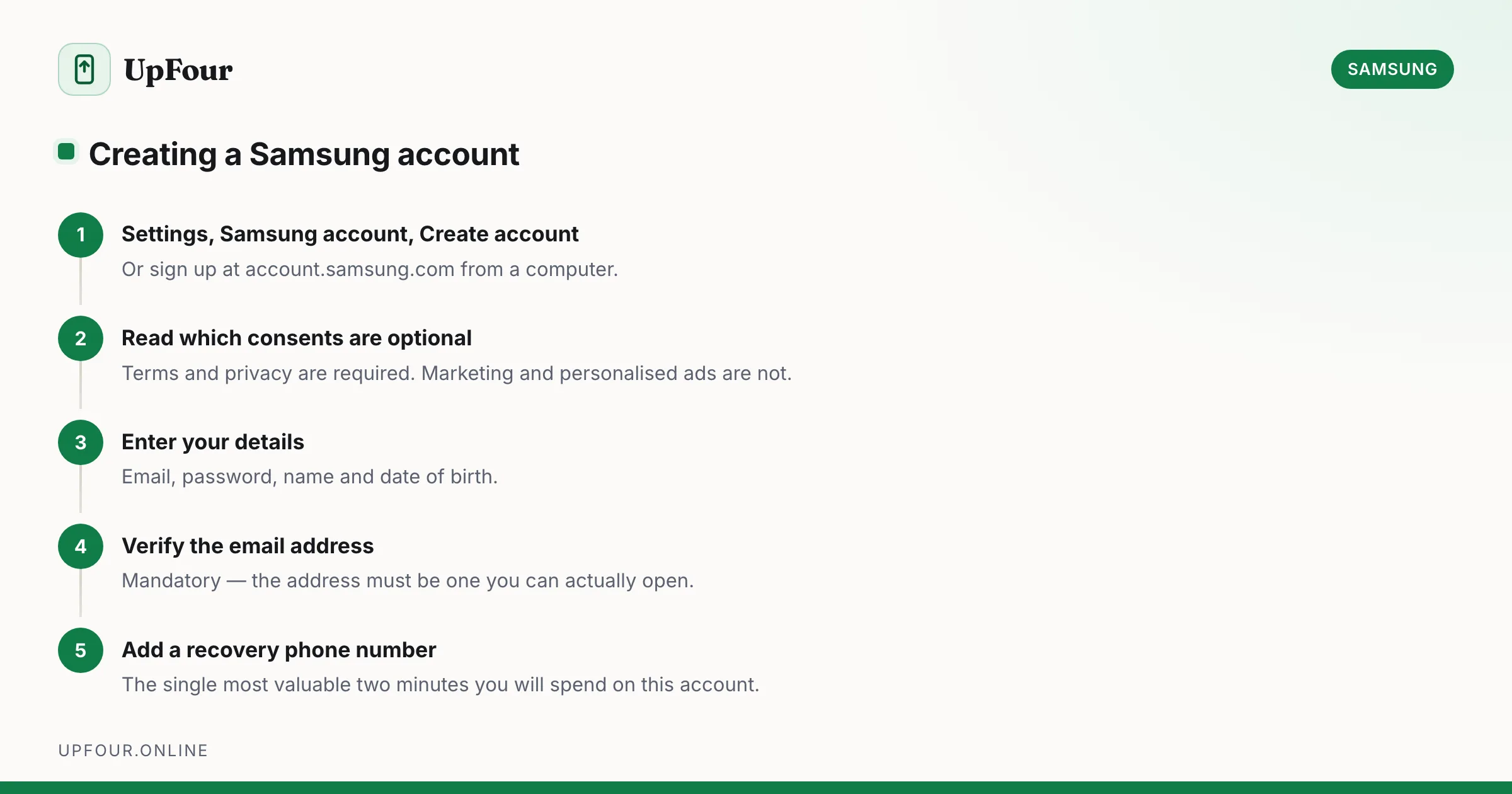
A Samsung account is free and takes about two minutes. Here is the setup, the requirements that cause most failed sign-ups, and an honest account of what it is actually for.
Create an account on your Galaxy phone
- Open Settings.
- Tap Samsung account at the top of the screen.
- Tap Create account.
- Accept the terms — read which ones are optional (see below).
- Enter your email address, a password, your name and date of birth.
- Verify the email address via the link Samsung sends you.
Alternative path: Settings › Accounts and backup › Manage accounts › Add account › Samsung account › Create account.
Create an account in a browser
Go to account.samsung.com and choose Create account. Identical result, and easier to type on a keyboard. Use this if you are setting up a TV or appliance rather than a phone.
Sign up with Google instead
Samsung offers Continue with Google, which creates a Samsung account linked to your Google sign-in with no separate password.
- Upside: nothing extra to remember, and no separate password to lose.
- Downside: you cannot later use Samsung's password recovery, because there is no Samsung password. Sign-in is permanently tied to that Google account.
Either is fine. Just record which one you used — people who forget spend an hour in password recovery for an account that never had a password.
Requirements that cause failed sign-ups
Password rules:
- 8 to 15 characters
- at least one uppercase letter, one lowercase letter, one number and one symbol
- no three identical characters in a row
- cannot contain your account ID
The 15-character maximum is the single most common cause of rejection. A password manager set to 20 characters will fail with an unhelpful error.
Age requirement: minimum age varies by country, commonly 13 or 14. Under that, sign-up requires a parent or guardian to consent through a family account, and entering a date of birth below the threshold will block the flow entirely.
Email address: must be real and reachable — verification is mandatory. Disposable addresses are frequently rejected.
The optional consents
The sign-up screen presents several checkboxes together. Only some are required:
- Terms and conditions — required.
- Privacy policy — required.
- Marketing communications — optional. Decline freely; nothing stops working.
- Personalised advertising / customisation service — optional. Declining does not reduce functionality.
Untick the optional ones unless you specifically want them. They can be changed later at account.samsung.com › Privacy.
What a Samsung account actually gives you
| Feature | What it does |
|---|---|
| Find My Mobile | Locate, lock, ring or wipe a lost Galaxy remotely; supports some offline finding |
| Samsung Cloud | Backs up settings, call logs, messages and some app data |
| Galaxy Store | Purchases, themes, and Good Lock customisation modules |
| SmartThings | Samsung appliances and smart home control |
| Samsung Health | Syncs step, workout and sleep history across devices |
| Samsung Wallet | Payments, boarding passes and digital keys |
| Samsung Notes | Sync across phone, tablet and PC |
Note that photos are not included. Gallery sync moved to Microsoft OneDrive, so photo backup runs through a Microsoft account rather than Samsung Cloud.
Do you actually need one?
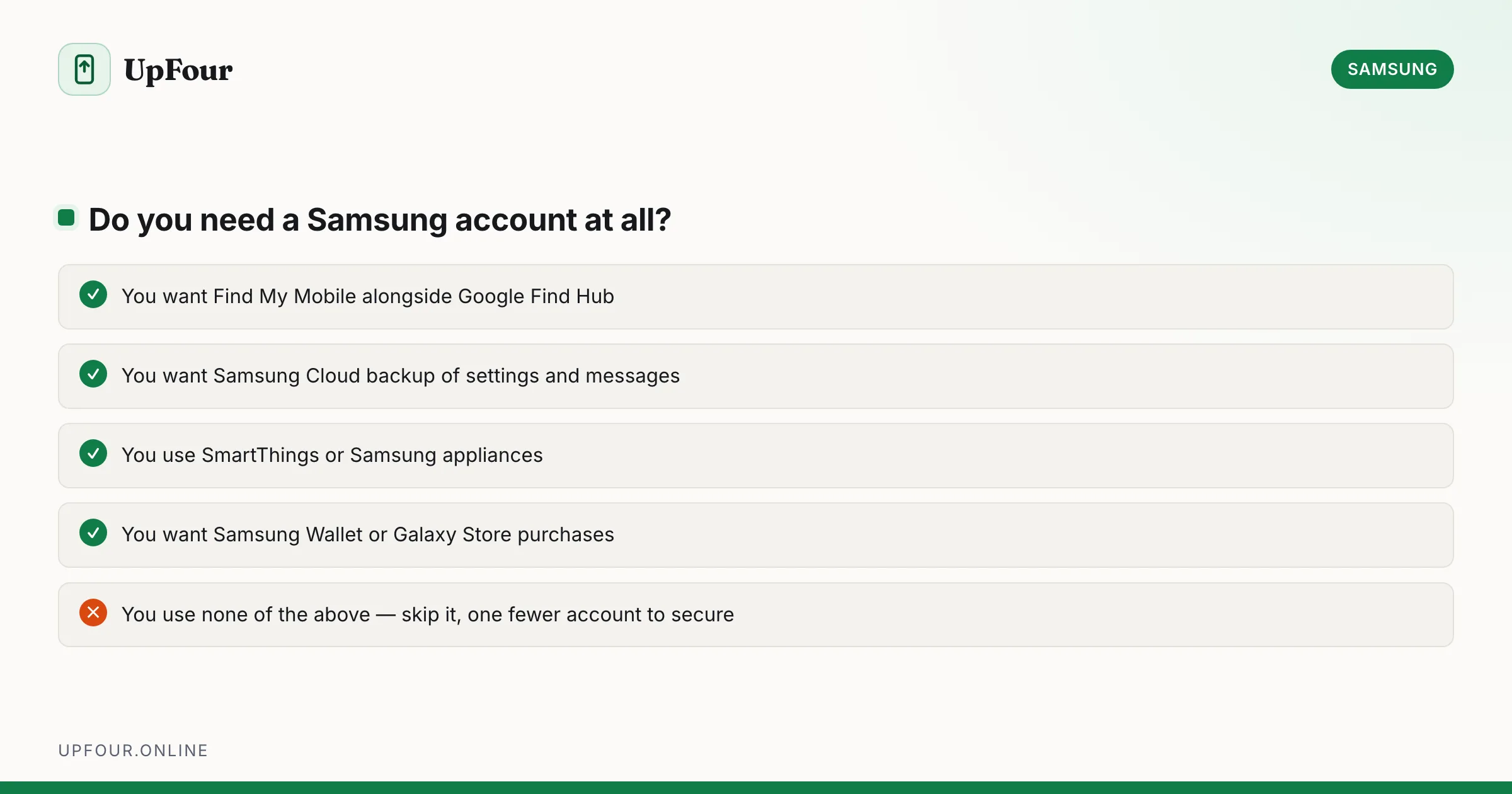
No. A Galaxy phone sets up and runs perfectly with only a Google account. Google Photos, Google Drive backup, Play Store and Find Hub all work without Samsung ever being involved.
Create one if you want Find My Mobile alongside Google's own finding, Galaxy Store content, SmartThings, or Samsung Wallet. Skip it if you use none of those — it is one fewer account to secure, and Google's equivalents cover most of the same ground.
Set it up properly from the start
Two minutes now saves a support ticket later.
- Add a recovery phone number. account.samsung.com › Profile › Contact information. This gives you SMS recovery if you lose email access, and it is the single most valuable thing on this list.
- Turn on two-step verification. Security › Two-step verification. The account can remotely wipe your phone, so it deserves real protection. Save the backup codes somewhere that is not the phone.
- Record the account address in a password manager. Most lockouts are people who cannot remember which email they used.
Common sign-up errors
| Error | Cause |
|---|---|
| Password rejected repeatedly | Longer than 15 characters, or missing a character class |
| "Email already in use" | You already have an account — use Find ID instead of creating another |
| Age restriction | Date of birth below the regional minimum |
| Verification email never arrives | Check spam; corporate mail servers sometimes block it |
| Cannot proceed past terms | A required checkbox is unticked, easily missed among the optional ones |
If you hit "email already in use", do not create a second account with a different address. Recover the existing one — see finding your Samsung account ID. Two accounts split your purchases and backups across both.
Frequently asked questions
How do I create a Samsung account?
On a Galaxy phone go to Settings › Samsung account › Create account, or sign up at account.samsung.com. You need a reachable email address, a password of 8 to 15 characters with mixed character types, your name and your date of birth.
Is a Samsung account free?
Yes. The account is free, and Samsung Cloud includes a free storage allowance for settings and backup data. Only extra storage or certain Galaxy Store purchases cost money.
Do I need a Samsung account to use a Galaxy phone?
No. A Galaxy phone works fully with only a Google account. You need a Samsung account for Find My Mobile, Samsung Cloud backup, Galaxy Store purchases, SmartThings and Samsung Wallet.
Why won't Samsung accept my password?
Samsung passwords must be between 8 and 15 characters and include an uppercase letter, a lowercase letter, a number and a symbol. Anything longer than 15 characters is rejected, which commonly affects password manager defaults.
Sources & further reading
Official documentation used while writing and checking this guide. Every link was verified at the last update.
- Samsung account sign-in and managementSamsung
- Official Samsung SupportSamsung
- Keep your device & apps working with Google Play servicesGoogle Play Help
- How to recognise and avoid phishing scamsUS Federal Trade Commission
Machine-readable version: Markdown source
Related guides
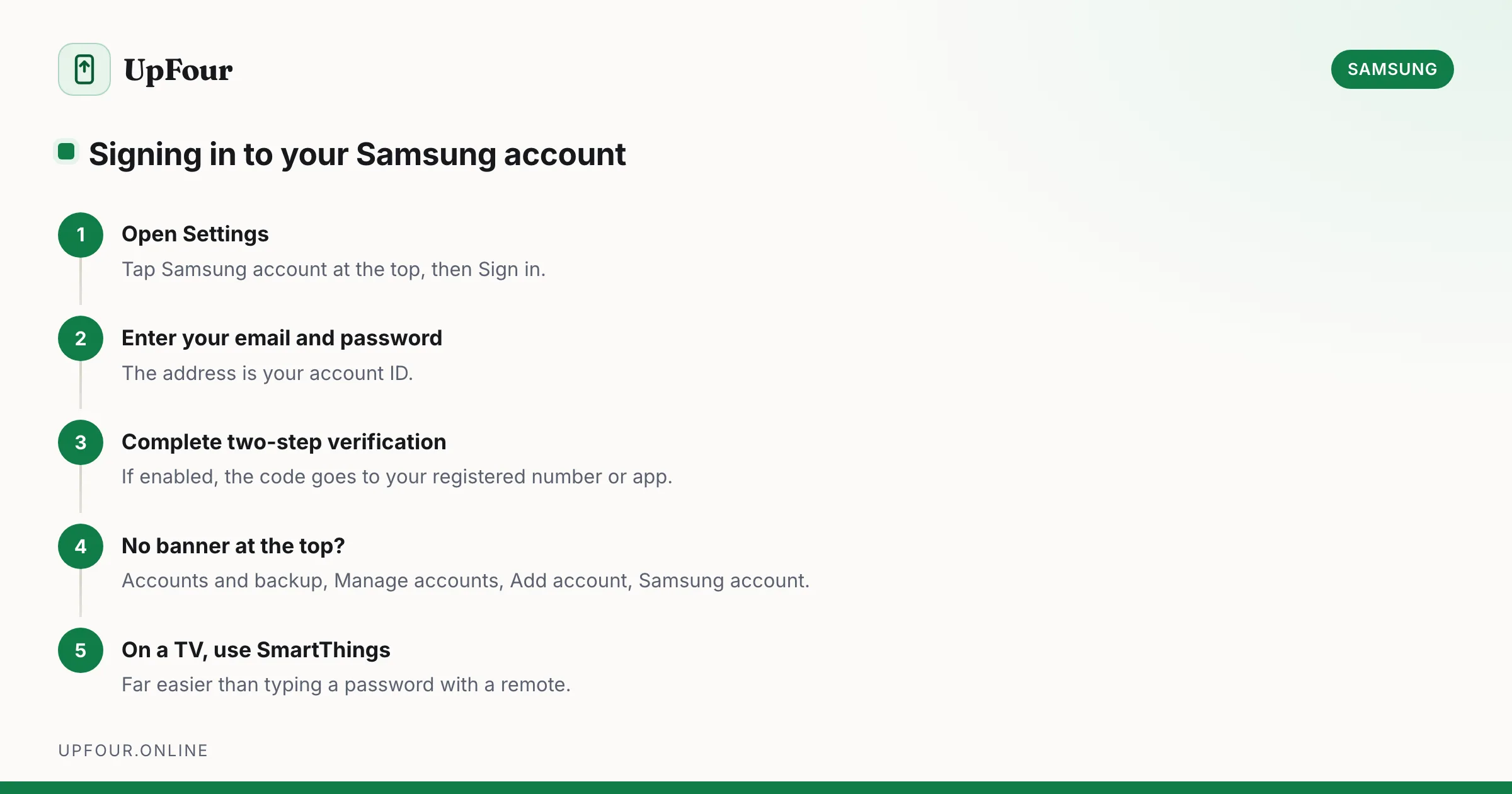
How to Sign In to (and Out of) Your Samsung Account
Sign in to your Samsung account on a phone, tablet, TV or browser — and sign out safely without triggering Reactivation Lock problems.
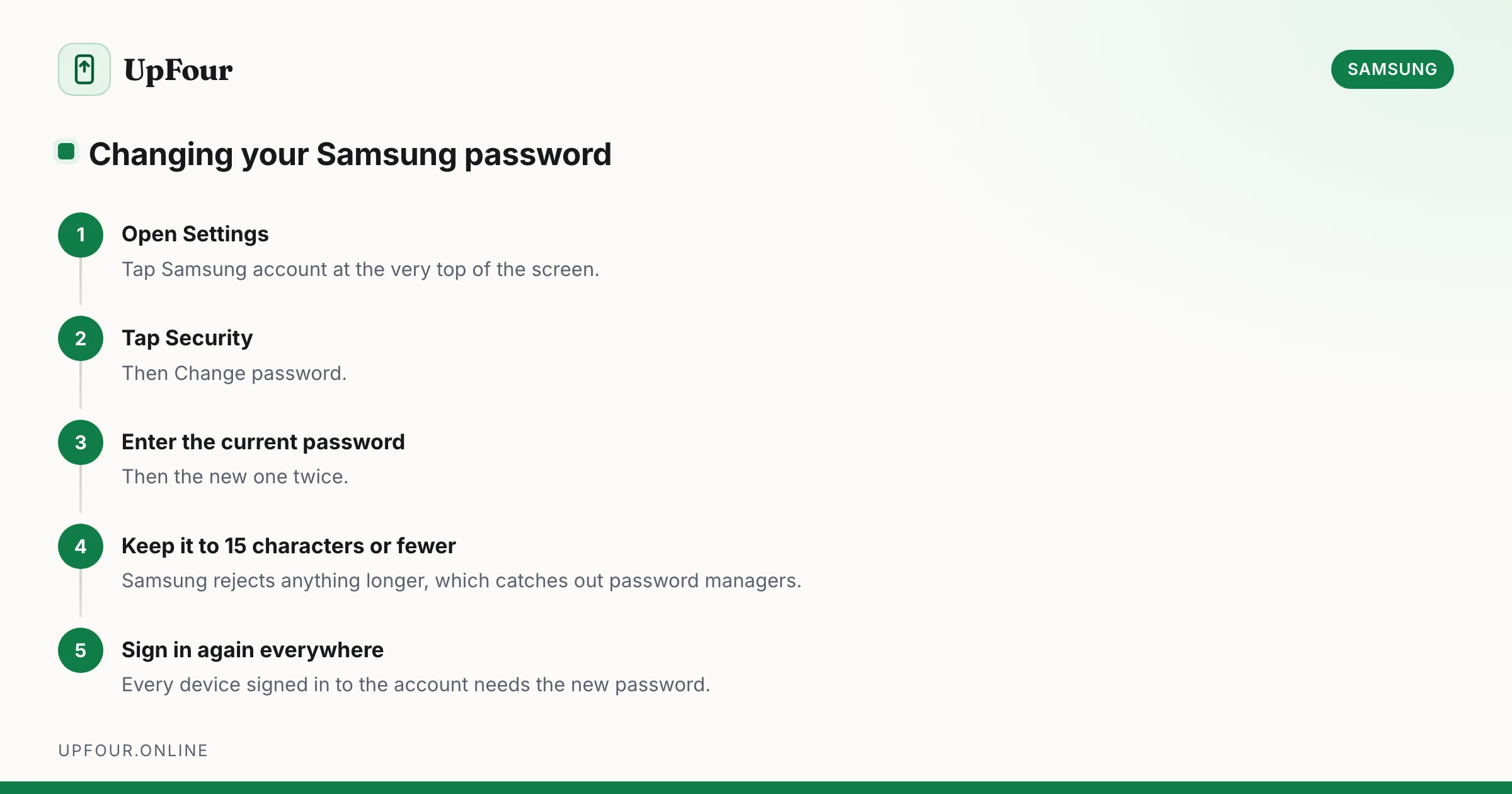
How to Change Your Samsung Account Password (and Email Address)
Change your Samsung account password from your phone or a browser, update the email address on the account, and understand what signs out when you do.
How to Delete a Samsung Account — With or Without the Password
Permanently delete a Samsung account, or just remove it from your phone. What you lose, what Reactivation Lock does, and how to proceed without the password.