Is Samsung Care+ Worth It? An Honest Cost Breakdown
What Samsung Care+ covers, what it costs against an out-of-warranty repair, and the specific cases where it does and does not pay for itself.
Short answer
Samsung Care+ is usually worth it for foldables and Ultra models, where a screen repair can cost more than the entire plan plus deductible. For cheaper A-series phones the maths rarely works, because the plan can approach the cost of the repair.
Samsung Care+ is device protection sold by Samsung, covering accidental damage that the standard warranty specifically excludes. Whether it is worth buying is arithmetic, and the answer differs sharply by model.
What the standard warranty covers
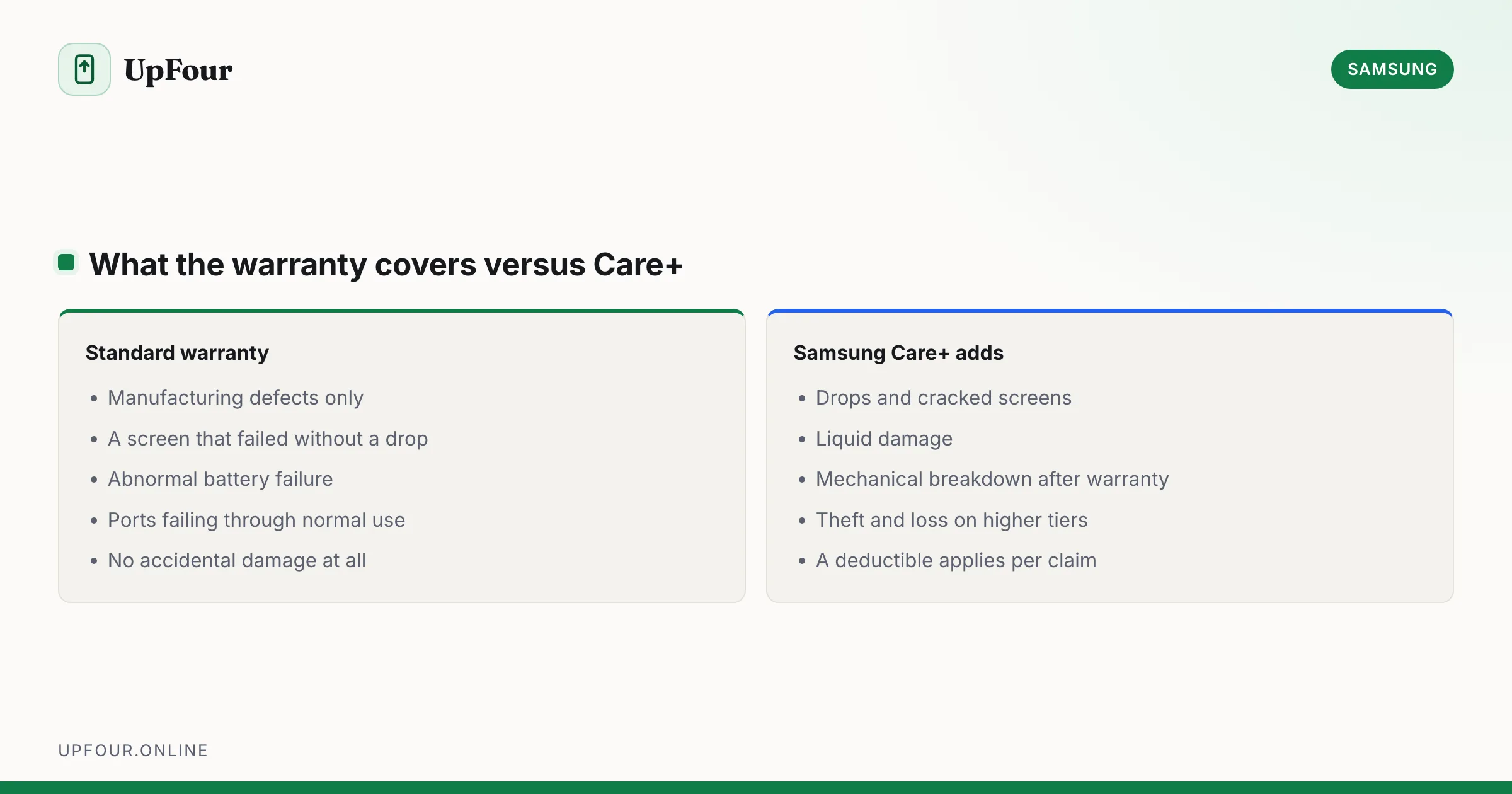
The included manufacturer warranty covers manufacturing defects only — a failing screen that was never dropped, a battery that degrades abnormally fast, a port that stops working through normal use.
It does not cover:
- Cracked screens
- Liquid damage
- Drops of any kind
- Loss or theft
- Normal battery wear
Almost everything that actually happens to phones falls outside the warranty. That gap is what Care+ sells against.
What Samsung Care+ adds
- Accidental damage — drops and cracked screens, subject to a deductible per claim
- Liquid damage
- Mechanical breakdown after the warranty expires
- Unlimited claims on most current plans, though this varies by region
- Theft and loss on higher tiers, where offered
- Fast-track repair and support
Claims carry a deductible (an excess) — a fixed fee per repair, lower for screens than for other damage.
The arithmetic
The question is: plan cost over the period + deductible, versus the out-of-warranty repair price.
Out-of-warranty screen repairs vary enormously by model:
| Device class | Typical screen repair |
|---|---|
| A-series mid-range | Low — often less than a year of Care+ |
| S-series flagship | Substantial |
| S-series Ultra | High |
| Z Flip / Z Fold | Very high — the inner display is the most expensive part on any phone |
Foldables are the clear case. An inner display replacement on a Fold can approach the cost of a new mid-range phone. Care+ plus a deductible is dramatically cheaper. If you own a Fold or a Flip, this is close to a straightforward yes.
Ultra models are usually worth it too — large curved panels are expensive, and they break in ways cheap phones do not.
A-series and budget models rarely justify it. Two years of premiums plus a deductible can approach the price of simply replacing the screen, or occasionally the phone.
Prices change by region and model, so check the actual figures for your device before deciding. Samsung shows the plan price at checkout and publishes repair pricing on its support site. Two minutes with both numbers beats any general advice.
When it is worth it
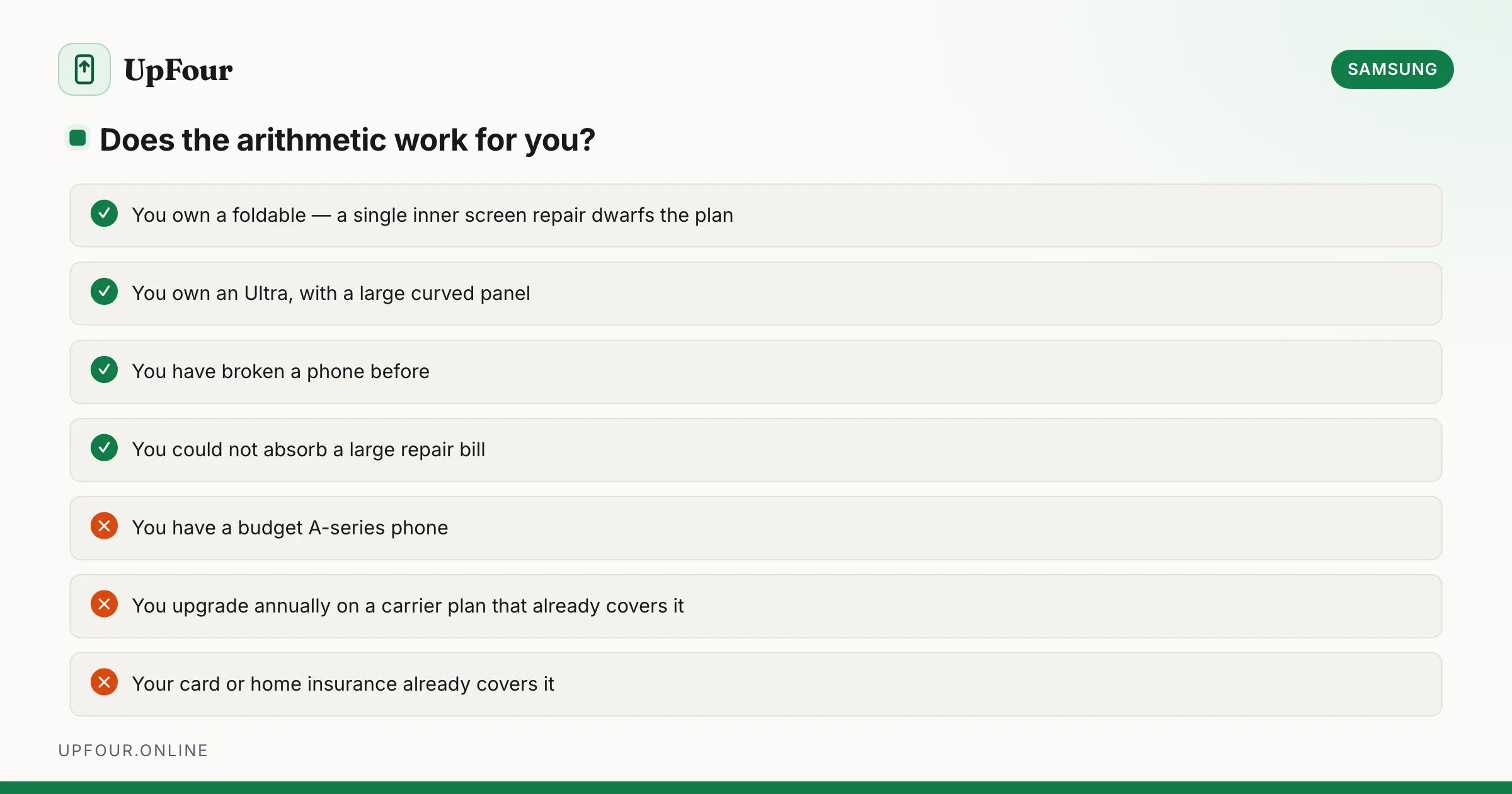
- You have a foldable. The strongest case by a distance.
- You have broken a phone before. Past behaviour predicts future behaviour better than intentions.
- You have children, or work somewhere phones get dropped on hard floors.
- You cannot absorb an unexpected large repair bill. Insurance is for smoothing risk you cannot carry, not for saving money on average.
- You keep phones for years rather than upgrading annually.
When it is not
- You have a cheap phone where the repair costs little more than the plan.
- You have never broken a phone and use a case and screen protector.
- You upgrade annually on a carrier plan that already includes protection.
- Your credit card, home contents insurance or carrier plan already covers it. Duplicate cover is common and pays nothing extra.
That last point deserves a check before you buy. Many premium credit cards include purchase protection, and many home insurance policies cover portable electronics. Paying twice is the most common mistake here.
Alternatives
- A good case and screen protector. Around 20–30 of your currency, once. A quality case with raised edges genuinely prevents most cracks, and this is the highest return-on-cost option available.
- Carrier insurance. Often similar in price; compare the deductible carefully, which is where the real difference usually sits.
- Third-party insurers. Sometimes cheaper, but check whether repairs use genuine parts — non-genuine displays on a Galaxy can lose features and trigger warnings.
- Self-insuring. Put the monthly premium into savings. If you never break a phone, you keep the money.
Adding Care+ after purchase
You can normally add it within a limited window after buying — commonly around 60 days, varying by region. The device must be in undamaged working order, and Samsung may require a diagnostic check through the Samsung Members app.
You cannot add it after damage has occurred. See how to cancel or add Samsung Care+ for the process.
Repairs without Care+
If you skipped it and broke the phone:
- Samsung Authorised Service Centres use genuine parts and preserve remaining warranty.
- Samsung self-repair programmes sell genuine parts with guides in some regions.
- Independent repair shops are cheaper but may fit non-genuine displays, which can disable features and produce a persistent warning on Galaxy devices.
In short
Worth it for foldables and Ultra models, where a single screen repair exceeds the plan cost several times over. Marginal for flagships. Usually not worth it for budget A-series. Check whether you are already covered by a card or home policy before buying, and remember a good case prevents more damage than any insurance reimburses.
Frequently asked questions
Is Samsung Care+ worth the money?
For foldables and Ultra models, generally yes — a single inner-display repair can cost several times the plan price. For budget A-series phones it rarely pays off, because premiums plus the deductible approach the repair cost.
What does Samsung Care+ cover that the warranty does not?
Accidental damage — drops, cracked screens and liquid damage — plus mechanical breakdown after the warranty ends. The standard warranty covers manufacturing defects only and excludes all accidental damage.
Can I add Samsung Care+ after buying my phone?
Usually yes, within a limited window after purchase — commonly around 60 days depending on region. The device must be undamaged and may need a diagnostic check through Samsung Members.
Is there a deductible for Samsung Care+ claims?
Yes. Each claim carries a fixed deductible, typically lower for screen repairs than for other damage. Factor it into the total cost when comparing against an out-of-warranty repair.
Sources & further reading
Official documentation used while writing and checking this guide. Every link was verified at the last update.
- Samsung repair servicesSamsung
- Samsung Members appSamsung
- Official Samsung SupportSamsung
- FTC Business GuidanceUS Federal Trade Commission
Machine-readable version: Markdown source
Related guides
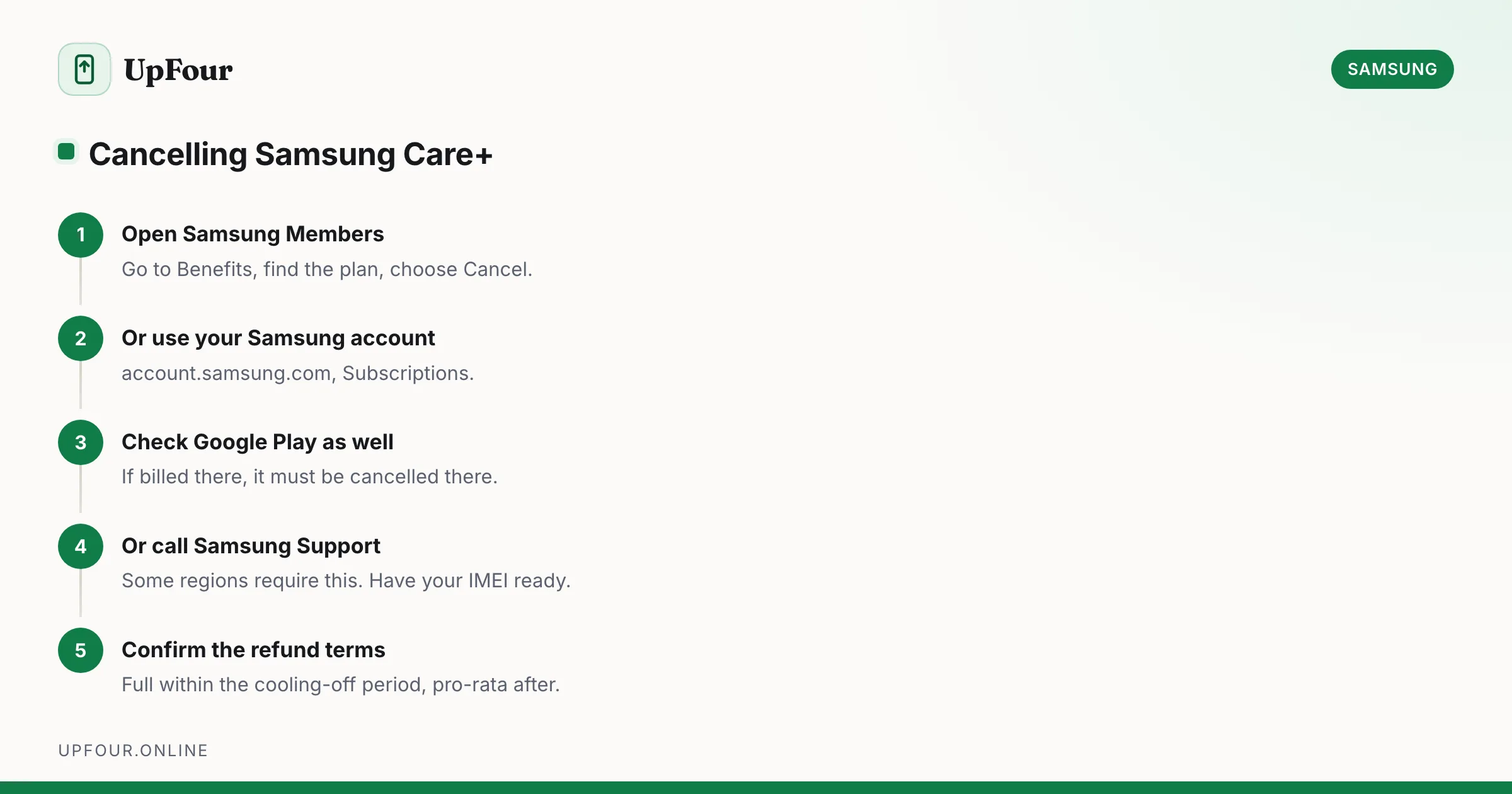
How to Cancel Samsung Care+ (and How to Add It After Purchase)
Cancel a Samsung Care+ plan, understand refunds and cancellation windows, and learn how to add coverage to a phone you already own.
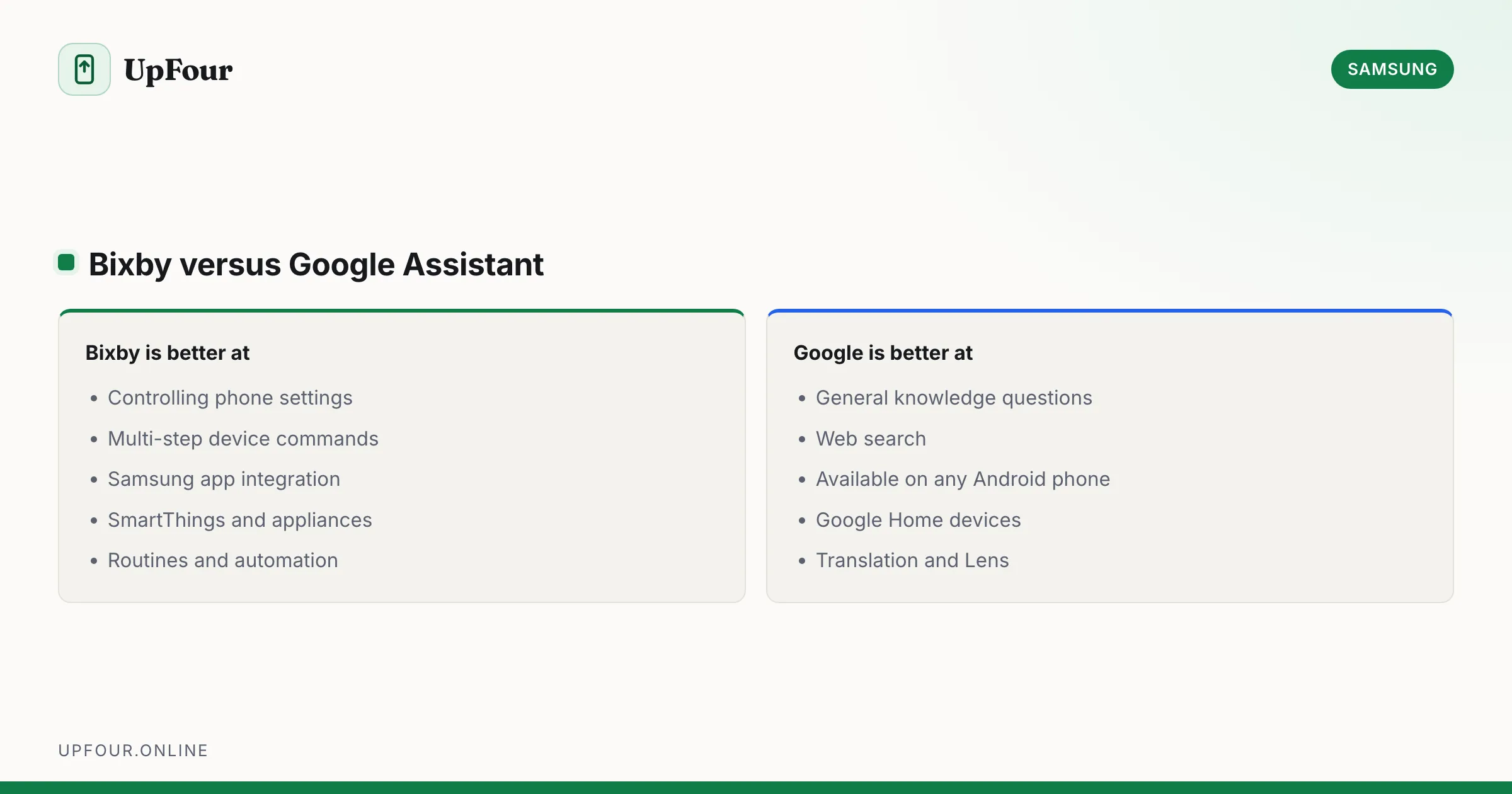
What Is Bixby? Samsung's Assistant Explained (and How to Disable It)
What Bixby does, how it differs from Google Assistant and Gemini, how to remap the power button, and how to turn Bixby off entirely.
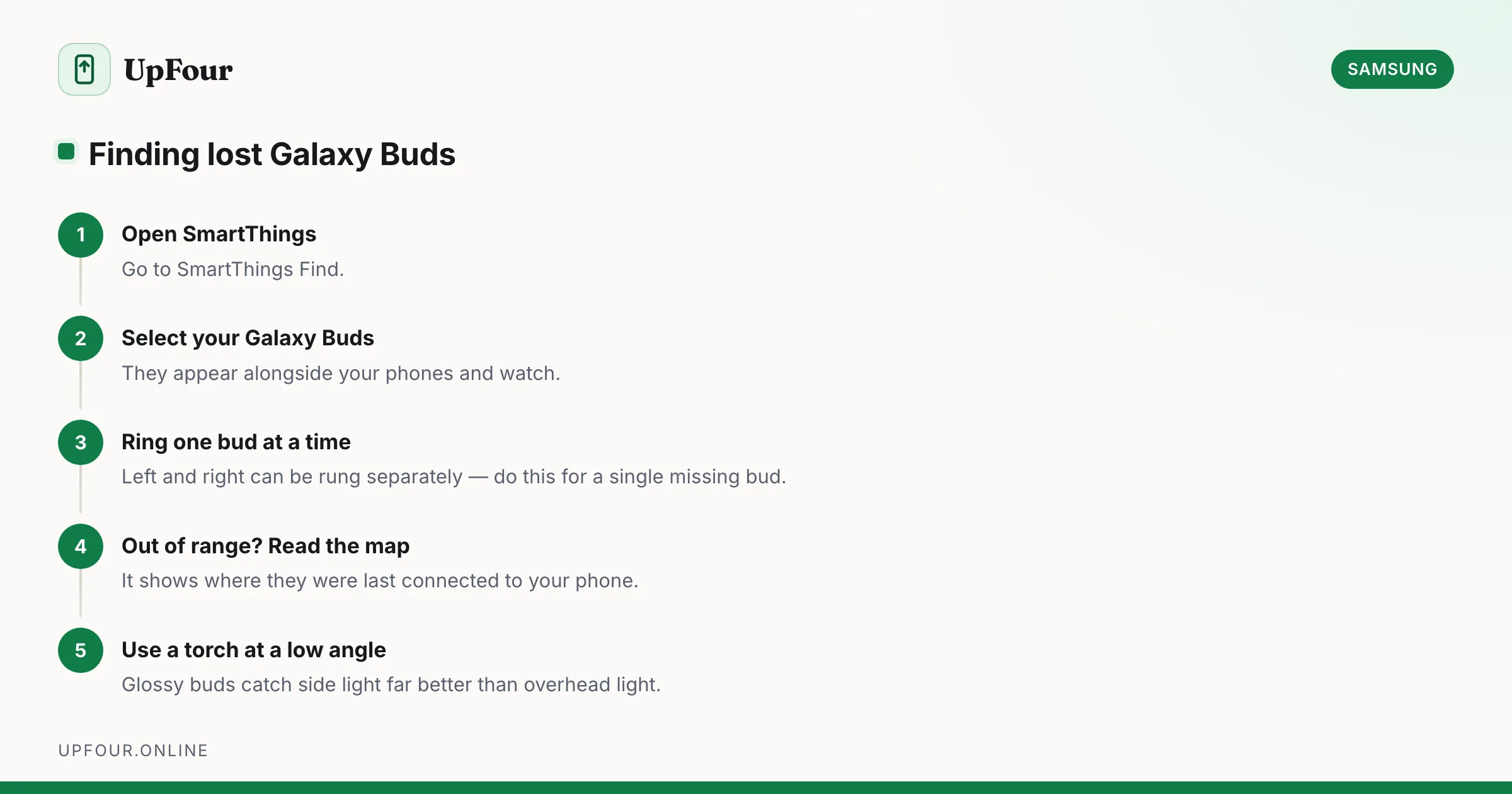
How to Find Lost Galaxy Buds (Including One Missing Earbud)
Locate lost Galaxy Buds with SmartThings Find, make them ring, see their last known location, and find a single earbud lost around the house.