What Is Bixby? Samsung's Assistant Explained (and How to Disable It)
What Bixby does, how it differs from Google Assistant and Gemini, how to remap the power button, and how to turn Bixby off entirely.
Short answer
Bixby is Samsung's own voice assistant, comparable to Siri on iPhone or Google Assistant on other Android phones. It is strongest at controlling phone settings, and it can be disabled or remapped if you prefer Google's assistant.
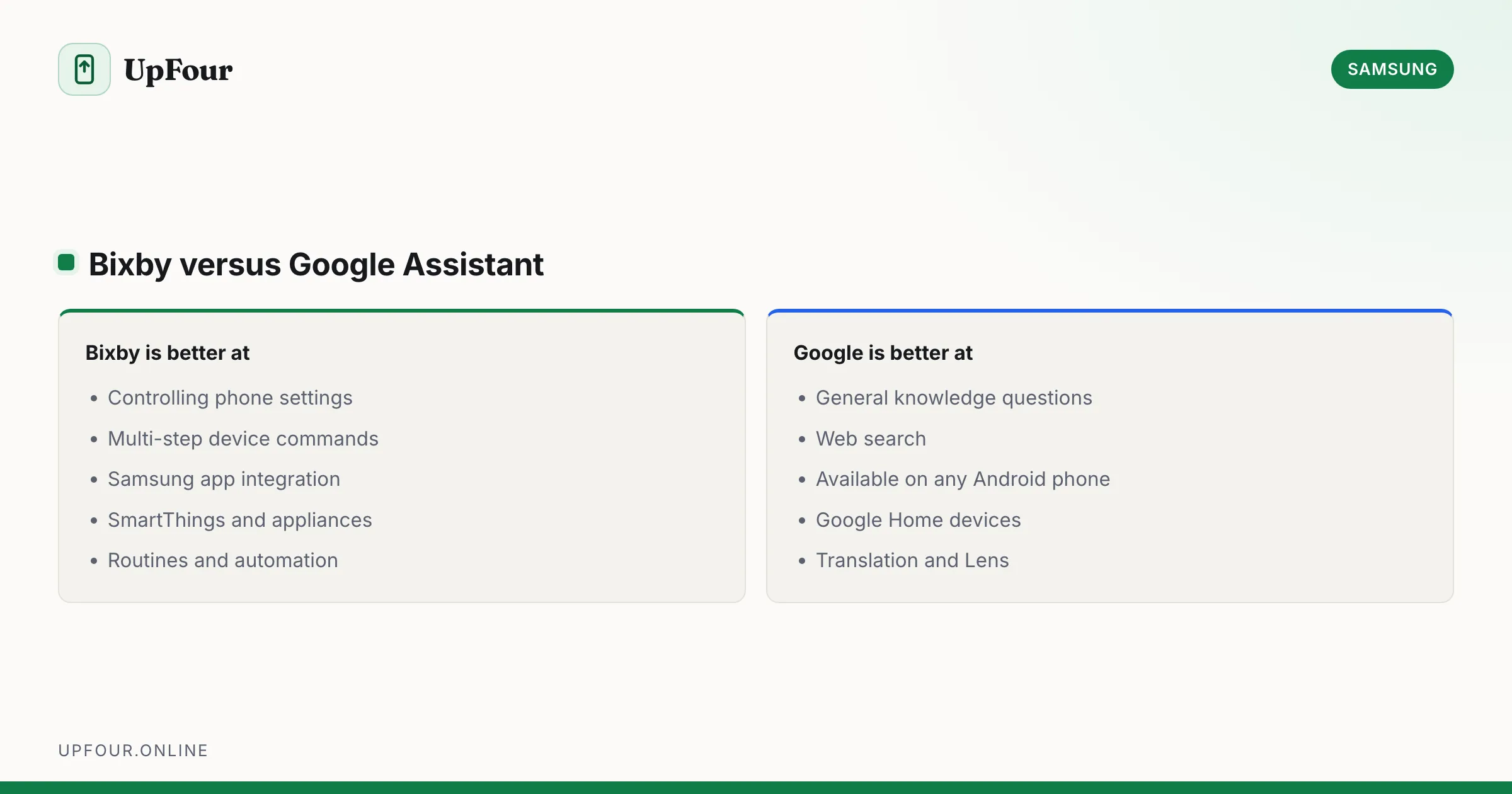
Bixby is Samsung's voice assistant, built into Galaxy phones, tablets, watches, TVs and appliances. If you are looking for "Siri on Samsung", Bixby is the closest equivalent — though most Galaxy owners use Google's assistant instead.
What Bixby is good at
Bixby's genuine strength is device control. It can reach settings that Google's assistant cannot, because Samsung built it with access to its own system:
- "Turn on Wi-Fi hotspot"
- "Take a screenshot and share it with Sam"
- "Turn on dark mode at sunset"
- "Open the camera in Pro mode"
- "Read my last message"
Multi-step commands touching Samsung apps and settings work notably better in Bixby than in general-purpose assistants.
Where it is weaker
General knowledge and web search. Ask Bixby a factual question and it is generally behind Google Assistant and Gemini. That is the main reason most people default to Google's assistant.
Bixby versus Google Assistant and Gemini
| Bixby | Google Assistant / Gemini | |
|---|---|---|
| Device and settings control | Excellent | Limited |
| General knowledge | Weak | Strong |
| Samsung app integration | Deep | Partial |
| Smart home | SmartThings | Google Home |
| Availability | Samsung devices only | Any Android phone |
You can run both. Many people set Google's assistant as the default for the power button and voice queries, and keep Bixby Routines active in the background for automation.
Bixby Routines: the part worth keeping
Even if you never speak to Bixby, Bixby Routines is a genuinely capable automation engine — and arguably the best reason Bixby exists.
Settings › Modes and Routines › Routines.
Set conditions and actions, such as:
- When connected to the car's Bluetooth, open the maps app and raise the media volume.
- When battery drops below 20%, turn on power saving and reduce screen refresh rate.
- When Wi-Fi connects to the office network, silence the ringer.
- Between 11pm and 7am, enable dark mode and greyscale.
- When a specific app opens, block notifications and lock screen rotation.
This runs without any voice interaction at all, and it is more capable than most third-party automation apps.
Remap the power button away from Bixby
On phones where a long press summons Bixby:
Settings › Advanced features › Side button — set Press and hold to Power off menu or Wake Bixby as you prefer.
Many people set press-and-hold to the power menu and use a double-press for the camera. On stock Android the equivalent is Settings › System › Gestures › Press and hold power button.
Turn Bixby off
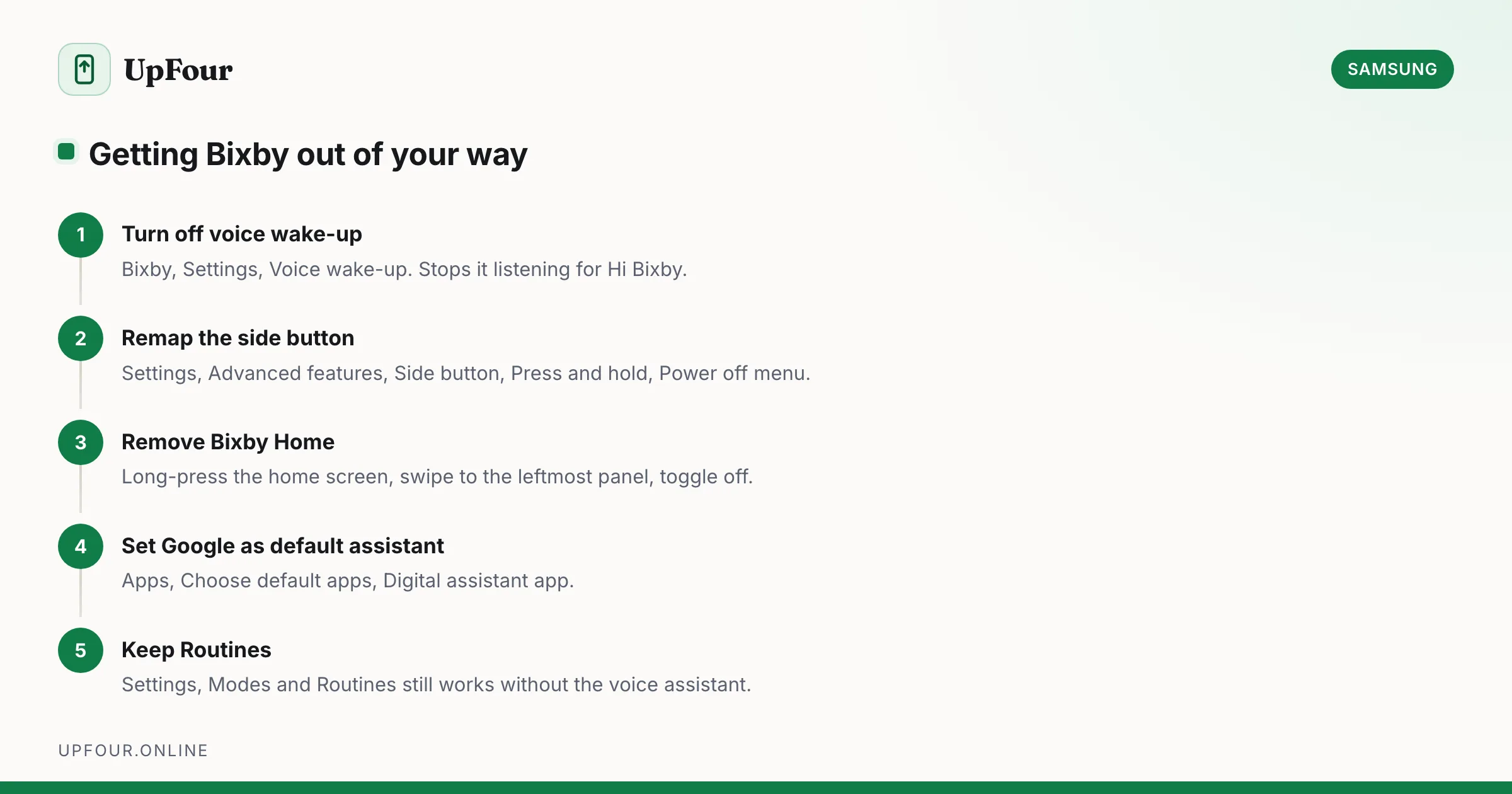
You cannot fully uninstall it, but you can stop it appearing:
- Disable voice wake-up — Bixby › ⋮ Settings › Voice wake-up → off. This stops "Hi Bixby" from listening.
- Remap the side button as above.
- Remove Bixby Home / Bixby Today — long-press an empty area of the home screen, swipe to the leftmost panel and toggle it off.
- Disable the apps — Settings › Apps › ⋮ Show system apps, then open Bixby Voice, Bixby Vision and Bixby Home and tap Disable where offered.
Disabling Bixby Voice may also disable Bixby Routines, since they share components. If you use Routines, disable only voice wake-up and leave the rest alone.
Set Google as your default assistant
Settings › Apps › Choose default apps › Digital assistant app → select Google.
This changes what the assistant gesture and button summon. Bixby remains installed but stops being the default.
Bixby Vision
Samsung's camera-based recognition — text extraction, translation, QR codes and product lookup. Samsung has scaled it back on newer models, and Google Lens is now the more capable option for most of these tasks. See scanning QR codes on a Samsung phone.
Is Bixby being discontinued?
Samsung has continued developing Bixby while simultaneously deepening its Google partnership, with Gemini available on recent Galaxy phones. The practical position: Bixby persists for device control, appliances and Routines, while Google's assistant handles general queries. Samsung has not announced its retirement.
In short
Bixby is Samsung's assistant — good at controlling your phone, weak at answering questions. The most valuable part is Bixby Routines for automation, which works without ever speaking to it. Turn off voice wake-up and remap the side button if it gets in your way, and set Google as your default assistant if you prefer it.
Frequently asked questions
What is Bixby on a Samsung phone?
Bixby is Samsung's own voice assistant, the equivalent of Siri on iPhone. It is built into Galaxy phones, tablets, watches and appliances, and is strongest at controlling device settings and Samsung apps.
How do I turn off Bixby?
Open Bixby › Settings and disable Voice wake-up, then remap the side button under Settings › Advanced features › Side button. You can also disable the Bixby apps under Settings › Apps with system apps shown.
Is Bixby better than Google Assistant?
Bixby is better at controlling phone settings and Samsung apps because it has deeper system access. Google's assistant is considerably better at general knowledge and web search. Many people use both.
What are Bixby Routines?
An automation feature under Settings › Modes and Routines that triggers actions based on conditions such as time, location, battery level or Bluetooth connection. It works without any voice interaction and is more capable than most third-party automation apps.
Sources & further reading
Official documentation used while writing and checking this guide. Every link was verified at the last update.
- Official Samsung SupportSamsung
- Android platform releases and version historyAndroid Developers
Machine-readable version: Markdown source
Related guides
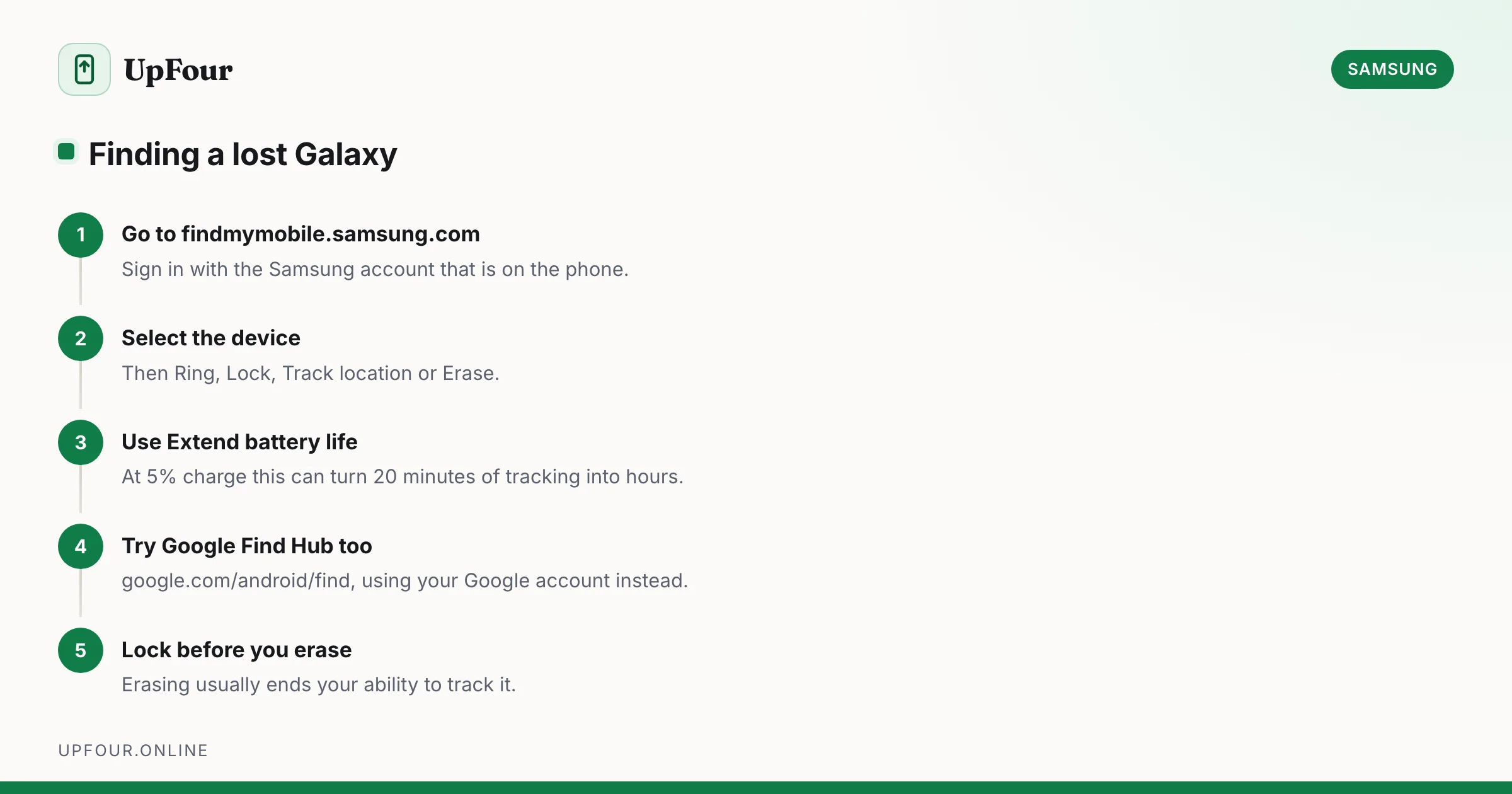
How to Find a Lost Samsung Phone (Find My Mobile and Find Hub)
Locate, ring, lock or wipe a lost Galaxy phone using Samsung Find My Mobile or Google Find Hub — including how to find one that is switched off.
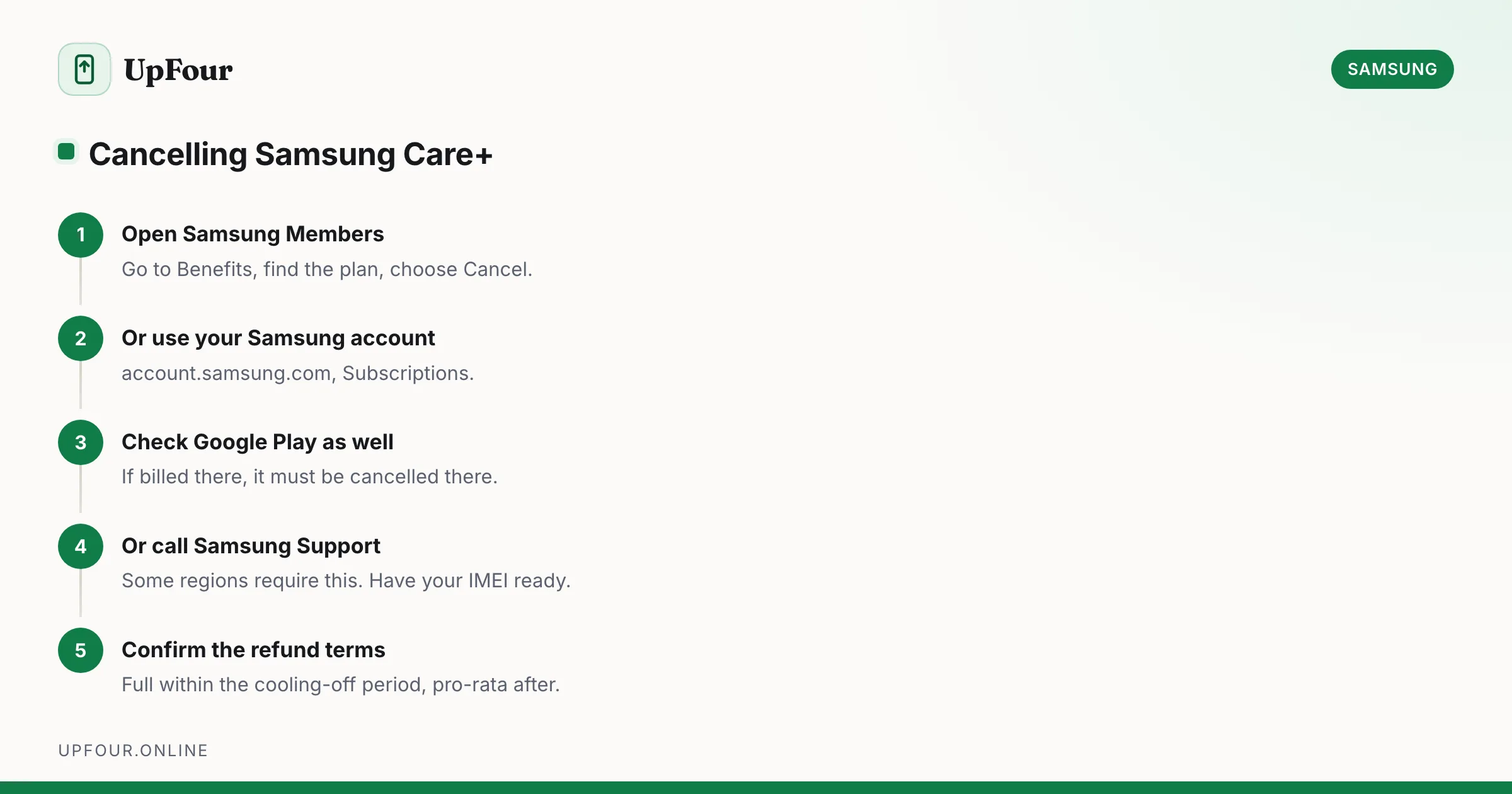
How to Cancel Samsung Care+ (and How to Add It After Purchase)
Cancel a Samsung Care+ plan, understand refunds and cancellation windows, and learn how to add coverage to a phone you already own.
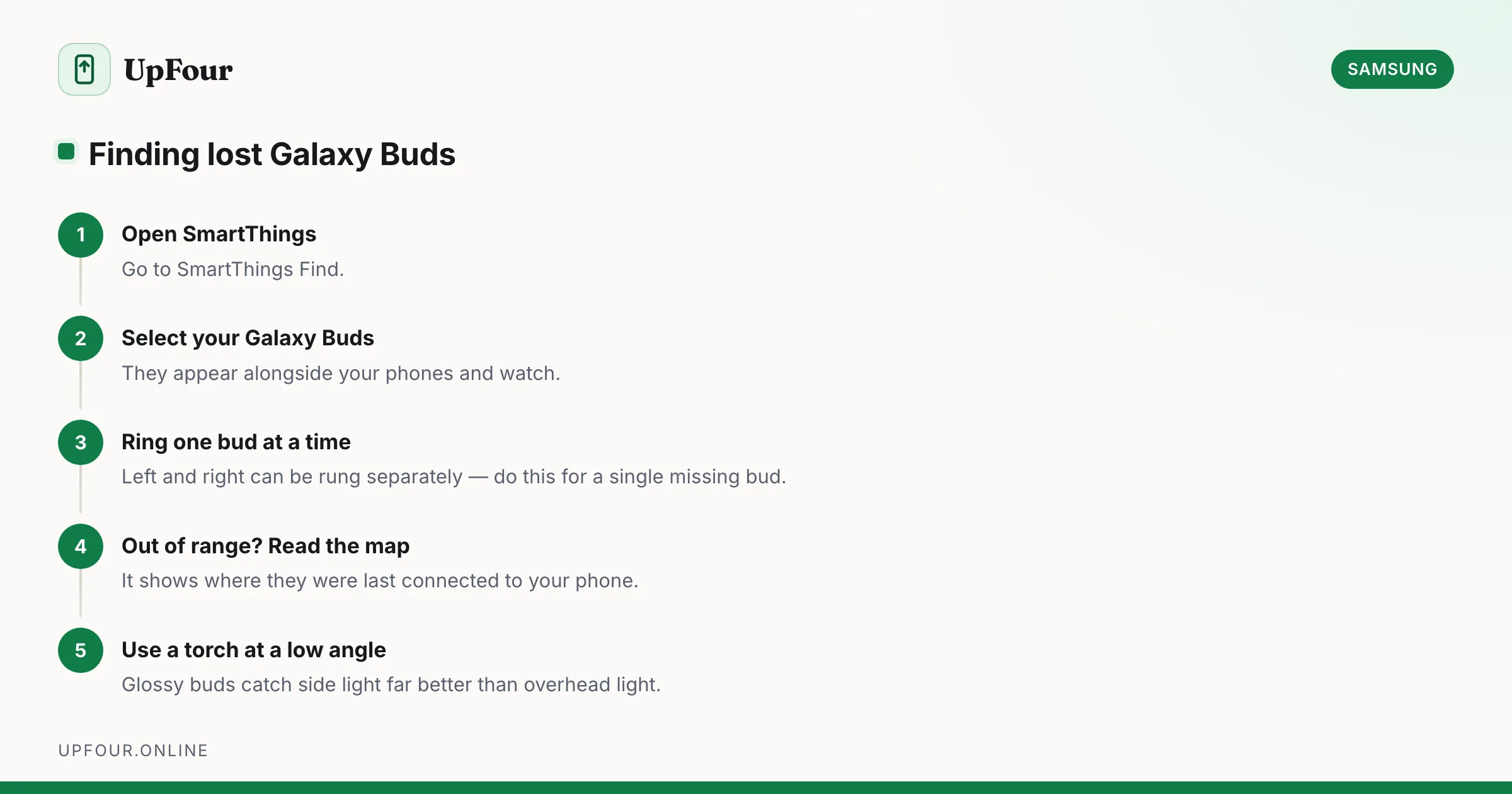
How to Find Lost Galaxy Buds (Including One Missing Earbud)
Locate lost Galaxy Buds with SmartThings Find, make them ring, see their last known location, and find a single earbud lost around the house.