What Does the Galaxy Ring Do? Features, Battery and Who It's For
What the Samsung Galaxy Ring tracks, how it compares to a Galaxy Watch, battery life, sizing, and whether it needs a subscription.
Short answer
The Galaxy Ring is a screenless health tracker worn on the finger. It measures sleep, heart rate, movement and skin temperature, feeding a daily Energy Score in Samsung Health, and lasts around a week per charge.
The Galaxy Ring is Samsung's smart ring: a sensor package in a titanium band, with no screen and no notifications. It is a passive tracker, and understanding that framing is the key to deciding whether you want one.
What it tracks
- Sleep — duration, stages, sleep latency, movement, and a sleep score. This is its strongest feature.
- Heart rate — continuous, plus resting heart rate trends.
- Heart rate variability — used for recovery and stress estimates.
- Skin temperature — overnight trends, useful for cycle tracking and illness signals.
- Blood oxygen during sleep.
- Steps and activity, with automatic detection of walking and running.
- Energy Score — Samsung Health's daily readiness figure combining sleep, activity and heart metrics.
Everything lands in the Samsung Health app, which needs a Samsung account. The ring itself has no display, so the app is the entire interface.
What it does not do
Worth being blunt about, because it is the source of most disappointment:
- No screen — no notifications, messages or time.
- No GPS — it borrows your phone's location for outdoor workouts.
- No ECG or blood pressure — those remain Galaxy Watch features.
- No detailed workout tracking — it detects walks and runs but is not a training device.
- No speaker or microphone.
If you want notifications on your wrist or serious workout metrics, this is the wrong product.
Battery life
Around six to seven days per charge, varying with size — larger rings hold larger batteries. It charges in a small case that itself holds additional charges, so travelling without the cable is realistic.
This is the ring's genuine advantage over a watch. A Galaxy Watch needs charging every day or two, which is exactly when sleep tracking is most inconvenient. A ring you charge weekly, during a shower or a commute, actually captures every night.
Sizing
Sizes run roughly 5 to 13. Samsung supplies a sizing kit and you are strongly advised to use it — the fit must be snug enough for the optical sensors to read reliably, which is typically tighter than a decorative ring.
Two practical points:
- Fingers swell during the day, in heat, and in flight. Size for the middle of that range.
- The index finger is Samsung's recommendation for signal quality, though it works on others.
Comfort and durability
Titanium, around 2.6 mm thick, and light enough that most people forget they are wearing it. It is rated for water and dust and can be worn in the shower and swimming.
The realistic wear concern is cosmetic scratching. Lifting weights, climbing, or manual work with a metal ring will mark it, and many people remove it for those activities.
Galaxy Ring vs Galaxy Watch
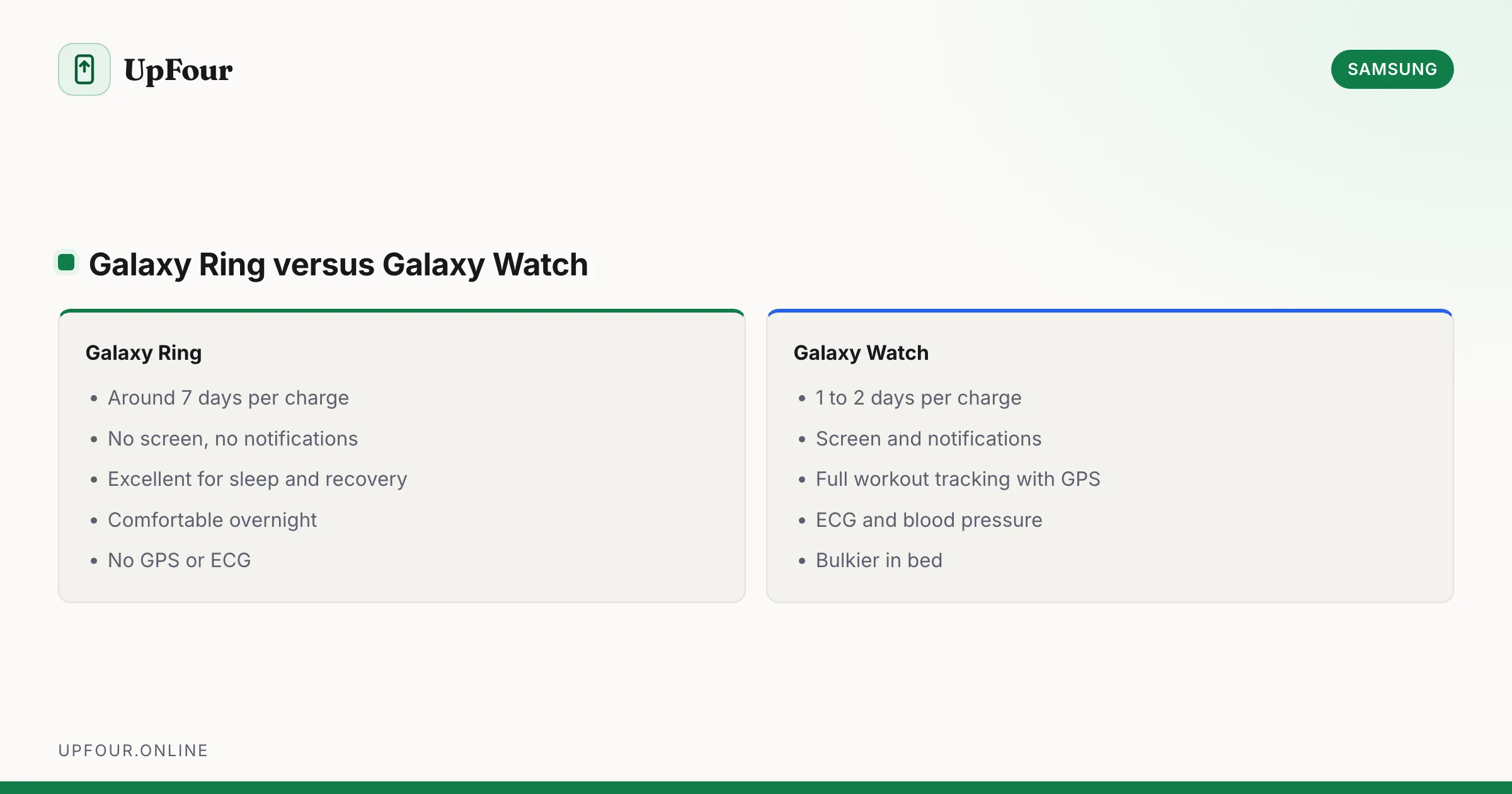
| Galaxy Ring | Galaxy Watch | |
|---|---|---|
| Battery | ~7 days | 1–2 days |
| Screen | None | Yes |
| Notifications | No | Yes |
| Sleep tracking | Excellent, comfortable | Good, if you wear it overnight |
| ECG / blood pressure | No | Yes |
| Workout tracking | Basic | Full, with GPS |
| Comfort in bed | High | Moderate |
They are complementary rather than competing. Samsung supports wearing both, and the apps combine the data rather than duplicating it.
Does it need a subscription?
No. Samsung Health and the Energy Score are free. This is a genuine advantage over Oura, whose comparable features require a monthly subscription on top of the hardware.
What you need to use one
- A Samsung account.
- The Samsung Health app.
- An Android phone. Full functionality — particularly Galaxy AI features — is best on a Galaxy phone. There is no iPhone support.
That last point is the deciding factor for many people. If you use an iPhone, the Galaxy Ring is not an option.
Gestures
A double-pinch gesture with the ring hand can trigger a camera shutter or dismiss an alarm. Useful, occasionally finicky, and not a reason to buy it.
Who it suits
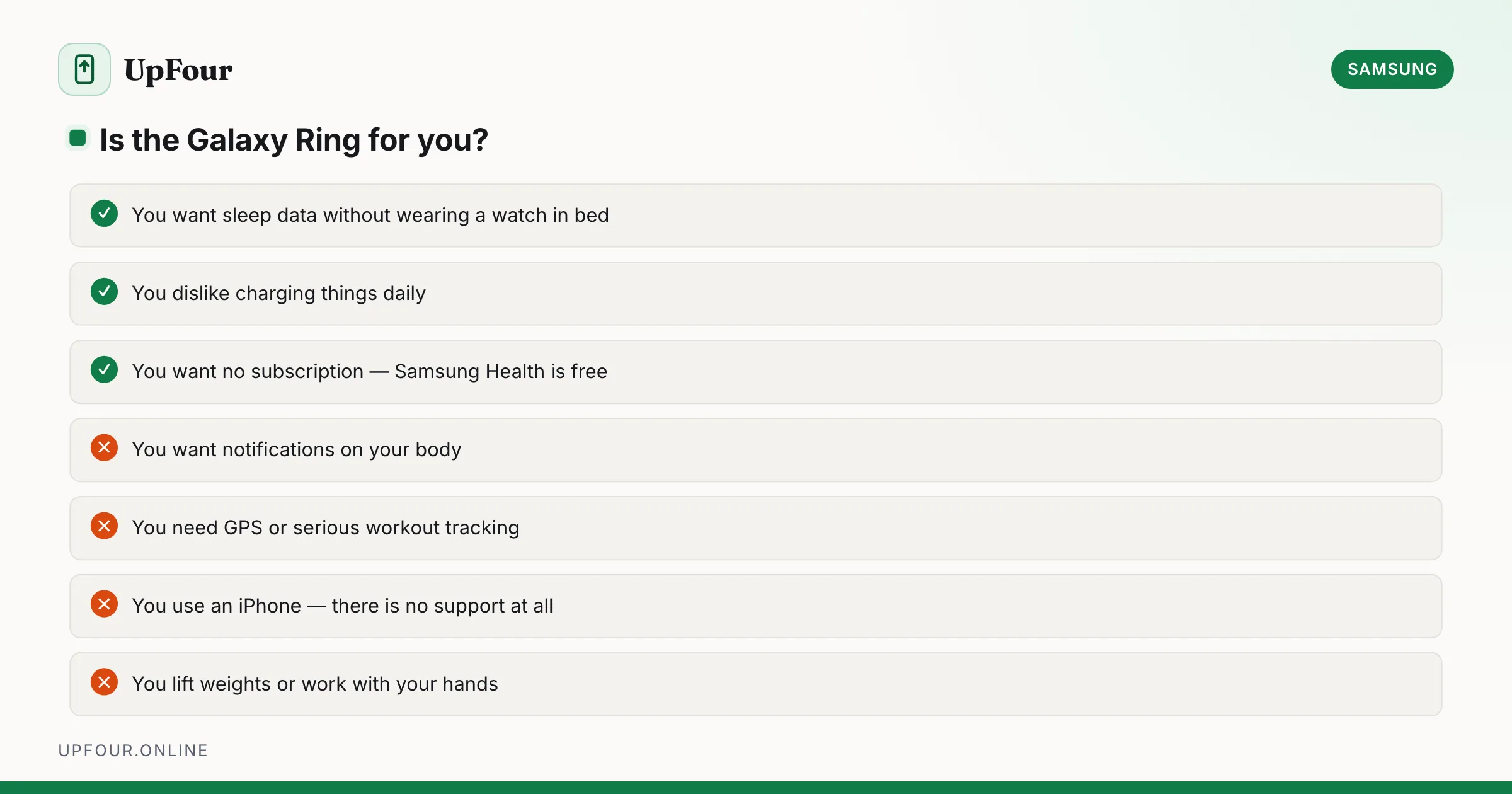
Good fit if you: want sleep and recovery data without wearing a watch in bed, dislike charging things daily, prefer a device that disappears, and want no subscription.
Poor fit if you: want notifications, need GPS or serious workout tracking, use an iPhone, or work with your hands in ways that would scratch it.
In short
The Galaxy Ring is a passive health tracker focused on sleep, recovery and heart metrics, with about a week of battery, no screen, and no subscription. It complements a Galaxy Watch rather than replacing one, and it requires an Android phone.
Frequently asked questions
What does the Samsung Galaxy Ring do?
It tracks sleep stages, heart rate, heart rate variability, skin temperature, blood oxygen and steps, feeding a daily Energy Score in Samsung Health. It has no screen and shows no notifications.
How long does the Galaxy Ring battery last?
Around six to seven days per charge, depending on ring size, since larger sizes hold larger batteries. The charging case holds additional charges.
Does the Galaxy Ring require a subscription?
No. Samsung Health and the Energy Score are free, which differs from competitors such as Oura that charge a monthly fee for comparable features.
Does the Galaxy Ring work with an iPhone?
No. The Galaxy Ring requires an Android phone and the Samsung Health app, and full functionality is best on a Galaxy phone. There is no iPhone support.
Sources & further reading
Official documentation used while writing and checking this guide. Every link was verified at the last update.
- Official Samsung SupportSamsung
- Samsung Global NewsroomSamsung
- BU-808: How to prolong lithium-based batteriesBattery University
Machine-readable version: Markdown source
Related guides
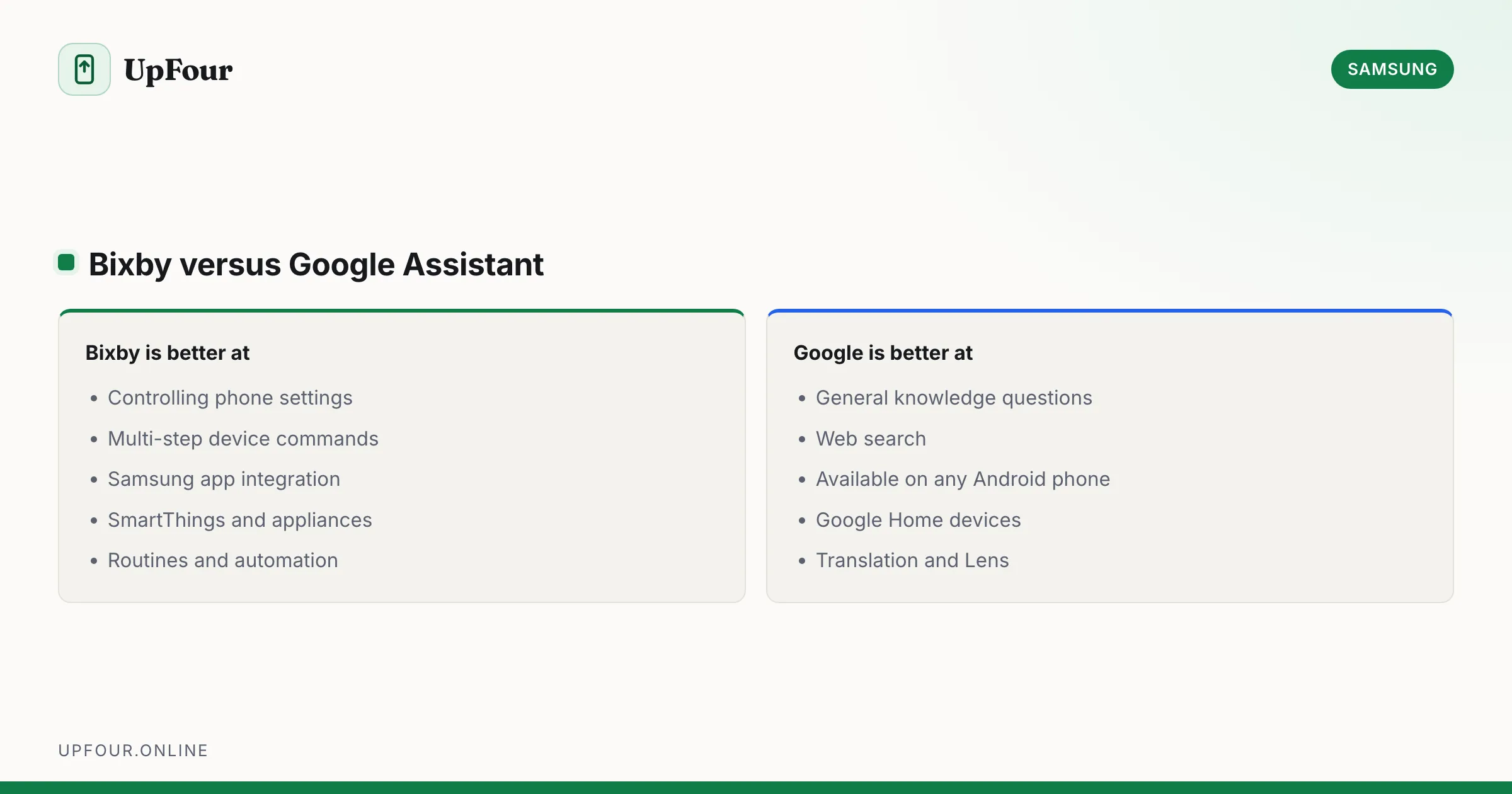
What Is Bixby? Samsung's Assistant Explained (and How to Disable It)
What Bixby does, how it differs from Google Assistant and Gemini, how to remap the power button, and how to turn Bixby off entirely.
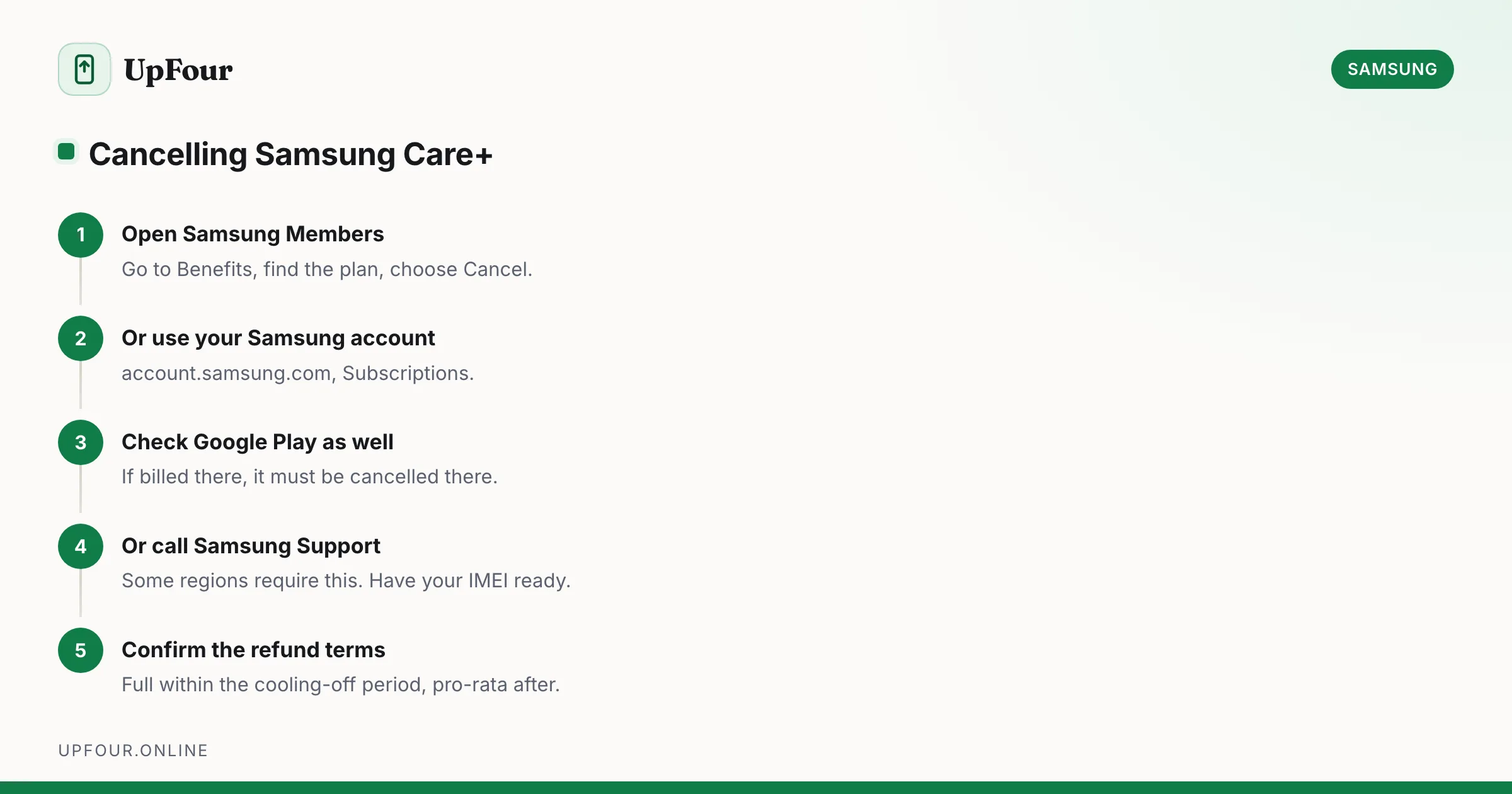
How to Cancel Samsung Care+ (and How to Add It After Purchase)
Cancel a Samsung Care+ plan, understand refunds and cancellation windows, and learn how to add coverage to a phone you already own.
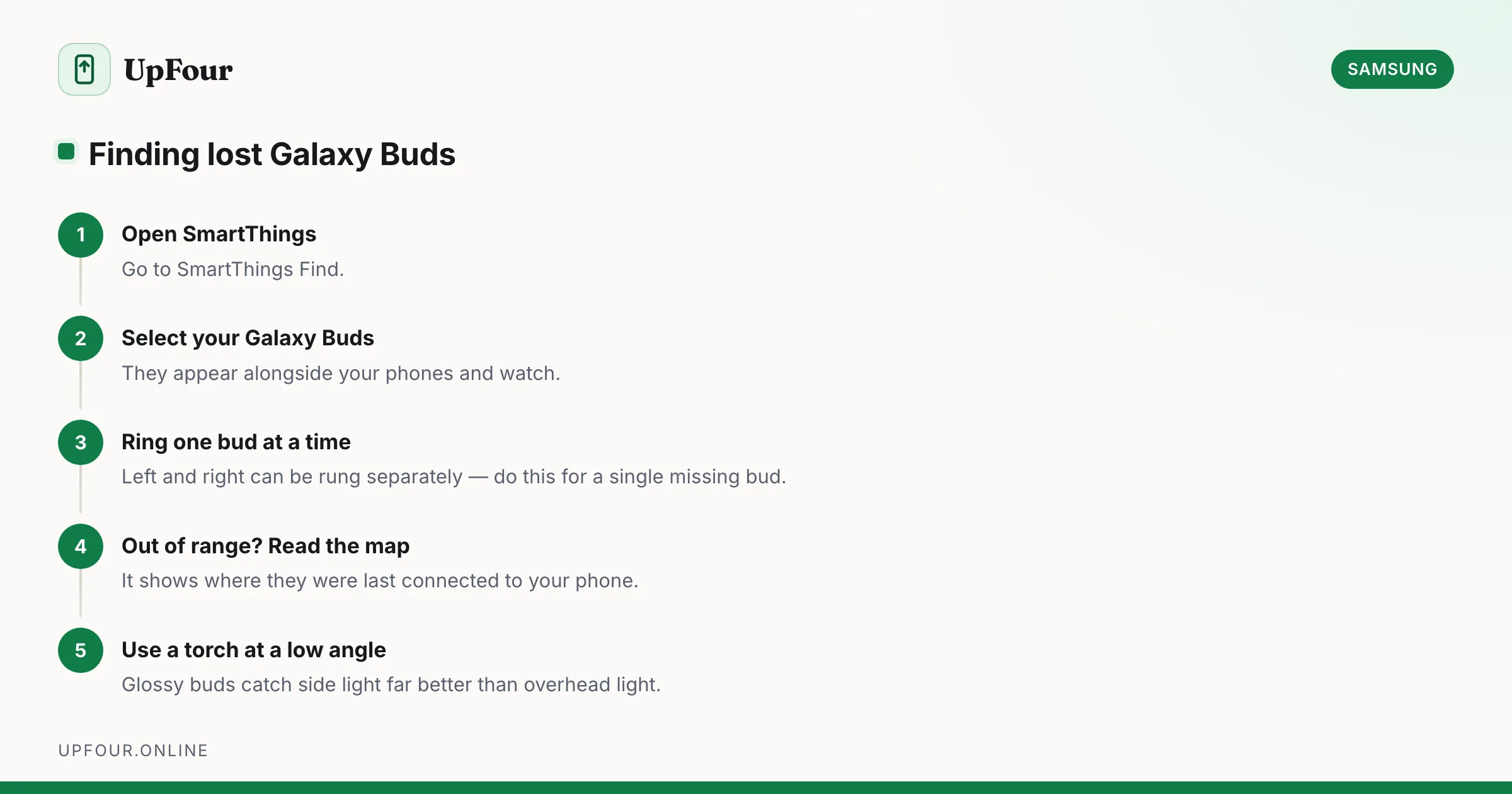
How to Find Lost Galaxy Buds (Including One Missing Earbud)
Locate lost Galaxy Buds with SmartThings Find, make them ring, see their last known location, and find a single earbud lost around the house.