Android Secret Menus: Dialer Codes, Safe Mode and Recovery Explained
The hidden diagnostic menus on Android — dialer codes, Safe Mode, Recovery and the testing screens — what each one does and when it is safe to use.
Short answer
Dial *#*#4636#*#* for the built-in testing menu with signal and battery diagnostics, hold the power button and long-press Power off to enter Safe Mode, and hold Power + Volume up while booting to reach Recovery.
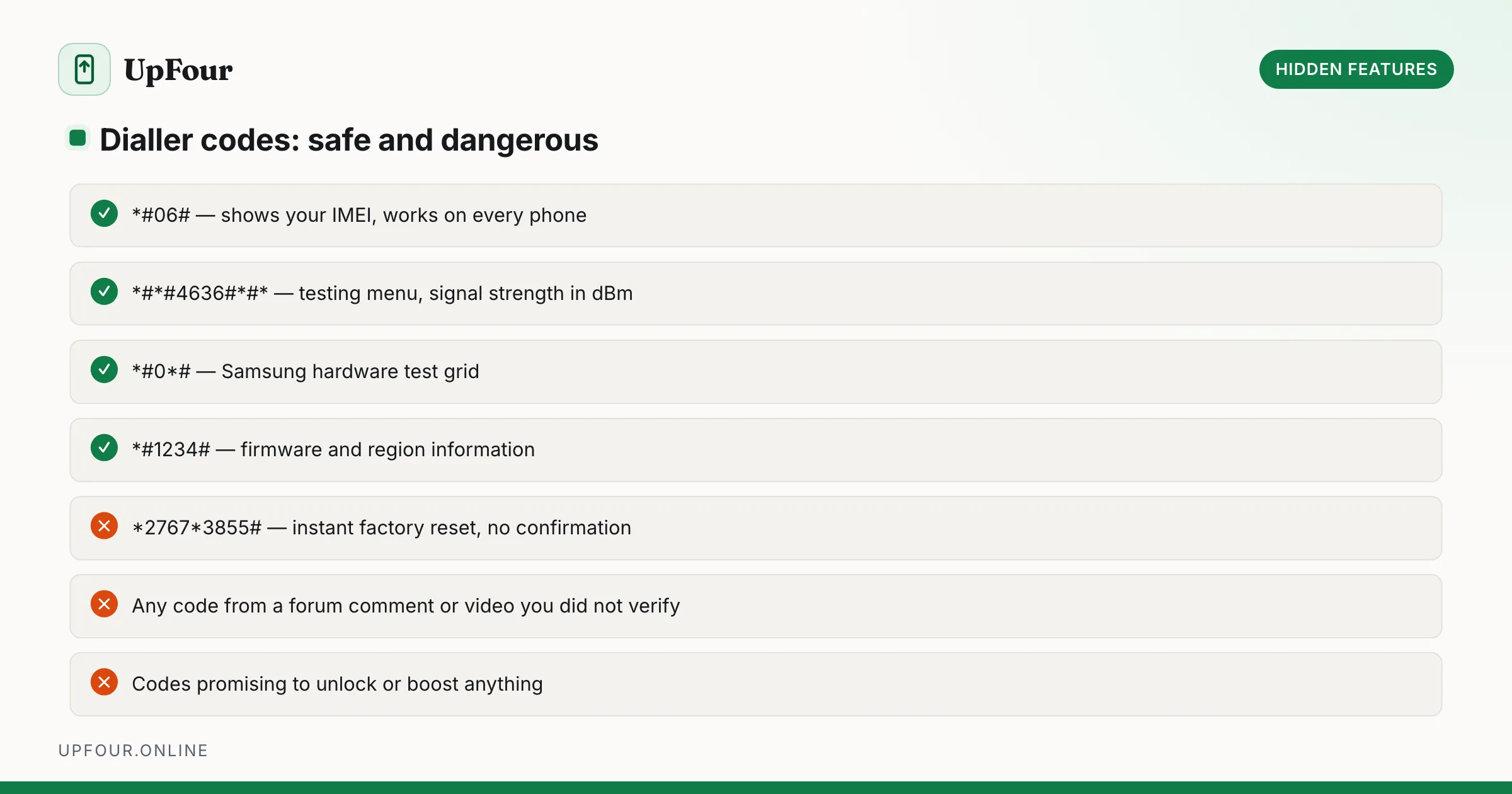
Android ships several diagnostic entry points that no menu links to. They are legitimate, built-in tools — but a couple of the codes that circulate online are genuinely destructive, so the distinction matters.
Dialer codes that are safe
Type these into the phone app's keypad. They execute the moment the final character is entered — there is no call button and no confirmation.
| Code | What it opens |
|---|---|
*#*#4636#*#* | Testing menu — phone info, signal strength in dBm, network type, usage statistics |
*#06# | IMEI number(s) — the only code guaranteed to work on every phone and network |
*#*#34971539#*#* | Camera firmware information (many devices) |
*#*#232338#*#* | Wi-Fi MAC address |
*#*#7780#*#* | Factory reset prompt — asks first, keeps files on internal storage |
The testing menu is the genuinely useful one. Its signal reading in dBm is far more precise than the bar indicator: −85 dBm or better is strong, −100 dBm is marginal, −115 dBm and below will drop calls.
Codes to never enter
*`27673855#` performs an immediate, unconfirmed factory reset on many Samsung devices. There is no prompt and no undo. Codes beginning `#*#7594`, and various carrier-specific strings, similarly reformat storage without asking.
Treat any dialer code you did not look up yourself as hostile. Most modern Android versions have removed the destructive ones, but not all devices and not all carrier builds.
Safe Mode: is it an app or the phone?
Safe Mode boots Android with every user-installed app disabled. If the problem disappears in Safe Mode, an app is causing it; if it persists, the issue is system-level or hardware.
To enter:
- Press and hold the power button until the power menu appears.
- Long-press the Power off option.
- Confirm Reboot to safe mode.
To exit: reboot normally.
A "Safe mode" watermark sits in the corner while active. This is the first diagnostic step for random reboots, battery drain and freezes — it splits the problem space in half in two minutes. See it applied in our guides to battery drain and apps that keep crashing.
Recovery Mode
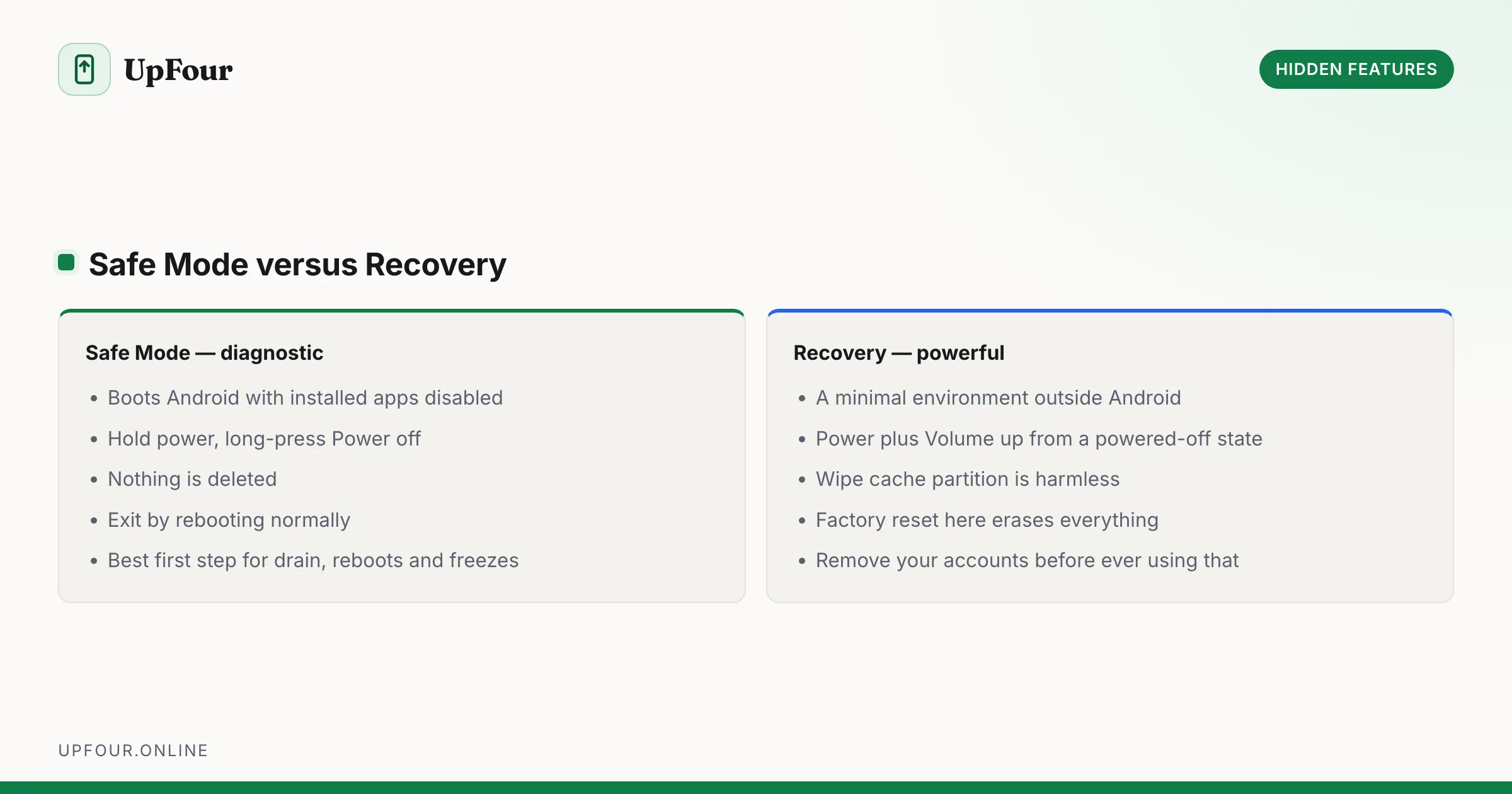
Recovery is a minimal environment outside Android proper, used for sideloading updates, clearing the cache partition and factory resetting a phone that will not boot.
To enter: power off completely, then hold Power + Volume up until the boot menu appears. Navigate with the volume keys and select with power. Exact combinations vary — Samsung requires the phone to be plugged in on recent models.
Options you will see:
- Reboot system now — the safe exit.
- Wipe cache partition — clears system caches, keeps all data. Harmless and occasionally fixes update loops.
- Apply update from ADB / SD card — sideload an official OTA package.
- Factory reset / Wipe data — erases everything. Irreversible.
After a factory reset, Factory Reset Protection requires the Google account that was previously signed in. If you are wiping a phone to sell it, remove your Google account first through Settings, or the buyer gets a brick.
Fastboot / bootloader
Power + Volume down from a powered-off state reaches the bootloader. This is where flashing and bootloader unlocking happen. There is nothing here you need for ordinary troubleshooting, and fastboot flashing unlock wipes the device unconditionally. Select Start to boot normally.
Manufacturer diagnostics
Most OEMs also ship a full hardware test suite, reachable through their support app rather than a code:
- Samsung — Members app › Get help › Interactive checks, or dial
*#0*#for the direct hardware test grid. - Google Pixel — Pixel Repair site, or the Safety and repair section of the Google app.
- OnePlus / Oppo — dial
*#808#. - Xiaomi —
*#*#64663#*#*.
These run touchscreen, speaker, microphone, sensor and display tests individually — the fastest way to prove a hardware fault before a warranty claim.
Frequently asked questions
What does *#*#4636#*#* do on Android?
It opens the built-in testing menu showing phone and battery information, network type and precise signal strength in dBm. It is read-only diagnostic information and safe to open.
Are Android dialer codes safe to use?
Most are read-only, but some execute an immediate factory reset with no confirmation. Never enter a code you have not verified — codes like *2767*3855# wipe some Samsung phones instantly.
How do I boot my Android phone into Safe Mode?
Hold the power button, then long-press the Power off option and confirm Reboot to safe mode. All user-installed apps are disabled until you reboot normally.
Does wiping the cache partition delete my data?
No. Wiping the cache partition in Recovery clears temporary system files only. Your apps, photos, messages and accounts are untouched.
Sources & further reading
Official documentation used while writing and checking this guide. Every link was verified at the last update.
- Android Security BulletinsAndroid Open Source Project
- Reset your Android device to factory settingsGoogle Android Help
- Official Samsung SupportSamsung
- How to recognise and avoid phishing scamsUS Federal Trade Commission
Machine-readable version: Markdown source
Related guides
14 Hidden Android Features You Are Probably Not Using
Genuinely useful Android features buried in submenus: one-handed mode, app pinning, split-screen shortcuts, clipboard search, extra dim and more.
Every Android Gesture and Power-User Shortcut Worth Learning
A complete map of Android navigation gestures, quick-tap actions, power button shortcuts and Quick Settings tricks that cut taps out of your day.
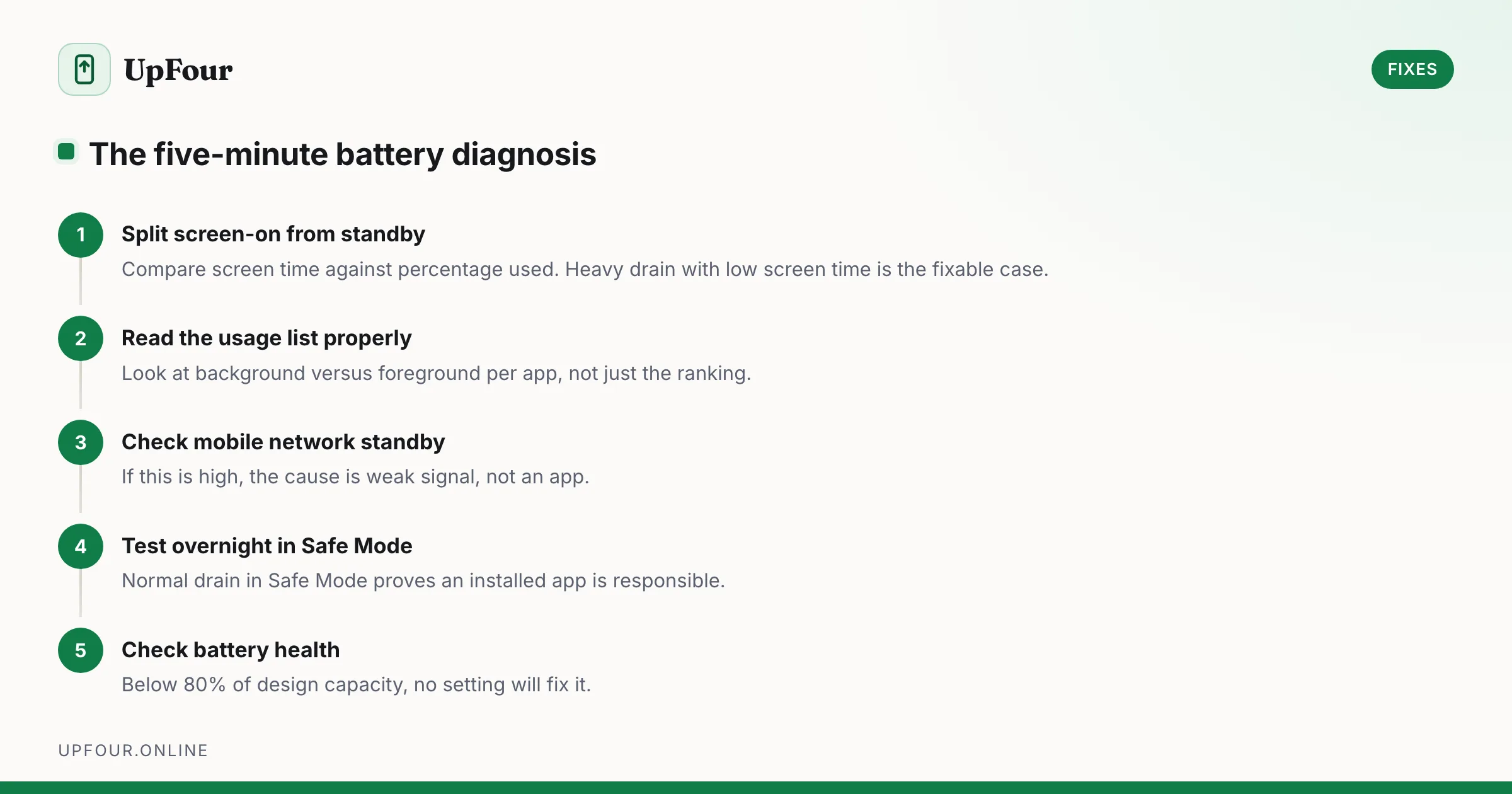
Fix Android Battery Drain: A Diagnostic Order That Actually Finds the Cause
Stop guessing. Diagnose Android battery drain in order — usage stats, screen-on vs standby drain, mobile signal, rogue wakelocks — then apply the fix that matches.