How to Change the Region on a Samsung Phone
Change your country, language and store region on a Galaxy phone — what can be changed easily, what is locked to the firmware, and what breaks.
Short answer
Change the display language and locale under Settings › General management › Language. The Play Store and Galaxy Store regions are tied to your payment address and change separately, and the firmware region cannot be changed without flashing.
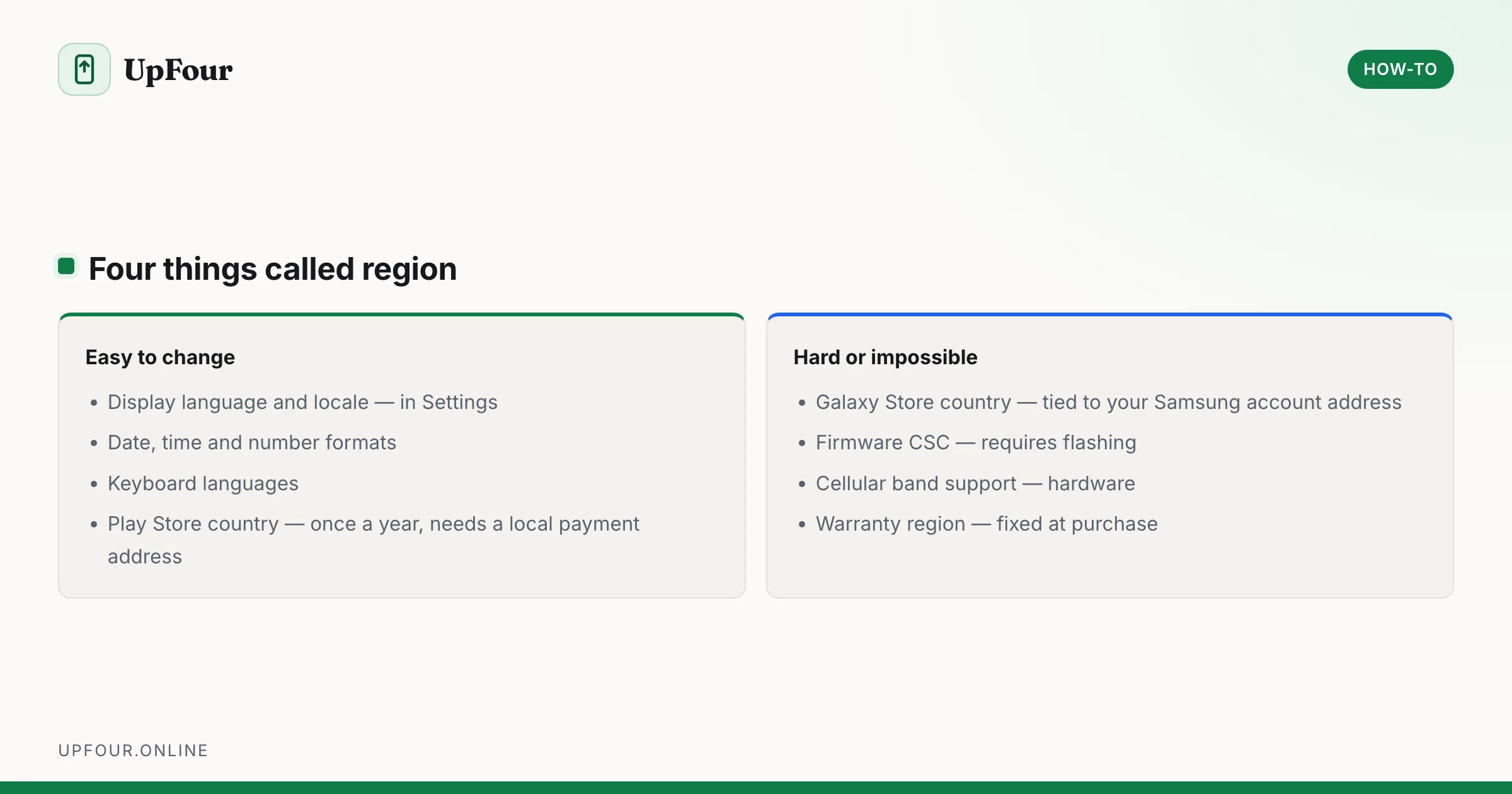
"Region" means four different things on a Galaxy phone, and they change independently. Sorting out which one you actually need saves a lot of wasted effort.
| Region type | Changeable? |
|---|---|
| Display language and locale | Easily, in Settings |
| Google Play Store country | Once per year, tied to payment address |
| Galaxy Store country | Tied to Samsung account address |
| Firmware / CSC region | Not without flashing |
Change the language and locale
Settings › General management › Language.
Tap Add language, choose one, and set it as default. You can hold several and reorder them — apps use the first one they support.
Changing the locale also affects date format, number formatting and, on some builds, units and week start day.
Related settings nearby:
- Settings › General management › Date and time — time zone and 24-hour format.
- Settings › General management › Keyboard list and default — add a keyboard for the new language.
Change your Google Play Store country
This controls which apps you can install and which prices you see.
- Open the Play Store.
- Tap your profile picture › Settings › General › Account and device preferences.
- Under Country and profiles, select the new country.
Requirements and limits:
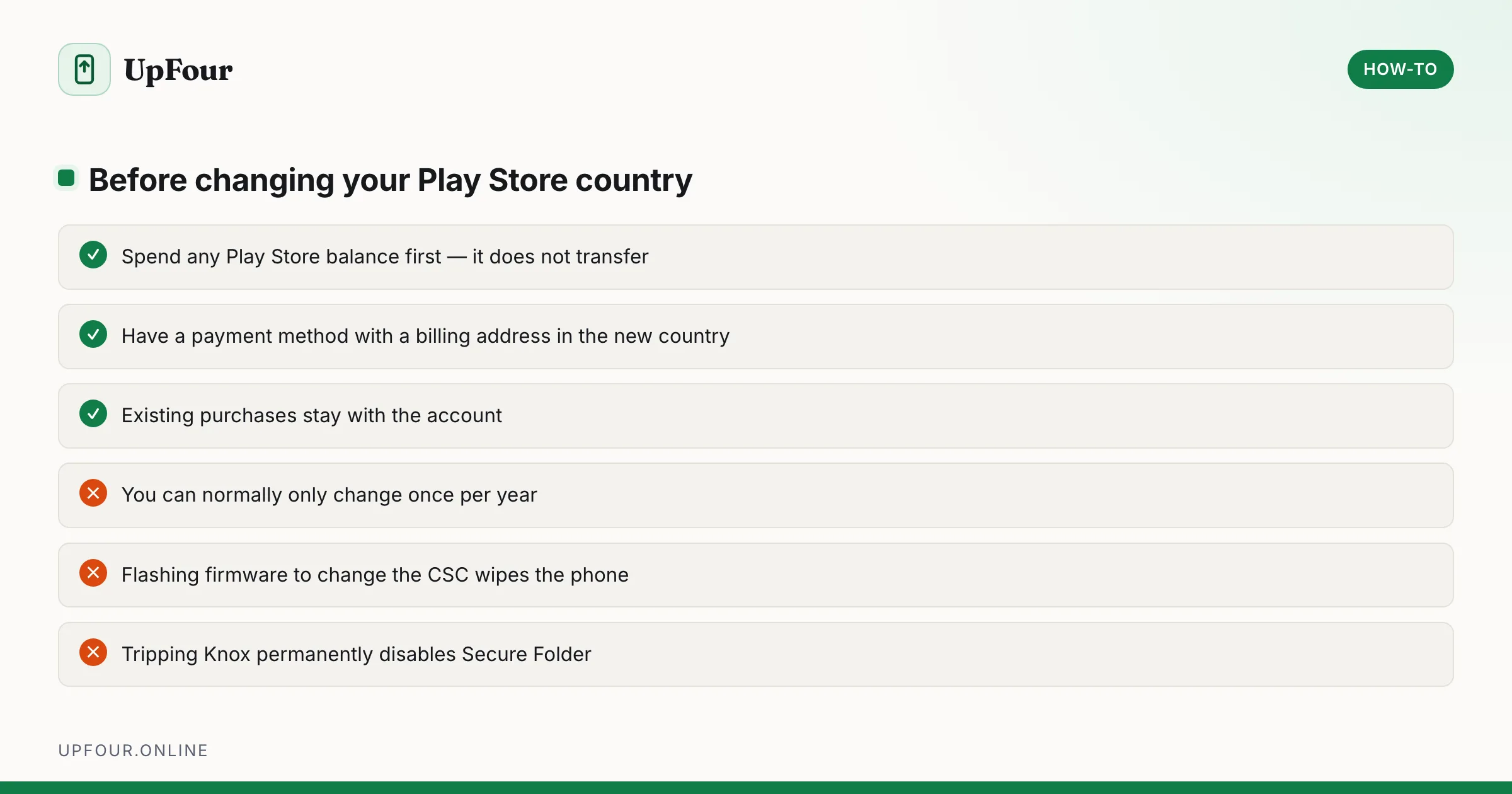
- You need a valid payment method with a billing address in the new country. This is the real gate — Google verifies the address.
- You must generally be physically in that country, at least on that network.
- You can normally change country only once per year.
- The change takes up to 48 hours to apply.
- Existing purchases stay with the account, but your Play balance does not transfer and becomes unusable.
That last point matters: spend any Play credit before changing country.
Change your Galaxy Store country
Tied to the address on your Samsung account.
- Sign in at account.samsung.com.
- Open Profile and update the country or address.
- Sign out of the Galaxy Store on the phone and back in.
Some regions restrict changing the account country entirely, in which case the option is greyed out.
The firmware region (CSC) cannot be changed
Each Galaxy ships with a CSC — a Consumer Software Customisation code identifying the market it was built for. It controls:
- which software updates you receive, and when
- preinstalled carrier apps
- region-specific features, such as whether the camera shutter sound can be silenced
- some cellular band configuration
- default VoLTE and Wi-Fi calling profiles
Check yours by dialling *#1234#, which shows the AP, CP and CSC values.
You cannot change the CSC through Settings. It requires flashing different firmware, which:
- wipes the device
- can trip Knox, permanently disabling Secure Folder, Samsung Wallet and Samsung Pay
- may void the warranty
- risks bricking the phone if the wrong firmware is used
Knox is a one-way hardware fuse. Once tripped it cannot be reset by any means, including reflashing the original firmware. Secure Folder and Samsung Wallet stop working permanently. This is not a reversible experiment.
For almost everyone, the firmware region is not worth changing. If you want a different region's software, buy that region's phone.
Region and travelling
You do not need to change anything to travel. A Galaxy phone works internationally as long as the bands are supported.
Useful before a trip:
- Settings › General management › Date and time › Automatic time zone — on.
- Add the destination language as a secondary language rather than replacing your default.
- Check Wi-Fi calling works on your carrier abroad, which often saves significant roaming charges.
- Consider an eSIM for local data — Settings › Connections › SIM manager › Add eSIM.
Why an imported phone behaves differently
If you bought a phone from another region:
- Updates arrive on that region's schedule, which may lag yours by weeks.
- Carrier features such as VoLTE and Wi-Fi calling may not work on your local network, since carriers whitelist specific firmware.
- Some bands may be missing, causing poor reception.
- The warranty is usually valid only in the country of purchase.
These are firmware and hardware issues, not settings, and none can be fixed by changing a region option in the menus. See what Samsung phone do I have to identify your model's regional variant from the model number.
Changing region to get an app
The usual motivation. Better alternatives before you touch anything:
- Check whether the app is genuinely unavailable, or merely not surfacing in search.
- Many region-locked apps work fine if installed but check location at runtime — changing the store region will not help.
- Sideloading an APK carries real security risk and skips Play Protect checks.
In short
Change language in Settings › General management › Language. Change the Play Store country in Play Store settings, which needs a local payment address and works once a year. Change the Galaxy Store country via your Samsung account. The firmware region cannot be changed without flashing, which wipes the phone and can permanently trip Knox.
Frequently asked questions
How do I change the region on my Samsung phone?
Change the display language and locale under Settings › General management › Language. The Play Store country is changed in Play Store settings and requires a payment method with a local billing address, while the Galaxy Store follows your Samsung account address.
Can I change my Samsung phone's firmware region?
Not through Settings. The CSC region requires flashing different firmware, which wipes the device, may void the warranty and can permanently trip Knox, disabling Secure Folder and Samsung Wallet for good.
How often can I change my Google Play country?
Normally once per year. You also need a valid payment method with a billing address in the new country, and any existing Play balance becomes unusable after the change.
Do I need to change region when travelling abroad?
No. A Galaxy phone works internationally provided the cellular bands are supported. Just enable automatic time zone and consider an eSIM for local data.
Sources & further reading
Official documentation used while writing and checking this guide. Every link was verified at the last update.
- How to change your Google Play countryGoogle Play Help
- Official Samsung SupportSamsung
- Android platform releases and version historyAndroid Developers
Machine-readable version: Markdown source
Related guides
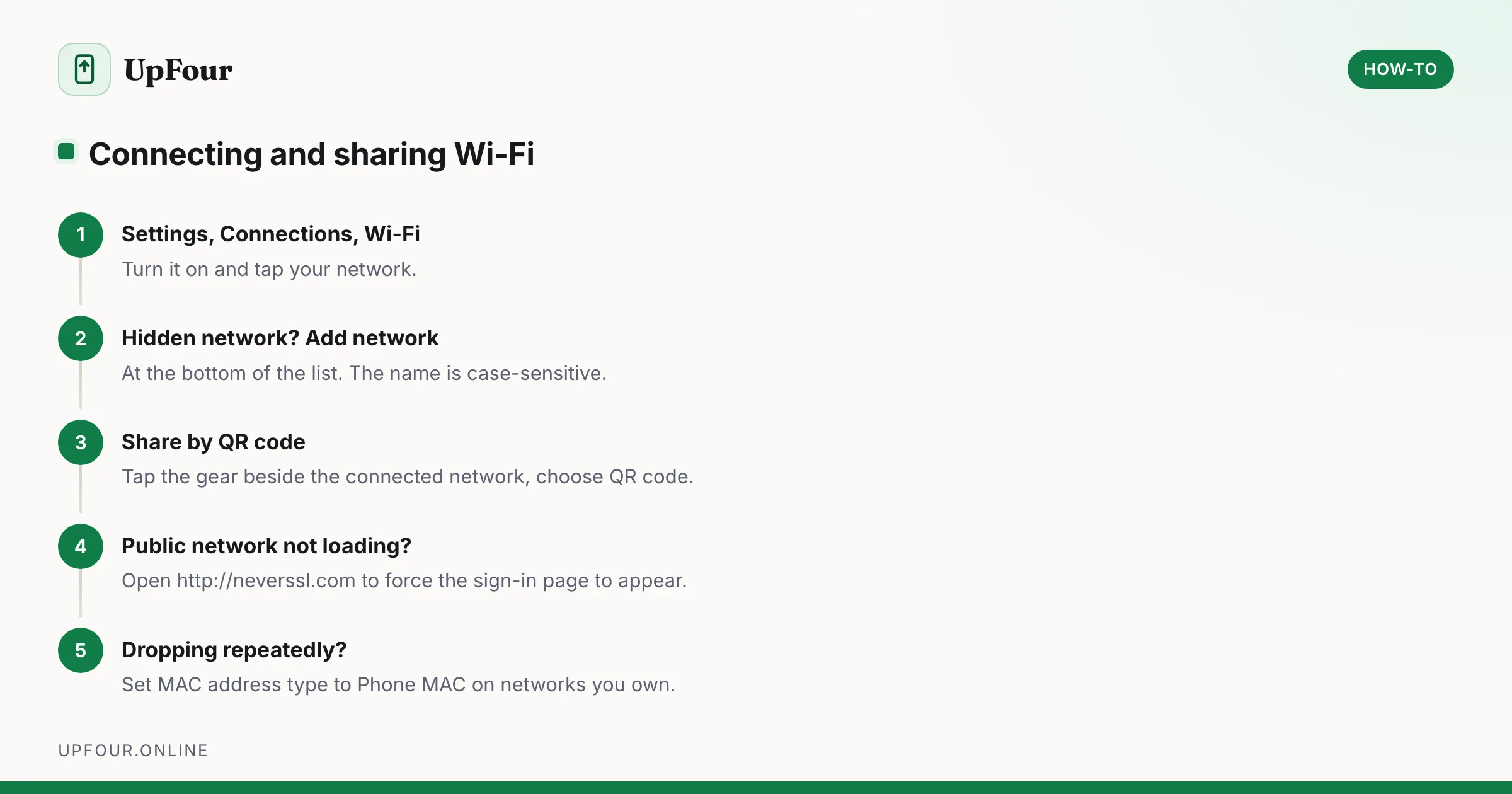
How to Connect a Samsung Phone to Wi-Fi (and Share the Password)
Connect a Galaxy phone to Wi-Fi, join a hidden network, share your connection by QR code, and fix a network that will not connect.
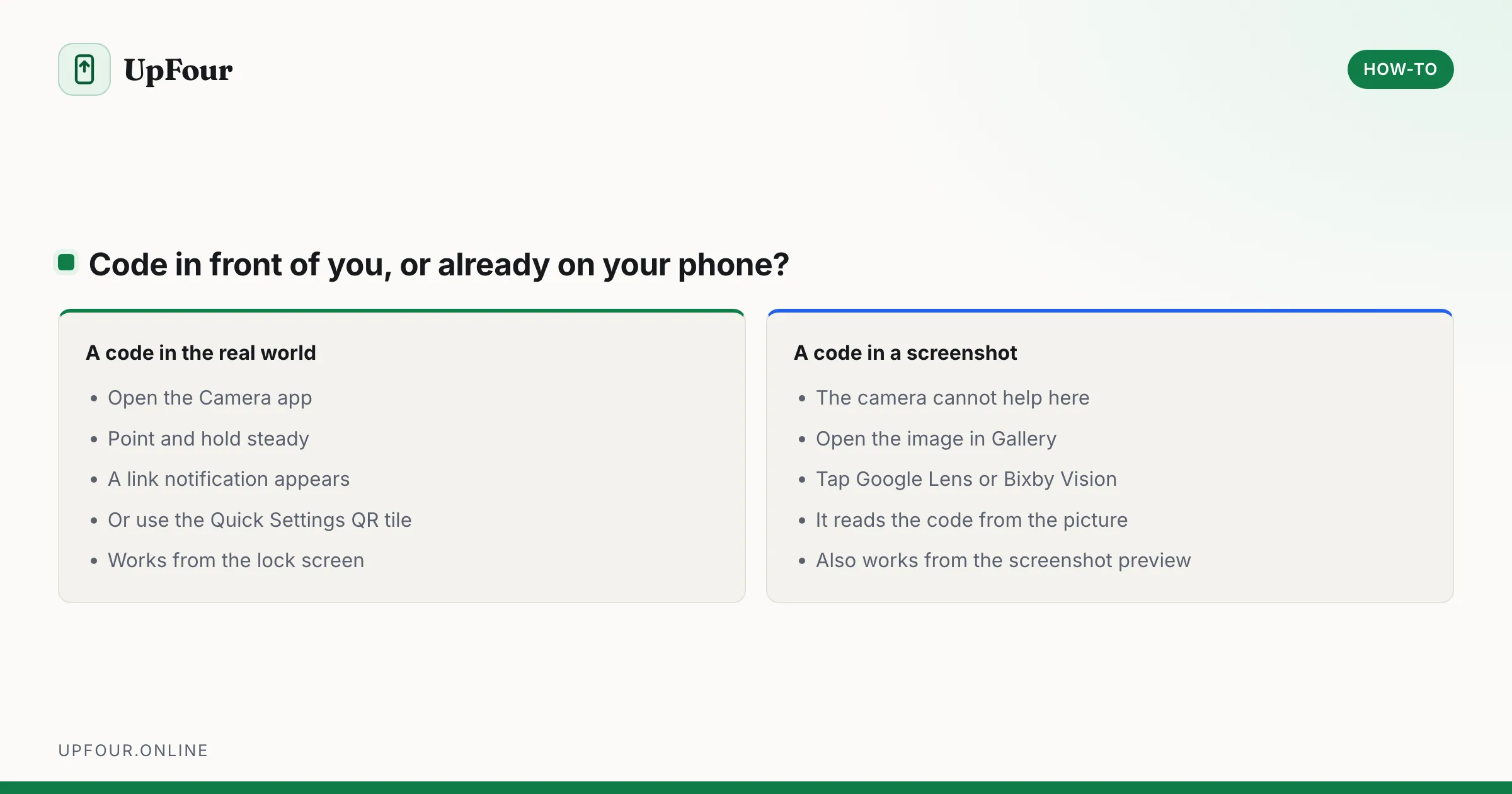
How to Scan a QR Code on a Samsung Phone (Including From the Gallery)
Scan QR codes on a Galaxy phone with the camera, Quick Settings tile or Bixby Vision — plus how to scan a QR code from a saved screenshot or photo.
How to Scan Documents on a Samsung Galaxy Phone
Scan documents to PDF on a Samsung Galaxy using the built-in camera scanner, Samsung Notes and Google Drive — plus how to fix a missing Scan button.