What Samsung Phone Do I Have? How to Identify Your Model
Find your Samsung model name and number in Settings, decode what the model number means, and identify a phone that will not switch on.
Short answer
Open Settings › About phone. The model name and model number, such as SM-S928B, are listed at the top. The model number tells you the exact regional variant, which matters for cases, parts and updates.
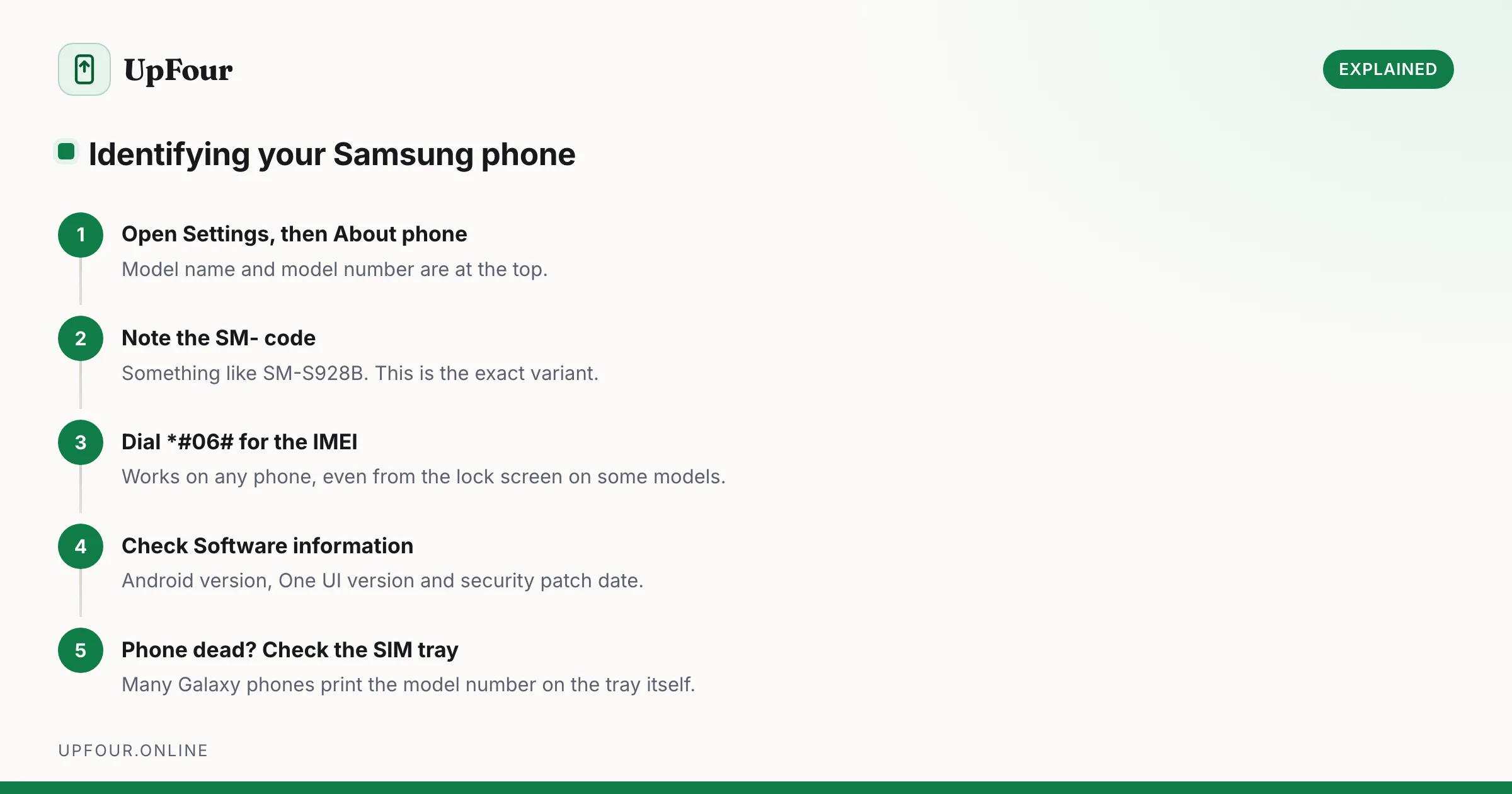
The marketing name on the box and the model number inside the phone are different things, and you sometimes need both.
Find it in Settings
- Open Settings.
- Scroll to the bottom and tap About phone.
- Read Model name (e.g. Galaxy S24 Ultra) and Model number (e.g. SM-S928B).
Also on this screen: serial number, IMEI, and under Software information, your Android and One UI versions.
Other places to look
- *Dial `#06#`** — shows the IMEI immediately, on any phone, even at the lock screen on some models.
- The SIM tray — many Galaxy phones print the model number on the tray itself.
- The back of the phone — fine print near the bottom on some models.
- The retail box — a label with the model number, IMEI and serial number.
- Your Google account — go to myaccount.google.com › Security › Your devices to see every device signed in, by name.
- Samsung Members › My devices — lists registered devices with warranty status.
If the phone will not turn on
- Check the box, or the receipt.
- Look at the SIM tray print.
- Check your Google account device list at myaccount.google.com.
- Check your carrier account, which lists the device on your line.
Decoding the model number
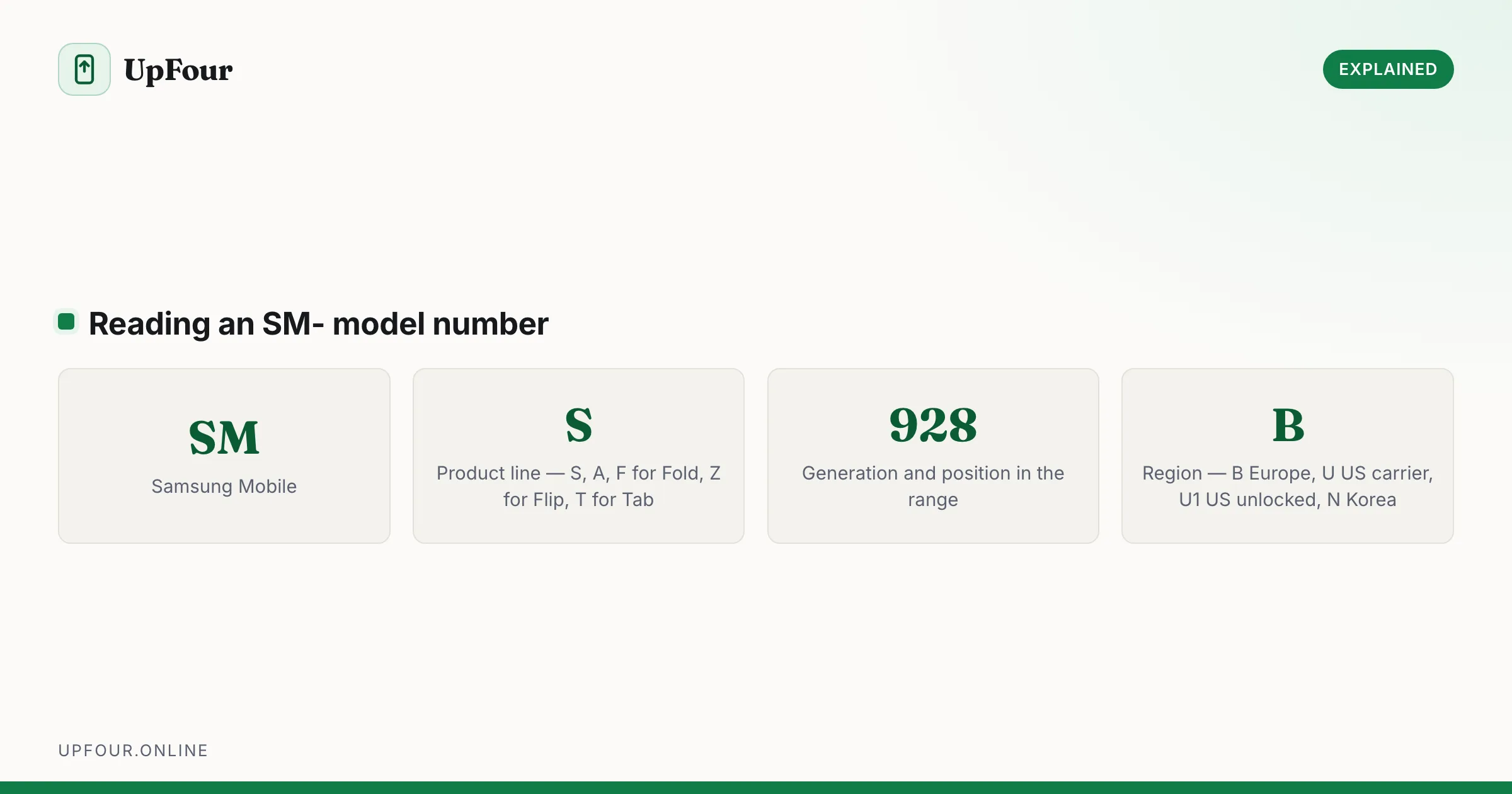
Samsung model numbers follow a consistent pattern. SM-S928B breaks down as:
| Part | Meaning |
|---|---|
| SM | Samsung Mobile |
| S | Product line — S for Galaxy S, A for A-series, F for Fold, Z for Flip, T for Tab |
| 92 | Generation |
| 8 | Position in the line — higher usually means Ultra or the larger model |
| B | Region / variant |
Common region suffixes
| Suffix | Region |
|---|---|
| B | Europe, global |
| U | United States, carrier-locked |
| U1 | United States, unlocked |
| N | South Korea |
| F | Global / Europe |
| W | Canada |
| 0 | China |
The suffix matters more than people expect. It determines which software updates you receive, which cellular bands are supported, and whether carrier bloatware is present. When buying an imported phone, the suffix tells you what you are actually getting.
Why you need the model number
- Cases and screen protectors. An S24 and an S24+ are different sizes. Buying by marketing name alone leads to a case that does not fit.
- Replacement parts. Screens and batteries are model-specific.
- Firmware. Flashing firmware for the wrong variant can brick a phone.
- Trade-in valuations ask for the exact model.
- Support. Samsung's help pages branch by model number.
Find your Android and One UI version
Settings › About phone › Software information.
You will see the Android version, the One UI version and the security patch level. Both matter: guides written for One UI 6 may not match One UI 7 exactly, and the patch date tells you whether the phone is still receiving security updates.
Is your phone still supported?
Check the security patch date under Software information. If it is more than several months old and Settings › Software update › Download and install reports no updates, the device has likely reached end of support.
Samsung's current policy for recent flagship and mid-range devices provides several years of OS upgrades plus security patches — among the longest in the Android industry. Older devices had shorter commitments.
An unsupported phone still works, but it stops receiving security fixes, which is a real consideration for anything holding banking apps. See how long Samsung phones last.
Identify the storage and RAM
Settings › About phone › Storage shows total capacity, and Battery and device care › Memory shows RAM.
Note that advertised capacity always exceeds usable space — the operating system occupies a meaningful portion. A "128 GB" phone typically offers around 105–110 GB usable, which is normal and not a fault.
Check whether it is genuine
If you bought second-hand and want to verify authenticity:
- *Dial `#06#`** and check the IMEI matches the box and the SIM tray.
- Check the IMEI on your carrier's or a national regulator's blacklist service to confirm it is not reported stolen.
- Settings › About phone should show a plausible Samsung model number in the
SM-format. - Dial
*#0*#for Samsung's hardware test menu — one of several hidden diagnostic codes. Counterfeits rarely implement it.
In short
Settings › About phone gives you the model name and number. The number, in SM- format, identifies the exact regional variant — needed for cases, parts, firmware and support. Dial *#06# for the IMEI.
Frequently asked questions
How do I find out what Samsung phone I have?
Open Settings and tap About phone. The model name such as Galaxy S24 Ultra and the model number such as SM-S928B are shown at the top, along with the serial number and IMEI.
What does the Samsung model number mean?
SM stands for Samsung Mobile, the letter after it indicates the product line, the digits indicate generation and position in the range, and the final letter is the region — B for Europe, U for US carrier models, U1 for US unlocked.
How do I identify a Samsung phone that will not turn on?
Check the model number printed on the SIM tray or the retail box, or look up the device in your Google account at myaccount.google.com › Security › Your devices, or in your carrier account.
How do I know if my Samsung phone still gets updates?
Check the security patch date under Settings › About phone › Software information. If it is many months old and Software update reports nothing available, the device has probably reached end of support.
Sources & further reading
Official documentation used while writing and checking this guide. Every link was verified at the last update.
- Samsung phone specifications databaseGSMArena
- Official Samsung SupportSamsung
- Android Security BulletinsAndroid Open Source Project
Machine-readable version: Markdown source
Related guides
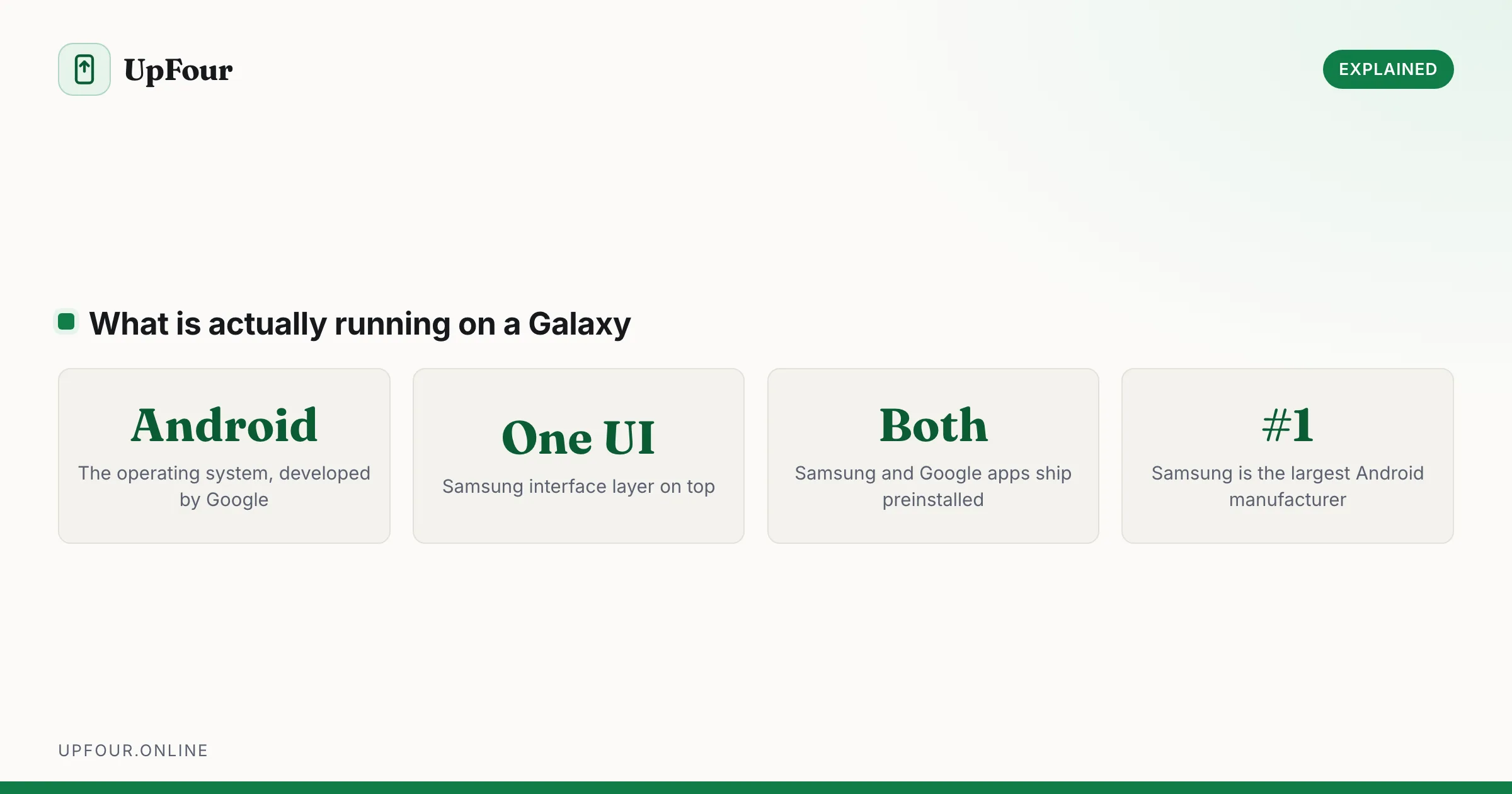
Is a Samsung an Android Phone? Yes — Here's What One UI Actually Is
Samsung Galaxy phones run Android with Samsung's One UI on top. Here is what that means, what Samsung changes, and why it matters when following guides.
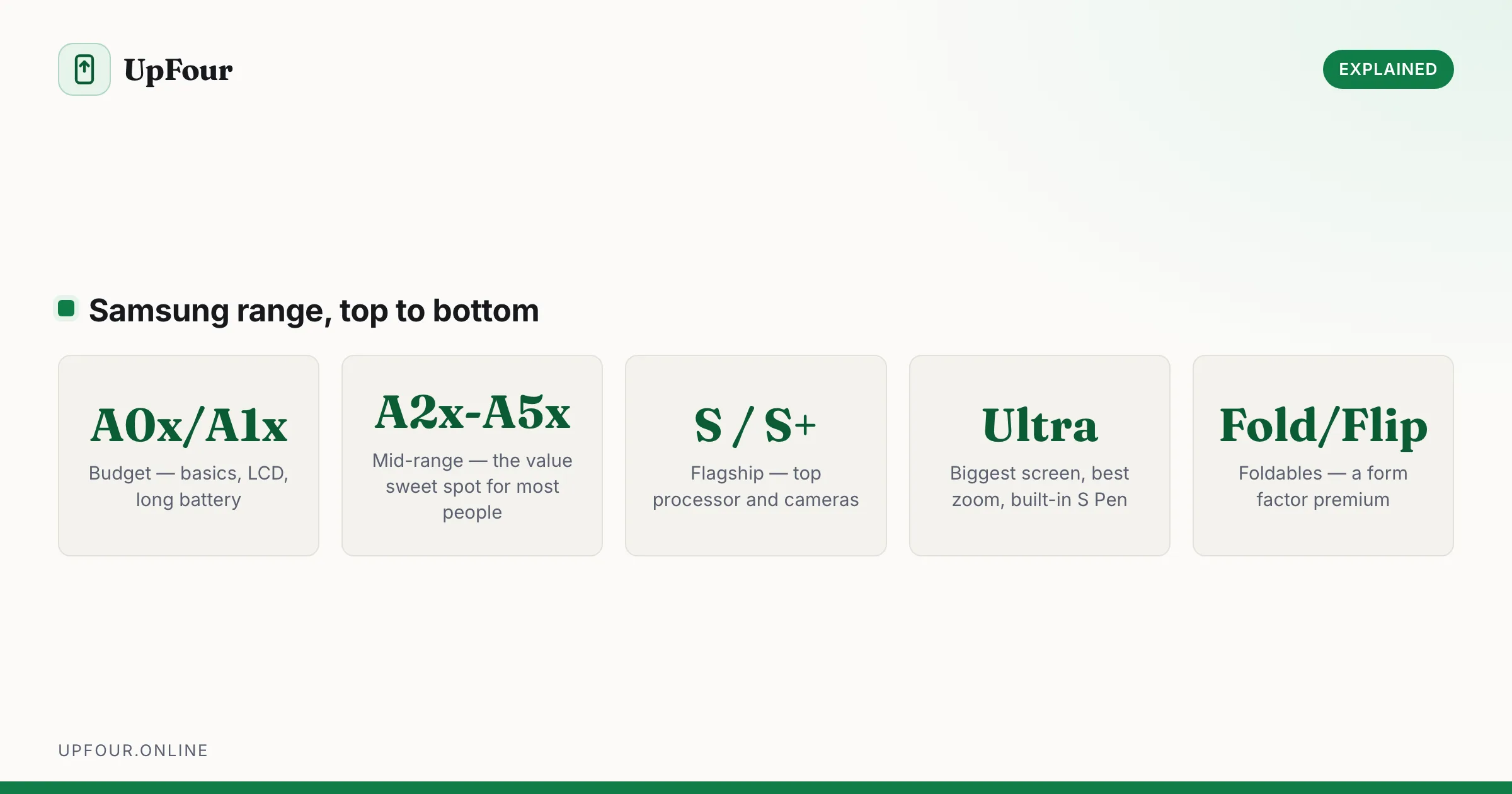
How Much Does a Samsung Phone Cost? Price Tiers Explained
What Samsung phones cost across the A-series, S-series, Ultra and foldables — and when in the year each tier is genuinely cheapest.
Galaxy S Release Dates: Every Samsung Flagship in Order
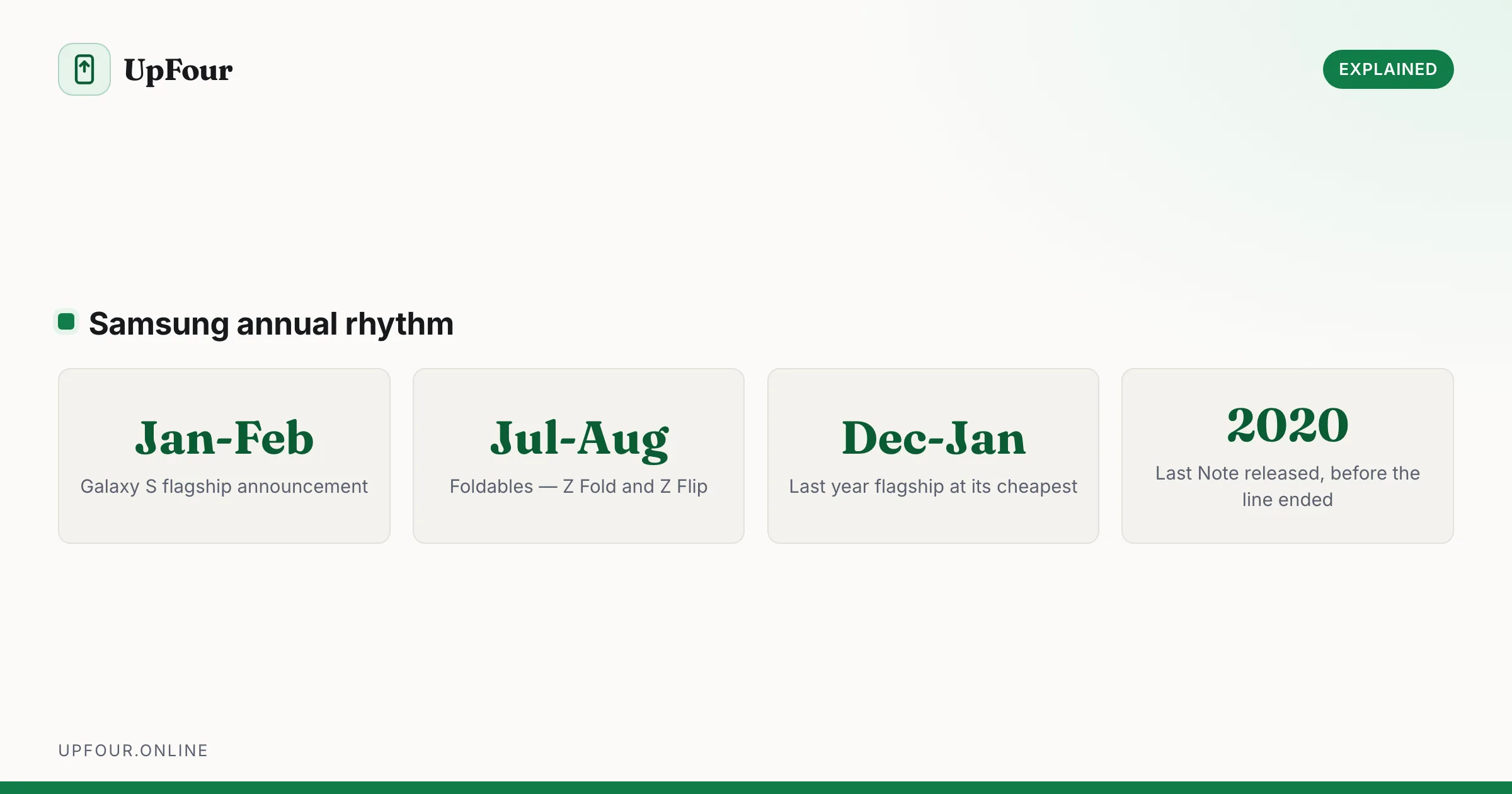
A complete timeline of Samsung Galaxy S release dates from the original through recent models, plus when Samsung typically launches new phones.