How Long Do Samsung Phones and Tablets Last?
Realistic lifespans for Samsung phones and tablets, how long software updates last, and the maintenance that adds years to a device.
Short answer
A Samsung phone typically lasts three to five years of comfortable use, and tablets often longer. Software support is now the limiting factor for most people rather than hardware failure, with recent Galaxy devices receiving several years of updates.
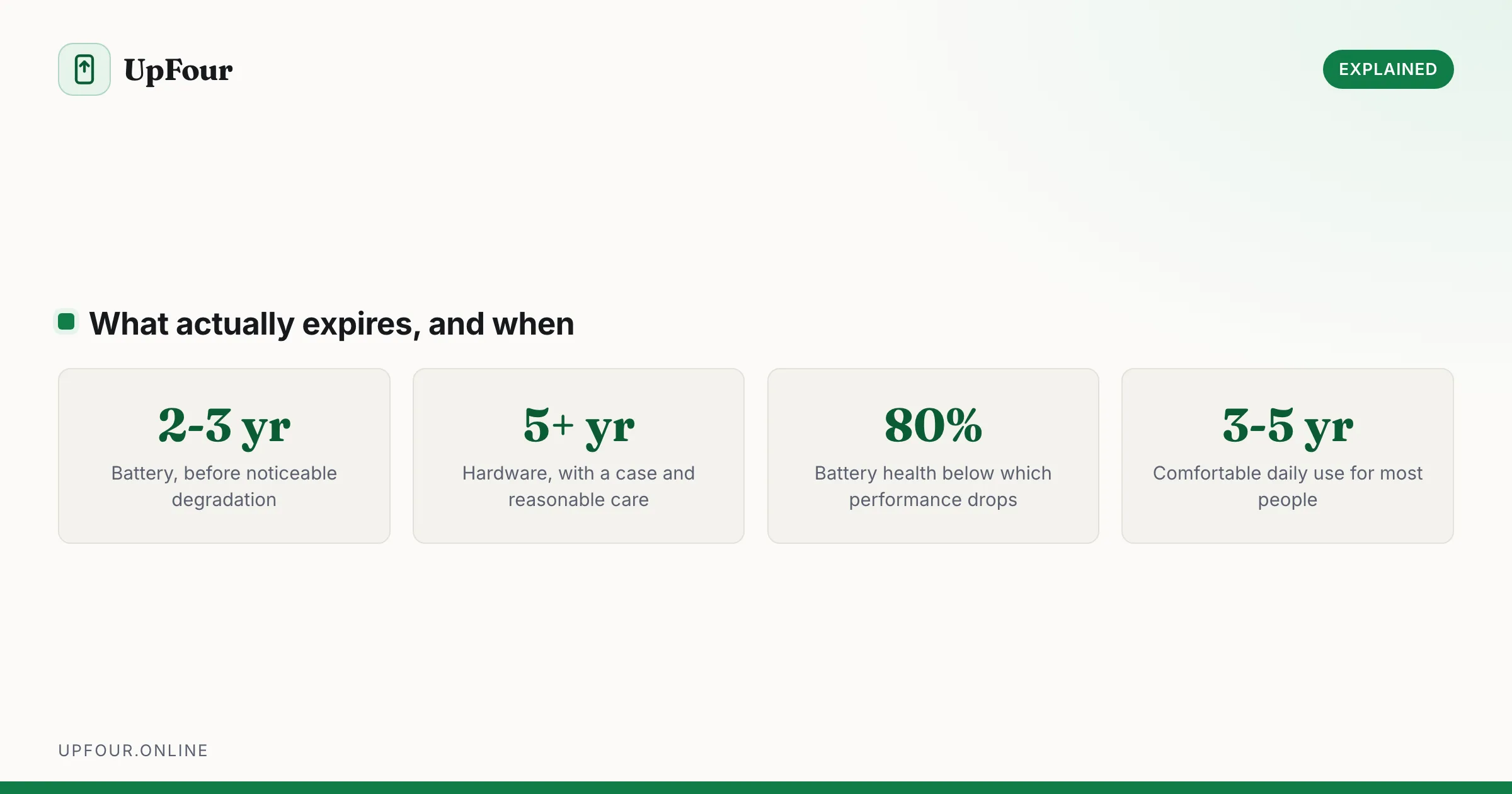
"How long will it last" has three separate answers — hardware life, battery life and software support — and they expire at different times.
Realistic expectations
| Component | Typical life |
|---|---|
| Battery | 2–3 years before noticeable degradation |
| Hardware | 5+ years with care |
| Software updates | Several years on recent devices |
| Comfortable daily use | 3–5 years |
| Tablets | Often longer, being used less intensively |
Tablets generally outlast phones. They are charged less often, not carried in pockets, dropped less, and run lighter workloads — so the battery ages more slowly and the hardware survives better.
The battery is what fails first
Lithium-ion cells degrade with charge cycles regardless of how carefully you treat them. Most phone batteries reach roughly 80% of original capacity after 500–800 full cycles, which for typical use is around two to three years.
Check yours: Settings › Battery › Battery health (Android 16 and recent One UI versions). Below 80%, expect:
- Noticeably shorter runtime
- Shutdowns above 20% charge
- Slower performance, as the phone reduces clock speed to avoid brownouts on a weak cell
A battery replacement is the single most effective way to extend a phone's life. It costs a fraction of a new device and frequently restores both runtime and speed. See our guide to fixing Android battery drain for diagnosing whether the battery is genuinely the problem.
Software support is now the real limit
Samsung's support commitment for recent flagship and mid-range Galaxy devices runs to several years of major Android upgrades plus security patches — among the longest in the Android industry, and now comparable to or better than Google's own Pixel policy.
Check yours: Settings › About phone › Software information, and look at the security patch date. If it is many months old and Software update reports nothing available, support has likely ended.
An unsupported phone continues to work. But it stops receiving security fixes, which matters if it holds banking apps, and eventually some apps drop support for older Android versions.
Older Samsung devices had considerably shorter commitments, so a phone from several generations ago may already be out of support even in good physical condition.
What actually kills phones
In rough order of frequency:
- Battery degradation — the most common, and the most fixable.
- Cracked screens — usually from a drop onto a hard edge.
- Liquid damage — water resistance ratings degrade over time as seals age. An IP68 phone three years old is not as sealed as it was new.
- Charging port wear — pocket lint compacted into the port is a frequent and easily fixed cause of "it stopped charging".
- Storage exhaustion — a full phone slows dramatically and can behave unpredictably.
Note that three of those five are repairable or preventable.
Extend the life of your phone
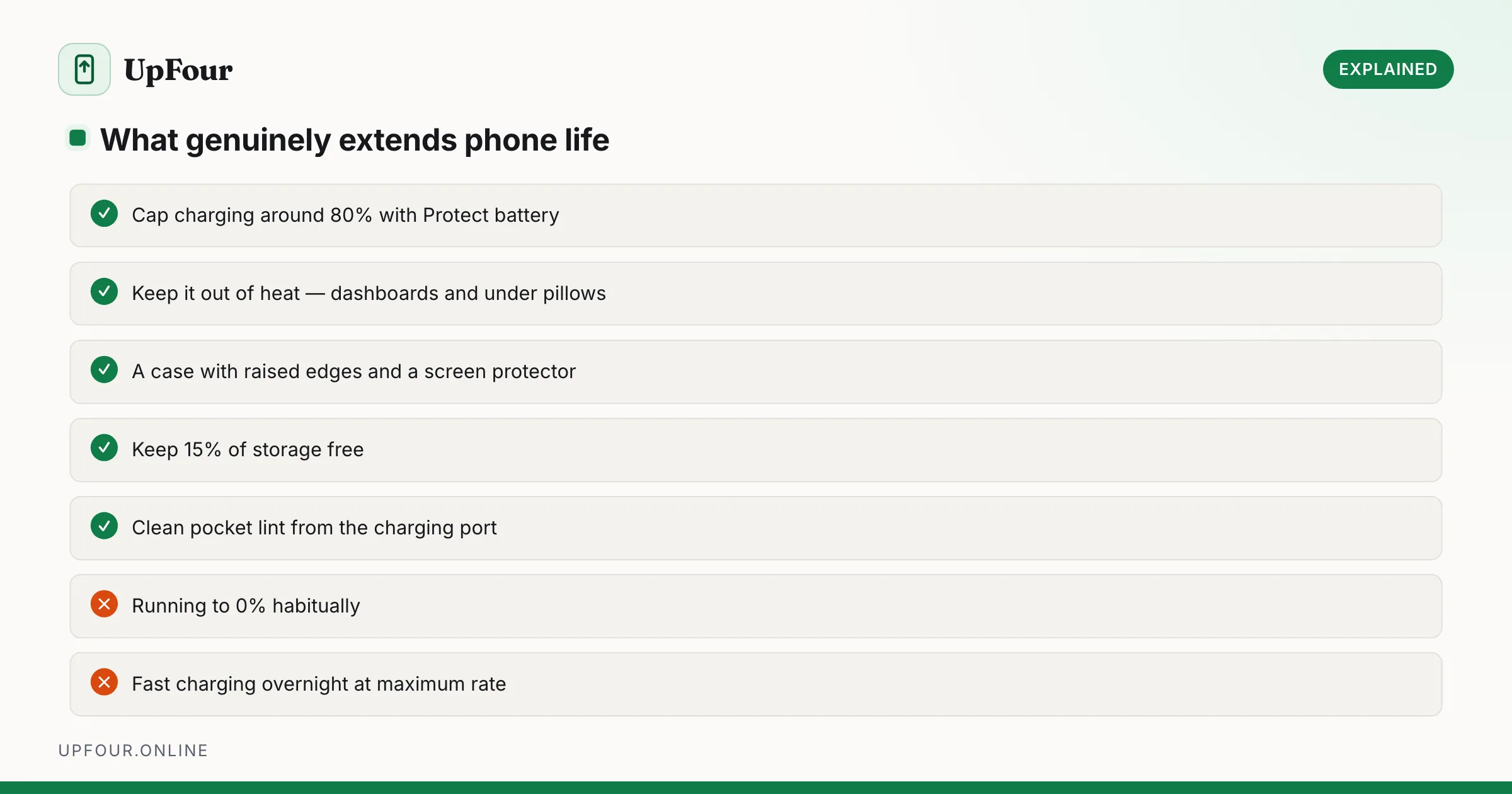
Battery care:
- Enable Protect battery (Settings › Battery › More battery settings) to cap charging at around 80%. This meaningfully slows degradation.
- Avoid habitually running to 0%. Partial cycles between roughly 20% and 80% are gentlest.
- Avoid heat, which is the single largest accelerant of battery ageing. Do not leave a phone on a car dashboard or charge it under a pillow.
- Use moderate charging speeds overnight rather than maximum-rate fast charging.
Physical care:
- A case with raised edges and a screen protector. This prevents the most common cause of death outright.
- Clean the charging port periodically with a wooden toothpick, gently and with the phone powered off. Compacted lint is the usual culprit behind intermittent charging.
Software care:
- Keep 15% of storage free — flash storage slows sharply when full. See making a slow Android phone fast again.
- Install security updates.
- Remove apps you do not use.
When to replace rather than repair
Replace when several of these are true at once:
- Software support has ended and you rely on the phone for banking.
- The battery is below 80% and the screen is cracked — two repairs approach the cost of a decent mid-range phone.
- Storage is too small for your actual use and cannot be expanded.
- It cannot run apps you need.
Repair — do not replace — when it is only the battery, only a cracked screen, or only a worn charging port. Any single one of those is worth fixing on a phone that is otherwise supported.
Tablets specifically
Galaxy tablets frequently remain useful for five to seven years. Lighter workloads and gentler charging patterns mean the battery lasts longer, and a tablet used mainly for video, reading and browsing does not need current-generation performance.
The same limit applies though: check the software support status before assuming a five-year-old tablet is safe for banking or email.
In short
Expect three to five years of comfortable use from a Samsung phone and longer from a tablet. The battery degrades first at two to three years and is cheaply replaceable; software support is the harder limit. A case, a battery replacement at year three, and keeping storage below 85% full will get most devices to five years.
Frequently asked questions
How long does a Samsung phone last?
Typically three to five years of comfortable daily use. The battery degrades noticeably at two to three years but can be replaced cheaply, while software support has become the real limiting factor for most people.
How long do Samsung tablets last?
Often five to seven years. Tablets are charged less frequently, dropped less and run lighter workloads, so batteries and hardware age more slowly than in phones.
Is it worth replacing a Samsung phone battery?
Usually yes. A replacement costs a fraction of a new phone and often restores both runtime and performance, since a degraded cell causes the phone to reduce clock speeds. It is worthwhile on any device still receiving updates.
How do I make my Samsung phone last longer?
Enable Protect battery to cap charging around 80%, avoid heat, use a case with raised edges, keep at least 15% of storage free and install security updates. Heat and full discharge cycles age batteries fastest.
Sources & further reading
Official documentation used while writing and checking this guide. Every link was verified at the last update.
- BU-808: How to prolong lithium-based batteriesBattery University
- Android Security BulletinsAndroid Open Source Project
- Samsung repair servicesSamsung
- Electronics donation and recyclingUS Environmental Protection Agency
Machine-readable version: Markdown source
Related guides
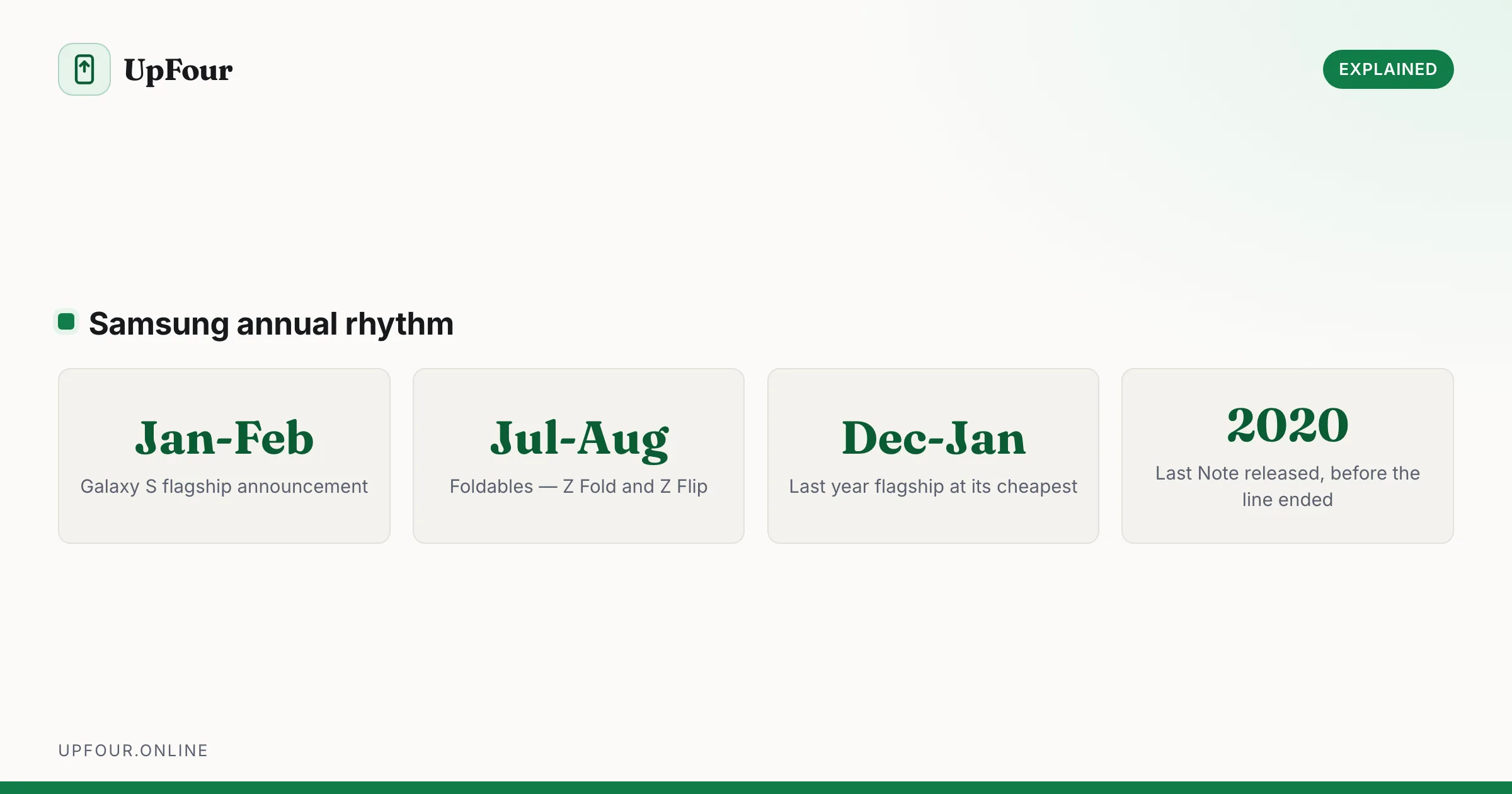
Galaxy S Release Dates: Every Samsung Flagship in Order
A complete timeline of Samsung Galaxy S release dates from the original through recent models, plus when Samsung typically launches new phones.
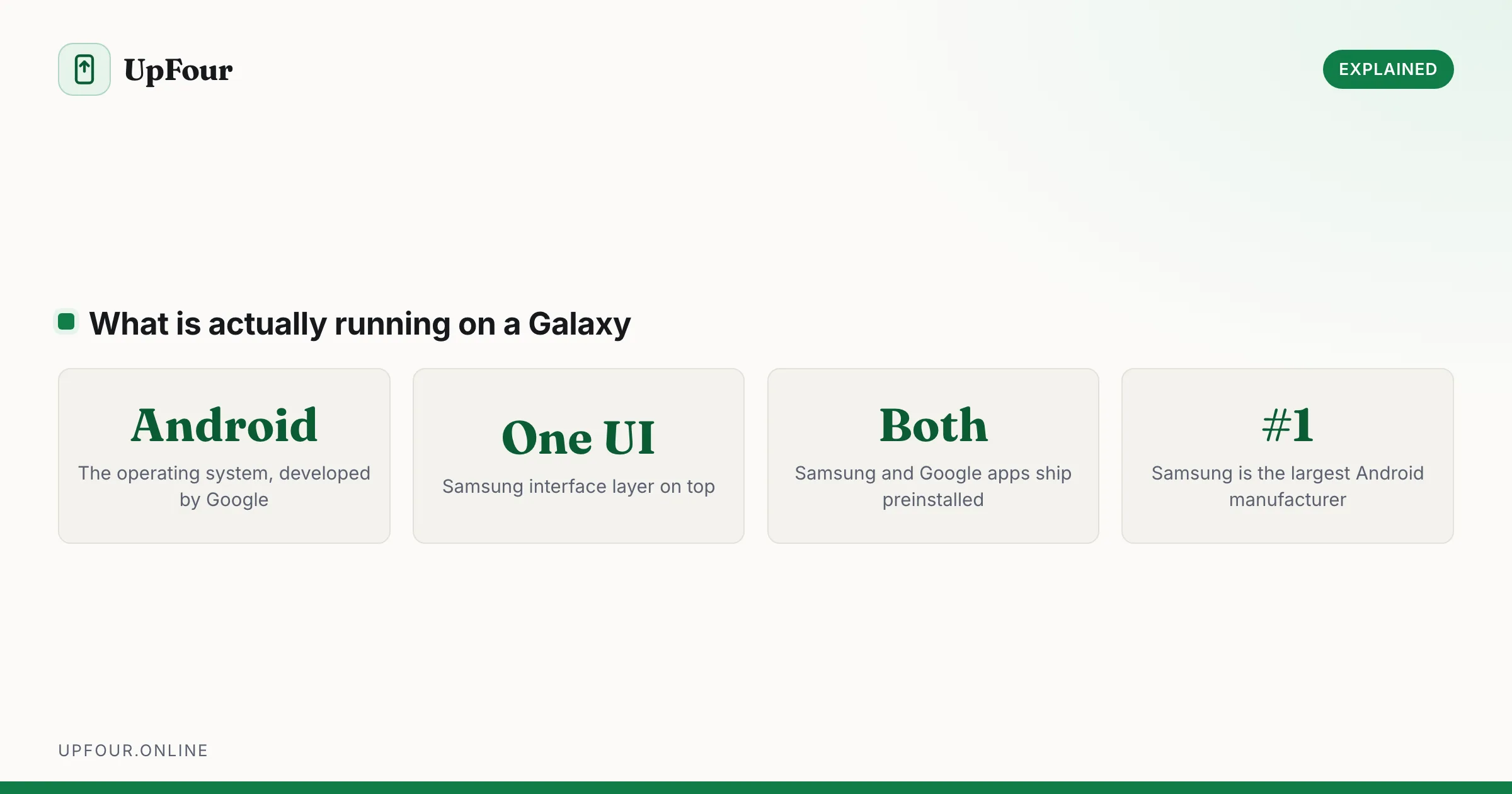
Is a Samsung an Android Phone? Yes — Here's What One UI Actually Is
Samsung Galaxy phones run Android with Samsung's One UI on top. Here is what that means, what Samsung changes, and why it matters when following guides.
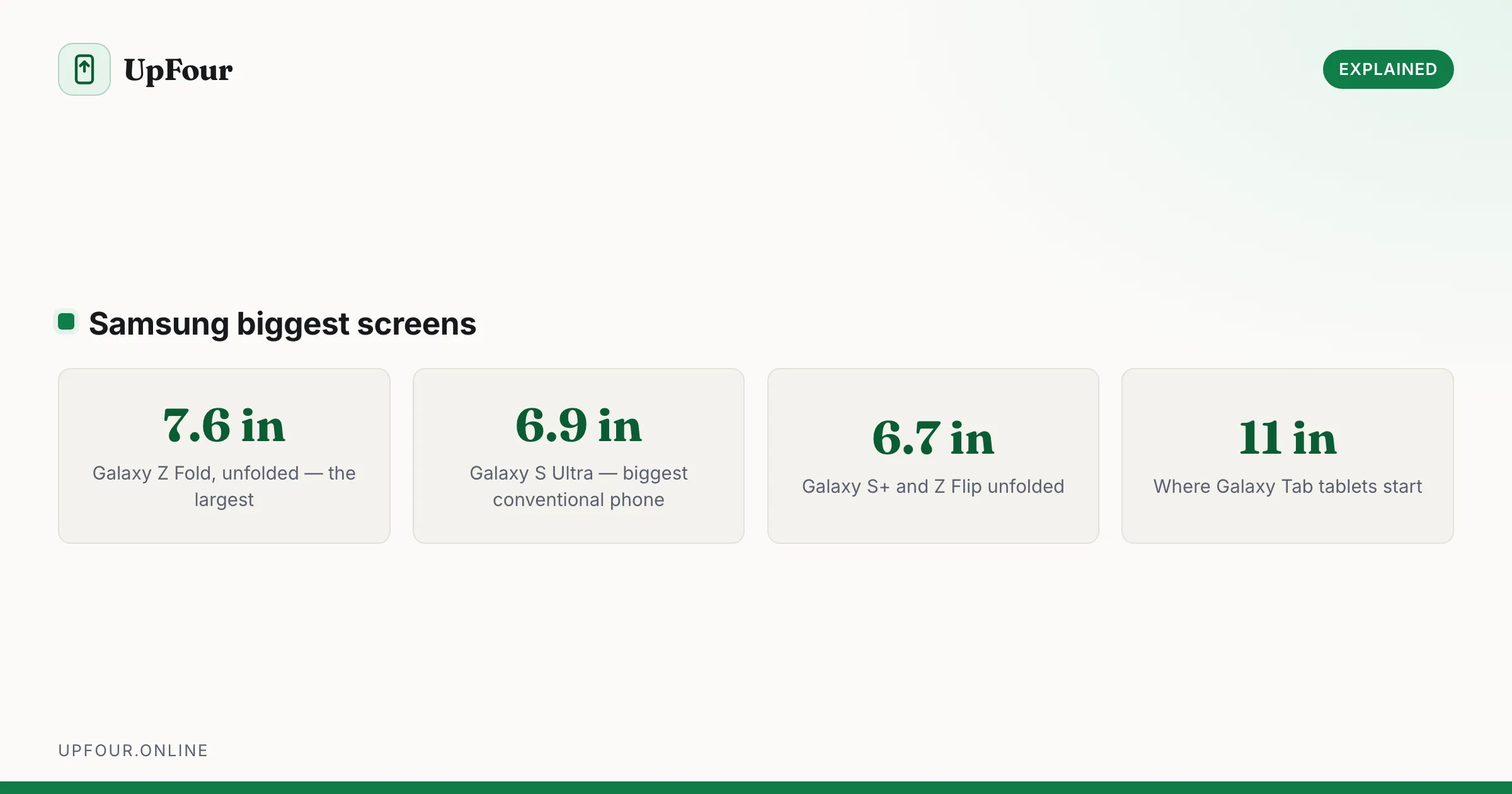
Which Samsung Phone Has the Biggest Screen?
Compare Samsung's largest screens — the Z Fold's inner display against the S Ultra — and work out which size actually suits how you use a phone.