Is a Samsung an Android Phone? Yes — Here's What One UI Actually Is
Samsung Galaxy phones run Android with Samsung's One UI on top. Here is what that means, what Samsung changes, and why it matters when following guides.
Short answer
Yes. Every Samsung Galaxy phone runs Android, with Samsung's own interface called One UI layered on top. Samsung is the largest Android manufacturer in the world.
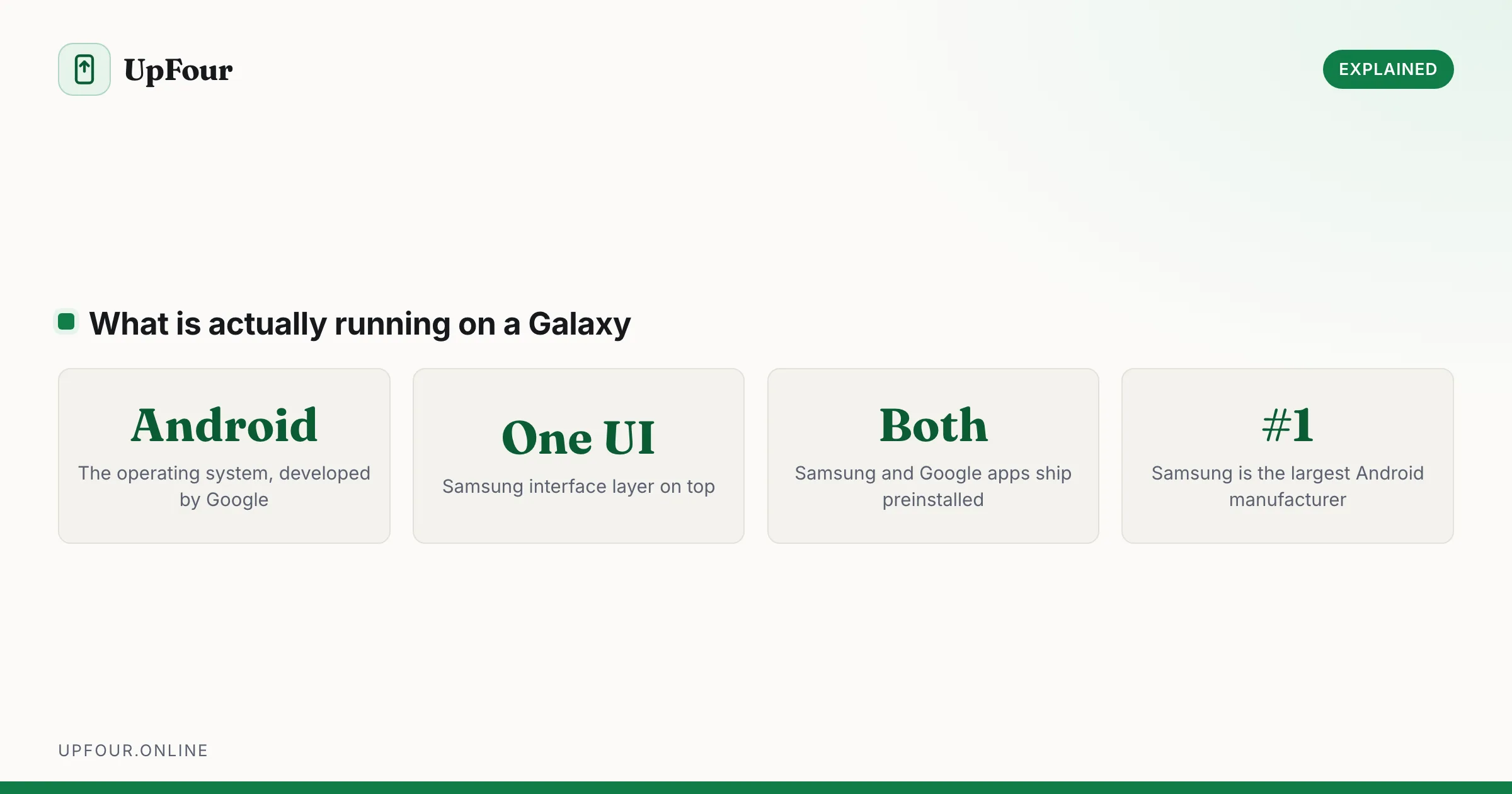
Yes — a Samsung Galaxy is an Android phone. Samsung is the largest Android phone manufacturer on the planet. The confusion comes from Samsung's interface looking noticeably different from a Google Pixel, which leads people to assume it runs something else.
What is actually on the phone
Three layers, stacked:
- Android — the operating system, developed by Google. Handles the kernel, apps, permissions, notifications and everything fundamental.
- One UI — Samsung's interface layer on top. Changes appearance, adds features and reorganises Settings.
- Samsung and Google apps — both sets ship preinstalled, which is why there are two of several things.
The phone runs Android. One UI changes how Android looks and adds to what it does; it does not replace it.
Why there are two of everything
A new Galaxy typically has two browsers, two galleries, two app stores, two assistants and two payment apps:
| Function | Samsung | |
|---|---|---|
| Browser | Samsung Internet | Chrome |
| Photos | Gallery | Google Photos |
| App store | Galaxy Store | Play Store |
| Assistant | Bixby | Gemini / Google Assistant |
| Messages | Samsung Messages | Google Messages |
| Payments | Samsung Wallet | Google Wallet |
| Find my phone | Find My Mobile | Find Hub |
| Cloud backup | Samsung Cloud | Google One |
Samsung includes its own apps because it wants its own ecosystem; Google requires its apps to be preinstalled as a condition of licensing the Play Store. Both sets work, and you can set defaults to whichever you prefer — see changing default apps on Android.
What One UI actually changes
- Settings are reorganised. Menu names and paths differ from stock Android, which is why a guide written for a Pixel often does not match your phone.
- The design language differs — rounded, high-contrast, with controls pushed toward the bottom of tall screens for one-handed reach.
- Extra features: Edge panels, Secure Folder, Samsung DeX, Good Lock customisation modules, extensive S Pen support on Ultra models.
- The camera app is entirely Samsung's, with its own processing and modes.
Common settings, translated
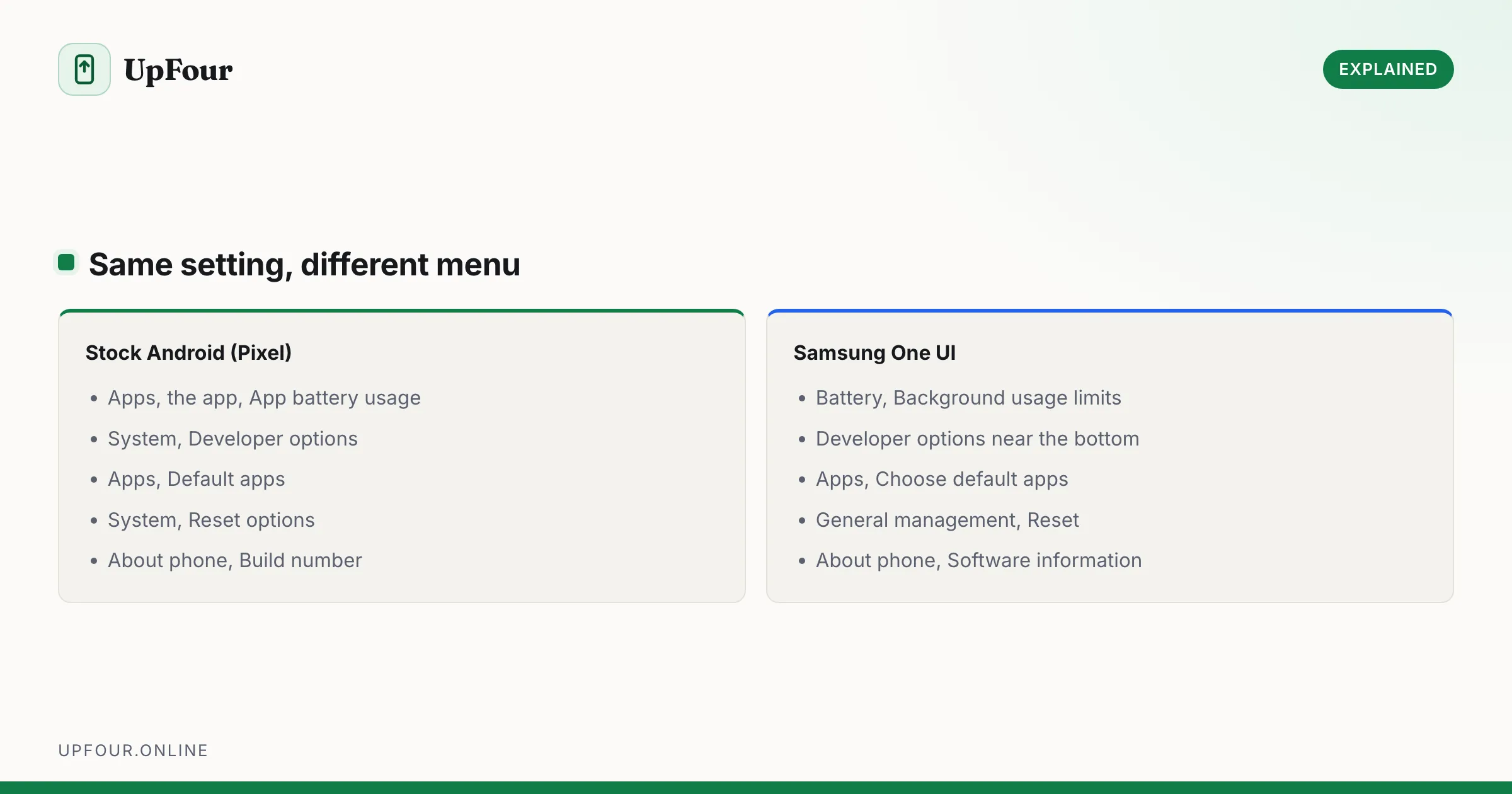
The differences that trip people up most:
| Task | Stock Android (Pixel) | Samsung One UI |
|---|---|---|
| Battery optimisation | Settings › Apps › [app] › App battery usage | Settings › Battery › Background usage limits |
| Developer options | Settings › System › Developer options | Settings › Developer options |
| Default apps | Settings › Apps › Default apps | Settings › Apps › Choose default apps |
| Reset network | Settings › System › Reset options | Settings › General management › Reset |
| About phone | Settings › About phone › Build number | Settings › About phone › Software information |
When a guide's path does not exist on your Galaxy, search for the setting name in the Settings search bar at the top. That is faster than hunting through menus, and it works on any Android phone.
Does Samsung run the same apps as other Android phones?
Yes. Every app on Google Play works on a Galaxy, and an app installed on a Pixel installs identically on a Samsung. There is no separate Samsung app format.
The Galaxy Store carries a few Samsung-specific extras — themes, watch faces and Good Lock modules — but ordinary apps come from Play as usual.
Samsung's Android version and updates
Samsung publishes One UI versions alongside Android versions. One UI 6 corresponds to Android 14, One UI 7 to Android 15, and so on.
Check yours: Settings › About phone › Software information. You will see both the Android version and the One UI version.
Samsung's update commitment for recent flagship and mid-range Galaxy devices is among the longest in the industry — several years of major OS upgrades plus security patches, which now compares favourably with Google's own Pixel policy.
Is Samsung leaving Android?
No. Samsung developed Tizen, which now runs its TVs and some watches, and older Galaxy Watches used it. But Samsung and Google collaborated on Wear OS for watches, and Samsung has shown no sign of moving phones off Android.
Samsung is the largest Android manufacturer by volume. Leaving would mean abandoning the Play Store and the entire Android app catalogue.
Following guides written for "Android"
Anything that applies to Android generally applies to your Galaxy, allowing for renamed menus. When our guides differ, we note the Samsung path — see for example fixing Android battery drain, where Samsung's Sleeping apps list is a distinct and very common cause.
In short
A Samsung Galaxy is an Android phone. It runs Android with Samsung's One UI on top, which changes the appearance and settings layout and adds Samsung's own apps and features. Every Play Store app works normally.
Frequently asked questions
Is a Samsung Galaxy an Android phone?
Yes. All Samsung Galaxy phones run Android, with Samsung's One UI interface layered on top. Samsung is the largest Android phone manufacturer in the world.
What is One UI?
One UI is Samsung's software layer over Android. It changes the visual design, reorganises the Settings menu and adds Samsung features such as Edge panels, Secure Folder and DeX. The underlying operating system is still Android.
Why does my Samsung have two browsers and two galleries?
Samsung preinstalls its own apps to support its ecosystem, while Google requires its apps to be included as a condition of licensing the Play Store. You can set either set as your defaults.
Do Android apps work on Samsung phones?
Yes. Every app on Google Play installs and runs on a Galaxy exactly as on any other Android phone. There is no separate Samsung app format.
Sources & further reading
Official documentation used while writing and checking this guide. Every link was verified at the last update.
- Android platform releases and version historyAndroid Developers
- Android Security BulletinsAndroid Open Source Project
- Official Samsung SupportSamsung
Machine-readable version: Markdown source
Related guides
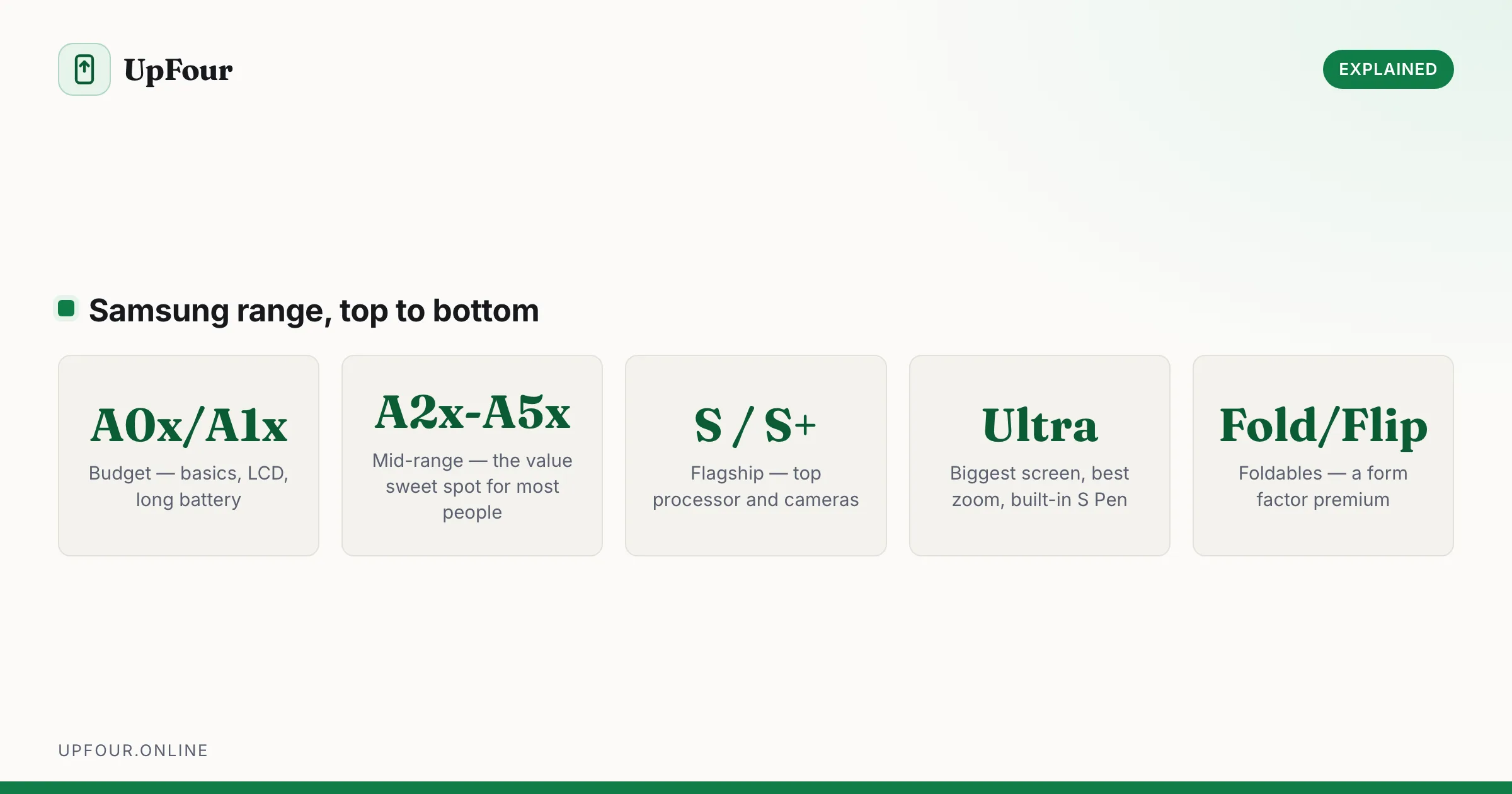
How Much Does a Samsung Phone Cost? Price Tiers Explained
What Samsung phones cost across the A-series, S-series, Ultra and foldables — and when in the year each tier is genuinely cheapest.
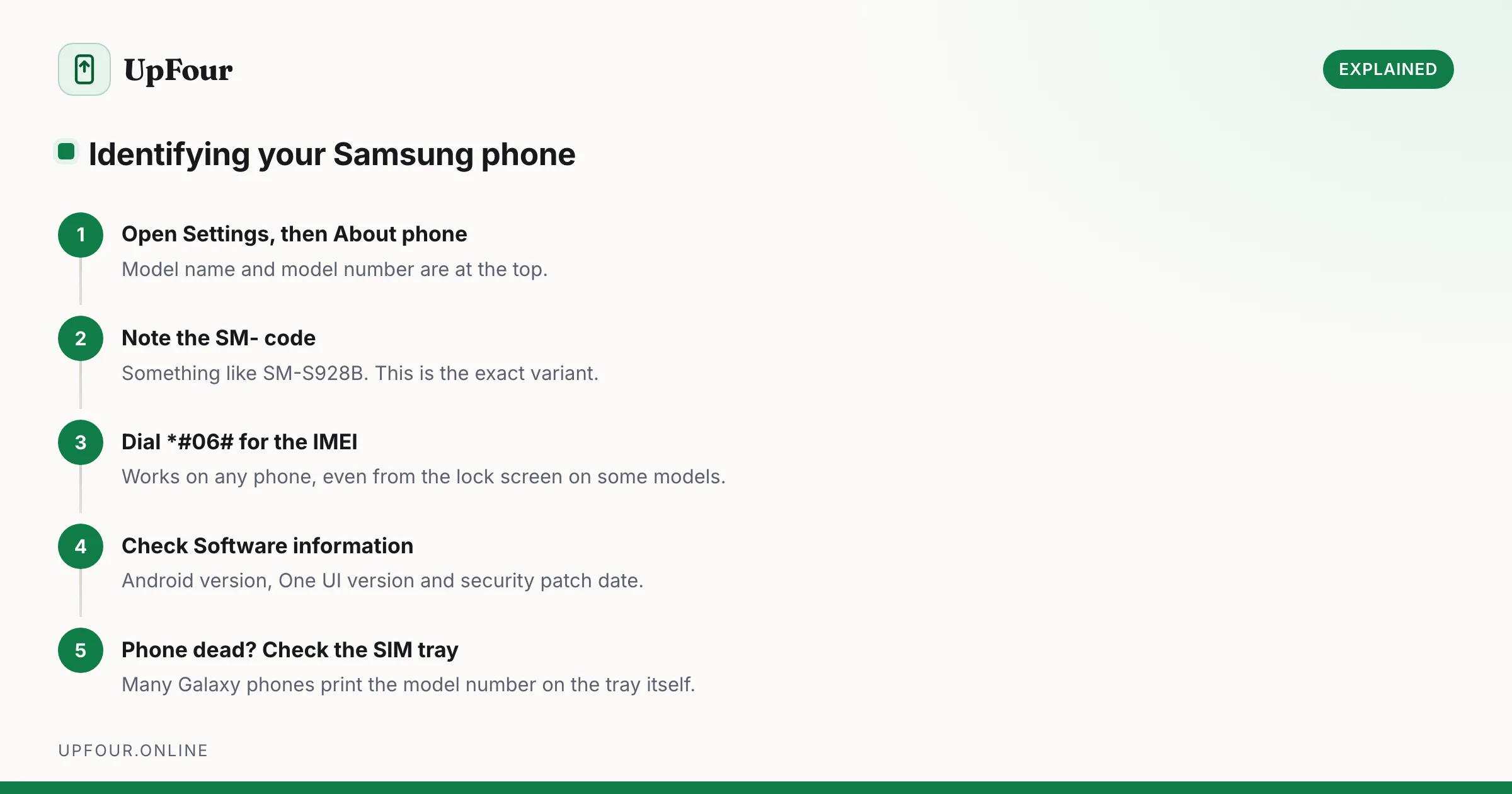
What Samsung Phone Do I Have? How to Identify Your Model
Find your Samsung model name and number in Settings, decode what the model number means, and identify a phone that will not switch on.
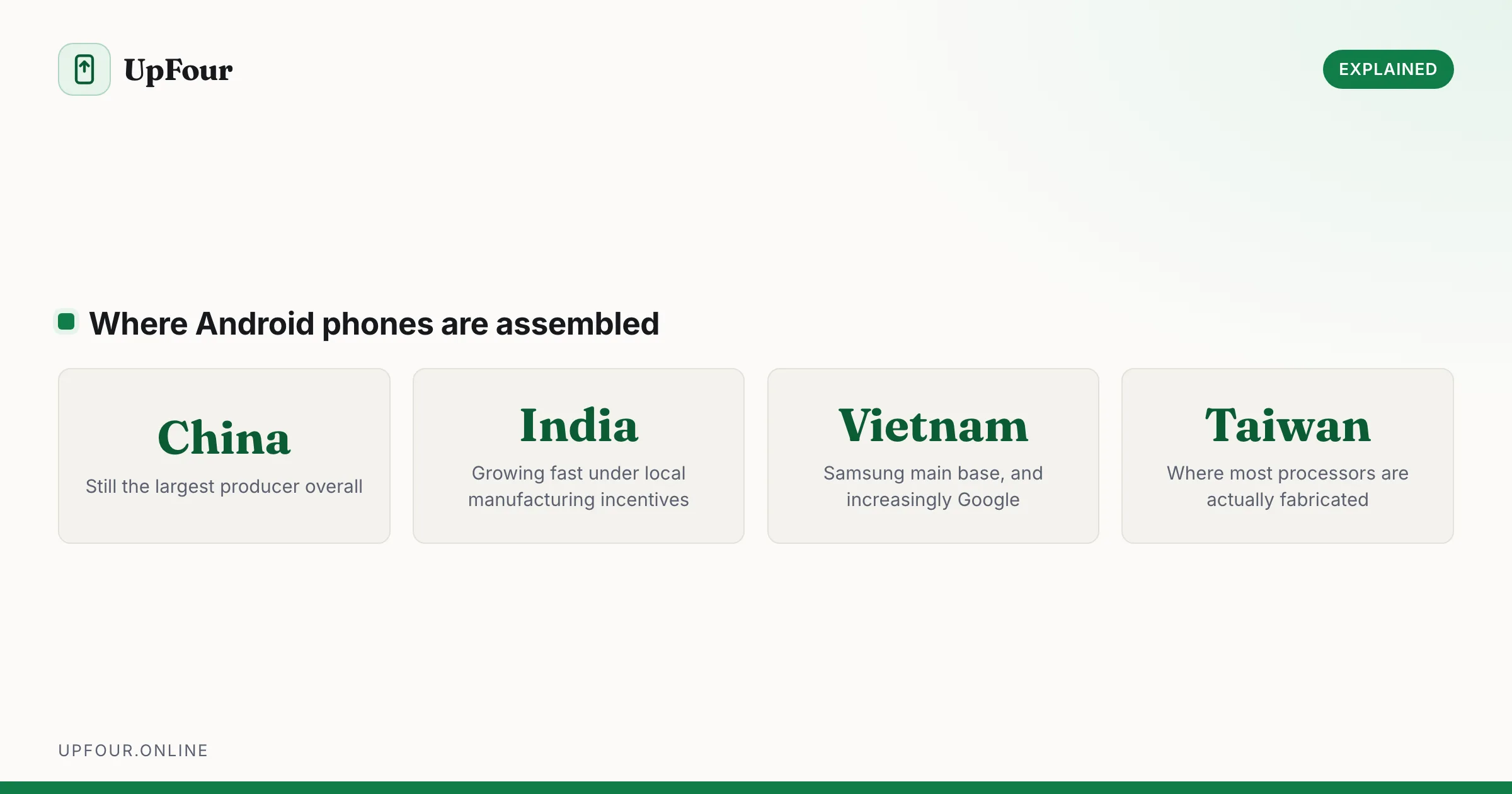
Where Are Android Phones Made? Manufacturing by Brand
Which countries make Android phones, brand by brand — Samsung, Google Pixel, Xiaomi, OnePlus and Motorola — and why so much moved out of China.