How to Connect a Keyboard to a Smart TV
Pair a Bluetooth or USB keyboard with a Samsung or other smart TV, and use your phone as a keyboard when you just need to type a password once.
Short answer
On a Samsung TV go to Settings › General › External Device Manager › Input Device Manager › Bluetooth Device List, then put the keyboard in pairing mode. A USB keyboard works by simply plugging it into any USB port.
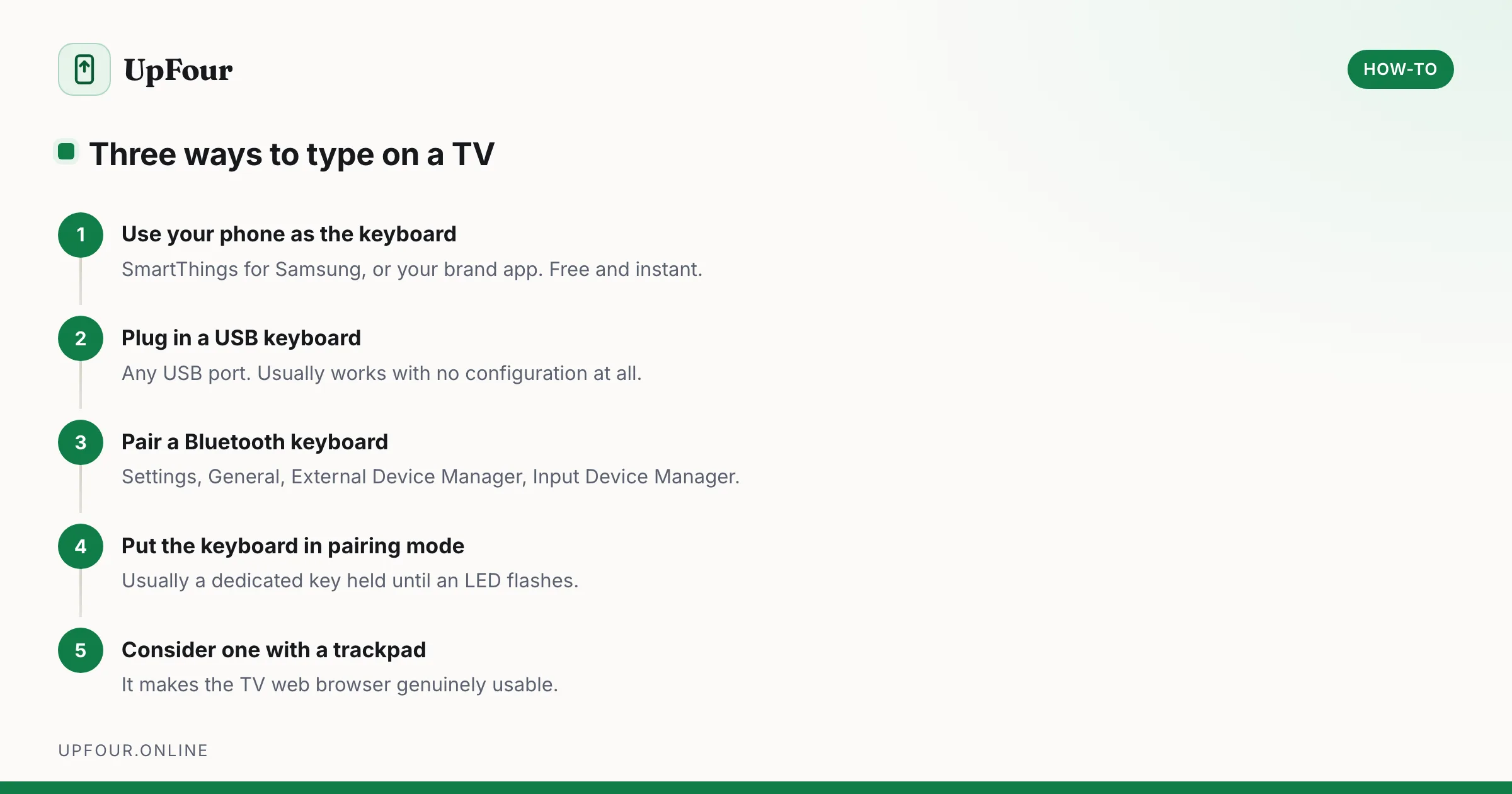
Typing a Wi-Fi password or an email address with a TV remote is genuinely miserable — five minutes of arrow keys for something that takes ten seconds on a keyboard. There are three ways to fix it, and one of them needs no hardware at all.
The easiest fix: use your phone
Before buying anything, try this. Most smart TVs can be controlled by a phone app that includes a proper keyboard.
Samsung: install SmartThings, add the TV, and open the remote control view. It includes a keyboard that types straight into whatever field is selected on the TV. It needs a Samsung account, which is free.
Other brands: most have an equivalent — the Google TV app for Google TV and Chromecast, the Roku app, the LG ThinQ app, the Fire TV app for Amazon devices.
This is free, needs no pairing, and solves the actual problem for most people, which is typing a password once or twice a year.
Connect a USB keyboard
The simplest hardware option, and it usually works with no configuration.
- Plug the keyboard into any USB port on the TV.
- Wait a few seconds for it to be recognised.
- Start typing.
Points worth knowing:
- Most TVs supply enough power for a keyboard, but a keyboard with heavy RGB lighting may draw more than the port provides.
- A USB wireless keyboard with its own dongle counts as a USB keyboard — plug in the dongle and it works.
- Some TVs have only one USB port, which you may be using for something else.
Connect a Bluetooth keyboard to a Samsung TV
- Settings › General › External Device Manager › Input Device Manager.
- Select Bluetooth Device List.
- Put the keyboard into pairing mode — usually holding a dedicated Bluetooth key or the power switch until an LED flashes.
- Select the keyboard from the list when it appears.
- If a pairing code is shown, type it on the keyboard and press Enter.
On newer Samsung models the path may be Settings › Connection › Bluetooth Device List, or Settings › All Settings › Connection.
Other brands
- LG (webOS): Settings › Connection (or All Settings) › Bluetooth / External Devices.
- Sony and other Google TV: Settings › Remotes & Accessories › Pair accessory.
- Roku TV: Bluetooth keyboard support is limited; use the Roku mobile app instead.
- Fire TV: Settings › Controllers & Bluetooth Devices › Other Bluetooth Devices.
If the keyboard will not pair
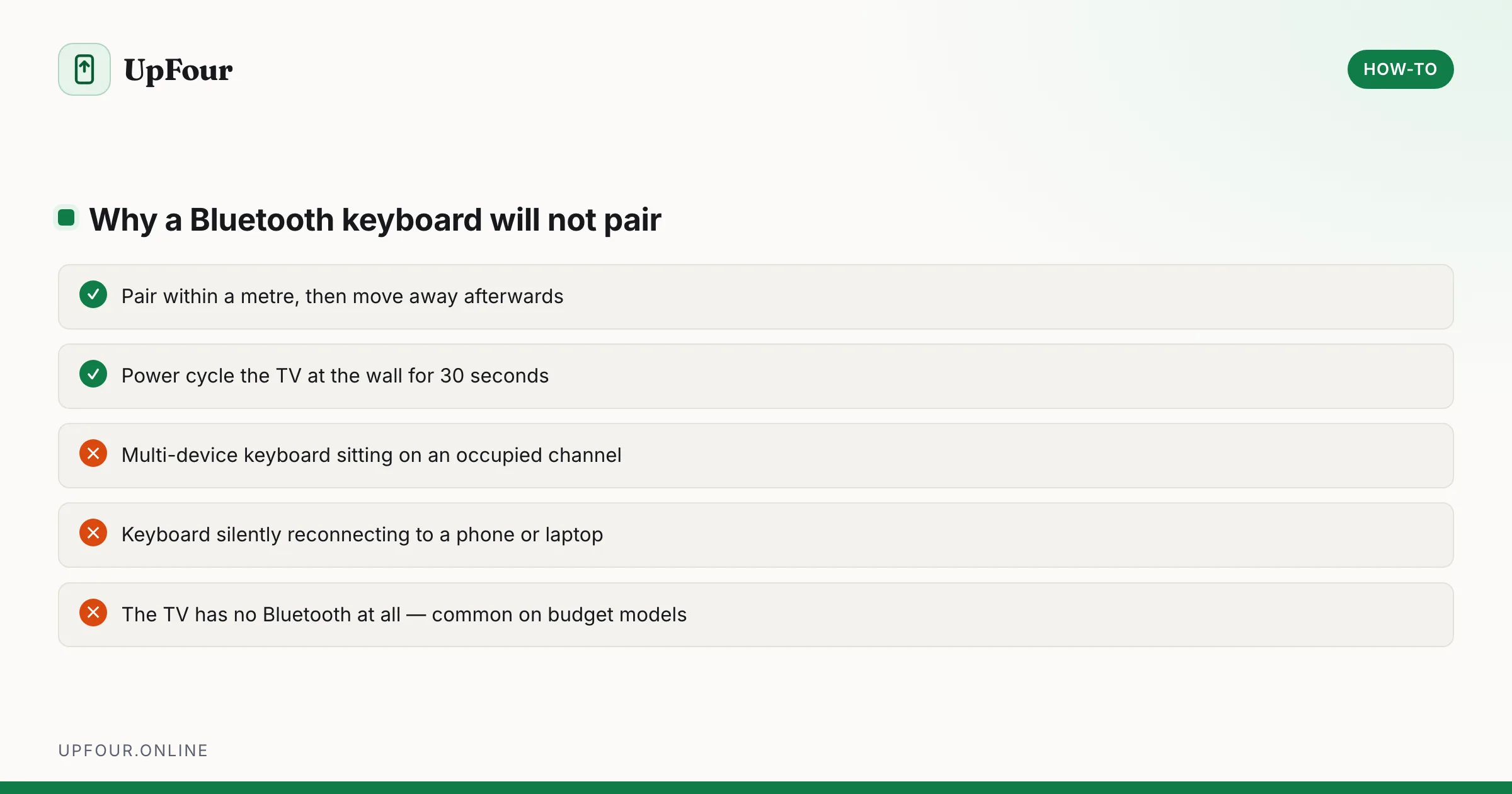
Work through these in order.
Is the TV Bluetooth-capable? Not all are, particularly budget and older models. If there is no Bluetooth menu anywhere in Settings, the TV does not support it — use USB or the phone app instead.
Is the keyboard actually in pairing mode? A keyboard already paired to a phone or laptop will reconnect to that device instead of advertising itself. Turn Bluetooth off on the other device, or use the keyboard's channel switch to select an unused slot.
Multi-device keyboards with 1/2/3 channel buttons need an empty channel selected before pairing. This is the most common cause of "it won't show up".
Too far away. Pair within a metre or so, then move away afterwards.
Try a power cycle. Unplug the TV at the wall for 30 seconds — a genuine power cycle rather than standby — then try again.
Keyboard shortcuts on a TV
Once connected, most TVs map the standard keys sensibly:
| Key | Action |
|---|---|
| Arrow keys | Navigate |
| Enter | Select |
| Backspace | Back |
| Esc | Exit or home |
| Media keys | Play, pause and volume on many models |
A keyboard with a built-in trackpad is worth considering — it gives you a pointer, which makes web browsing on a TV far less painful than arrow-key navigation.
Which keyboard to buy
- A compact wireless keyboard with a trackpad is the best all-round choice for a TV. Look for one with a USB dongle rather than Bluetooth-only, since dongles avoid pairing problems entirely.
- Bluetooth-only is fine if your TV supports it and you want to avoid using a USB port.
- Avoid keyboards requiring proprietary software, which will not exist for your TV.
A mouse works too
Most smart TVs accept a USB or Bluetooth mouse using the same menus. On a TV with a web browser this transforms the experience — the browser is nearly unusable with a remote and perfectly usable with a mouse.
In short
Try the phone app first — SmartThings for Samsung, or your TV brand's equivalent — since it solves the occasional-password problem for free. For regular typing, a USB keyboard plugged into the TV is the most reliable option, and Bluetooth pairing lives under Settings › General › External Device Manager › Input Device Manager on Samsung sets.
Frequently asked questions
How do I connect a keyboard to my Samsung TV?
For Bluetooth, go to Settings › General › External Device Manager › Input Device Manager › Bluetooth Device List and put the keyboard into pairing mode. For USB, simply plug the keyboard into any USB port on the TV.
Can I use my phone as a keyboard for my TV?
Yes. Install SmartThings for a Samsung TV, or your brand's app for others, and open the remote view. It includes a full keyboard that types into whichever field is selected on screen.
Why won't my Bluetooth keyboard pair with my TV?
Most often the keyboard is still paired to another device, or a multi-device keyboard is on an occupied channel — select an empty channel first. Also confirm your TV actually has Bluetooth, as many budget models do not.
Can I connect a mouse to a smart TV?
Yes, most smart TVs accept a USB or Bluetooth mouse through the same settings menus. It makes the built-in web browser far more usable than arrow-key navigation.
Sources & further reading
Official documentation used while writing and checking this guide. Every link was verified at the last update.
- Official Samsung SupportSamsung
- Wi-Fi security and WPA3Wi-Fi Alliance
Machine-readable version: Markdown source
Related guides
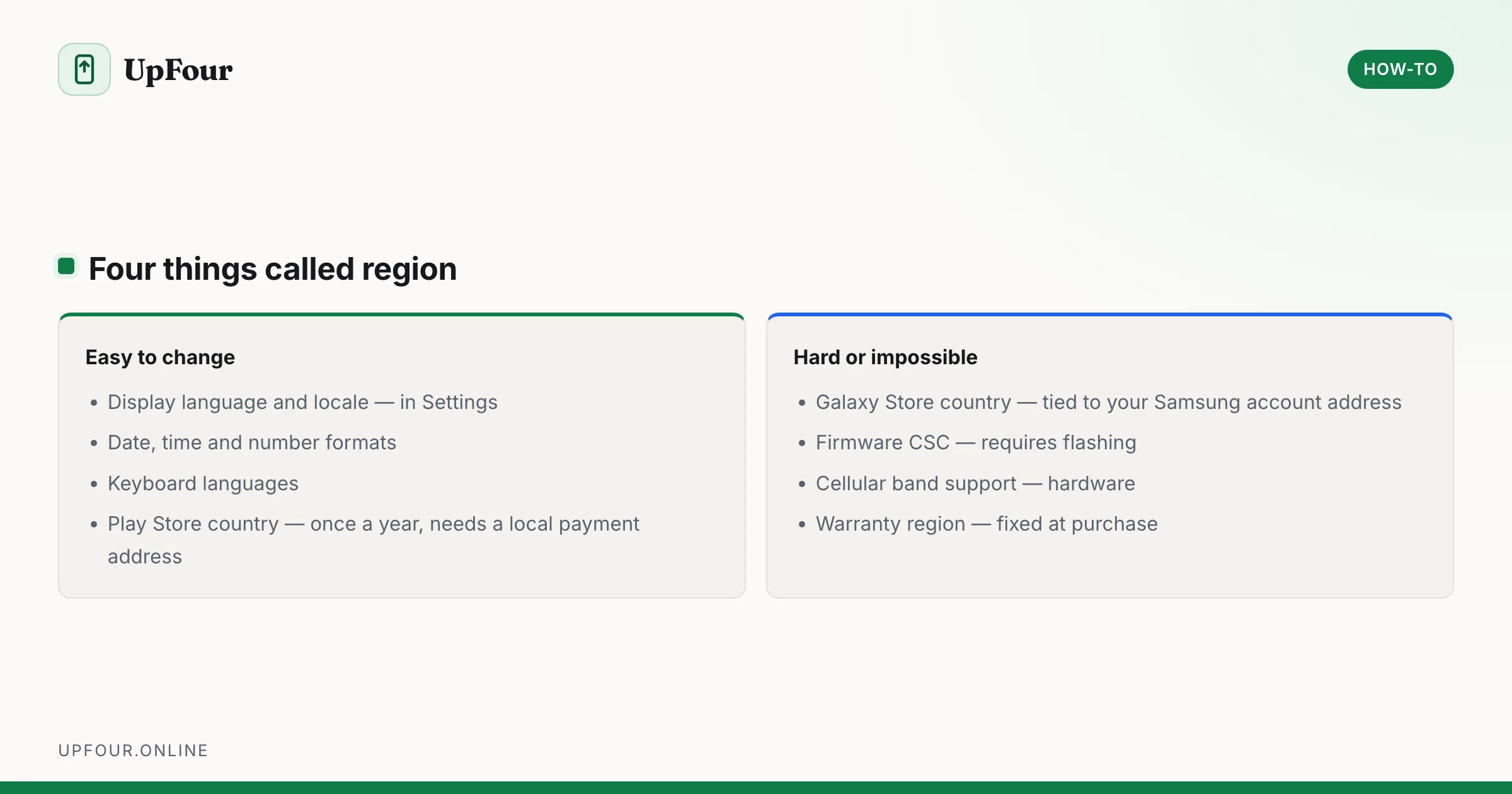
How to Change the Region on a Samsung Phone
Change your country, language and store region on a Galaxy phone — what can be changed easily, what is locked to the firmware, and what breaks.
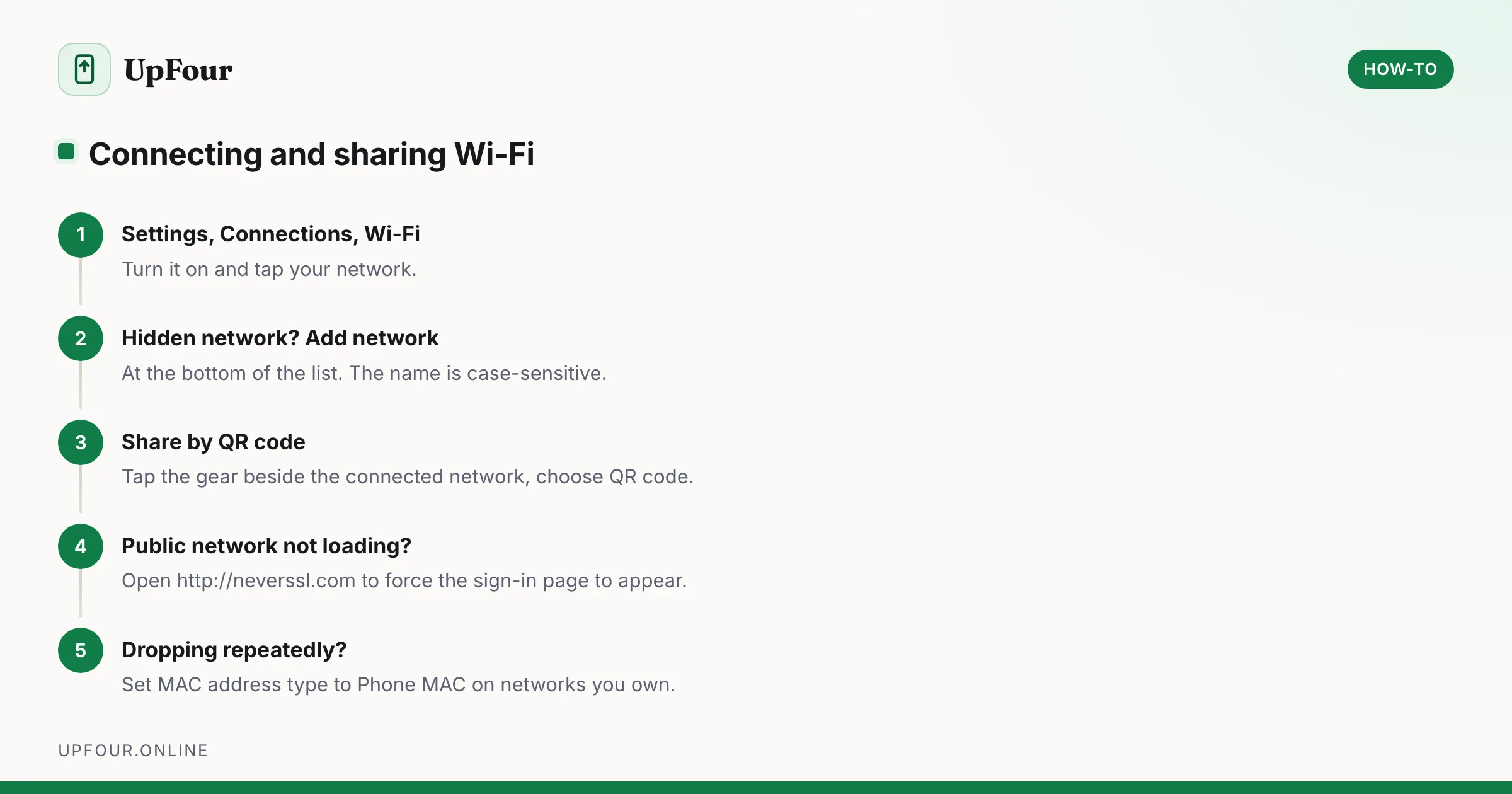
How to Connect a Samsung Phone to Wi-Fi (and Share the Password)
Connect a Galaxy phone to Wi-Fi, join a hidden network, share your connection by QR code, and fix a network that will not connect.
How to Scan Documents With an Android Phone (No App Needed)
Scan documents to PDF on any Android phone using tools you already have — Google Drive, Google Files and the camera — with tips for readable, small-file scans.