Why Your Android Phone Overheats — and How to Actually Cool It Down
Diagnose Android overheating properly: charging heat, camera and 5G thermal limits, rogue background apps, and the cooling mistakes that damage phones.
Short answer
Remove the case, stop charging, close the camera and any game, and let the phone sit at room temperature. If it overheats while idle, an app is running in the background — check Settings › Battery › Battery usage.
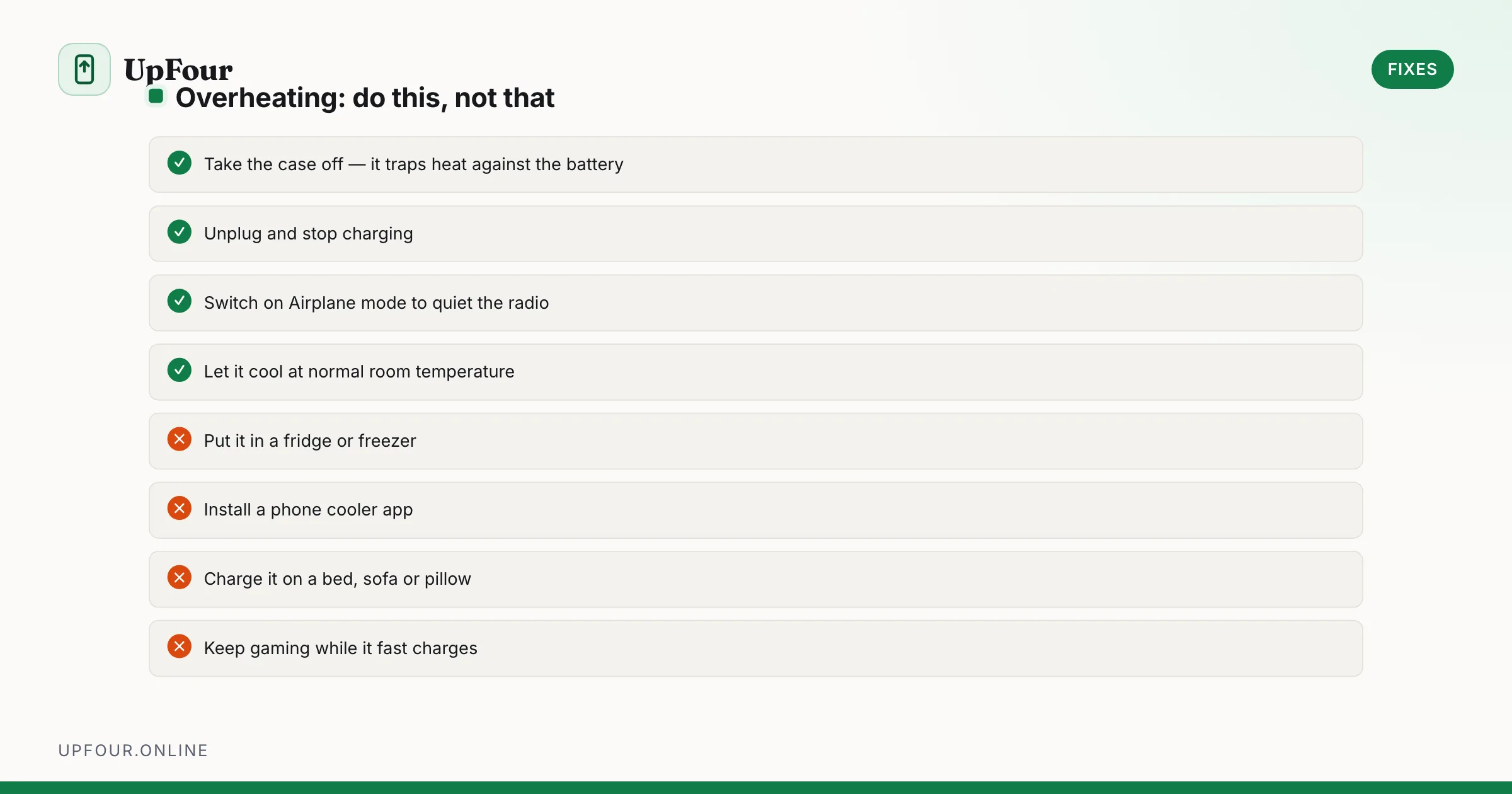
Phones are designed to get warm. The question is whether the heat matches what the phone is doing. Heat while gaming or fast-charging is expected; heat while sitting in your pocket is not.
Immediate steps when a phone is genuinely too hot
- Take the case off. A thick case is a thermal blanket, and phones dissipate heat through the back panel.
- Stop charging and unplug.
- Enable Airplane mode. The cellular radio is a major heat source, especially with a weak signal.
- Put it somewhere with airflow at room temperature — not in front of a fan pointed at a cold window, just a normal table.
- Do not put it in a fridge or freezer. Rapid cooling causes condensation inside the chassis, and water damage is permanent while thermal throttling is not.
Android shuts down automatically above roughly 50 °C internal temperature to protect the battery. A shutdown is a protective feature, not a fault.
Diagnose the cause
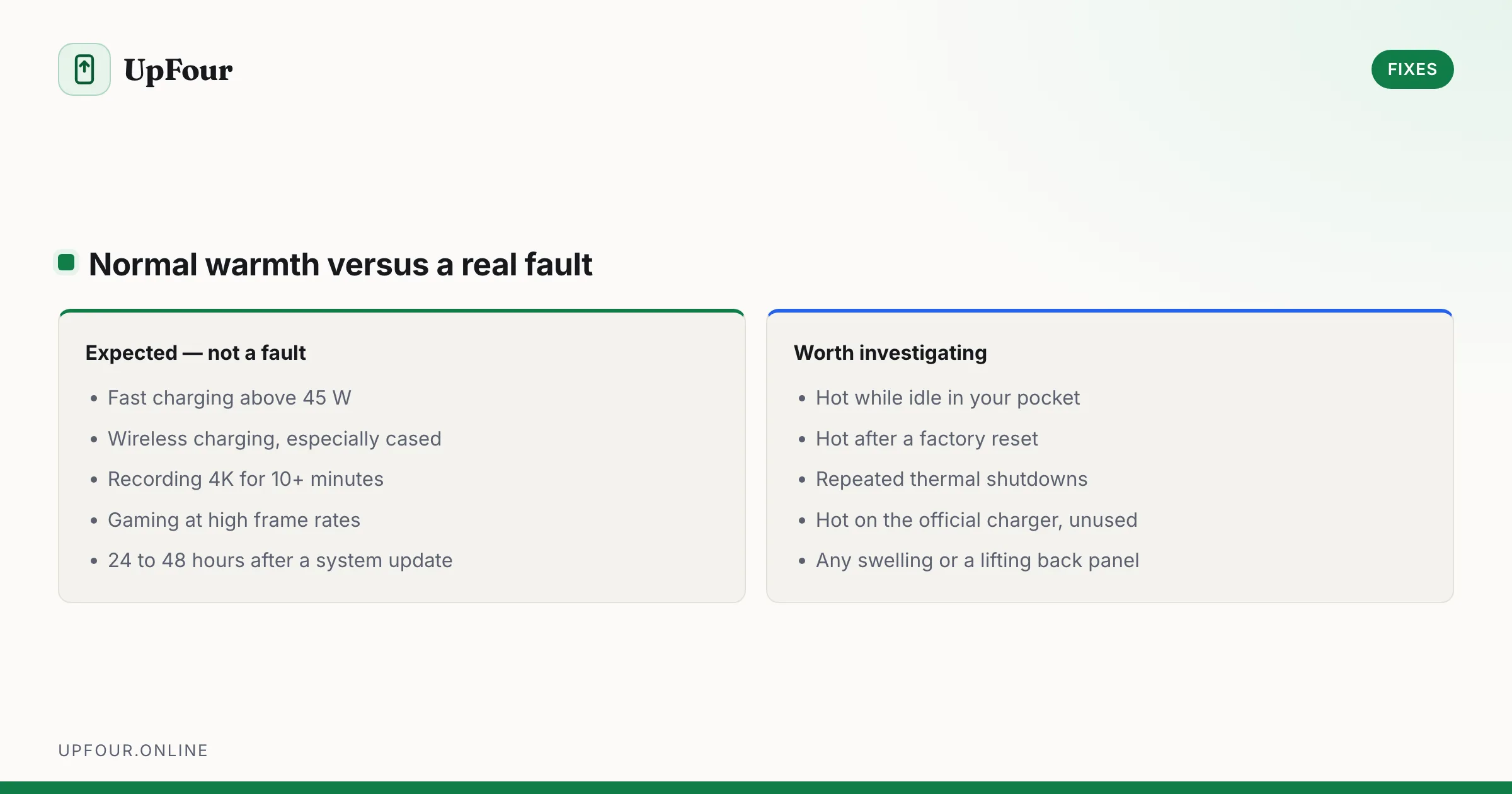
Hot while charging
Some warmth is normal; fast charging at 45 W or above generates real heat.
- Use the manufacturer's charger and cable. Cheap cables with high resistance dissipate power as heat.
- Do not use the phone for gaming or video while fast charging — you are heating it from both ends.
- Charging on a wireless pad generates significantly more heat than a cable. Take the case off for wireless charging.
- Charge on a hard surface, never on a bed, sofa or pillow.
- Enable Adaptive Charging or Protect battery so overnight charging is slow rather than fast.
Hot while using the camera
4K or high-frame-rate recording is one of the heaviest sustained loads a phone has. Most phones will show a thermal warning after 10–20 minutes of 4K60 in warm conditions. Drop to 1080p or 4K30 for long recordings. This is a hardware limit, not a fault.
Hot with a weak mobile signal
At the edge of coverage the radio transmits at maximum power continuously. Check your signal with *#*#4636#*#* › Phone information — one of several hidden diagnostic menus. Below about −110 dBm, enable Wi-Fi calling or switch to Airplane mode plus Wi-Fi.
Also relevant: 5G mmWave and heavy 5G use generate more heat than LTE. Setting Preferred network type to LTE in a marginal 5G area helps noticeably.
Hot while idle — the case that needs fixing
This is the abnormal one. Something is running.
- Settings › Battery › Battery usage — look for an app with high background usage.
- Reboot — clears a stuck process, and confirms whether it recurs.
- Safe Mode (hold power → long-press Power off → Reboot to safe mode). If the phone stays cool in Safe Mode overnight, an installed app is responsible — the same technique used in our battery drain guide.
- Suspect recently installed apps, anything doing background sync, and any app claiming to be a cleaner or booster.
Hot after a system update
Post-update heat for 24–48 hours is normal and expected: the system is re-optimising app bytecode, re-indexing media and re-running backups. If it persists beyond two days, treat it as idle overheating and diagnose as above.
Settings that reduce sustained heat
- Display › Smooth display off — 120 Hz costs meaningful power.
- Display › Adaptive brightness on, and avoid maximum brightness in direct sun.
- Battery › Battery Saver caps CPU frequency and cuts background work.
- Remove live wallpapers and heavy widgets.
- In games, cap the frame rate. 60 fps locked runs far cooler than uncapped.
Things that make it worse
| Action | Why it is a problem |
|---|---|
| Fridge or freezer | Condensation inside the phone, permanent water damage |
| "Phone cooler" apps | They run continuously, adding load and therefore heat |
| Charging under a pillow or on a bed | Blocks the only dissipation path |
| Thick or metal-backed case during charging | Traps heat directly against the battery |
| Direct sunlight on a car dashboard | Ambient heat alone can exceed the shutdown threshold |
When it is a hardware fault
Get the phone looked at if:
- It becomes hot enough to be uncomfortable to hold while idle, and Safe Mode does not help.
- The battery is swelling — a back panel that lifts, or a screen that no longer sits flush. Stop using it immediately.
- It overheats during ordinary charging with the official charger after a factory reset.
- It shuts down repeatedly from heat with no demanding app running.
A swollen battery is a fire risk. Do not charge the phone, and do not puncture or compress it.
Frequently asked questions
Is it normal for an Android phone to get hot while charging?
Warmth is normal, particularly with fast charging above 45 W or on a wireless pad. Uncomfortable heat suggests a low-quality cable, a blocked surface such as a bed, or using the phone heavily while it charges.
Should I put my overheating phone in the fridge?
No. Rapid cooling causes condensation inside the chassis and permanent water damage. Remove the case, unplug it, and let it cool at room temperature.
Why does my phone overheat when I am not using it?
An app is running in the background. Check Settings › Battery › Battery usage for background activity, then test overnight in Safe Mode to confirm whether an installed app is responsible.
My phone gets hot after an Android update — is that a problem?
Not for the first day or two. The system re-optimises apps and re-indexes media after an update. If heat persists beyond 48 hours, diagnose it as idle overheating.
Sources & further reading
Official documentation used while writing and checking this guide. Every link was verified at the last update.
- BU-808: How to prolong lithium-based batteriesBattery University
- Samsung repair servicesSamsung
- Official Samsung SupportSamsung
- Analyse power use with Battery HistorianAndroid Developers
Machine-readable version: Markdown source
Related guides
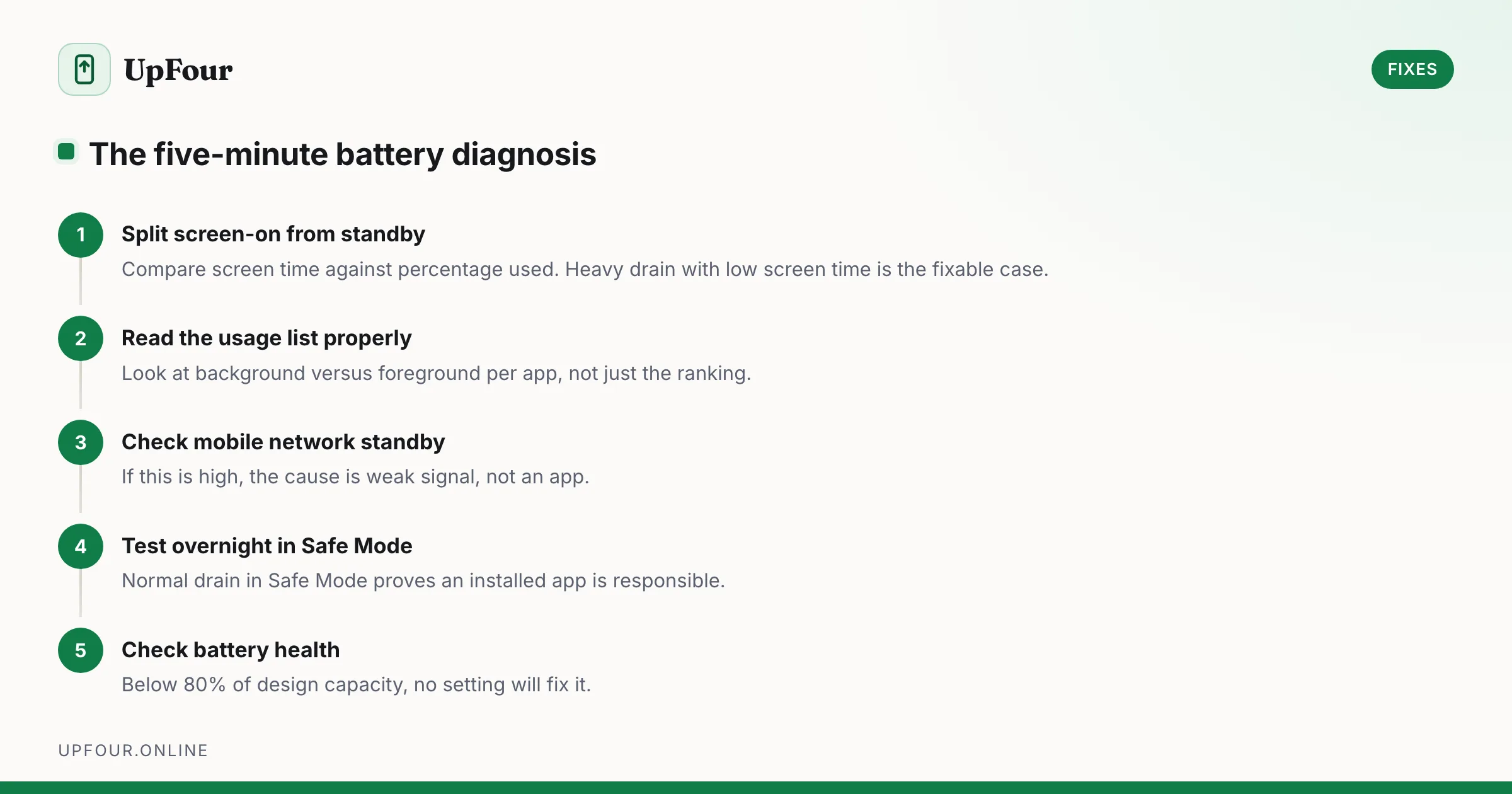
Fix Android Battery Drain: A Diagnostic Order That Actually Finds the Cause
Stop guessing. Diagnose Android battery drain in order — usage stats, screen-on vs standby drain, mobile signal, rogue wakelocks — then apply the fix that matches.
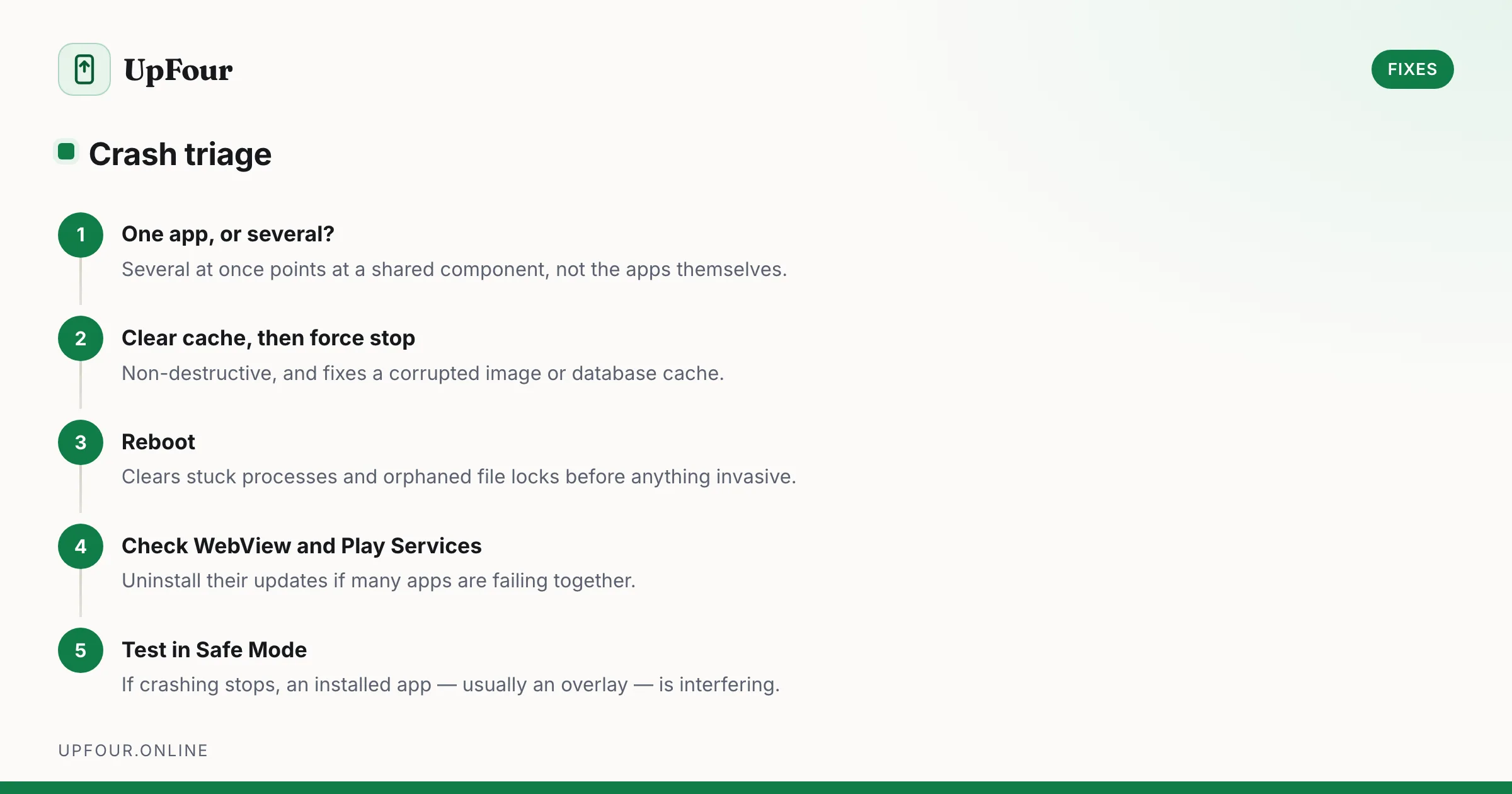
Android Apps Keep Crashing: The Fix Sequence That Works
Fix Android apps that crash, freeze or close instantly — from clearing cache and rolling back updates to repairing Play Services and WebView.

Android Storage Full: Where the Space Actually Went
Reclaim gigabytes on Android by targeting the real culprits — cached media in messaging apps, the Downloads folder, offline maps and orphaned WhatsApp files.