Fix Android Battery Drain: A Diagnostic Order That Actually Finds the Cause
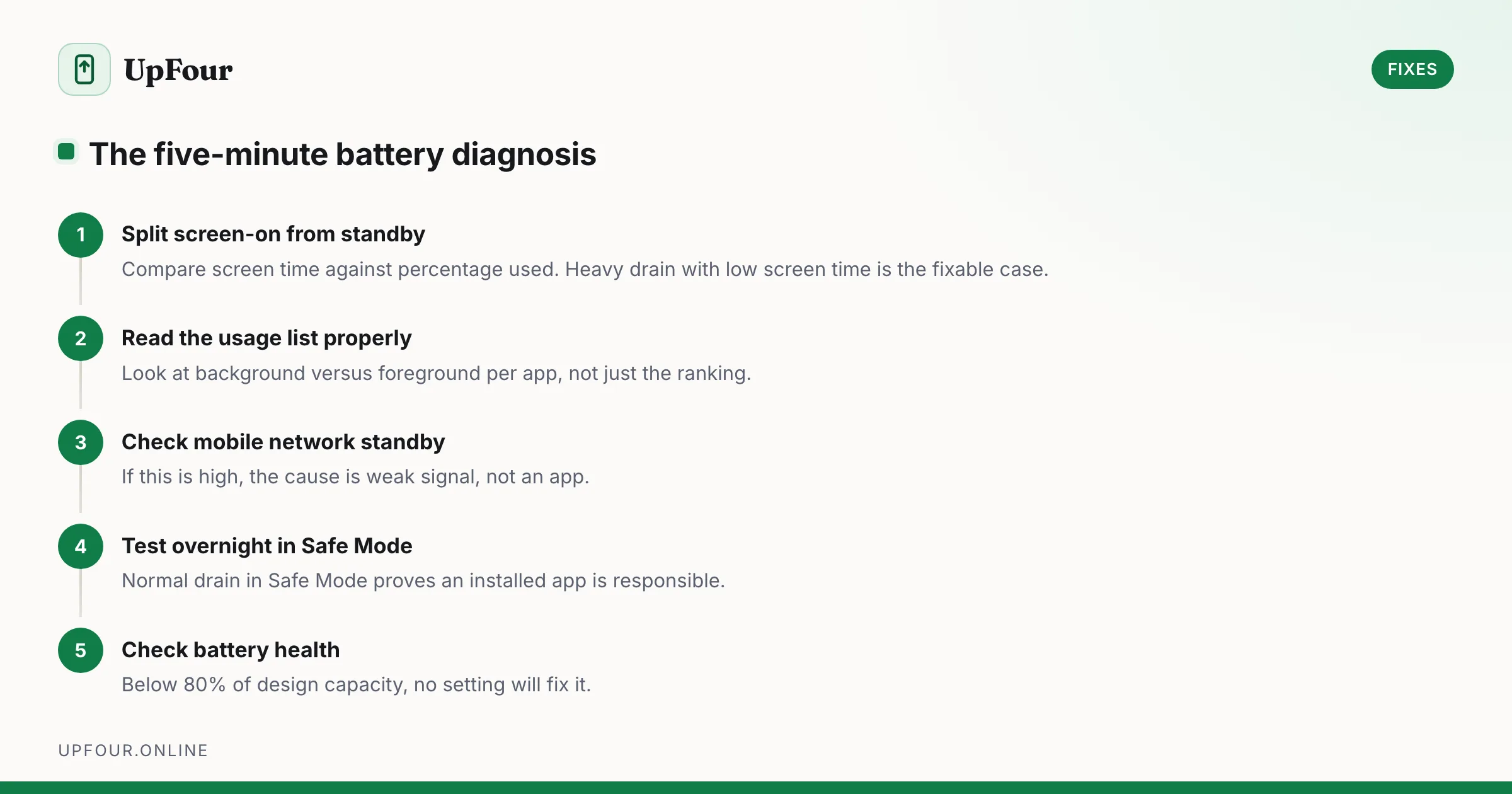
Stop guessing. Diagnose Android battery drain in order — usage stats, screen-on vs standby drain, mobile signal, rogue wakelocks — then apply the fix that matches.
5 guides
Stop guessing. Diagnose Android battery drain in order — usage stats, screen-on vs standby drain, mobile signal, rogue wakelocks — then apply the fix that matches.
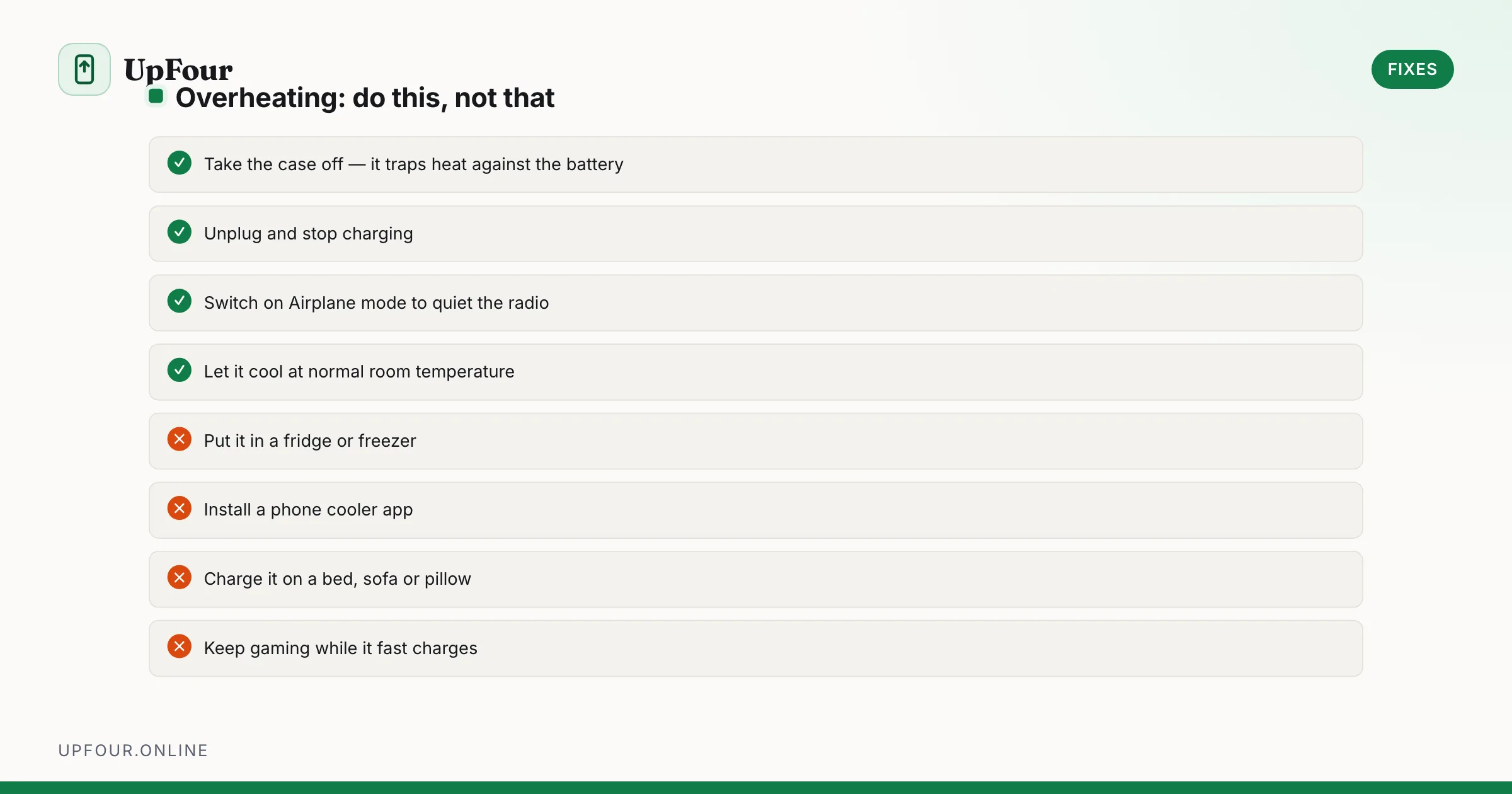
Diagnose Android overheating properly: charging heat, camera and 5G thermal limits, rogue background apps, and the cooling mistakes that damage phones.
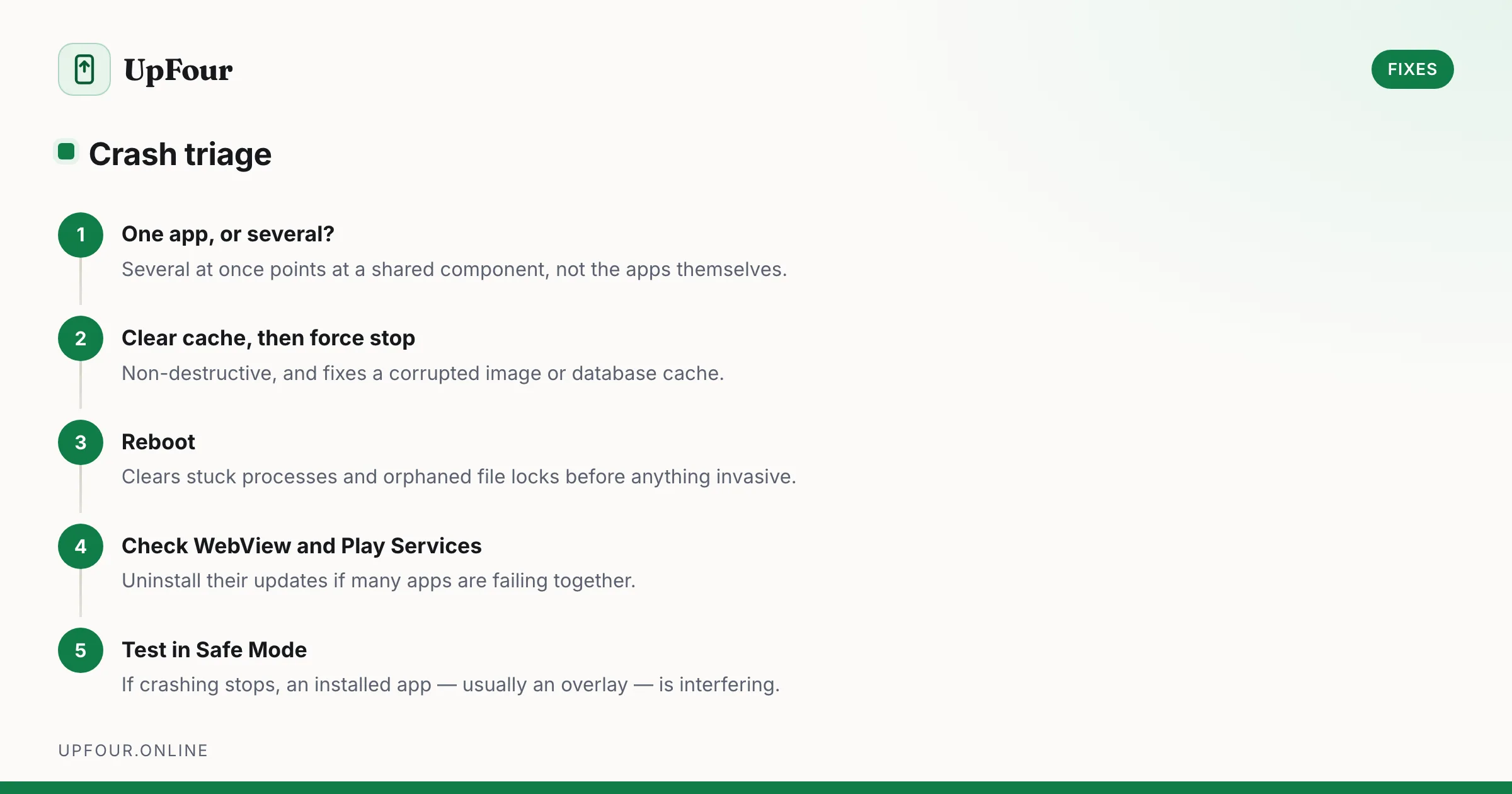
Fix Android apps that crash, freeze or close instantly — from clearing cache and rolling back updates to repairing Play Services and WebView.
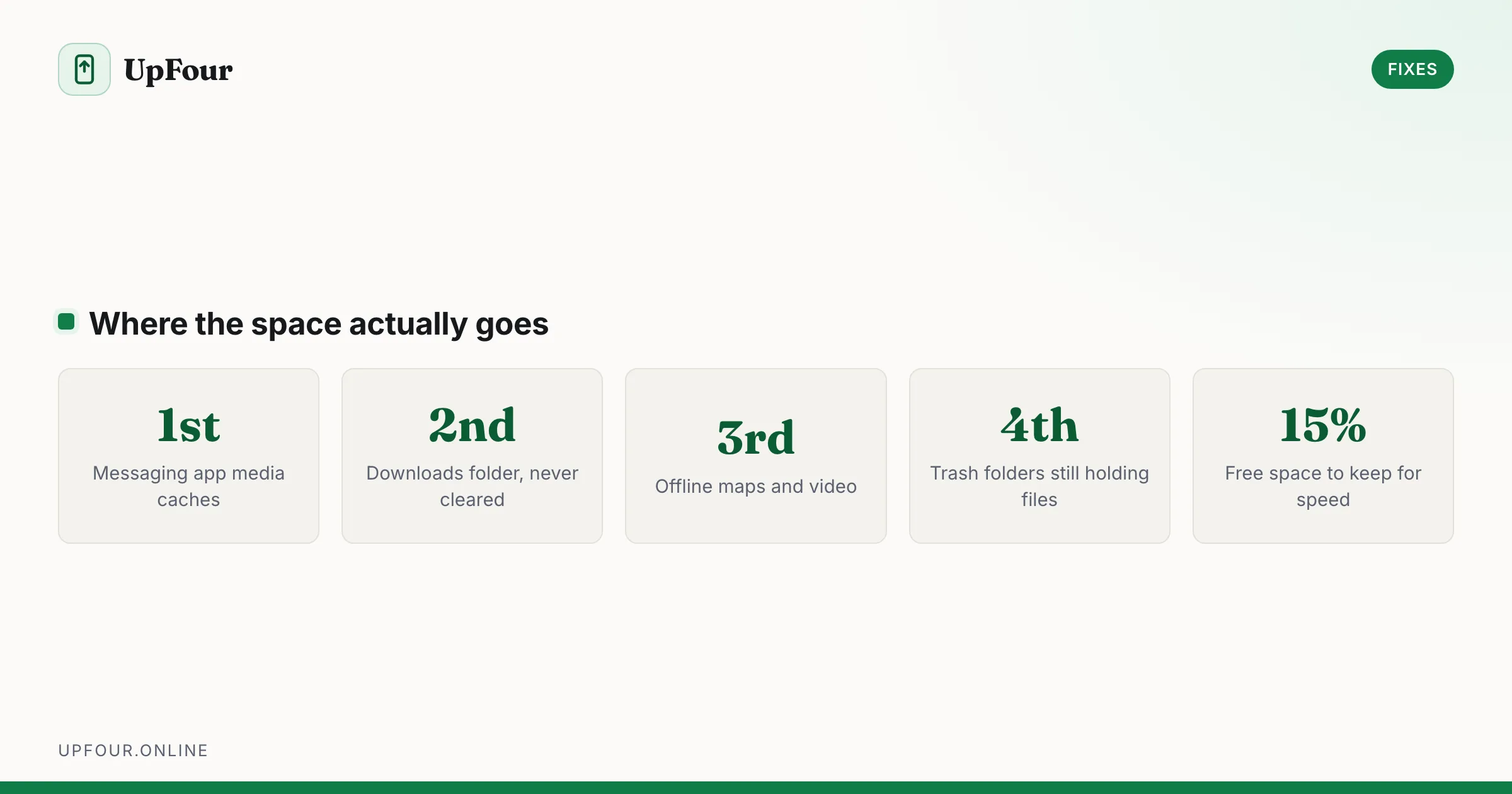
Reclaim gigabytes on Android by targeting the real culprits — cached media in messaging apps, the Downloads folder, offline maps and orphaned WhatsApp files.
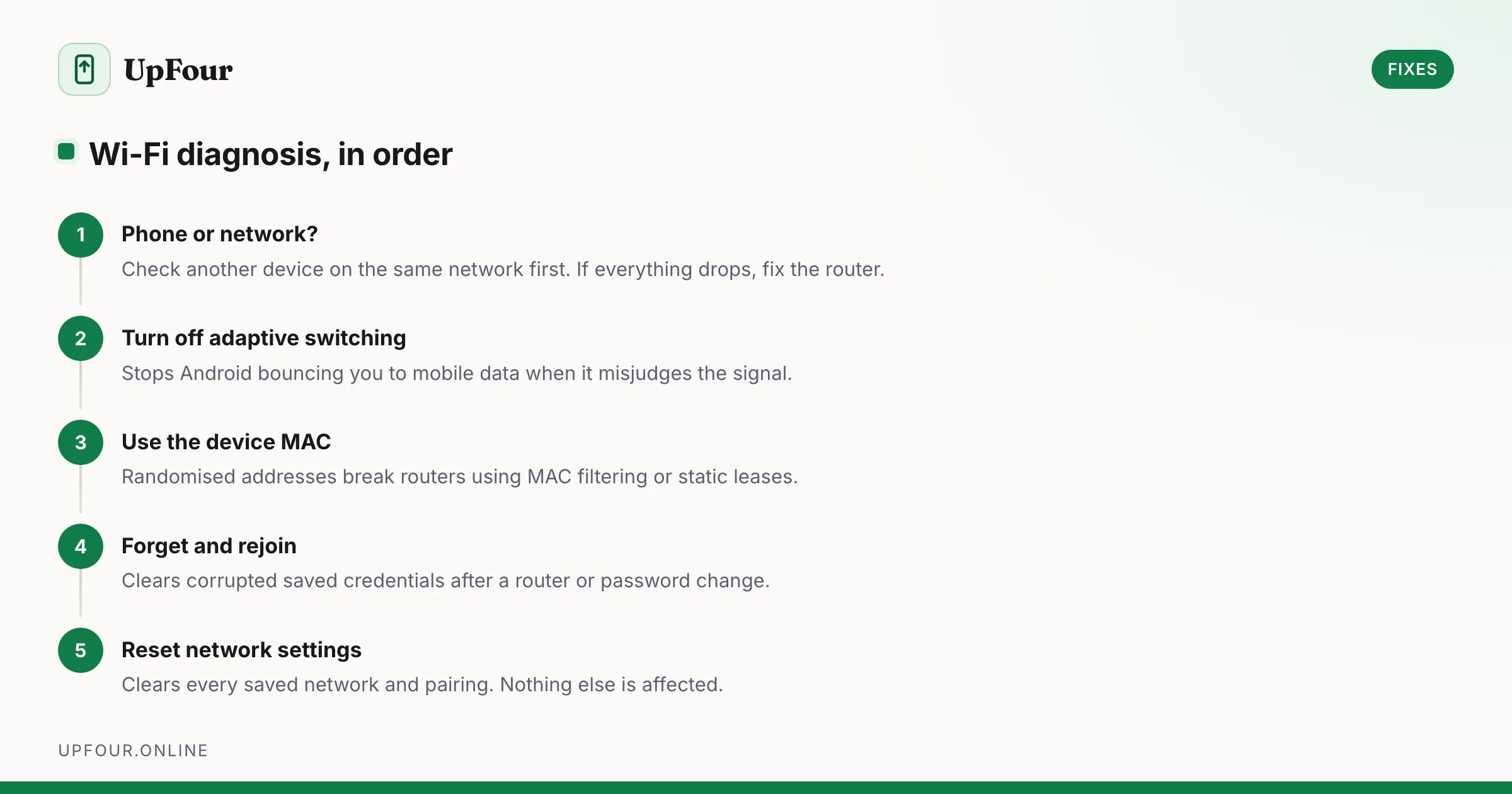
Fix Android Wi-Fi that drops, shows no internet, or keeps switching to mobile data — from randomised MAC addresses to adaptive connectivity and DNS.